ModsJava
Coords on Screen Mod (26.3, 26.1.2) – Track Portals and Biomes Without Debug
Minecraft Java mod. Downloads from the MC Java Mods app on Android.
⬇ Download


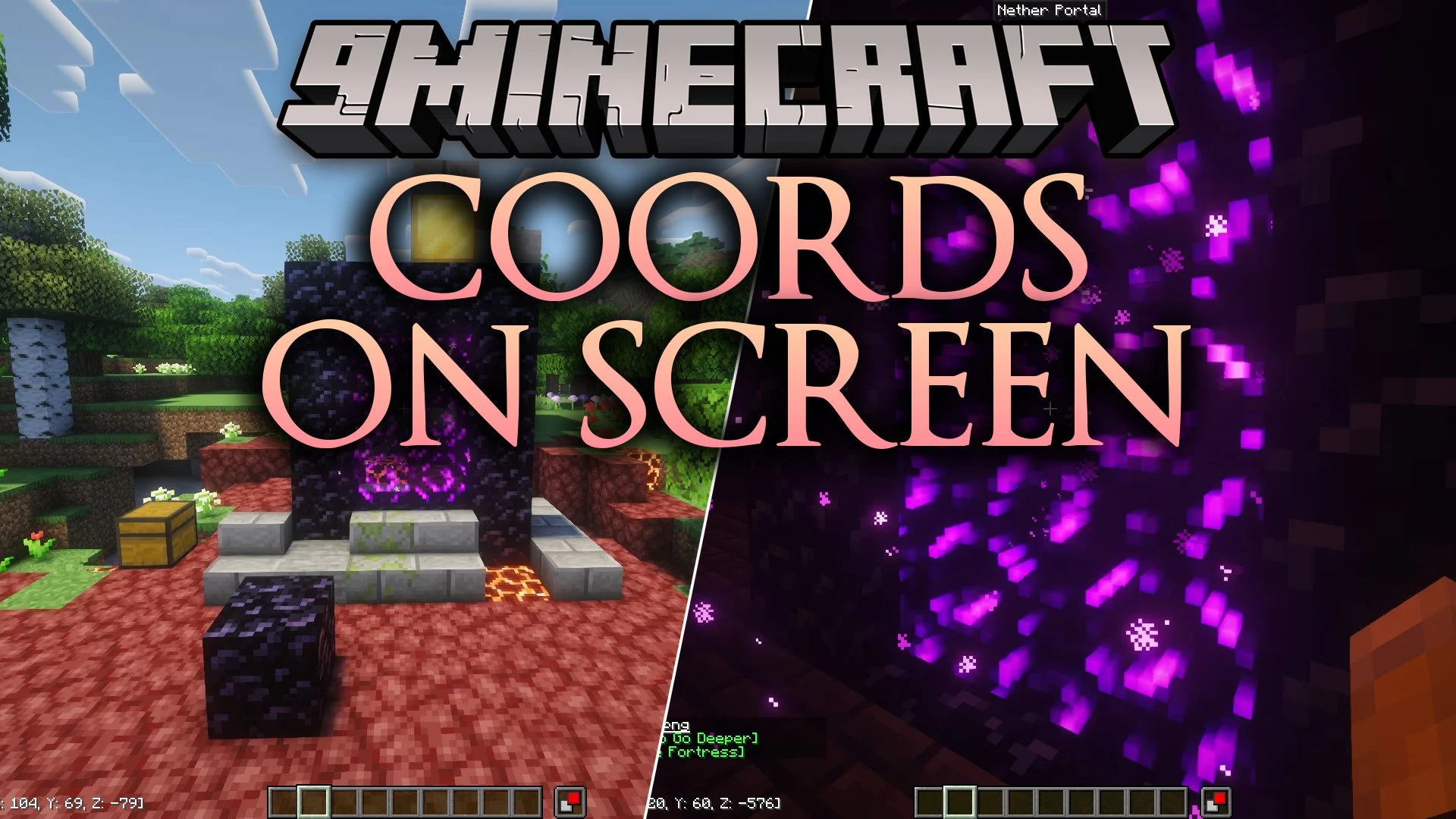
Coords on Screen Mod adds a clean coordinate and environment display directly on your heads-up display. This mod calculates matching coordinates between the Overworld and Nether in real time, so building portals becomes straightforward without opening the debug screen. It also shows your current biome and structure with custom colors to help you keep track of your world.
Features:
- Dual-Dimension Tracking: Displays your live position and automatically calculates the equivalent coordinates for the connecting Overworld or Nether dimension in brackets.
- Color-Coded Labels: Highlights dimension names with distinct colors including green for Overworld, red for Nether, and purple for The End.
- Shows your current biome on a dedicated line with colors matched to the terrain, such as blue for oceans and tan for deserts.
- Displays nearby singleplayer structures like Ancient Cities, Ocean Monuments, and Strongholds in gold text.
- Arranges biome and structure lines smartly so your main coordinates always sit closest to the screen edge.
- Recognizes modded biomes and custom structures with clean text and custom water colors.
- Allows repositioning the display to any of the four corners of your screen.
- Includes separate text scaling from 50% to 300% that stays consistent regardless of your GUI scale setting.
- Offers pixel offset options to prevent text from overlapping screen edges or other interface elements.
- Provides toggle options for coordinates, bracketed dimension math, biomes, biome colors, and structure labels.
How to Use:
- Look at the on-screen display to view your current coordinates and calculated portal locations.
- Open the settings menu through Mod Menu and Cloth Config, or open the
config/coordsonscreen.jsonfile to customize your layout. - Select your preferred corner, text scale, padding, and toggle features on or off.
- Save your changes to update your on-screen coordinate HUD immediately.
Screenshots:
Coords on Screen Mod Download Links
Quick facts
- Edition: Minecraft Java
- File type: .jar
- How to install: Install the matching mod loader (Forge, Fabric or NeoForge) for your Minecraft version. → Download the .jar. → Put it in the .minecraft/mods folder and launch that loader profile.
- Where to get it: In MC Java Mods, or directly above on this page.
Install steps are the general flow for this file type — How to install Minecraft Java mods & modpacks walks through it step by step.
File checked by MCModsHub
- Downloads as 522619.mcaddon
- Download size: 45 KB
- Download link checked 7 Oct 2026 — working
- Mirrored on our own servers — the download does not depend on the original host
These come from our own check of the pack file, not from the source page.