ModsJava
Tile Finder Mod (26.3, 1.21.1) – Locate Hidden Chests and Machines Through Walls
Java mod listed for Minecraft 1.21. Downloads from the MC Java Mods app on Android.
⬇ Download


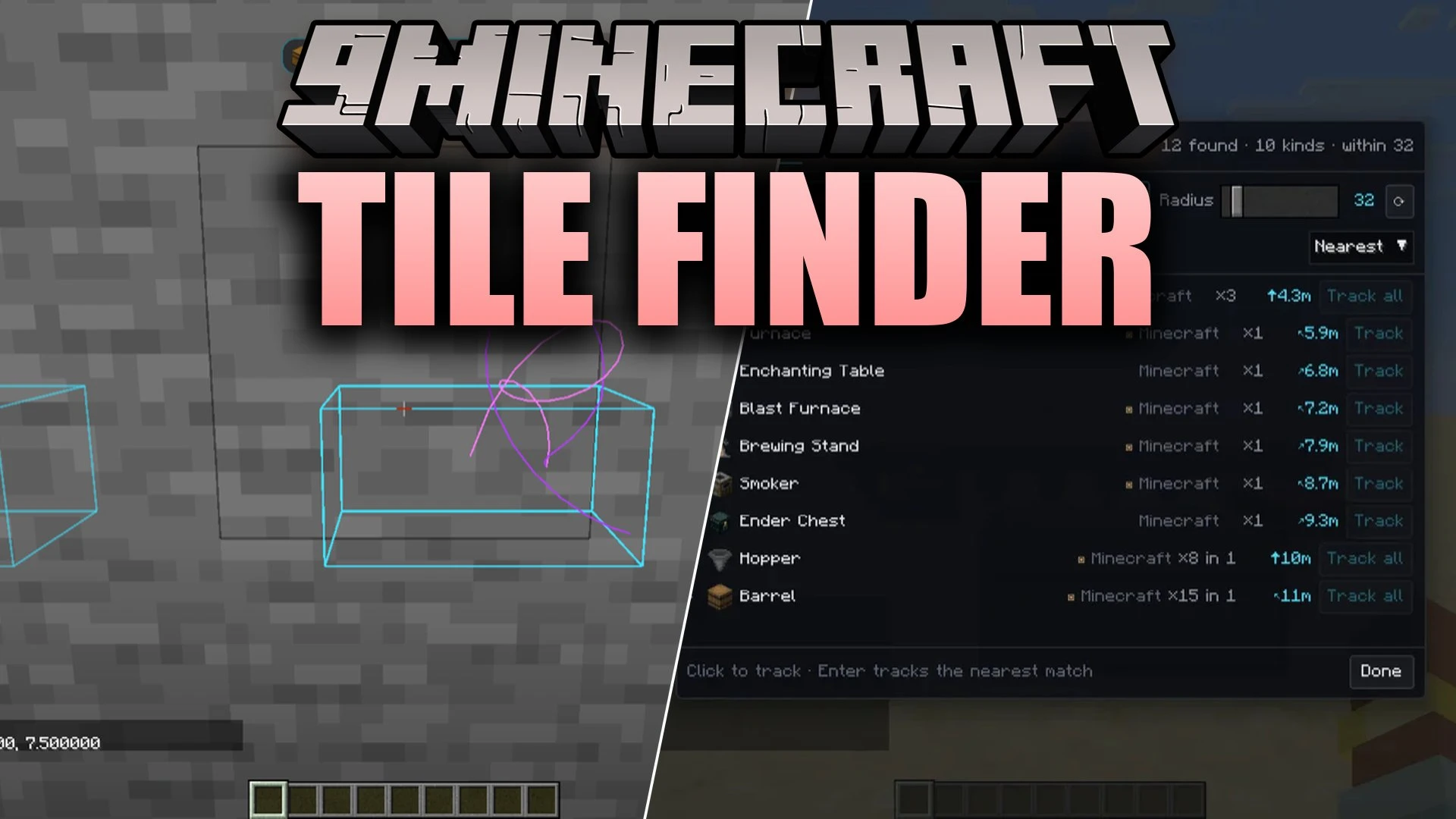
Tile Finder Mod locates every block entity around your character with a single keypress. It scans your surroundings for chests, furnaces, machines, fluid tanks, and cable lines. The mod displays these blocks in a clean list sorted by distance. You can select any object to trace a visible beam straight through solid walls directly to your target.
Features:
- Quick Entity Scanner: Lists nearby block entities grouped by type with the closest ones shown first.
- In-World Guidance Beams: Draws highlight boxes around targets and projects a light beam through walls straight to your chosen block.
- Smart Item Lookup: Lets you hover over an item in your inventory or recipe viewer and press a key to locate matching blocks nearby.
- Filters your search results to show only blocks that hold items, store energy, contain fluids, or act as decoration.
- Groups connected blocks like double chests and pipe lines into single entries so lists stay clean.
- Displays an on-screen HUD tracker that indicates the exact distance and direction to your target block.
- Automatically removes tracking markers once you walk up to the target block.
- Allows searching by custom chest names, block names, or specific mod tags like @mekanism.
- Lets you copy exact block coordinates to your clipboard with a single click.
- Lets you star important locations per world to find them again quickly.
- Includes settings to customize scan radius, beam colors, beam shapes, and HUD displays.
Commands:
/tilefinder <radius> <filter>: Opens a chest menu for finding nearby blocks with particle trails on servers.
How to Use:
- Press to open the block entity finder interface.
- Type a name or mod prefix into the search bar, or choose a filter category.
- Click on a block entry in the list to start tracking it.
- Follow the visible beam and on-screen HUD direction to reach your block.
- Press O at any time to clear active tracking beams and markers.
- Hover over an item in your inventory or recipe viewer and press to find nearby blocks of that type.
Screenshots:
Tile Finder Mod Download Links
Quick facts
- Edition: Minecraft Java
- File type: .jar
- Minecraft version listed: 1.21.1
- How to install: Install the matching mod loader (Forge, Fabric or NeoForge) for your Minecraft version. → Download the .jar. → Put it in the .minecraft/mods folder and launch that loader profile.
- Where to get it: In MC Java Mods, or directly above on this page.
Install steps are the general flow for this file type — How to install Minecraft Java mods & modpacks walks through it step by step.
File checked by MCModsHub
- Downloads as 522621.mcaddon
- Download size: 161 KB
- Download link checked 7 Oct 2026 — working
- Mirrored on our own servers — the download does not depend on the original host
These come from our own check of the pack file, not from the source page.