ModsJava
Flex HUD Mod (26.3, 1.21.11) – Monitor Vital Survival Stats and Info Right
Java mod listed for Minecraft 1.21. Downloads from the MC Java Mods app on Android.
⬇ Download


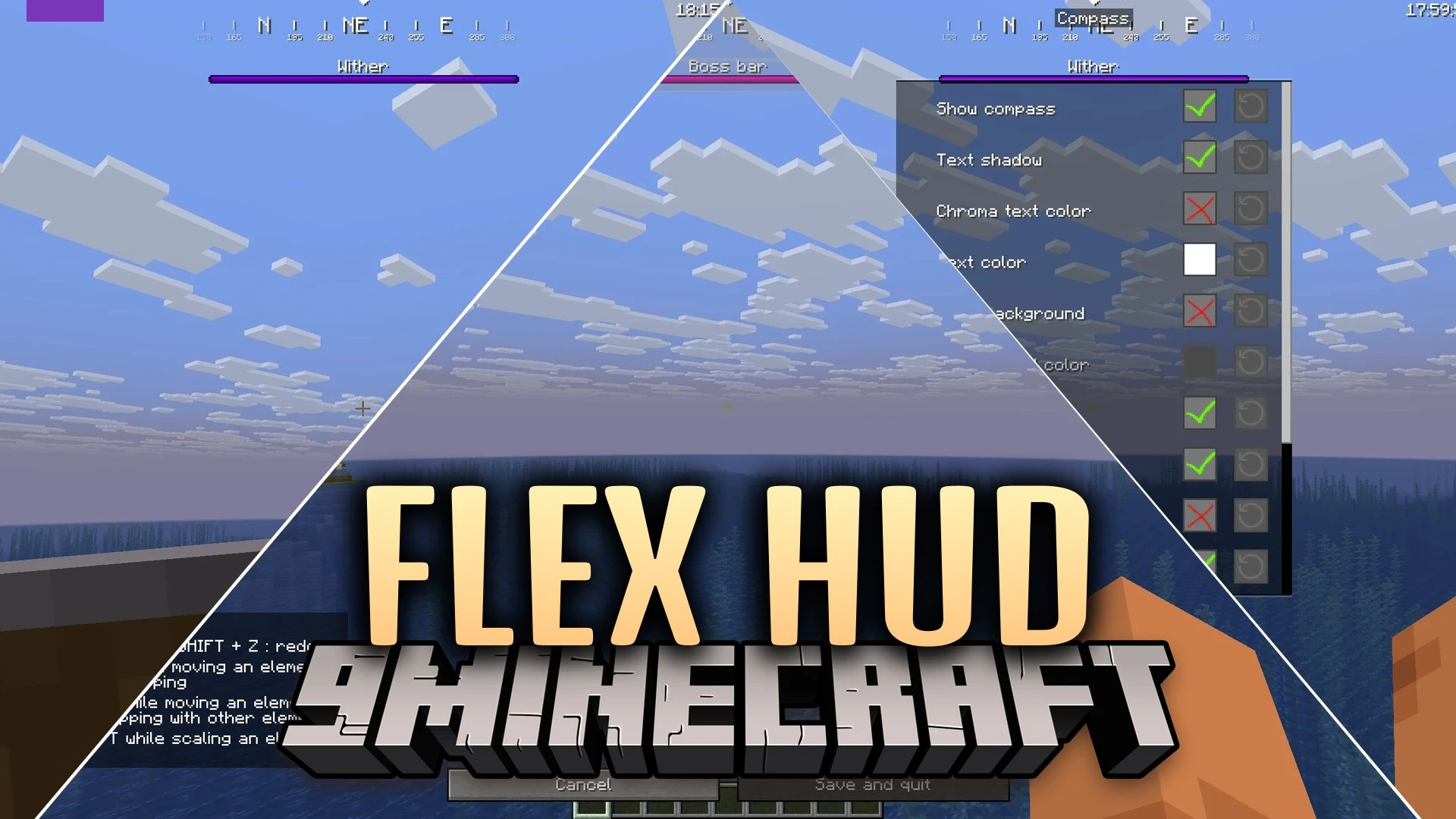
Flex HUD Mod puts clean on-screen status widgets and helpful game tools directly on your display. This mod lets you arrange information modules like armor durability, active potion timers, player coordinates, and framerates anywhere on your screen. You can adjust the look of each widget to fit your gameplay style whether you are fighting bosses, building bases, or exploring the Nether.
Features:
- Modular HUD System: Lets you place, scale, and move on-screen widgets anywhere on the game display.
- Custom Crosshairs: Offers preset crosshair designs and personal style choices.
- Displays armor durability status so you know when gear is about to break.
- Shows real-time FPS, server ping, and system memory usage.
- Tracks coordinates for both the Overworld and the Nether side-by-side.
- Visualizes key presses and clicks per second on screen.
HUD Display Modules:
- Compass and Pitch Display: Shows your horizontal and vertical viewing angles without needing the F3 debug screen.
- Sign Reader: Displays the text of the sign you look at directly on the screen.
- Potion Timers: Lists active status effects with timers that flash when under ten seconds remain.
- Inventory Tracker: Shows full inventory contents and triggers warnings when storage slots fill up.
- Entity Counter: Displays the total number of items, mobs, and other entities nearby.
- Light Level and Distance: Informs you of block light levels and exact target distance.
- Day Counter and In-Game Clock: Keeps track of total passed days and world time.
Utility Tools:
- TNT Countdown: Places a visible timer over primed TNT blocks before they explode.
- Weather Changer: Lets you switch between clear skies, rain, and thunderstorms.
- Time Changer: Adjusts the sun position and world time to your preference.
Screenshots:
Flex HUD Mod Download Links
Quick facts
- Edition: Minecraft Java
- File type: .jar
- Minecraft version listed: 1.21.11
- How to install: Install the matching mod loader (Forge, Fabric or NeoForge) for your Minecraft version. → Download the .jar. → Put it in the .minecraft/mods folder and launch that loader profile.
- Where to get it: In MC Java Mods, or directly above on this page.
Install steps are the general flow for this file type — How to install Minecraft Java mods & modpacks walks through it step by step.
File checked by MCModsHub
- Downloads as 522637.mcaddon
- Download size: 1.3 MB
- Download link checked 7 Oct 2026 — working
- Mirrored on our own servers — the download does not depend on the original host
These come from our own check of the pack file, not from the source page.