ModsJava
Assorted Core Mod (26.2, 1.20.1) – Double Ore Yields and Forge Custom Metal
Java mod listed for Minecraft 1.20. Downloads from the MC Java Mods app on Android.
⬇ Download


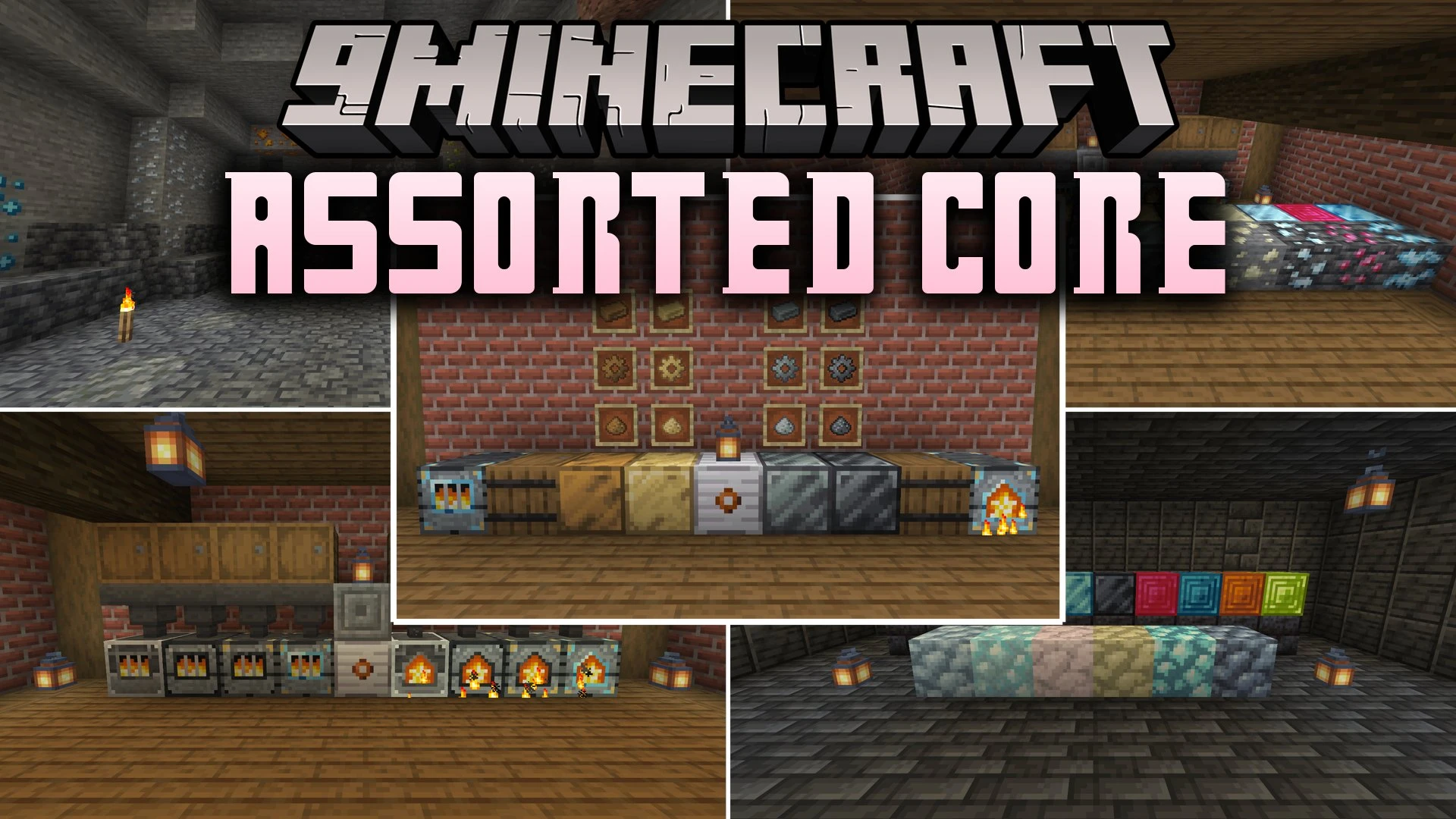
Assorted Core Mod adds fresh underground resources and handy machines to process them. You can mine six metals and four gems in your world, including silver, ruby, and platinum. The mod brings a grinding mill that doubles your ore yields and an alloy forge to craft bronze, electrum, invar, and steel. These materials give you the foundation needed to craft gear and tools across the Assorted mod series.
Features:
- New Ores: Spawns six metals and four gems across standard stone and deepslate cave layers.
- Grinding Mill: Crushes raw ores into dust, doubling your resource return compared to normal smelting.
- Alloy Forge: Combines different metals and dusts together to forge strong alloys like bronze, electrum, invar, and steel.
- Adds matching metal dusts, gears, ingots, and storage blocks for all materials.
- Allows you to craft raw ore blocks to save inventory space while mining underground.
- Serves as the core resource base for armor, tools, and advanced machinery in related mods.
- Includes modular settings in the config file so you can enable or disable machines and ores separately.
Configuration:
config/assortedcore-parts.toml: lets you turn individual mod parts on or off.
How to Use:
- Mine new ores such as tin, copper, silver, or ruby deep underground.
- Place raw ore into the grinding mill to crush it into two piles of dust.
- Feed matching dusts into the alloy forge to smelt special ingots like bronze or steel.
- Check the in-game Instruction Manual for specific crafting recipes and machine setups.
Screenshots:
Assorted Core Mod Download Links
Quick facts
- Edition: Minecraft Java
- File type: .jar
- Minecraft version listed: 1.20.1
- How to install: Install the matching mod loader (Forge, Fabric or NeoForge) for your Minecraft version. → Download the .jar. → Put it in the .minecraft/mods folder and launch that loader profile.
- Where to get it: In MC Java Mods, or directly above on this page.
Install steps are the general flow for this file type — How to install Minecraft Java mods & modpacks walks through it step by step.
File checked by MCModsHub
- Downloads as 522638.mcaddon
- Download size: 1.0 MB
- Download link checked 7 Oct 2026 — working
- Mirrored on our own servers — the download does not depend on the original host
These come from our own check of the pack file, not from the source page.