ModsJava
Buff Mobs Mod (26.3, 1.21.1) – Keep Late-Game Survival Battles Tough
Java mod listed for Minecraft 1.21. Downloads from the MC Java Mods app on Android.
⬇ Download


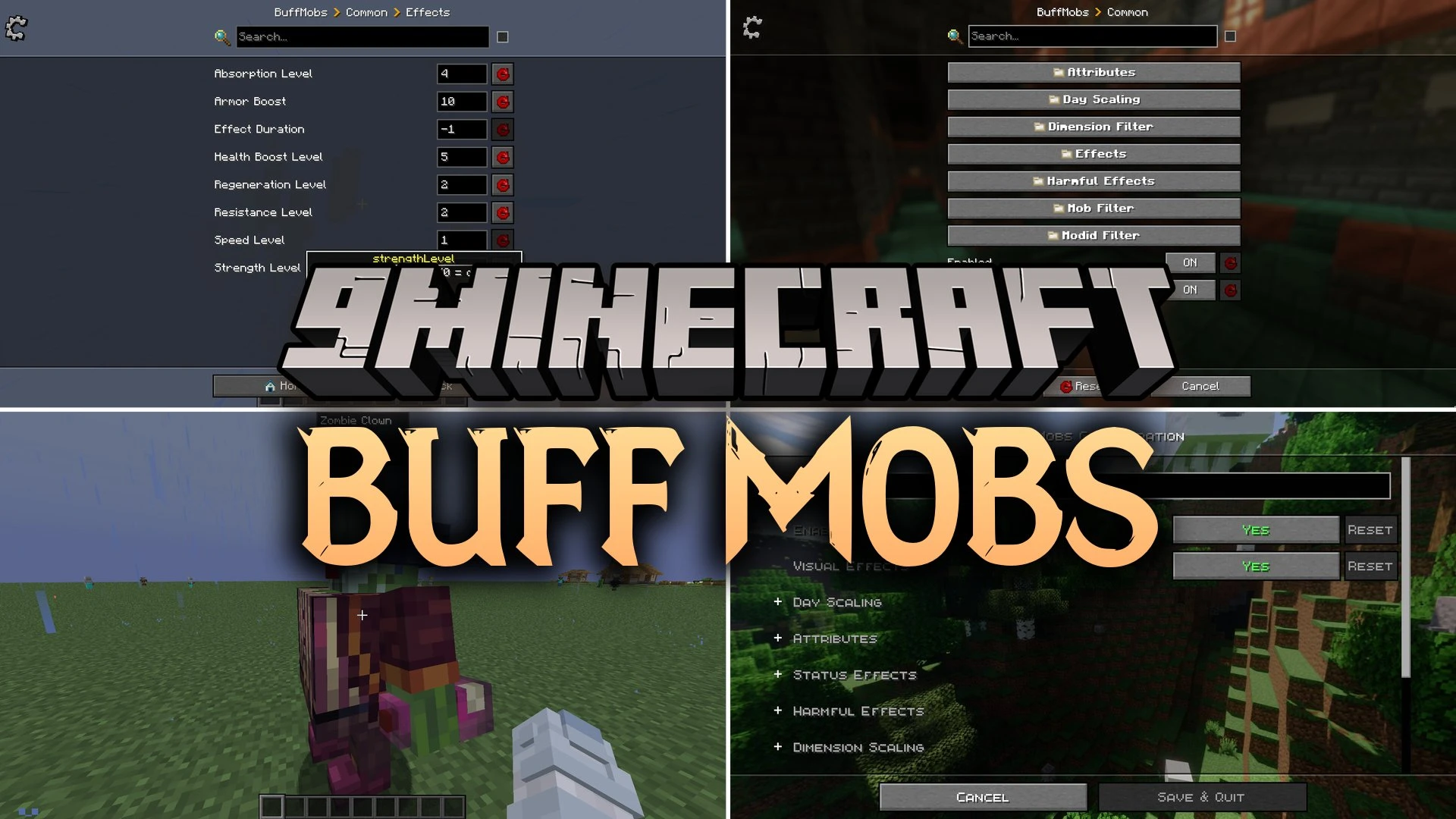
Buff Mobs Mod scales the power of hostile and neutral mobs as you progress in your world. The mod increases enemy health, movement speed, attack damage, and armor toughness to keep survival fighting challenging. Archers switch to close-combat weapons when you get too close, stopping easy cheese tactics. It lets you customize mob stats per dimension and day count so enemies stay dangerous throughout your playthrough.
Features:
- Progressive Scaling: Mobs gain extra strength and health every few in-game days to keep late-game survival fresh.
- Smart Combat Switching: Skeletons and Pillagers pull out melee weapons with random enchantments when you get too close.
- Dimension Multipliers: Assign separate stat bonuses for the Nether, the End, or custom mod dimensions.
- Gives mobs bonus potion effects like Strength, Speed, and Resistance that refresh automatically.
- Prevents undead mobs from receiving healing effects so battles remain logical.
- Allows hostile strikes to inflict status effects such as Poison, Slowness, or Wither on players.
- Shows color-coded particles and visual indicators when a mob has extra health or magical powers.
- Includes whitelist and blacklist filters for specific mob types, mod IDs, and dimensions.
- Sets maximum stat caps to prevent enemies from scaling infinitely and becoming impossible to beat.
Combat and Stat Tweaks:
- Health and armor boosts make standard zombies and monsters survive more hits.
- Attack speed overrides force enemies to strike faster in close combat.
- Movement speed buffs stop players from easily outrunning basic hostile creatures.
Screenshots:
Buff Mobs Mod Download Links
Quick facts
- Edition: Minecraft Java
- File type: .jar
- Minecraft version listed: 1.21.1
- How to install: Install the matching mod loader (Forge, Fabric or NeoForge) for your Minecraft version. → Download the .jar. → Put it in the .minecraft/mods folder and launch that loader profile.
- Where to get it: In MC Java Mods, or directly above on this page.
Install steps are the general flow for this file type — How to install Minecraft Java mods & modpacks walks through it step by step.
File checked by MCModsHub
- Downloads as 522639.mcaddon
- Download size: 136 KB
- Download link checked 7 Oct 2026 — working
- Mirrored on our own servers — the download does not depend on the original host
These come from our own check of the pack file, not from the source page.