ModsJava
Sign Builder Mod (1.21.1, 1.20.1) – Build Giant Neon Displays and Working
Java mod listed for Minecraft 1.20–1.21. Downloads from the MC Java Mods app on Android.
⬇ Download


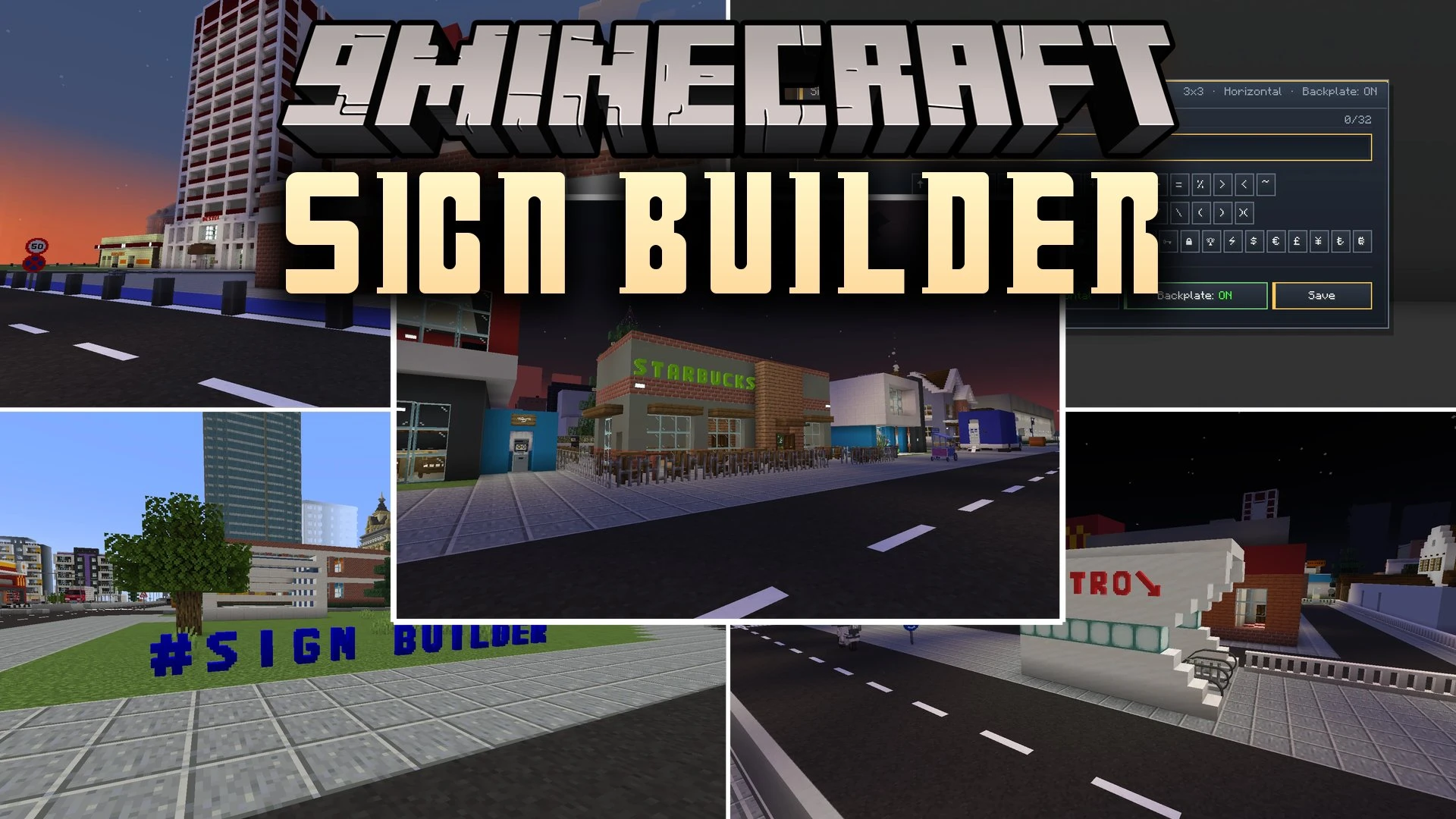
Sign Builder Mod brings fully custom 3D letters, numbers, symbols, and backplates to your world. This mod lets you craft detailed signage with 40 base materials, vivid neon lighting, and working Redstone controls. You can set up security keypads, build giant multi-block displays, or design storefront banners with simple tools.
Features:
- Shows a real-time 3D hologram preview before placing blocks, displaying green for valid spots and red for blocked areas.
- Merges four matching signs in a 2×2 grid or nine in a 3×3 grid into giant billboard displays with shared collision boxes.
- Adds double-sided backplates that snap onto walls, floors, and ceilings or directly behind pre-placed letters.
- Supports 45-degree diagonal placement on floors and ceilings for clean architectural fits.
- Includes 40 survival-friendly materials such as wood, stone, metals, and gems using raw ingots and dusts.
- Provides 3D models for the entire alphabet, numbers, currency symbols, arrows, and decorative icons.
- Introduces the Sign Press workstation to produce letters, numbers, and backplates with hopper compatibility.
- Features a Paint Brush tool to blend custom RGB colors, apply preset dyes, or activate rainbow animations.
- Allows Redstone Comparators placed behind number blocks to read direct signal strengths from 0 to 9.
- Lets you shoot wall-mounted buttons from a distance with arrows, tridents, or snowballs.
Lighting and Animation:
- Offers light presets including Blink, Flicker, Wave, Breathing, Disco, and Audio Sync.
- Controls lighting triggers using proximity detection, day and night schedules, or player eye contact.
- Projects real light emission levels from neon letters across dark spaces.
Redstone and Security:
- Turns letters into momentary buttons, toggle levers, or hold-to-activate power inputs using the Wrench.
- Emits full Redstone power from the back attachment face with material-based press durations.
- Creates PIN passcode locks on connected words that latch inward until the correct sequence is entered.
- Includes a touch-to-record mode to set custom passcodes directly in the world.
How to Use:
- Place a Sign Press to craft letters, numbers, symbols, and backplates.
- Attach a Backplate to any surface, or place letters directly on walls, floors, and ceilings.
- Combine matching signs in a 2×2 or 3×3 square to merge them into large displays.
- Use the Paint Brush to apply materials, dye colors, or rainbow styles to your text.
- Right-click placed blocks with the Wrench to pick button types, light behaviors, or PIN passcode locks.
Screenshots:
Sign Builder Mod Download Links
Quick facts
- Edition: Minecraft Java
- File type: .jar
- Minecraft versions listed: 1.21.1, 1.20.1
- How to install: Install the matching mod loader (Forge, Fabric or NeoForge) for your Minecraft version. → Download the .jar. → Put it in the .minecraft/mods folder and launch that loader profile.
- Where to get it: In MC Java Mods, or directly above on this page.
Install steps are the general flow for this file type — How to install Minecraft Java mods & modpacks walks through it step by step.
File checked by MCModsHub
- Downloads as 522640.mcaddon
- Download size: 1022 KB
- Download link checked 7 Oct 2026 — working
- Mirrored on our own servers — the download does not depend on the original host
These come from our own check of the pack file, not from the source page.