ResourcepacksJava
Bog's UI Resource Pack (26.3, 1.20.1) – Earthy Woodland Interface
Java resource pack listed for Minecraft 1.20. Downloads from the MC Java Mods app on Android.
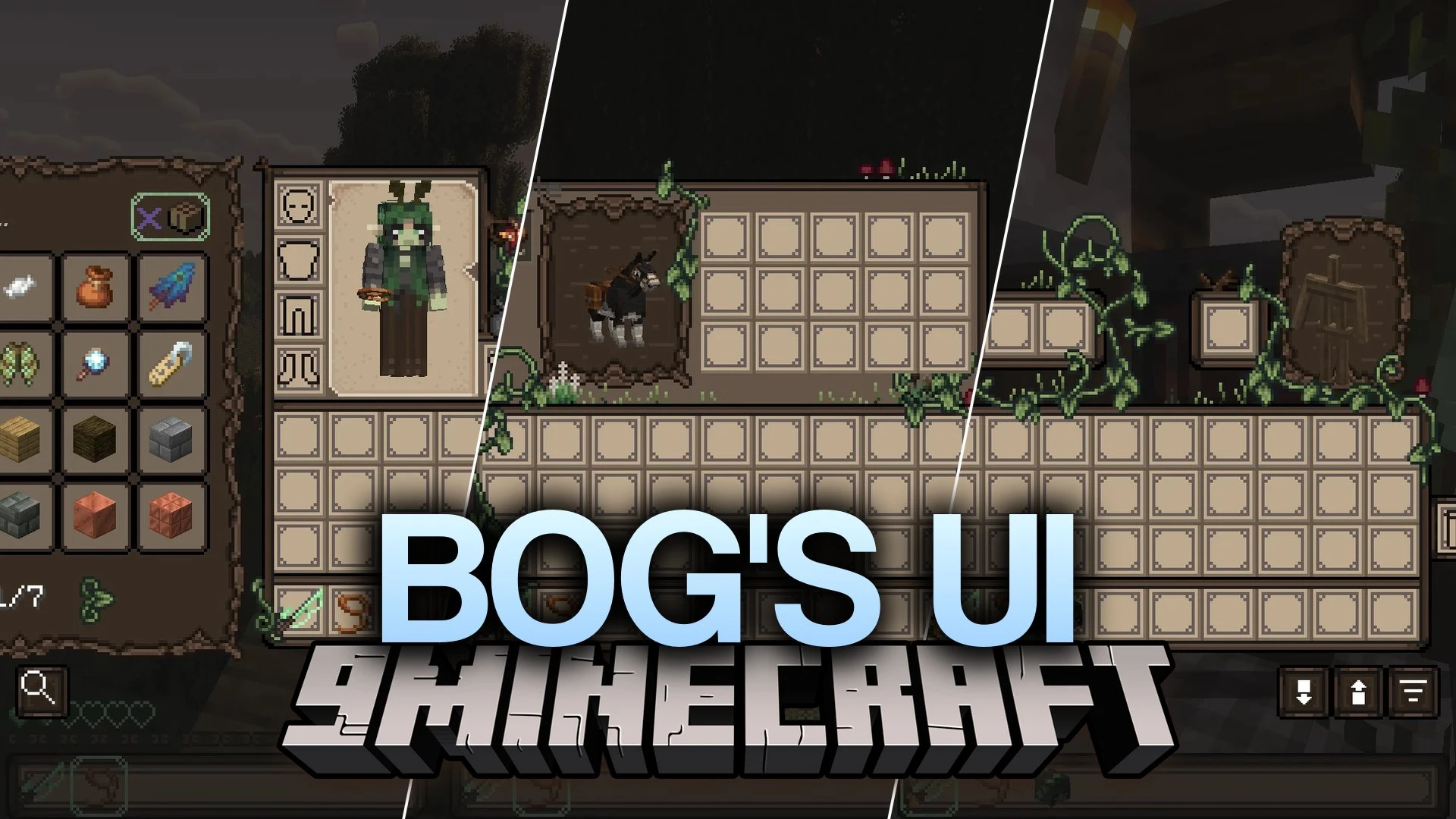
Bog's UI Resource Pack restyles the default game interface with an earthy look made for witches, goblins, and forest dwellers. This pack changes menus…
⬇ Download


Bog’s UI Resource Pack restyles the default game interface with an earthy look made for witches, goblins, and forest dwellers. This pack changes menus, crafting screens, and storage containers to match a dark woodland style across everyday survival.
Features:
- Gives the inventory, health bar, and main game menus a distinct forest aesthetic.
- Overhauls workstation screens including the crafting table, furnace, blast furnace, smoker, brewing stand, anvil, and enchanting table.
- Updates container interfaces for single chests, double chests, barrels, ender chests, and shulker boxes.
- Redesigns utility blocks such as the stonecutter, loom, smithing table, cartography table, and crafter.
- Refreshes menus for villager trading, mount inventories, hoppers, dispensers, and beacons.
- Changes the recipe book and advancements screens to fit the earthy theme.
- Works out of the box alongside the Trash Slot and Better Advancements mods.
Screenshots:

Bog’s UI Resource Pack Download Links
Quick facts
- Edition: Minecraft Java
- File type: .zip (resource pack)
- Minecraft version listed: 1.20.1
- How to install: Download the .zip resource pack — do not unzip it. → Put it in .minecraft/resourcepacks. → Enable it in Options → Resource Packs.
- Where to get it: In MC Java Mods, or directly above on this page.
Install steps are the general flow for this file type — How to install Minecraft Java resource packs walks through it step by step.
File checked by MCModsHub
- Downloads as 522700.mcpack
- Download size: 10.5 MB
- Download link checked 7 Oct 2026 — working
- Mirrored on our own servers — the download does not depend on the original host
These come from our own check of the pack file, not from the source page.