ShadersJava
CrumbShaders (26.3, 1.20.1) – Clean Subtle Lighting for Low-End GPUs
Java shader pack listed for Minecraft 1.20. Downloads from the MC Java Mods app on Android.
⬇ Download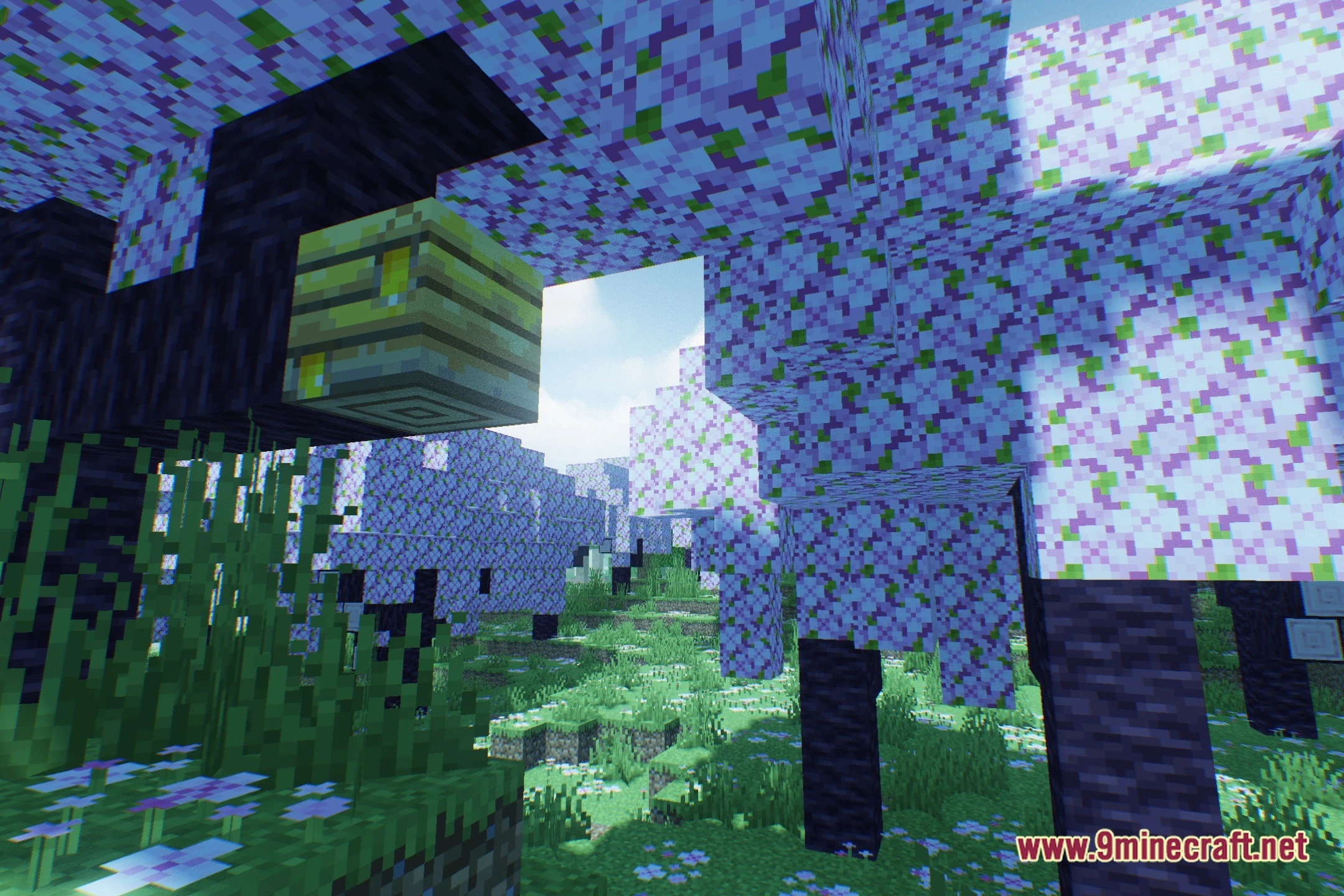
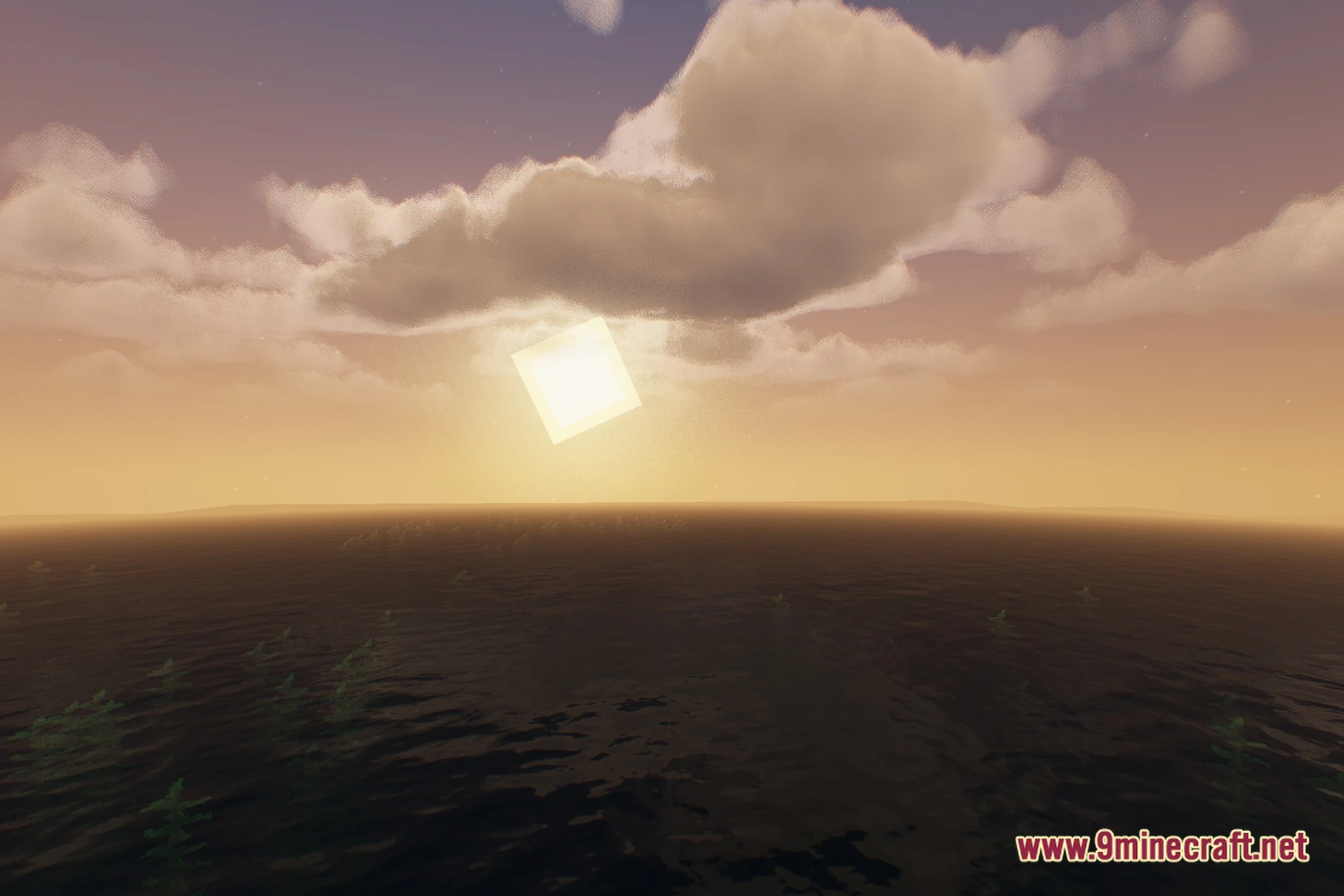
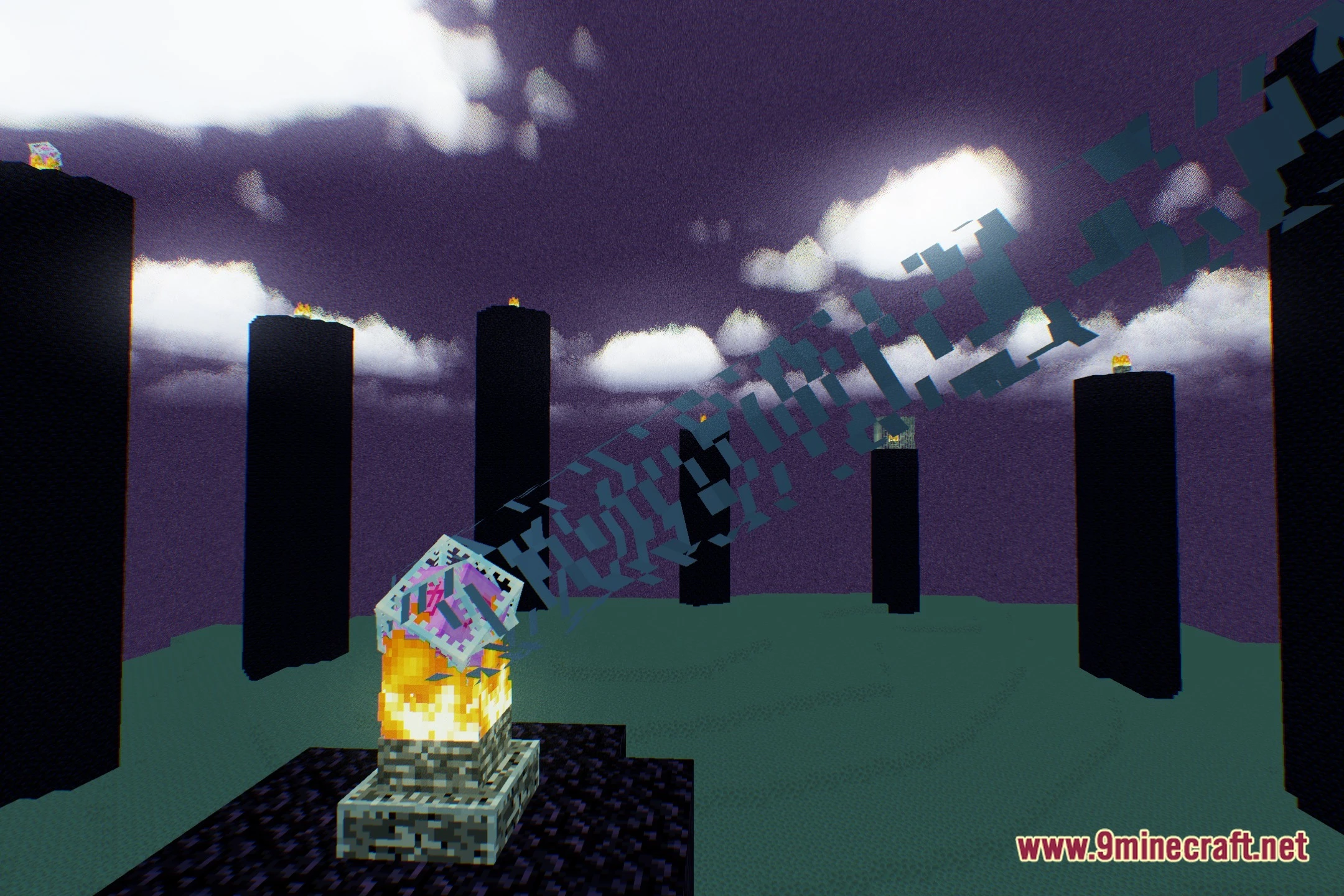
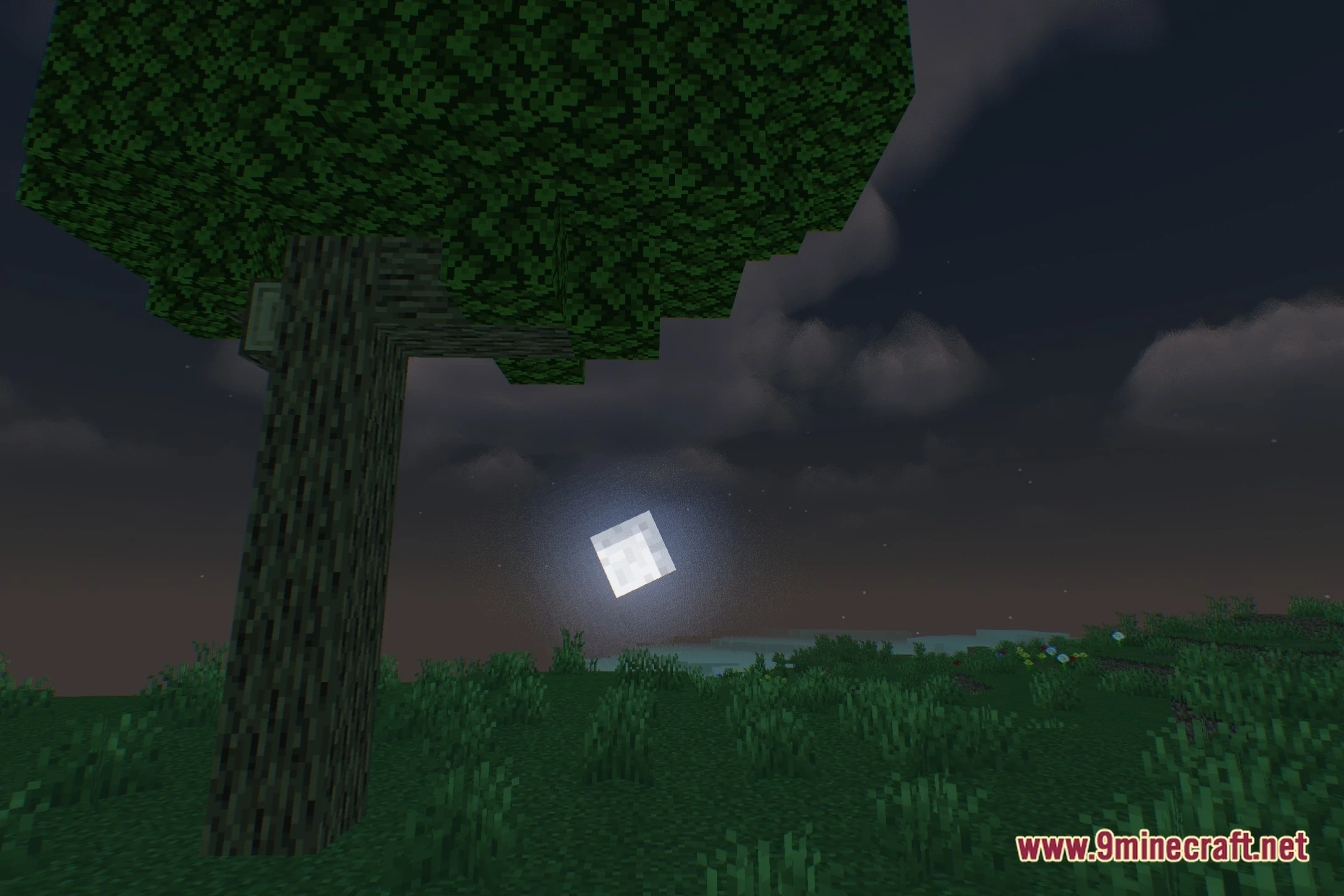
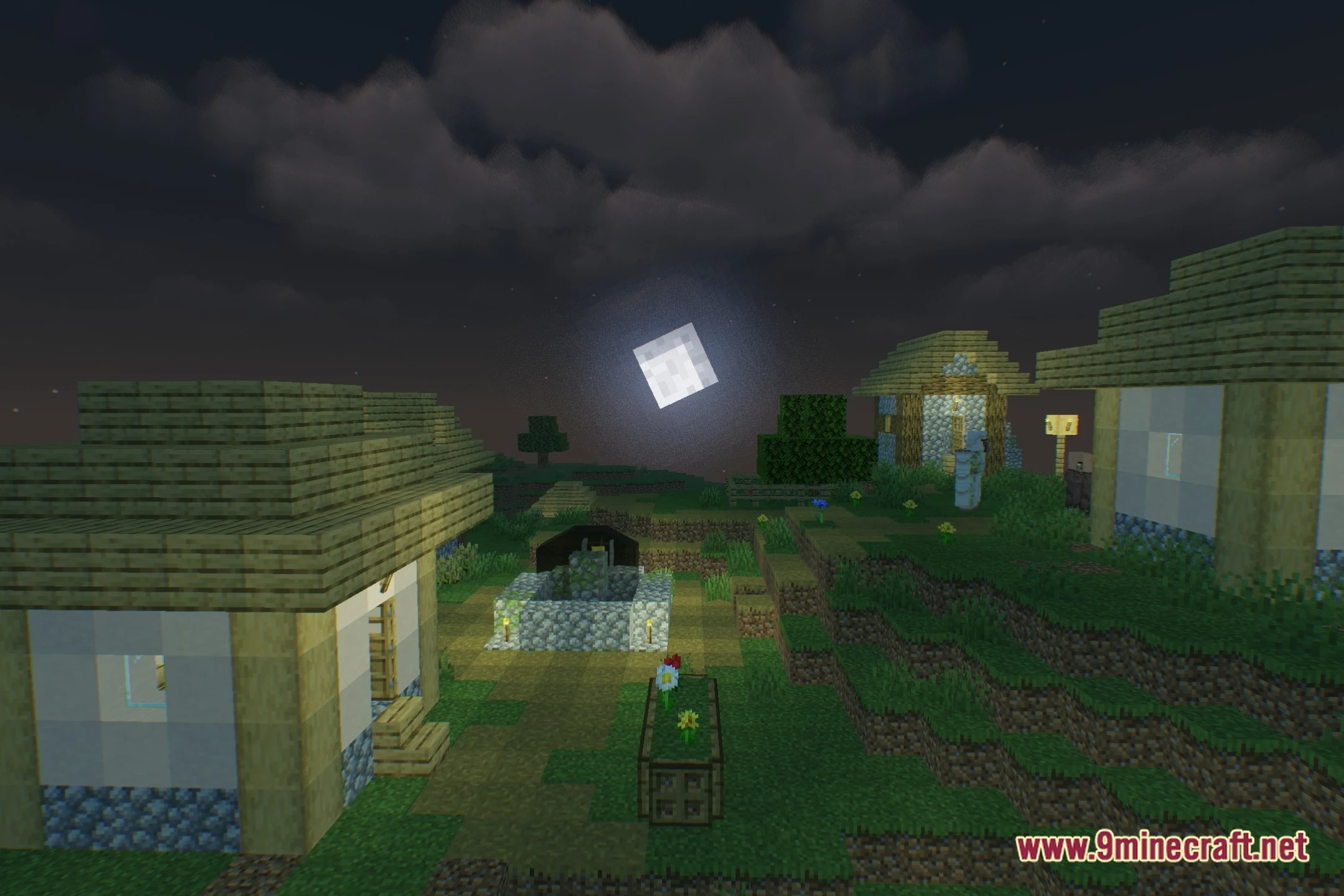
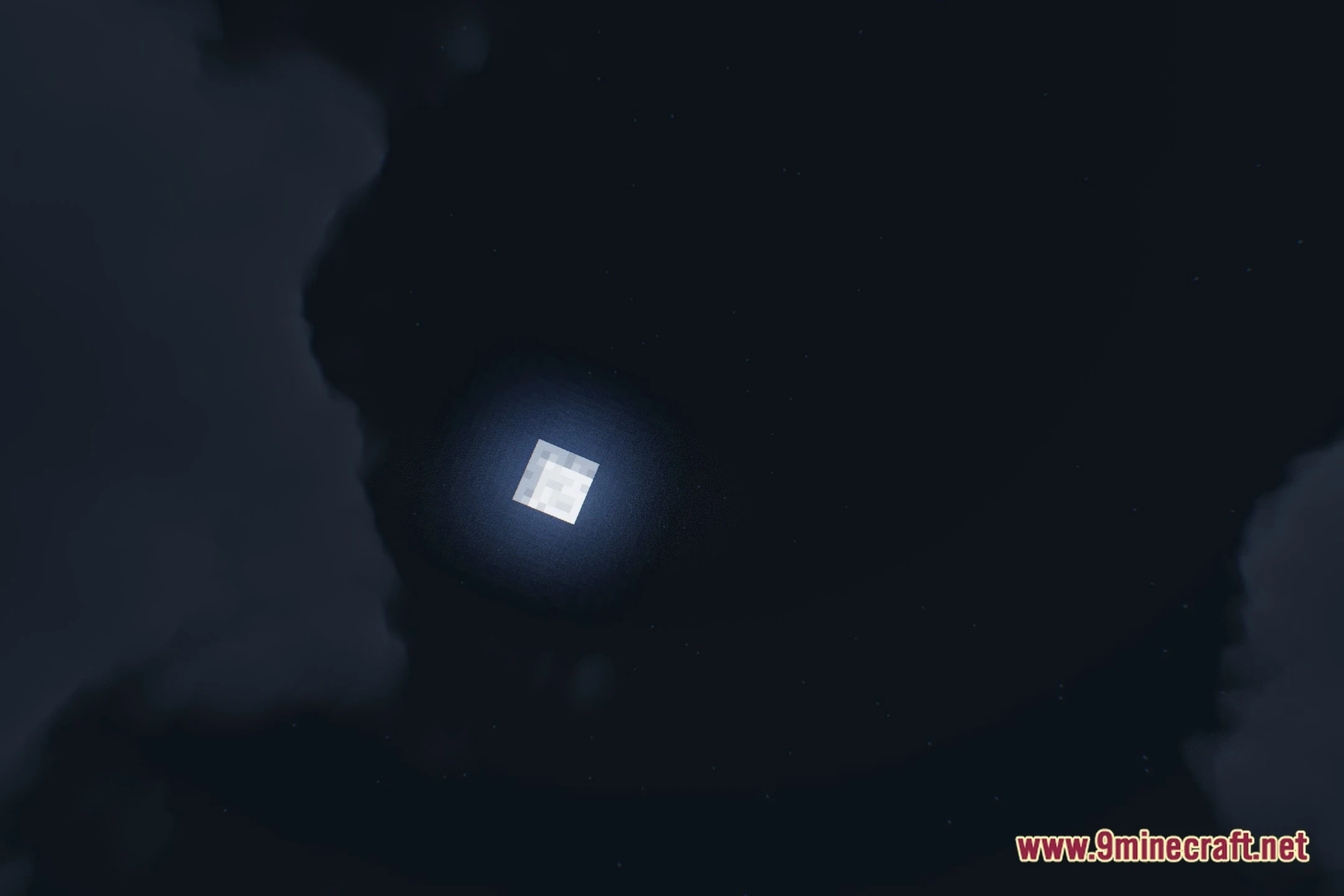
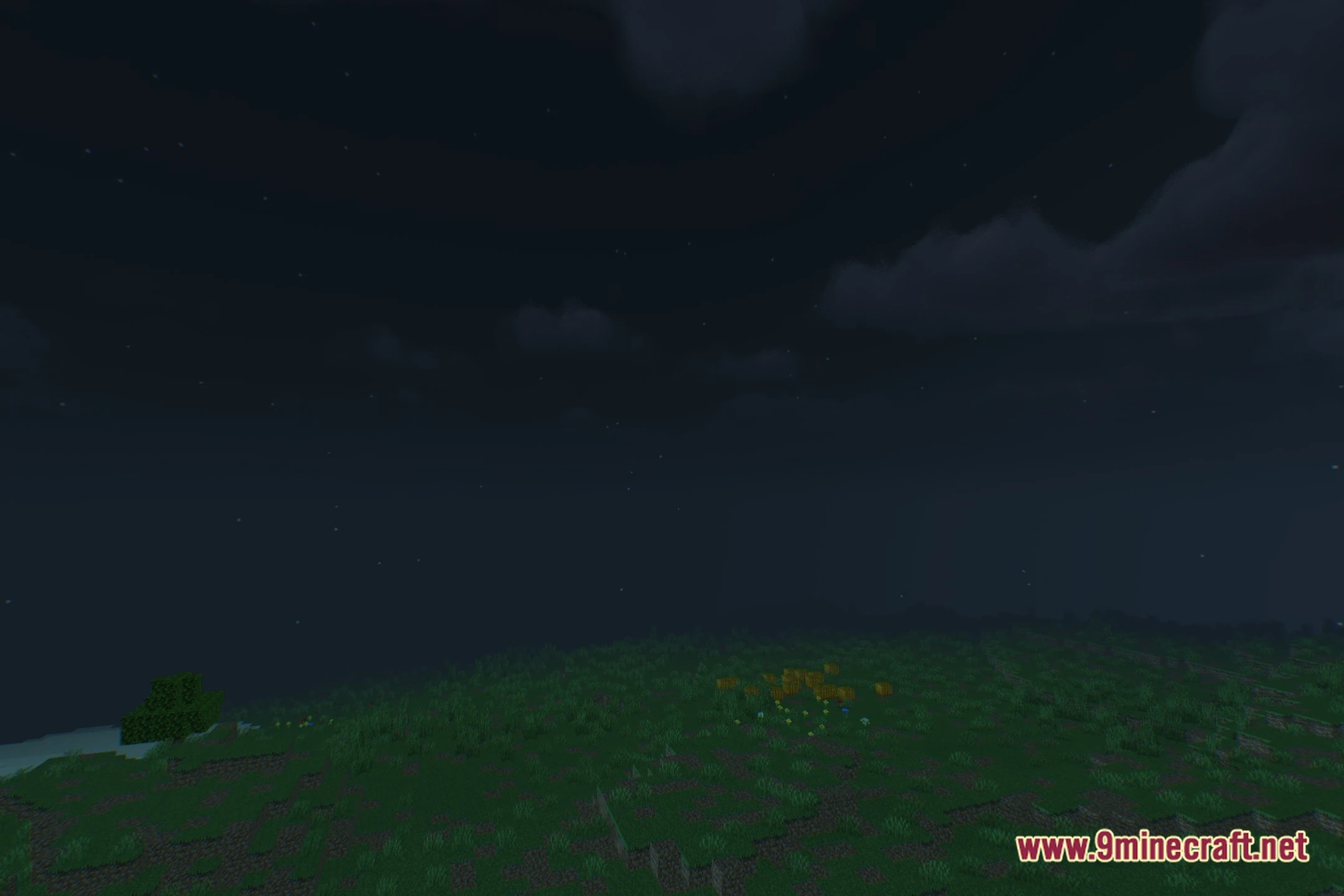
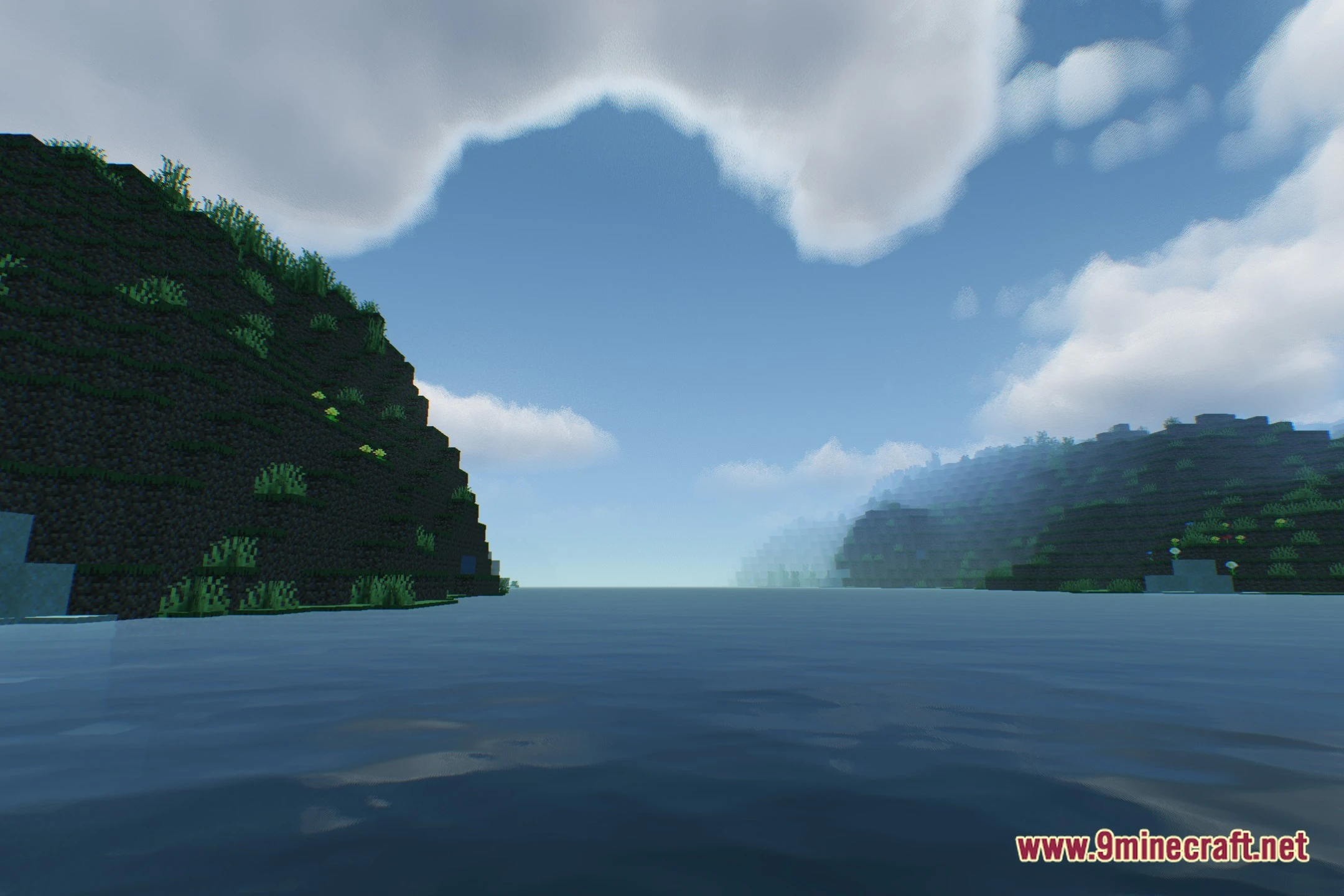
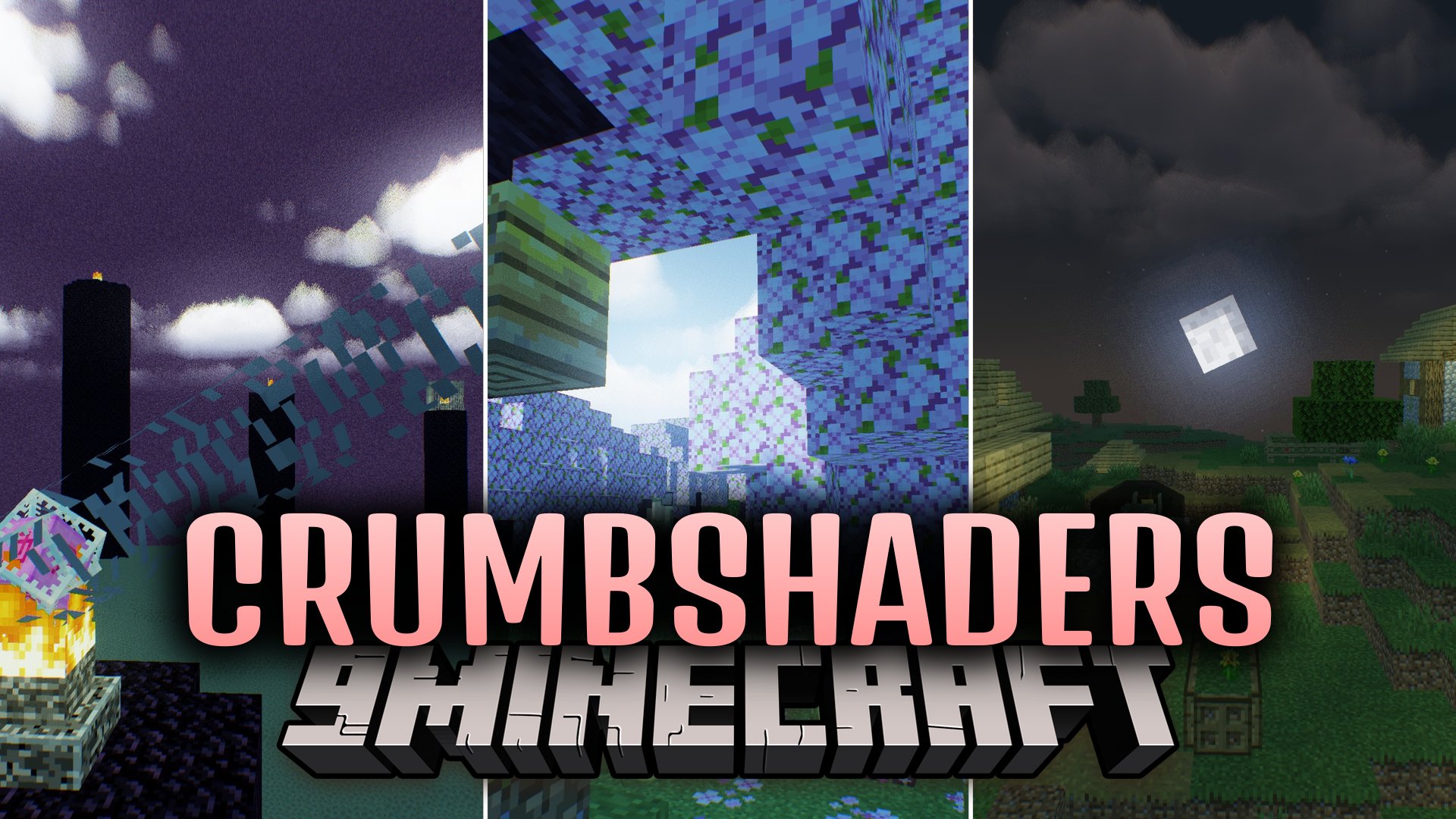
CrumbShaders lights up your Minecraft world with clean visual effects while keeping performance smooth and fast. This shader pack runs on low-end computers and budget setups that struggle with heavy graphics. You can enjoy subtle lighting upgrades and better atmosphere without dropping frames during everyday gameplay.
Features:
- Runs smoothly on weak graphics cards and basic PC hardware.
- Changes world lighting to make daytime brighter and caves darker.
- Keeps the core blocky look of the game intact without heavy effects.
- Helps players get better visuals without causing lag or frame drops.
Screenshots:
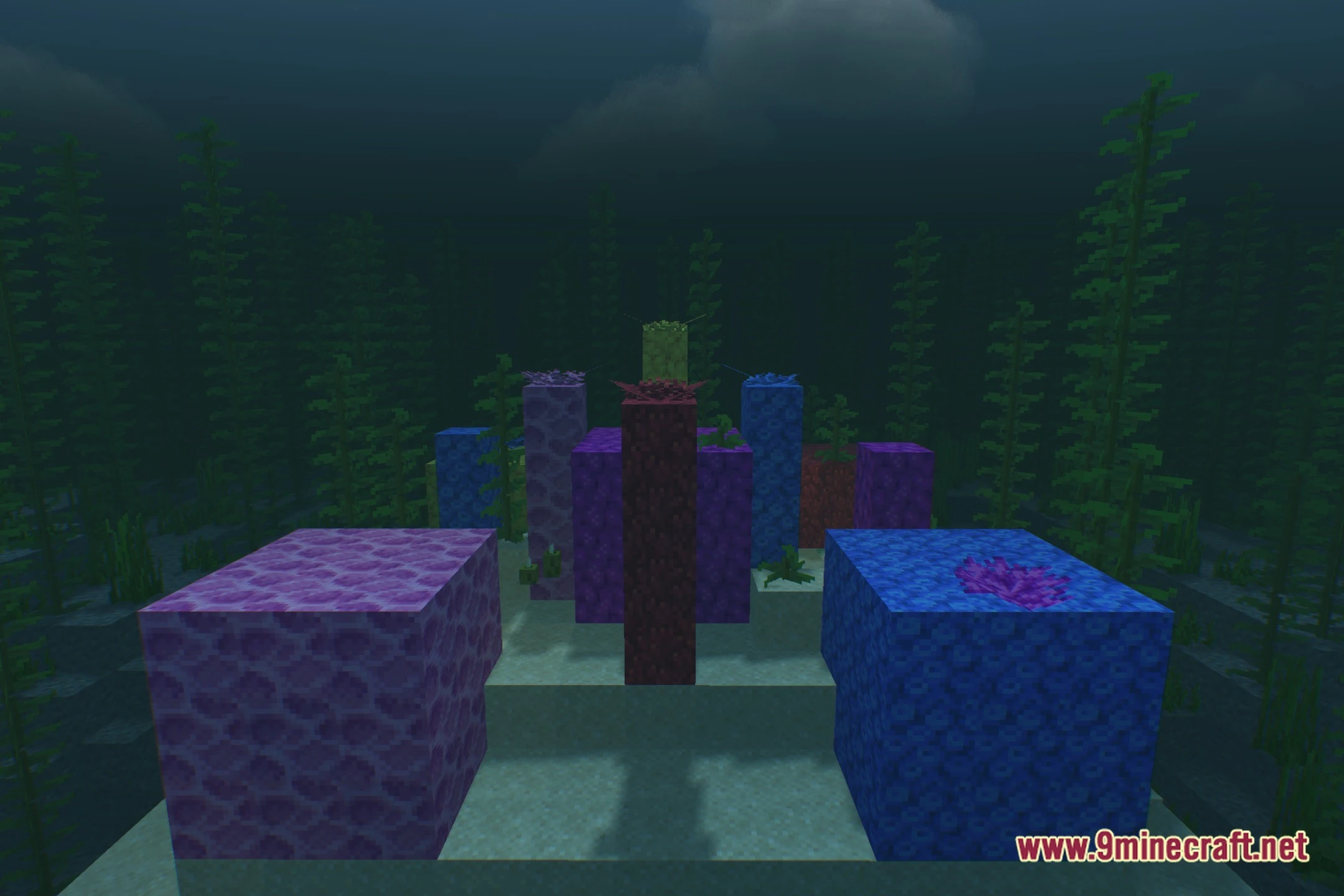
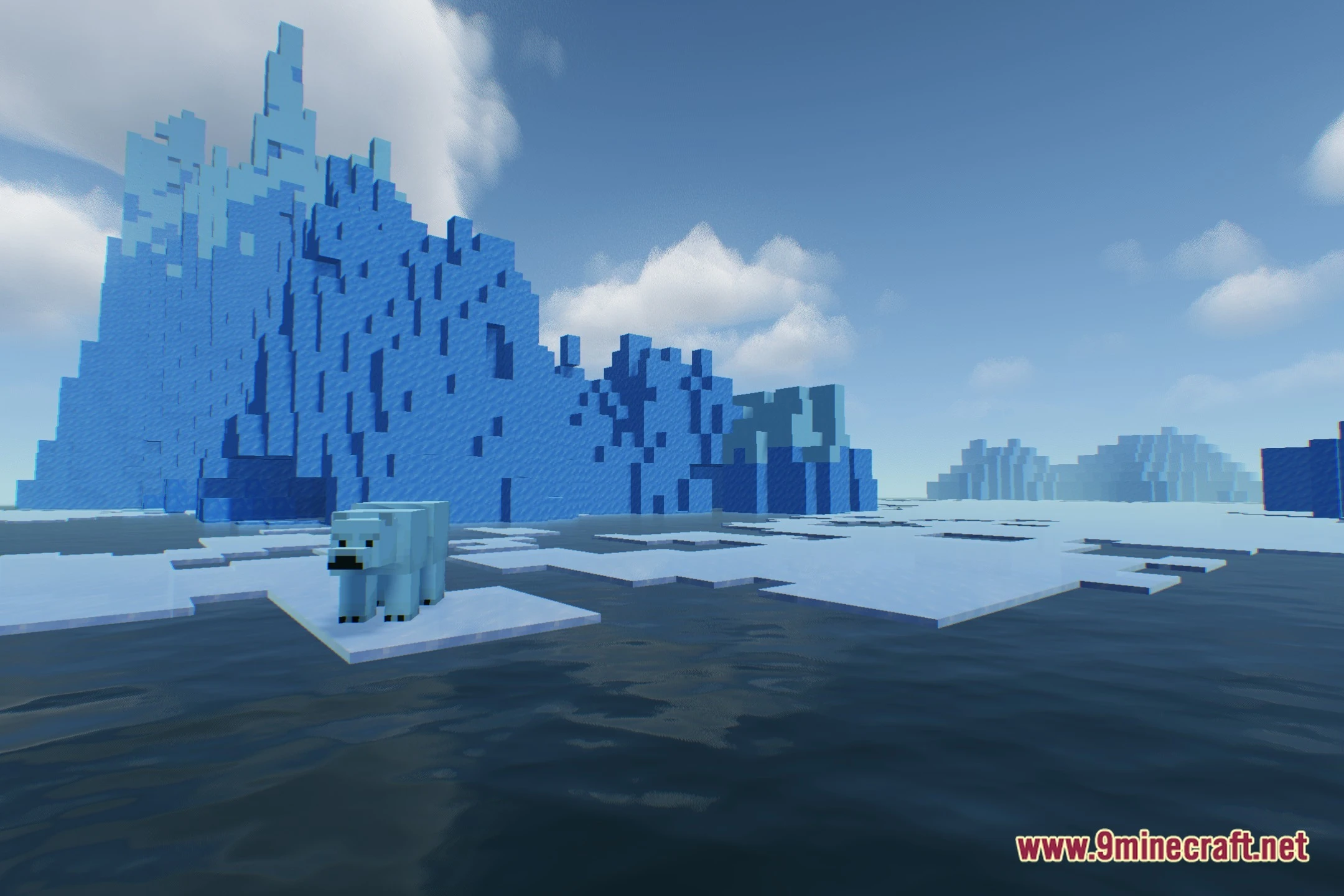
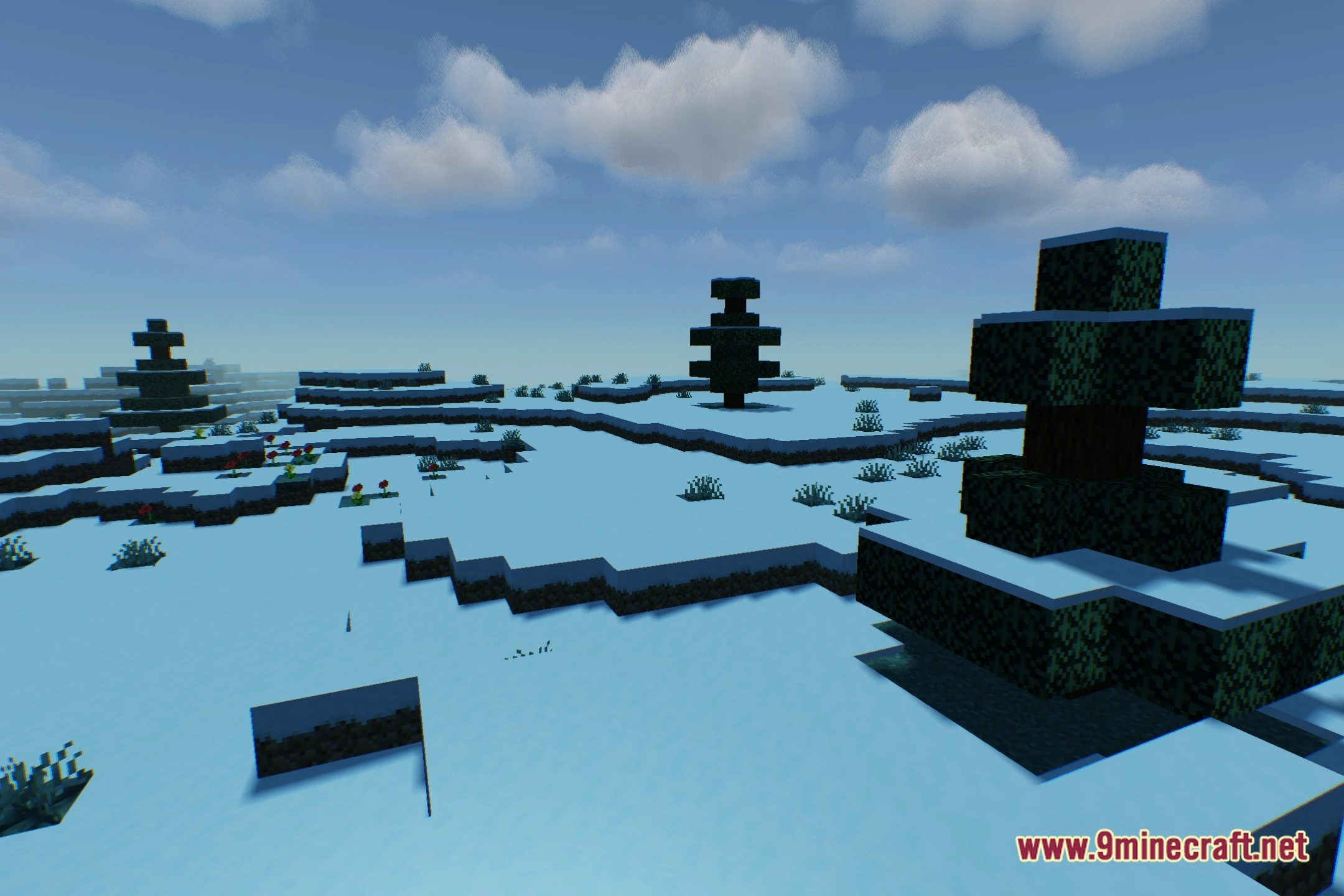
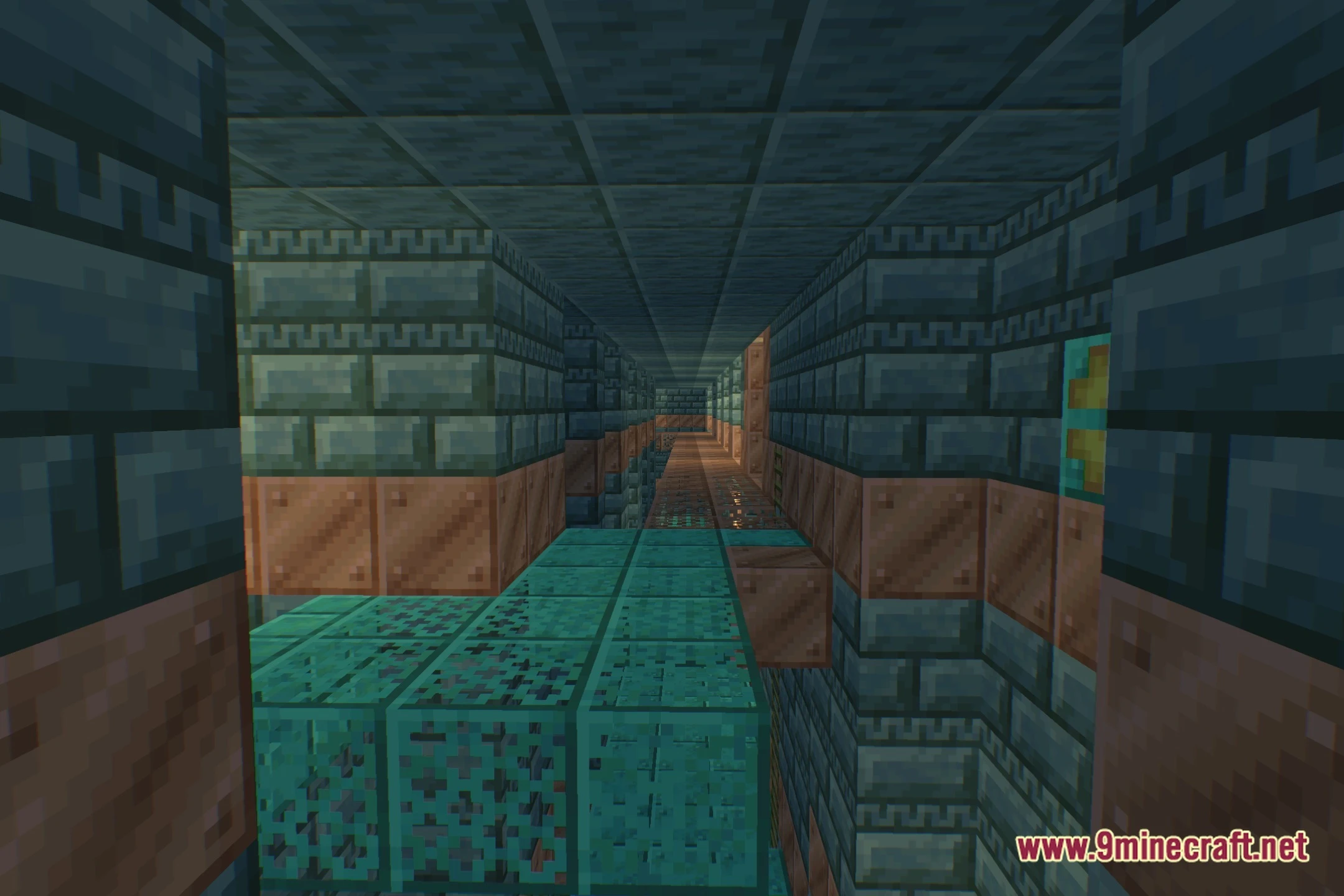
CrumbShaders Download Links
Quick facts
- Edition: Minecraft Java
- File type: .zip (resource pack)
- Minecraft version listed: 1.20.1
- How to install: Download the .zip resource pack — do not unzip it. → Put it in .minecraft/resourcepacks. → Enable it in Options → Resource Packs.
- Where to get it: In MC Java Mods, or directly above on this page.
Install steps are the general flow for this file type — see the MC Java Mods guides for the full walkthrough.
File checked by MCModsHub
- Downloads as 522811.mcpack
- Download size: 290 KB
- Download link checked 7 Oct 2026 — working
- Mirrored on our own servers — the download does not depend on the original host
These come from our own check of the pack file, not from the source page.