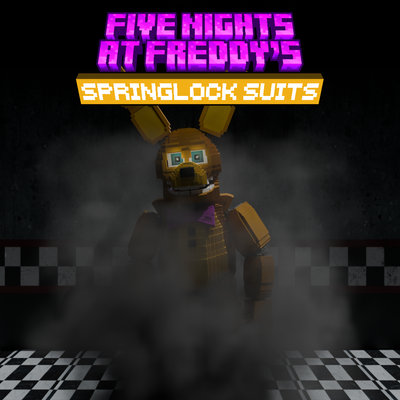
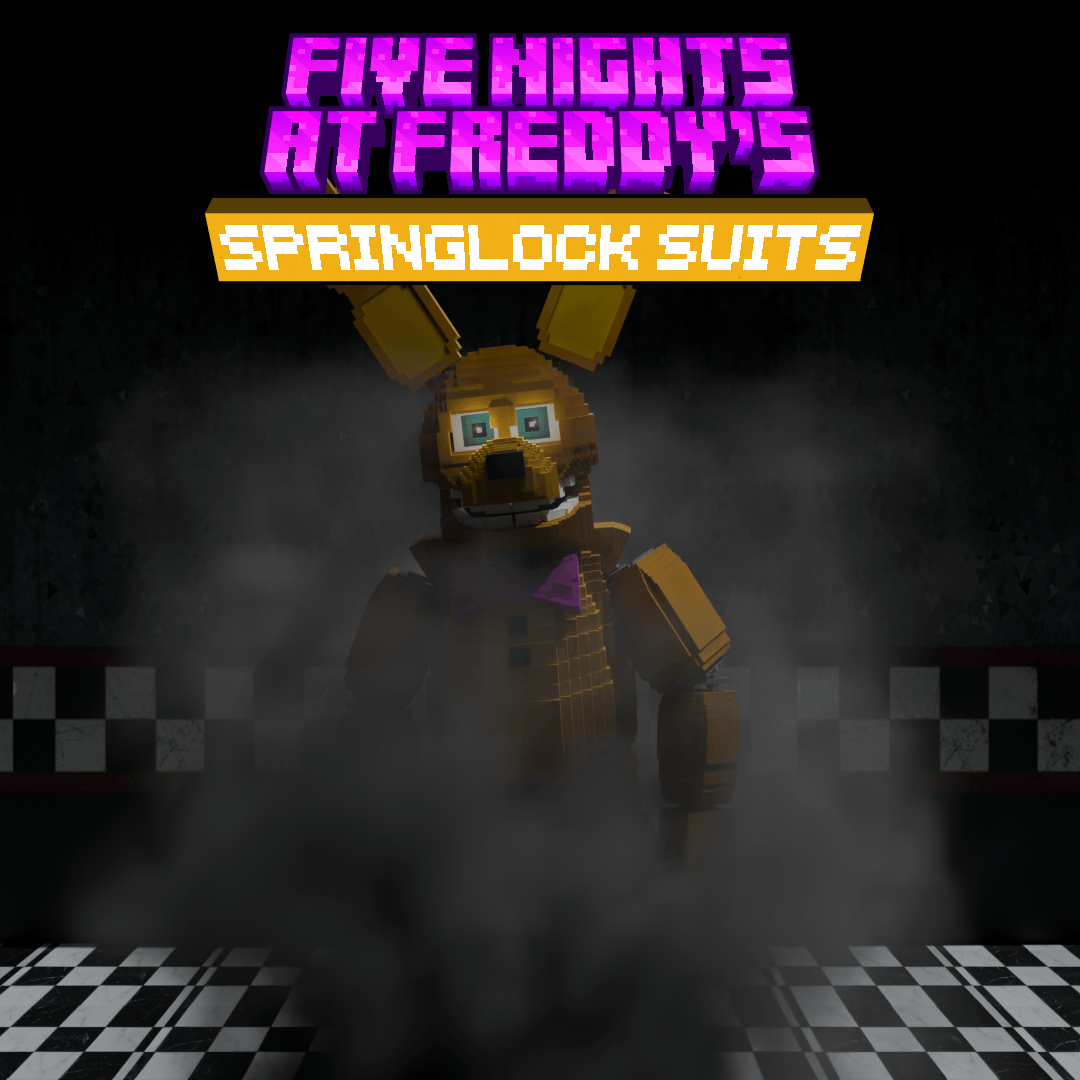
Five Nights at Freddy's Springlock Suits
Bedrock add-on listed for Minecraft 1.21–26.x (behavior + resource pack). File opened and checked on 8 Oct 2026; installs from the MC Bedrock Mods app on Android.
Five Nights at Freddy's: Springlock Suits is an add-on inspired by the famous Springlock suits from Five Nights at Freddy's. Its main reference is the…
⬇ Download on CurseForgeThe author built this one for Minecraft 26.50. On other versions it may install and then do nothing.
Warning: This add-on modifies the PLAYER.JSON, which could affect its compatibility with other add-ons. Keep that in mind.
Five Nights at Freddy's: Springlock Suits
Five Nights at Freddy's: Springlock Suits is an add-on inspired by the famous Springlock suits from Five Nights at Freddy's. Its main reference is the suit worn by William Afton in the Five Nights at Freddy's movie.
Explore new warehouses, find their components, and craft your own Springlock suit in Minecraft. But be careful: wearing one of these suits can have permanent consequences.
Are you brave enough to put one on and face the risks?
STRUCTURE
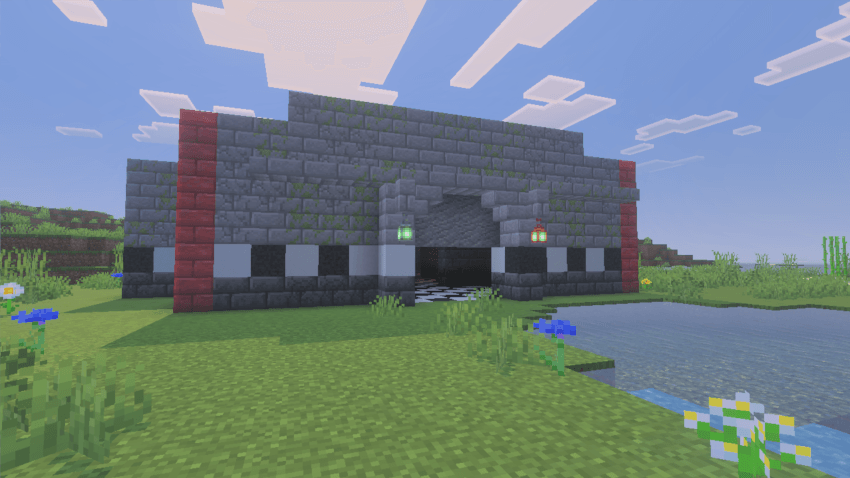
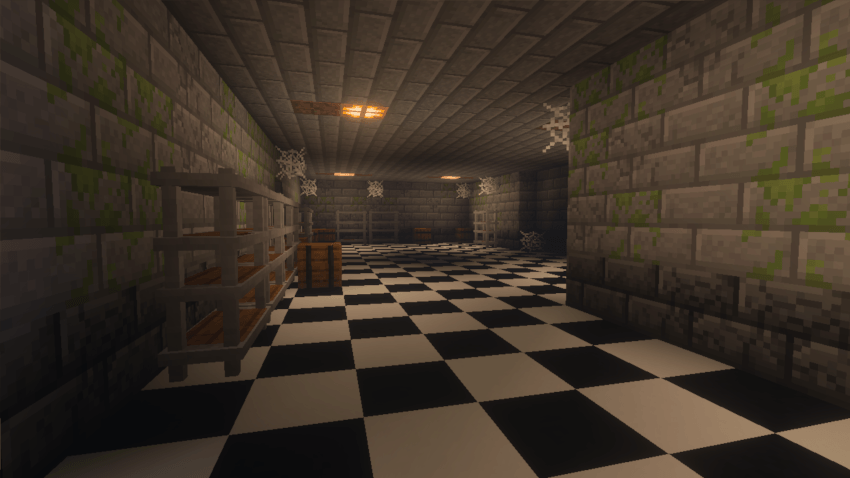
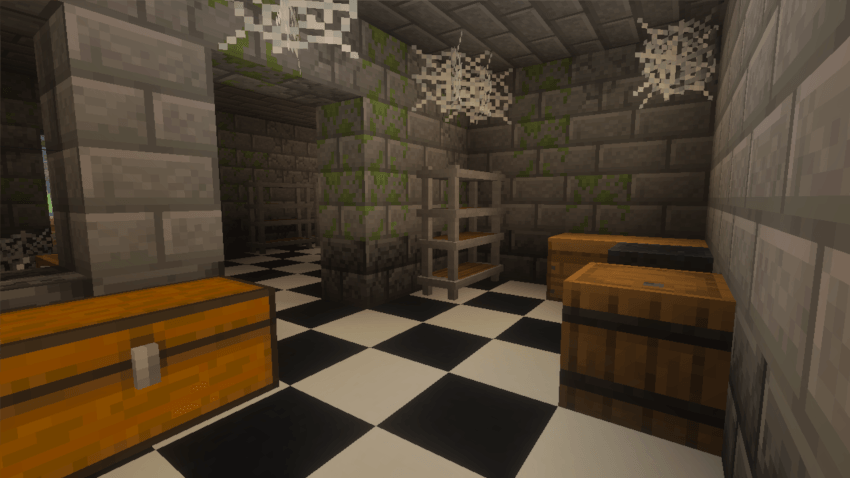
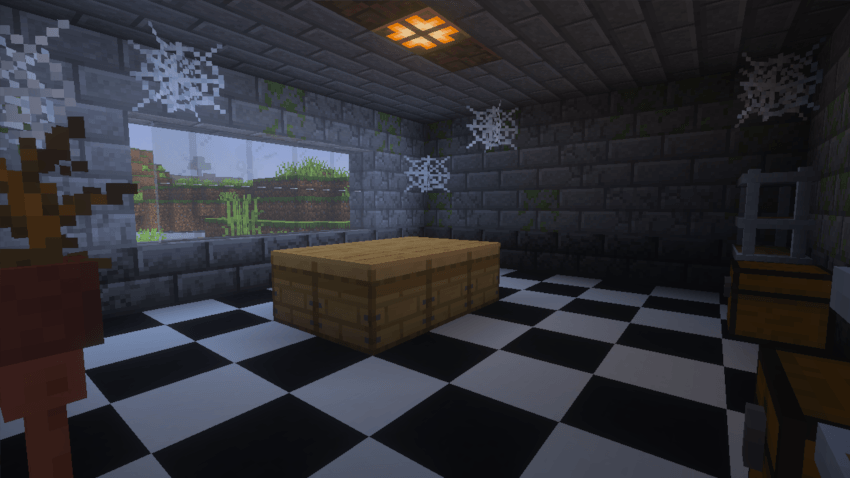
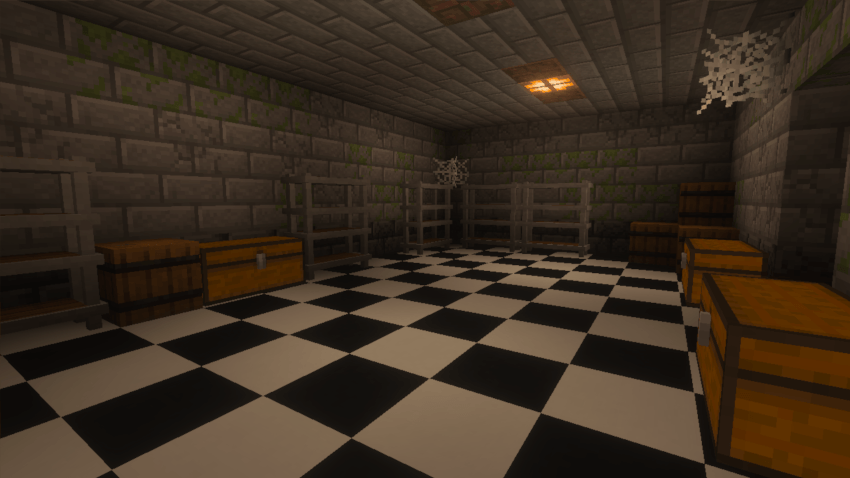
The add-on adds a new structure called Warehouse, which generates in the Overworld. Its chests can contain:
- Coal
- Copper
- Iron
- Iron nuggets
- Redstone
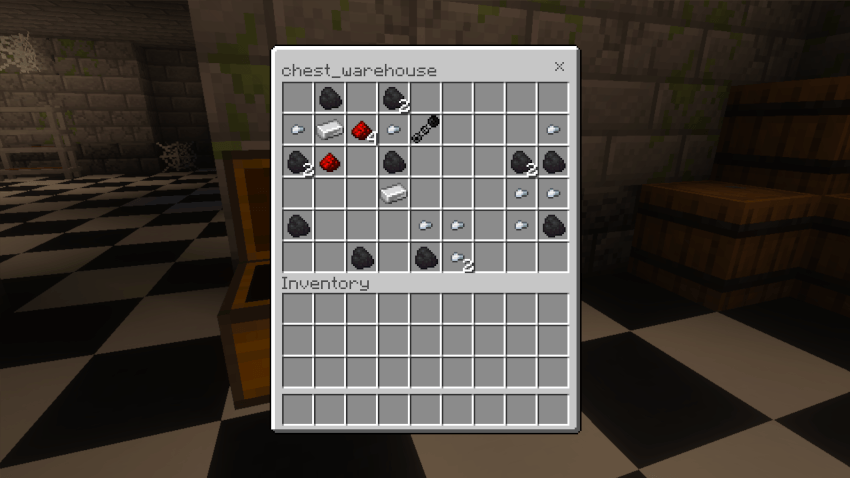
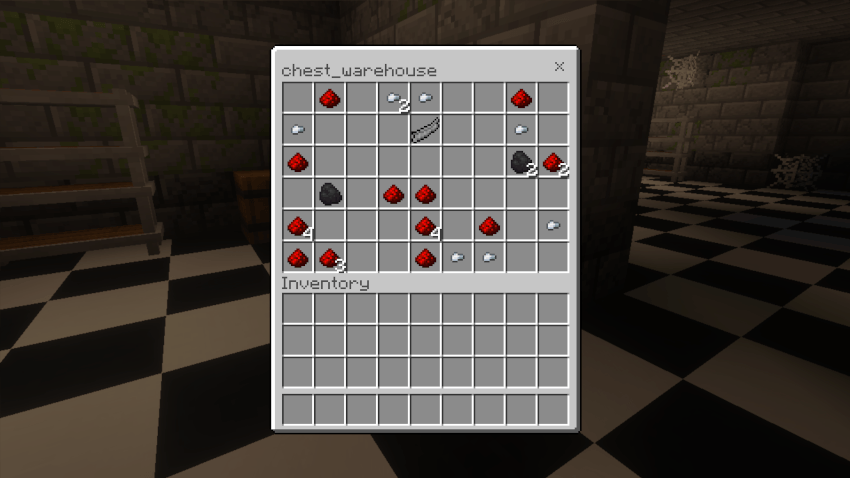
There is also a small chance of finding one of these Springlock components:
- Springlock Spring
- Springlock Rib
- Springlock Endoskeleton Part
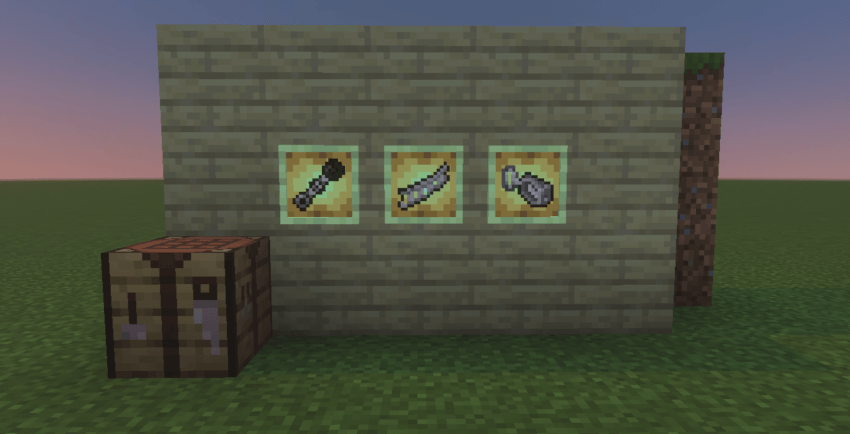
You will need all three types of components to craft the suit inspired by Spring Bonnie.
How to Craft the Suit
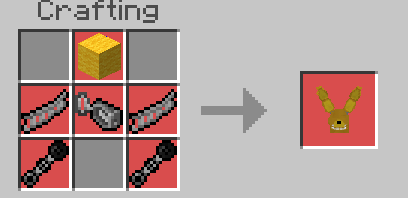
Use a crafting table to make the Spring Bonnie suit with:
- 1 Yellow Wool
- 1 Springlock Spring
- 2 Springlock Ribs
- 2 Springlock Endoskeleton Parts
The Suit's Phases
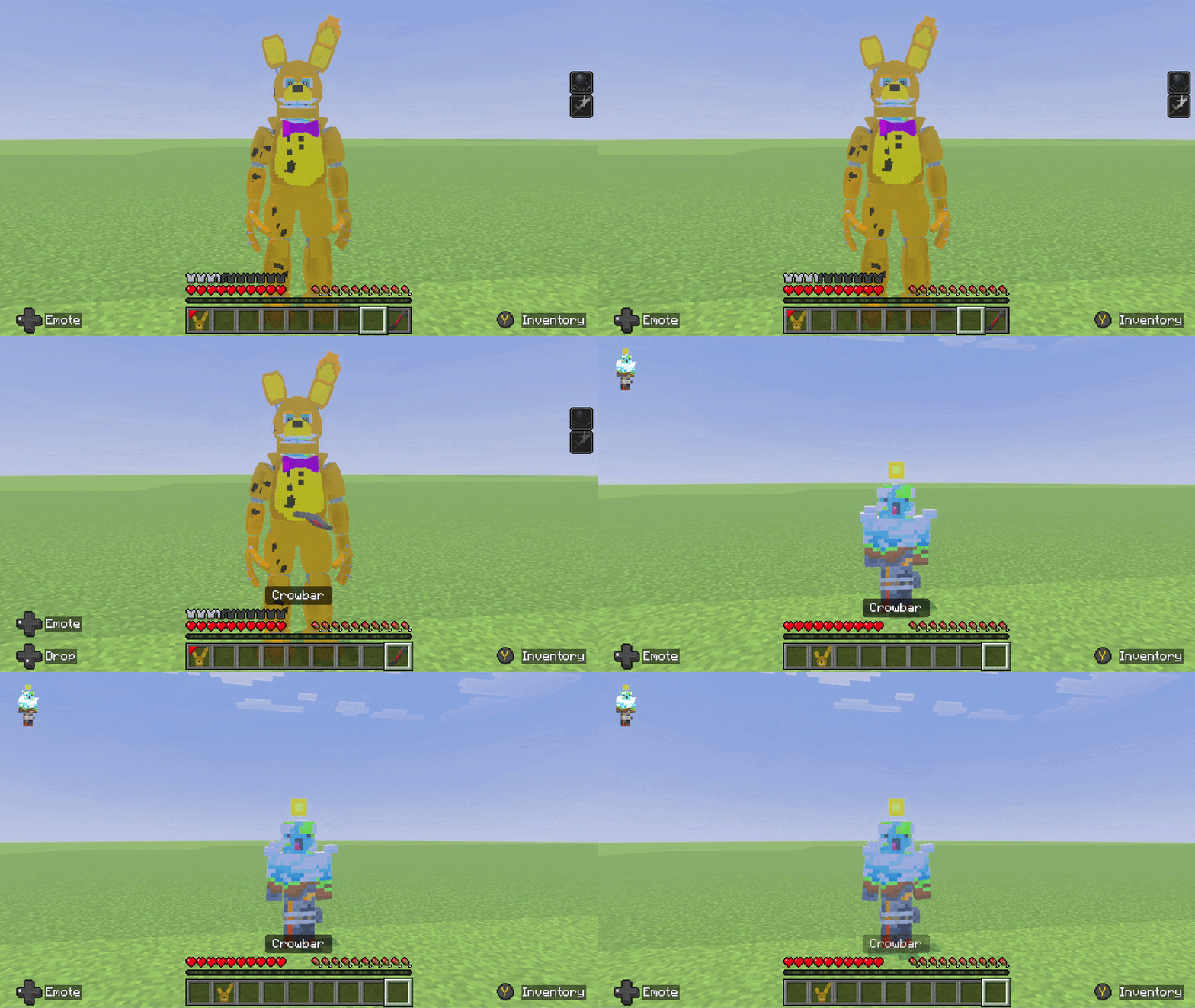
While wearing the suit, you will receive Strength IV and Slowness III. The suit has three phases:
- Spring Bonnie
This is the suit's normal form. It provides:
- 7 armor points
- 425 durability
- Strength IV
- Slowness III
When its durability reaches 0, the suit changes into its broken form.
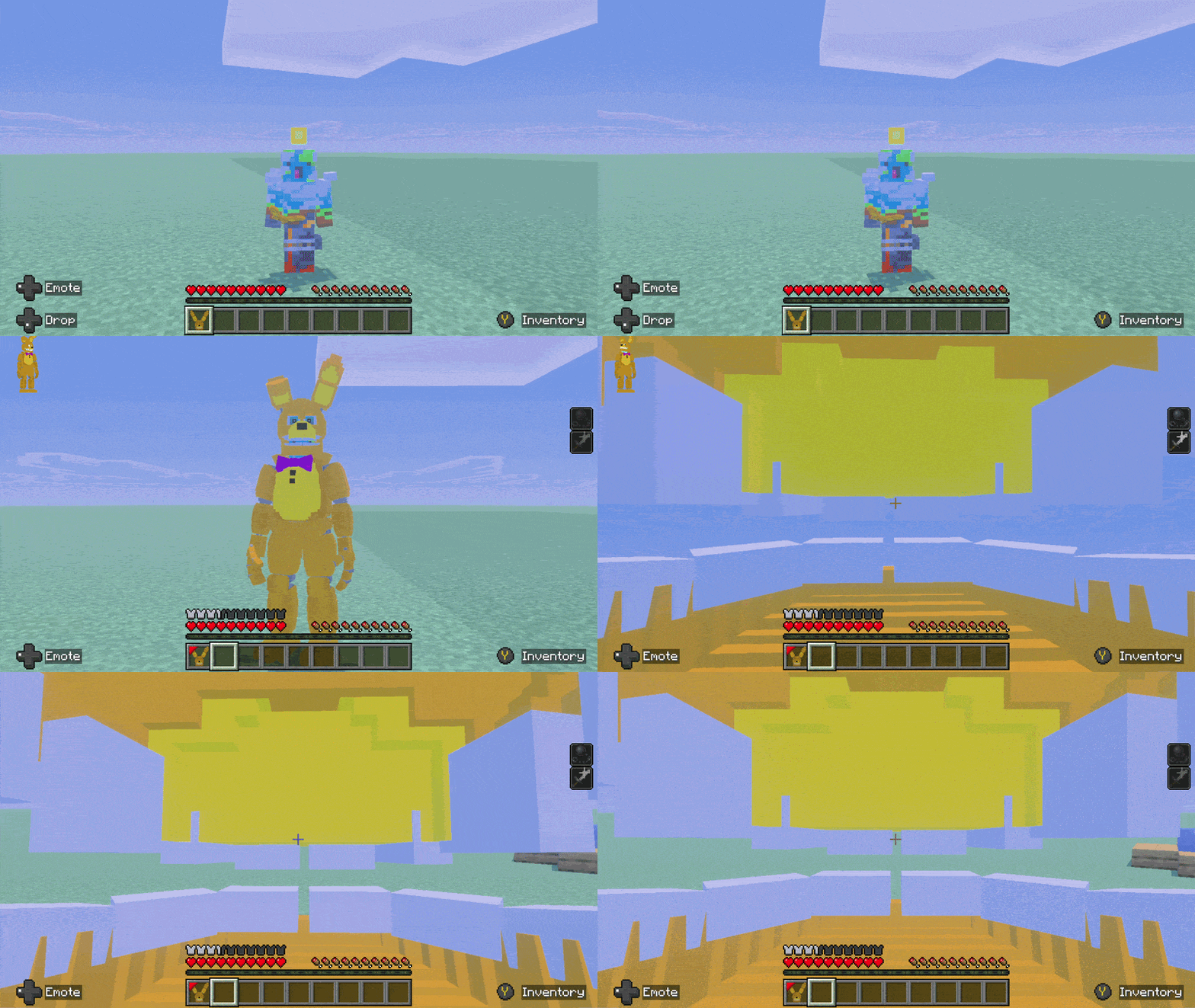
- Spring Bonnie Broken
The broken form provides:
- 7 armor points
- 150 durability
- Strength IV
- Slowness III
In this phase, you can no longer remove the suit normally, and a Springlock failure may occur.
To repair it, hold an iron ingot and use it while wearing the broken suit. Each ingot adds 20% repair progress, so you will need five ingots to reach 100%, plus a sixth ingot to restore the suit to Spring Bonnie.
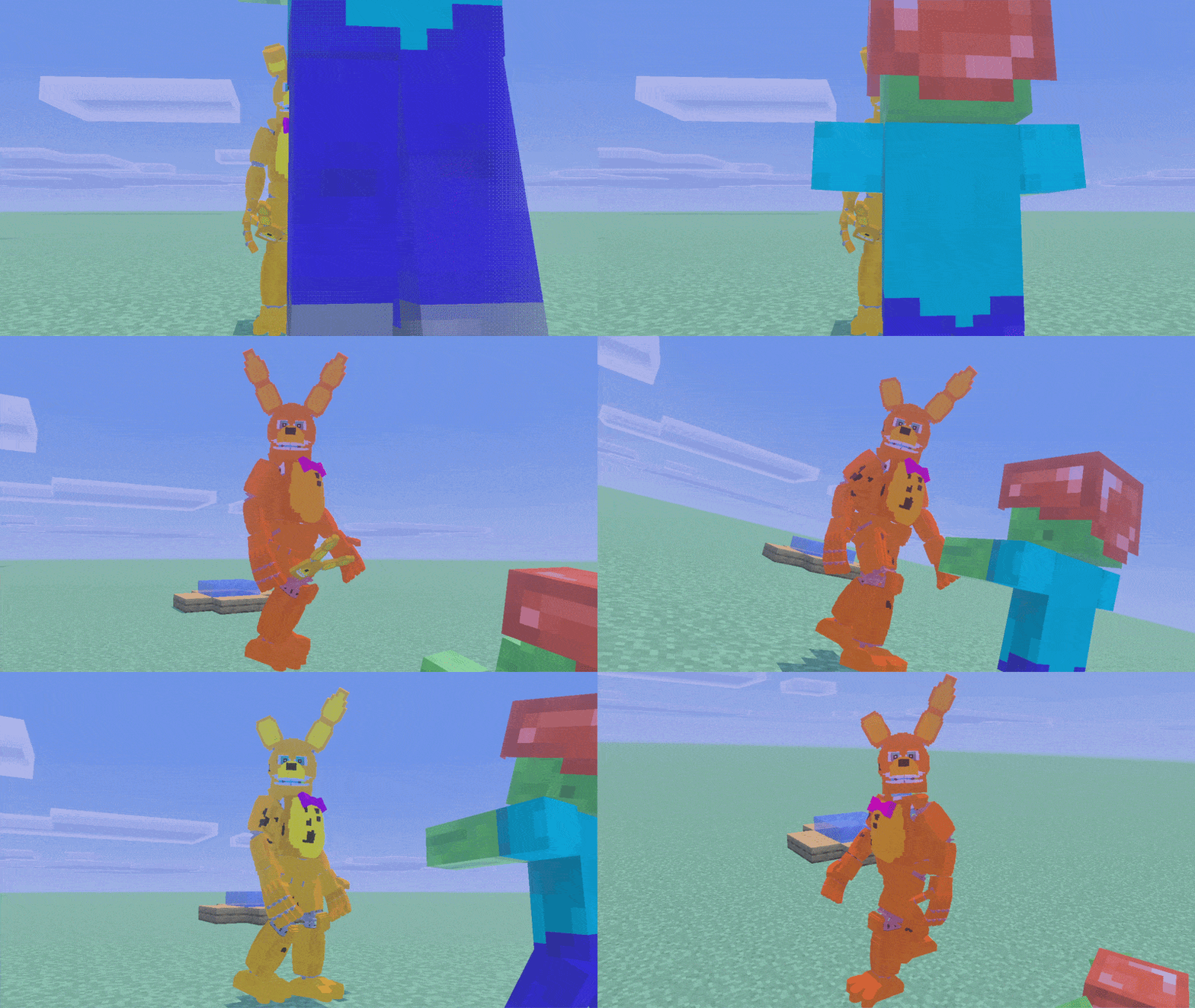
- Springtrap
When the Springlock failure sequence ends, you will become Springtrap. This transformation is permanent: the add-on does not provide a way to return to your normal state, and you will remain Springtrap even after dying.
Springtrap provides:
- 7 armor points
- Strength IV
- Slowness III
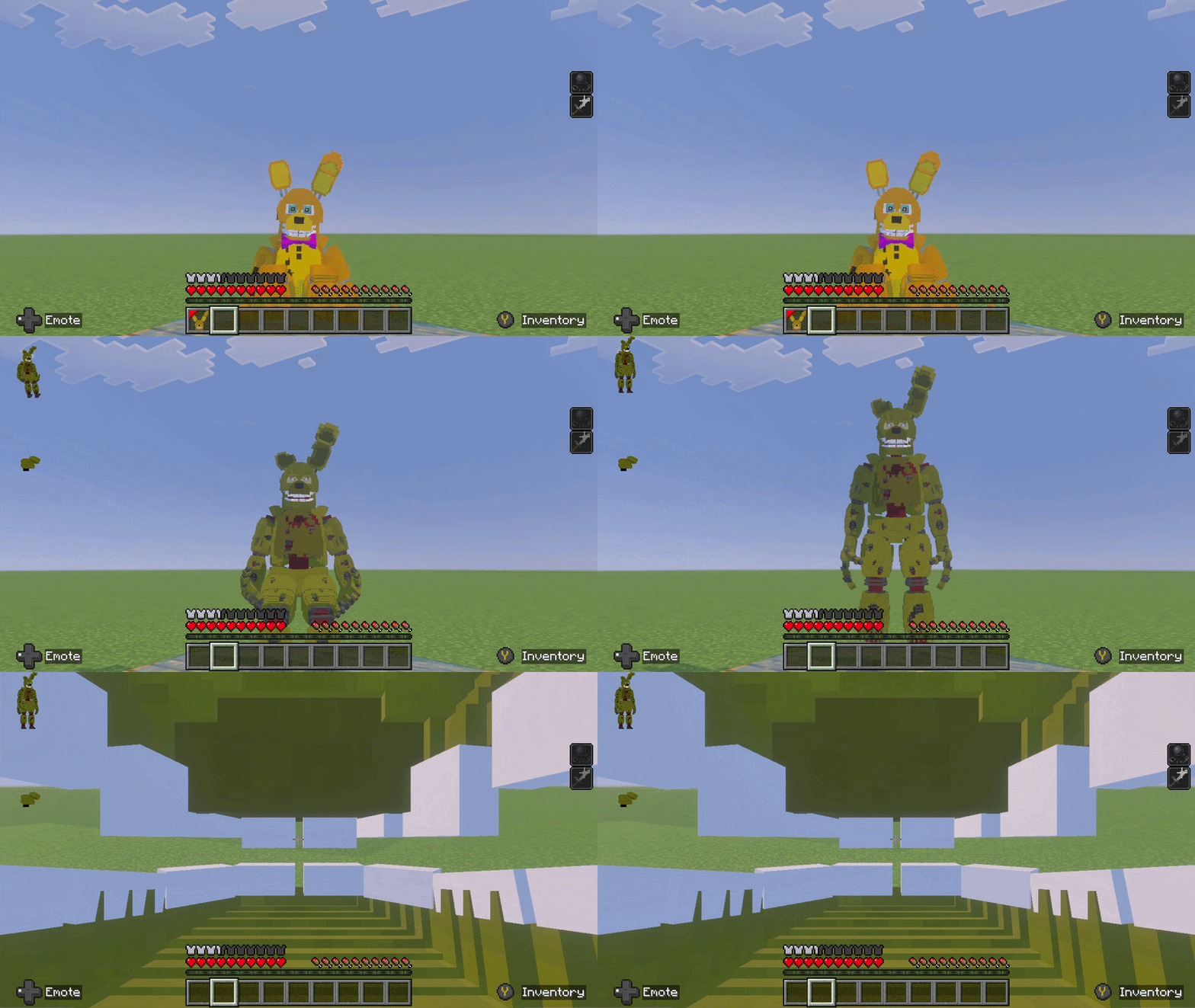
Springlock Failure Risks
A failure can only begin while you are wearing Spring Bonnie Broken. It can be triggered in these ways:
- Hits: Starting with the third hit that deals at least 4 points of damage within a 100-tick window, each qualifying hit has a 5% chance to trigger a failure.
- Water: Coming into contact with water triggers a failure immediately.
- Durability: If the broken suit's durability runs out, a failure may also begin.
Once it starts, the failure cannot be stopped.
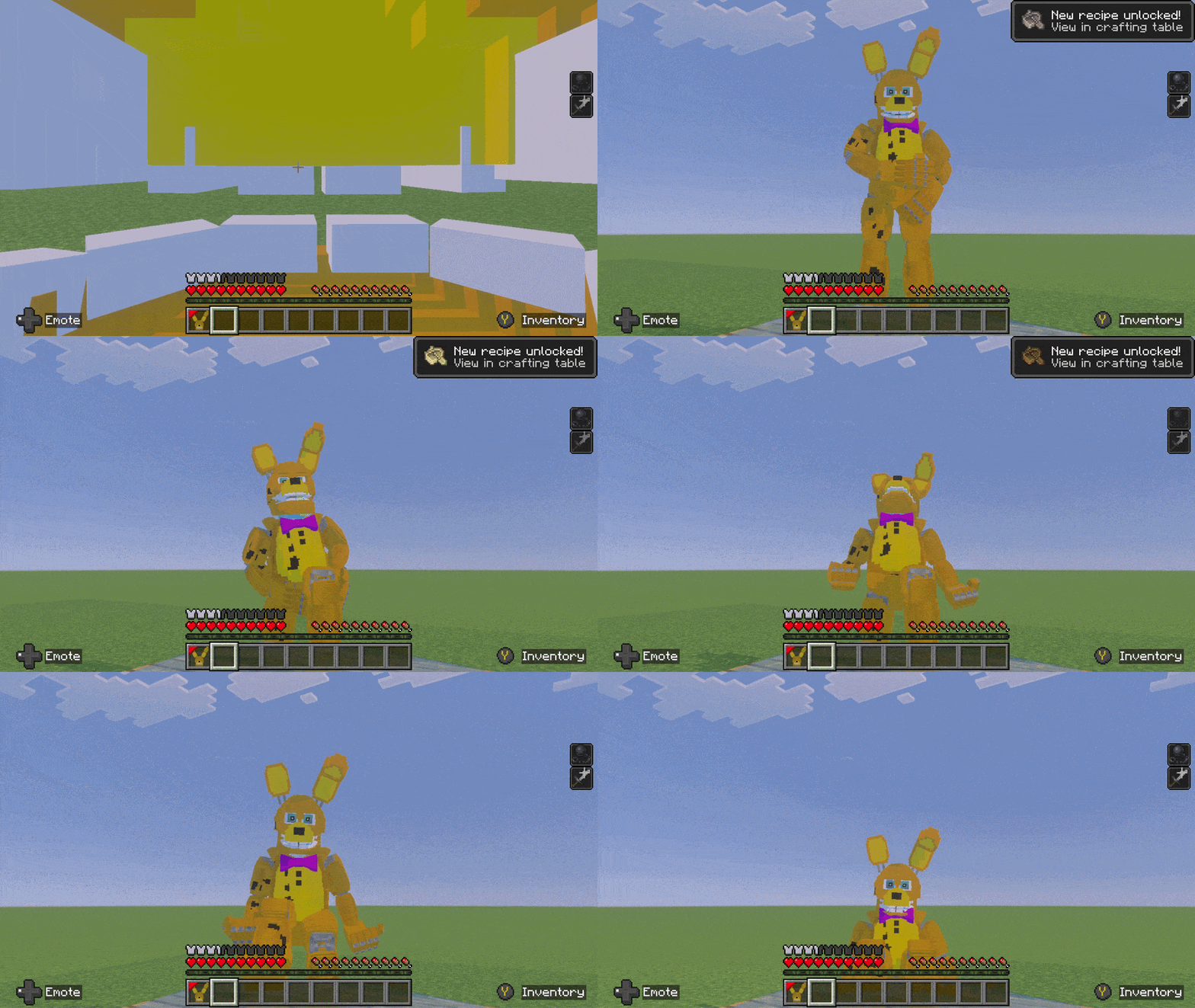
Mask
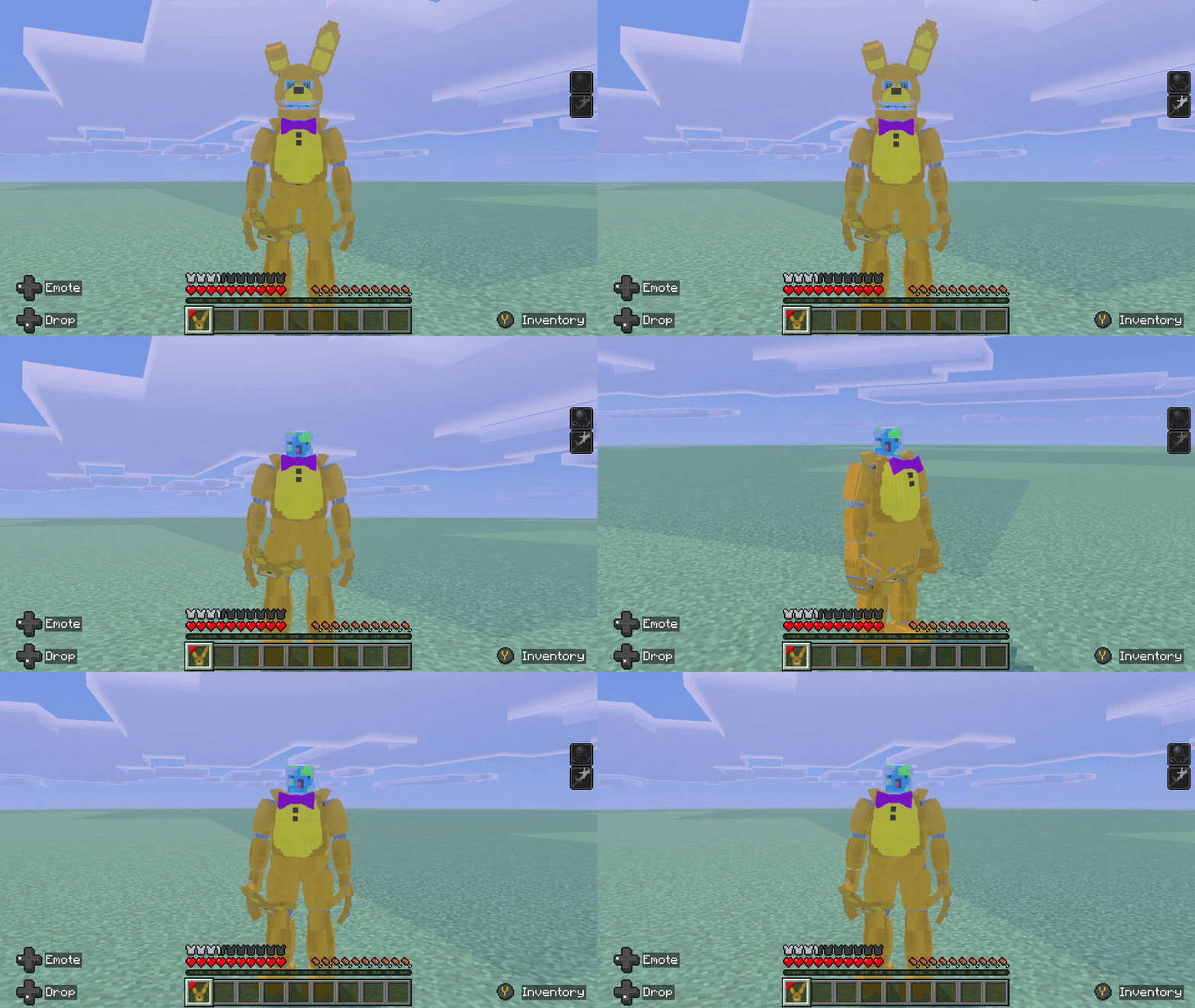
While wearing Spring Bonnie or Spring Bonnie Broken, you will receive a control item in your hotbar. Use it to remove or put the suit's mask back on, improving your first-person visibility.
Once you become Springtrap, you can no longer change the mask.
Compatibility with Fazbear Frights
Five Nights at Freddy's: Springlock Suits is compatible with Five Nights at Freddy's: Fazbear Frights.
With both add-ons enabled in the same world, you can use the crowbar from Fazbear Frights to remove the Spring Bonnie Broken suit. The crowbar is consumed when you remove the suit, and you need one free inventory slot.
Experimental Features
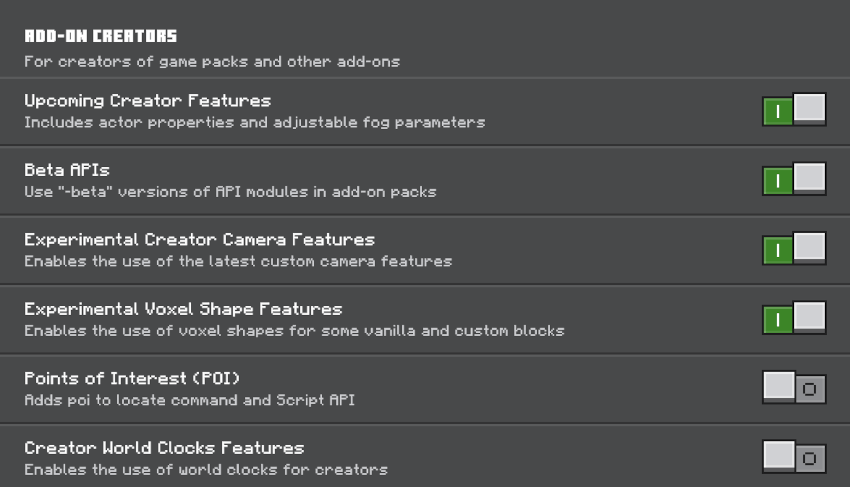
Remember to enable the following experimental features:
Support
If you enjoy my add-ons and would like to support my work, you can buy me a coffee through Ko-fi. All support is greatly appreciated and helps me continue creating content for the community.

- Edition: Minecraft Bedrock
- File type: .mcpack or .mcaddon
- Minecraft version listed: 26.50
- How to install: Download the .mcpack or .mcaddon file. → Open it — Minecraft imports it. → In your world: Behavior Packs → Available → Activate, then the same under Resource Packs.
- Where to get it: Opens on CurseForge — not every file is mirrored on our own servers.
Install steps are the general flow for this file type — How to install Minecraft Bedrock addons & mods walks through it step by step.
- Pack type: .mcaddon — behaviour and resource pack in one file
- Manifest requires Minecraft 1.21.50 or newer
- Complete pack — everything it depends on is inside the file
- Download size: 2.5 MB
- Download link checked 8 Oct 2026 — working
These come from our own check of the pack file, not from the source page.