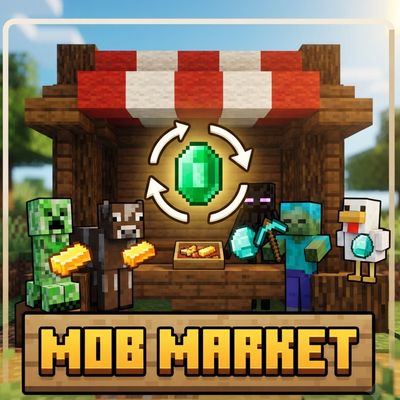
Every Mob Trades
Bedrock add-on listed for Minecraft 26.x (behavior + resource pack). File opened and checked on 8 Oct 2026; installs from the MC Bedrock Mods app on Android.
Every Mob Trades lets you trade with almost every Minecraft mob! Use emeralds to open unique trade menus and exchange common items for rare loot, powerful…
⬇ Download on CurseForge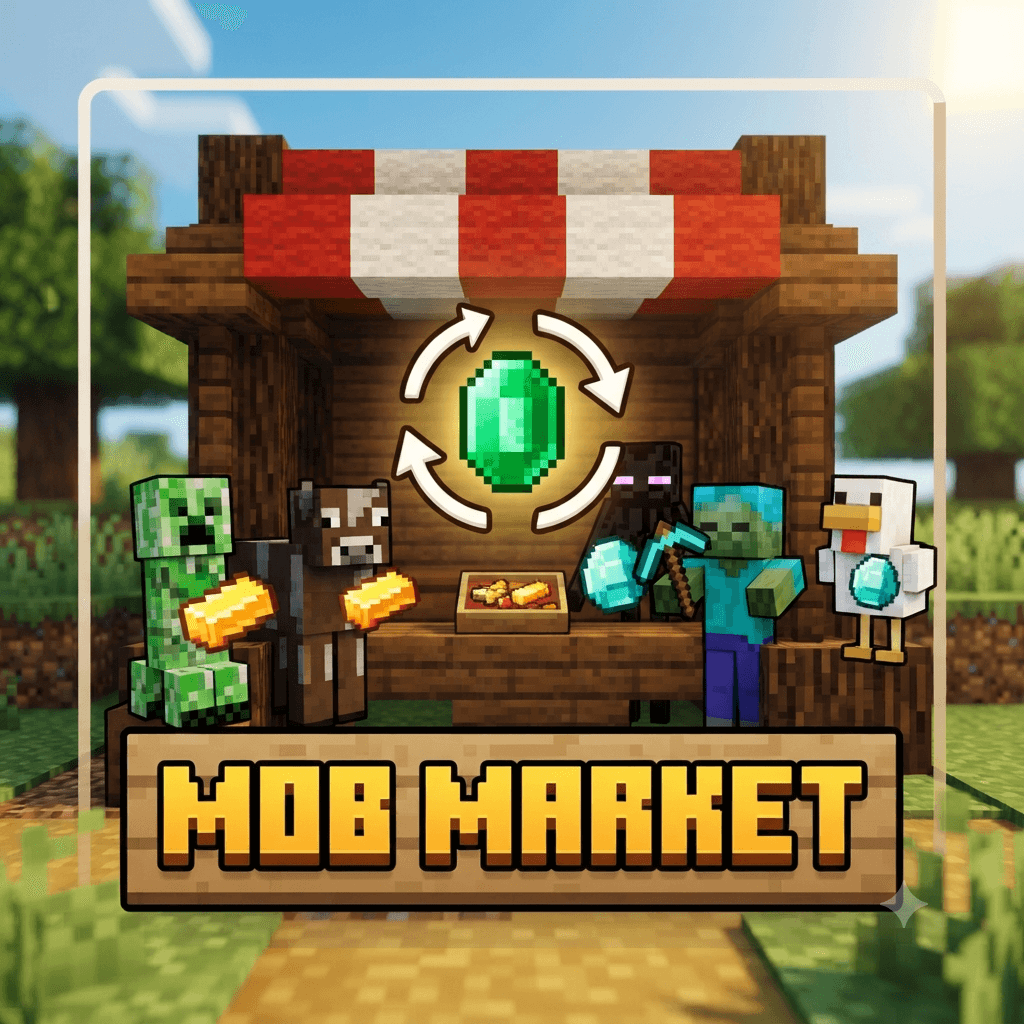
Every Mob Trades
Every Mob Trades expands Minecraft's trading system by giving almost every mob its own trade menu. From friendly animals to dangerous monsters and powerful bosses, you can now interact with mobs in a completely new way and exchange useful items for valuable rewards.
Features
Trade With Almost Every Mob
The add-on adds trading support for 91 different mobs, including:
-
Cows, Pigs, Sheep, Chickens, Rabbits and other farm animals
-
Allays, Bees, Cats, Foxes, Wolves and other passive mobs
-
Blazes, Creepers, Skeletons, Zombies and other hostile mobs
-
Guardians, Elder Guardians, Endermen and other dangerous creatures
-
The Wither and Ender Dragon
-
Villagers and Wandering Traders
-
Newer mobs such as the Breeze, Bogged, Creaking, Copper Golem, Happy Ghast and more
Each mob has its own set of trades based on its theme and related items.
Unique Trades
Trade common resources for powerful and rare rewards.
Depending on the mob, trades can include:
-
Diamonds and Diamond Blocks
-
Netherite Ingots and Netherite Armor
-
Netherite Tools and Weapons
-
Totems of Undying
-
Enchanted Golden Apples
-
Shulker Boxes
-
Beacons
-
Conduits
-
Elytra
-
Tridents
-
Maces
-
TNT
-
And many other valuable items
For example, a Creeper can trade Gunpowder for a Totem of Undying, while a Bee can exchange Honey-related items for powerful rewards.
Simple Trading System
You don't need to replace the normal mob interaction system.
To open a mob's trade menu:
-
Hold an Emerald in your hand.
-
Aim at the mob you want to trade with.
-
Sneak while targeting the mob.
-
Tap the floating Trade icon.
-
The familiar Minecraft trade screen will open.
The add-on uses a floating trade marker, so normal mob interactions remain available.
Unlimited Trades
Trades are configured with extremely high usage limits, allowing you to repeatedly exchange resources without the usual low trade limits.
This makes the add-on useful for:
-
Survival worlds
-
Skyblock
-
Challenge worlds
-
Resource farming
-
Adventure maps
-
Multiplayer servers
Compatibility
-
Minecraft Bedrock Edition: 1.26.0+
-
Requires the Behavior Pack and Resource Pack included with this add-on.
-
Designed for both survival and multiplayer gameplay.
-
The add-on uses the Minecraft Script API for its trading system.
Installation
-
Import the add-on into Minecraft Bedrock Edition.
-
Activate both the Behavior Pack and Resource Pack in your world.
-
Enter the world.
-
Hold an Emerald and aim at a mob.
-
Sneak and use the floating Trade button to open its trades.
Credits
Created by DBKAR
Enjoy a new trading experience where almost every mob has something valuable to offer!
- Edition: Minecraft Bedrock
- File type: .mcpack or .mcaddon
- Minecraft versions listed: 26.0.02, 26.0, 26.3
- How to install: Download the .mcpack or .mcaddon file. → Open it — Minecraft imports it. → In your world: Behavior Packs → Available → Activate, then the same under Resource Packs.
- Where to get it: Opens on CurseForge — not every file is mirrored on our own servers.
Install steps are the general flow for this file type — How to install Minecraft Bedrock addons & mods walks through it step by step.
- Pack type: .mcaddon — behaviour and resource pack in one file
- Manifest requires Minecraft 1.26.0 or newer
- Complete pack — everything it depends on is inside the file
- Download size: 493 KB
- Download link checked 8 Oct 2026 — working
These come from our own check of the pack file, not from the source page.