ModsJava
Interstellar Redstone Exploration Mod (1.21.1, 1.20.1)
Java mod listed for Minecraft 1.20–1.21. Downloads from the MC Java Mods app on Android.
⬇ Download


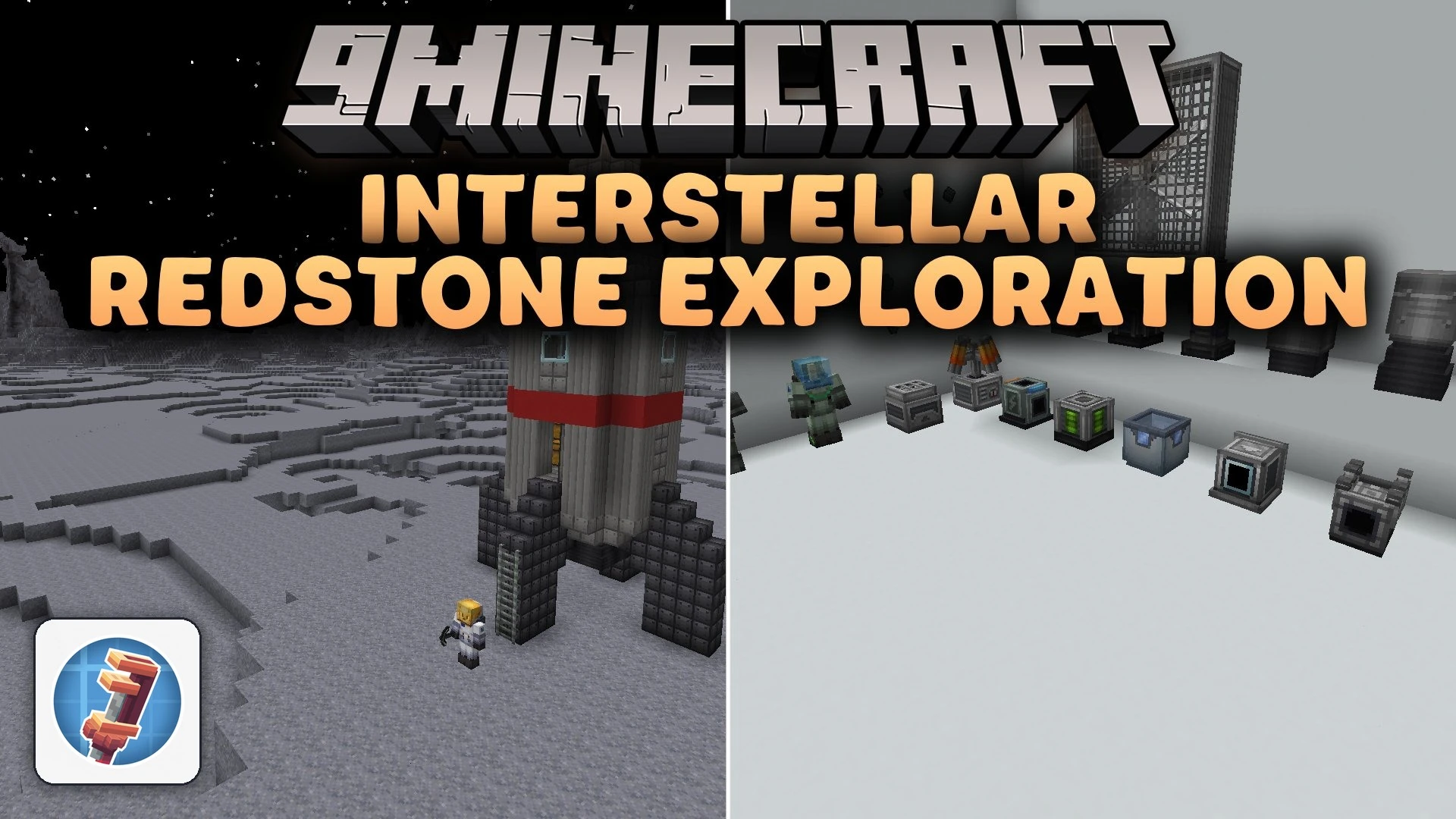
Interstellar Redstone Exploration Mod extends Create with custom spacecraft and interplanetary travel. You can build functional rockets using contraption mechanics, blast off into orbit, and land on destinations like the Moon, Mars, and Venus. The mod brings alien wildlife, new materials like titanium, and colored space suits for harsh planetary atmospheres.
Features:
- Build custom rockets using mechanical parts and superglue.
- Travel to different celestial destinations including Earth orbit, the Moon, Mars, and Venus.
- Gather rare resources such as Titanium to craft strong components.
- Wear pressurized iron space suits that protect against vacuum damage and toxic air.
- Dye your space gear using all standard dye colors or international orange shades.
- Set up automated machinery, atmospheric concentrators, and landing pads on foreign worlds.
- Check interactive Ponder scenes and detailed tooltips to learn how machines work.
Planetary Wildlife:
- Moon fauna includes Moon Snails, Moon Eels, and Lunargrades.
- Mars threats include Mars Cobras, Devil Moths, Echo Worms, and Root Toads.
- Venus hazards include aggressive Venus Scorpions, Stone Bulls, and Vultures.
- Mercury hosts strange animals such as Mercurian Raptors, Roaches, and Tortoises.
How to Use:
- Craft the Rocket Station block and place it on a flat platform.
- Hold W over the station block in your inventory to view its Ponder tutorial.
- Construct your rocket structure on the launchpad and secure the blocks together using Super Glue.
- Craft and equip a full set of iron space suit armor along with oxygen tanks before launch.
- Fuel the engines, enter the cockpit seat, and initiate the launch sequence to reach outer space.
Screenshots:
Interstellar Redstone Exploration Mod Download Links
Quick facts
- Edition: Minecraft Java
- File type: .jar
- Minecraft versions listed: 1.21.1, 1.20.1
- How to install: Install the matching mod loader (Forge, Fabric or NeoForge) for your Minecraft version. → Download the .jar. → Put it in the .minecraft/mods folder and launch that loader profile.
- Where to get it: In MC Java Mods, or directly above on this page.
Install steps are the general flow for this file type — How to install Minecraft Java mods & modpacks walks through it step by step.
File checked by MCModsHub
- Downloads as 523774.mcaddon
- Download size: 11.0 MB
- Download link checked 9 Oct 2026 — working
- Mirrored on our own servers — the download does not depend on the original host
These come from our own check of the pack file, not from the source page.