Drone , TNT Drones (26+, 1.21) – MCPE/Bedrock Addon
Bedrock add-on listed for Minecraft 1.21. Download on the author's site.
⬇ Download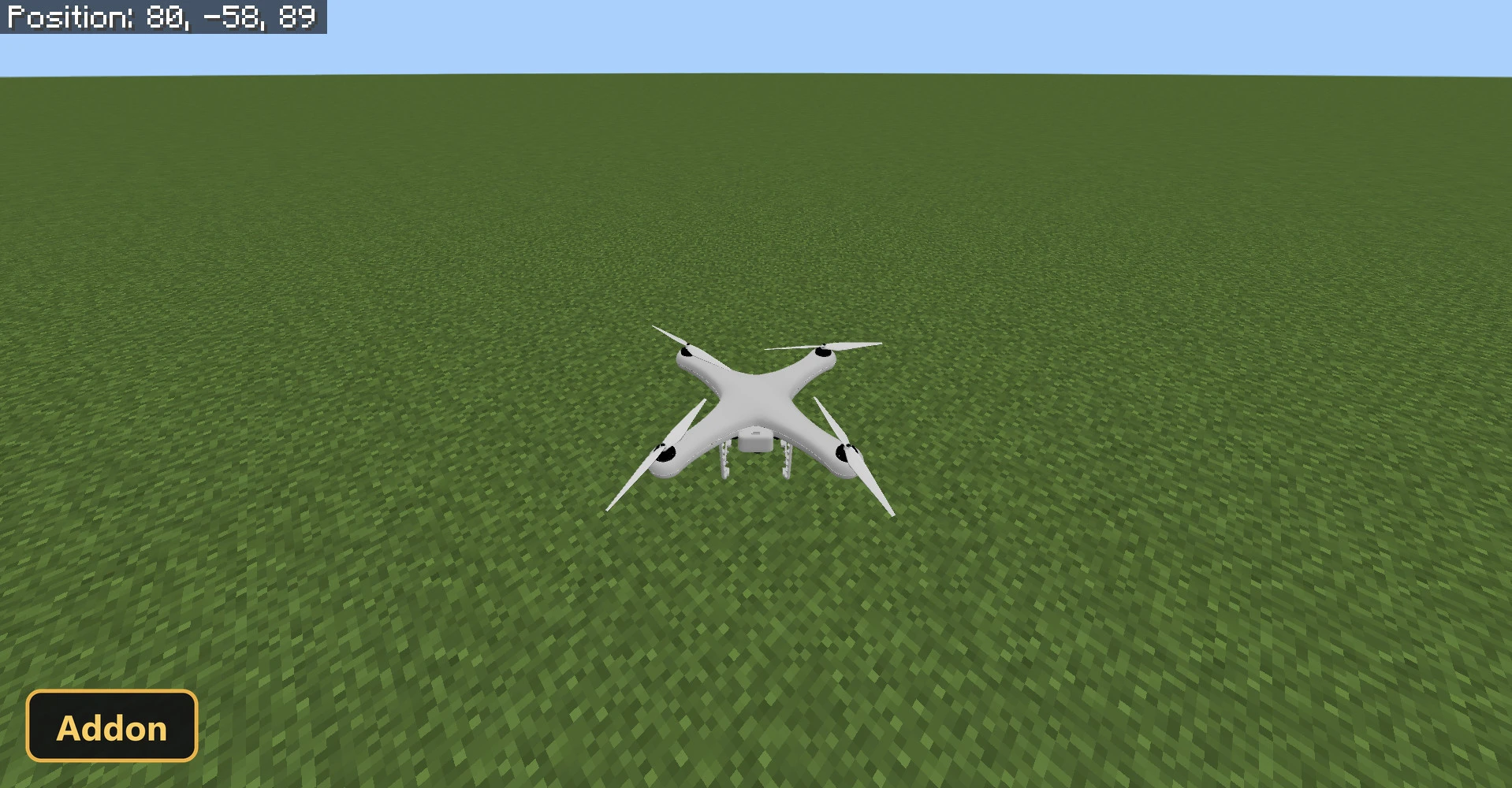
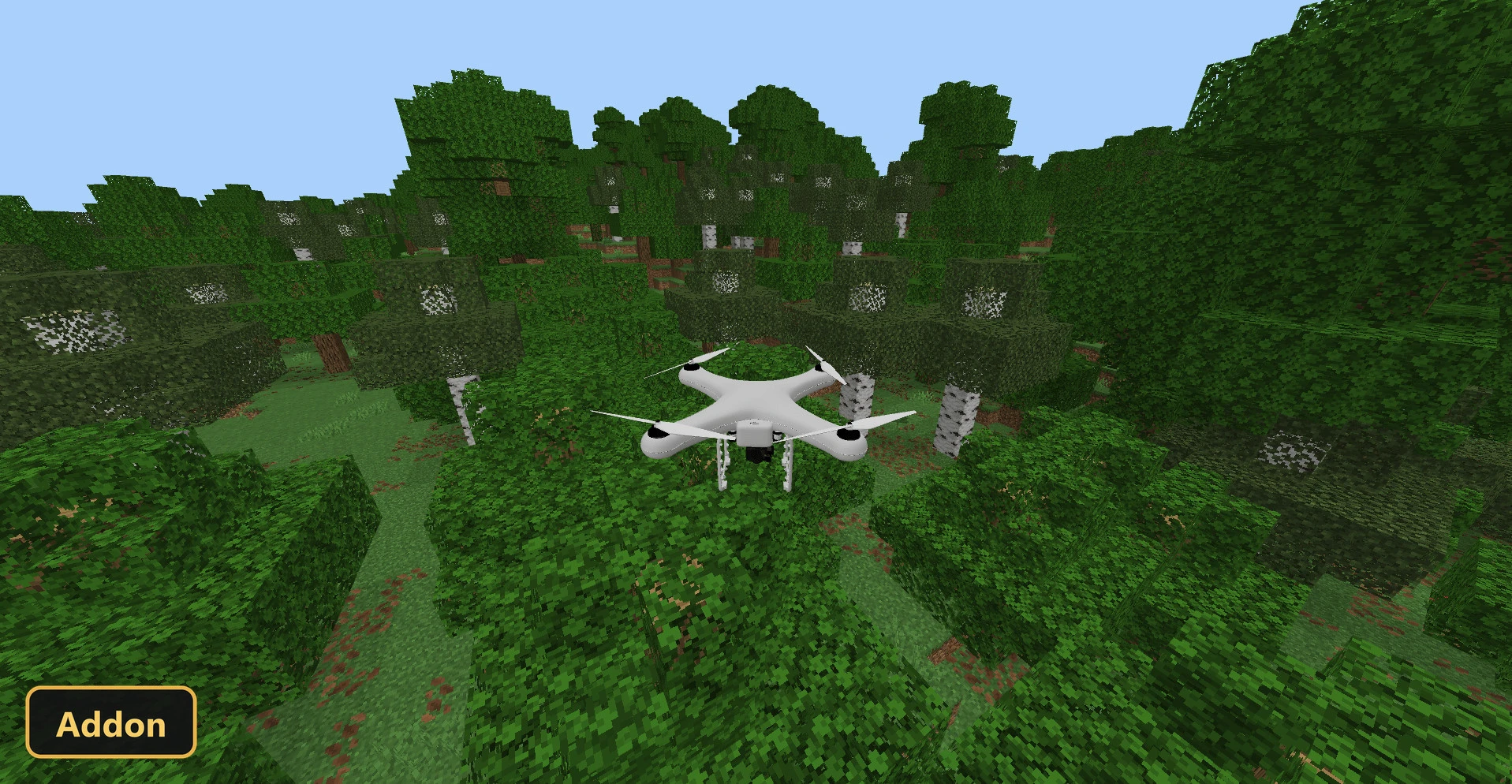
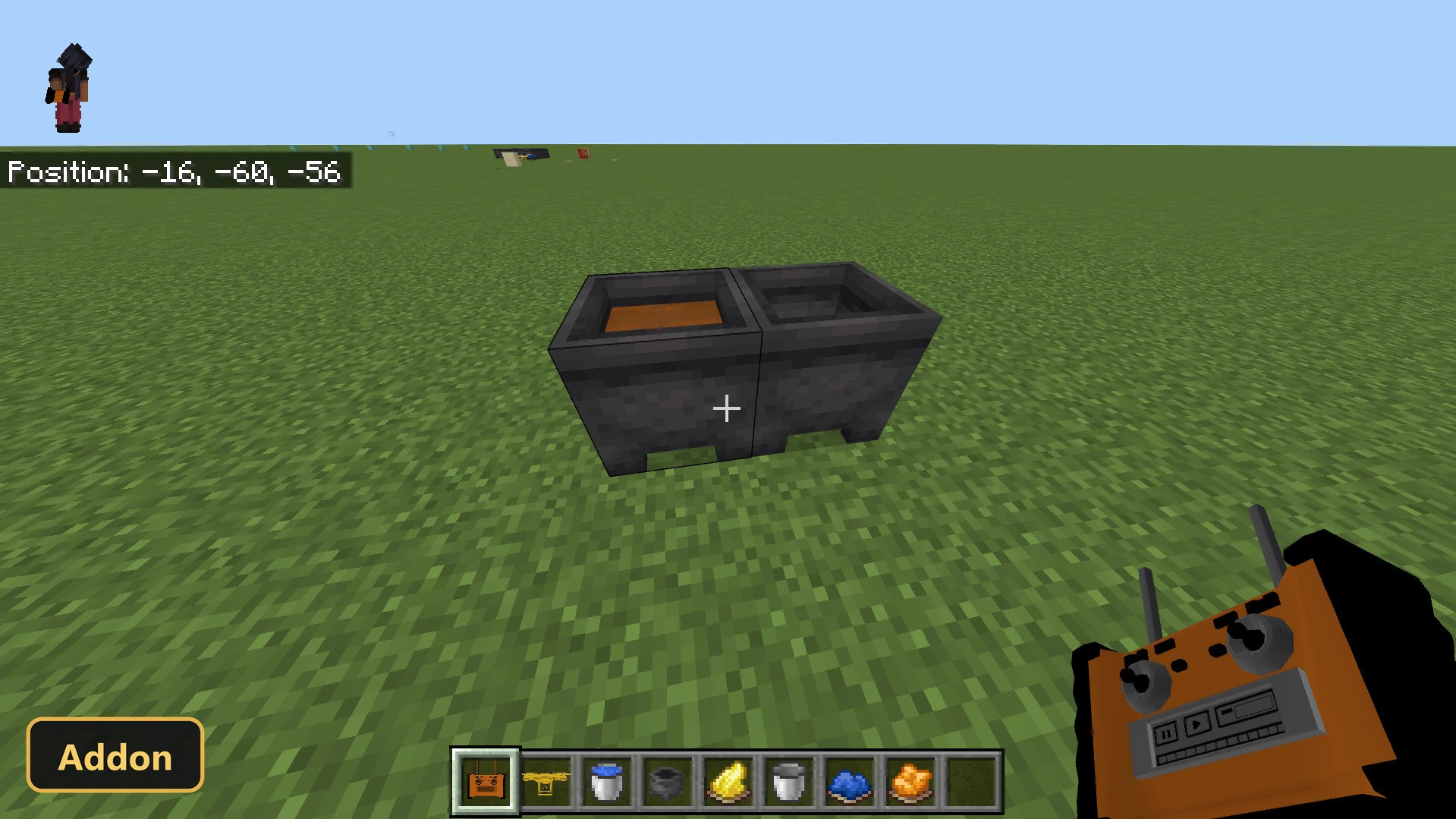
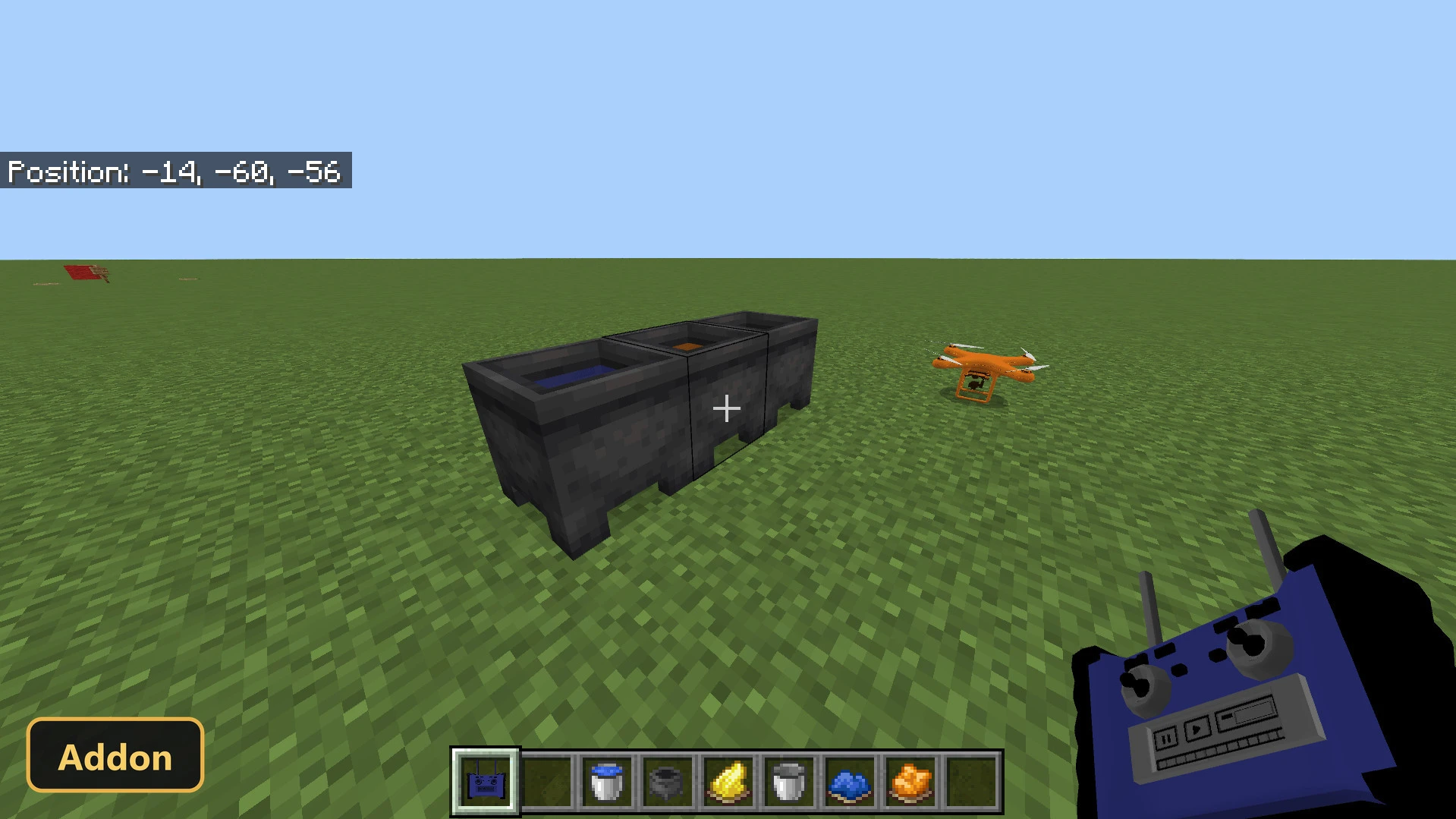
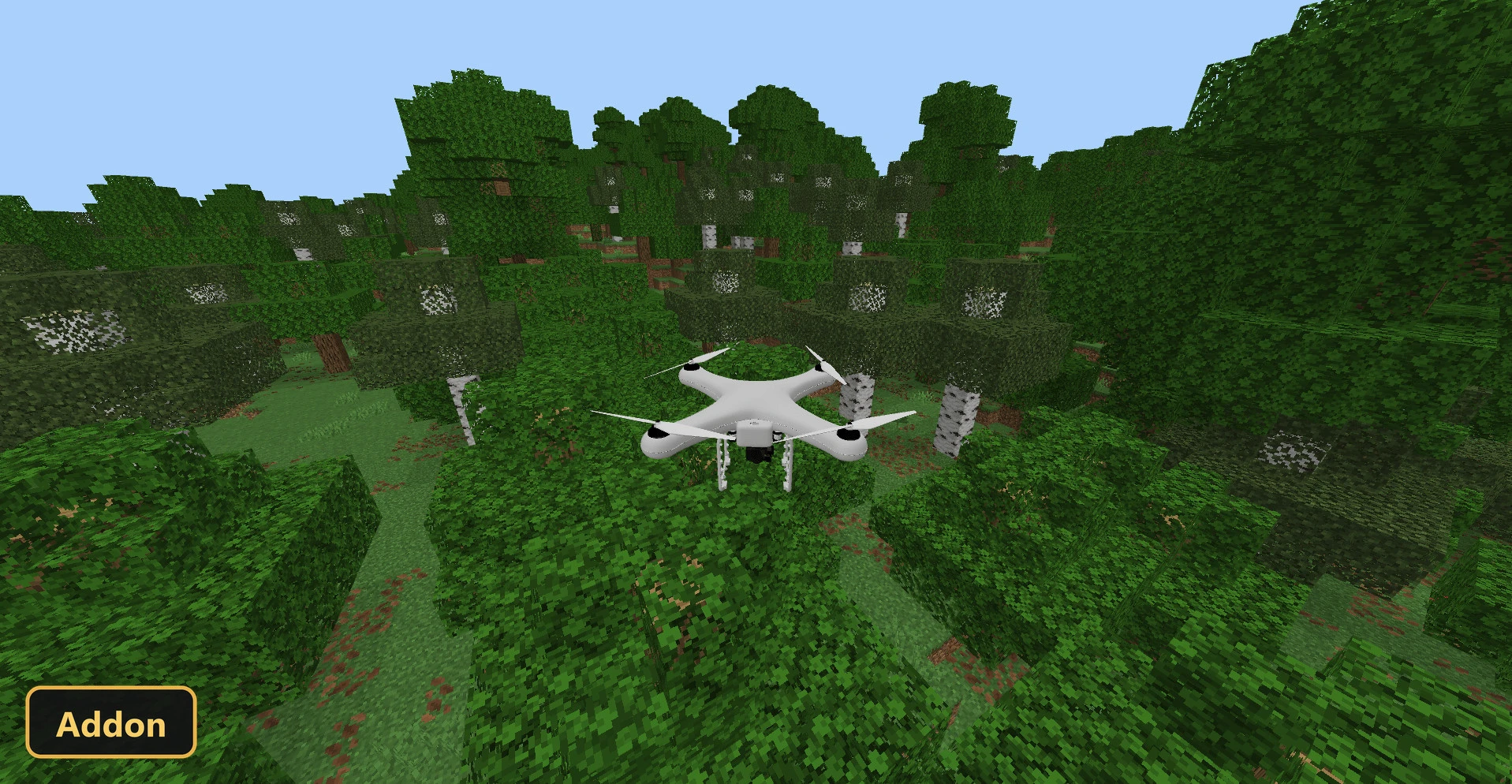
Drone , TNT Drones adds a controllable drone that players can fly to explore the world from a new perspective.
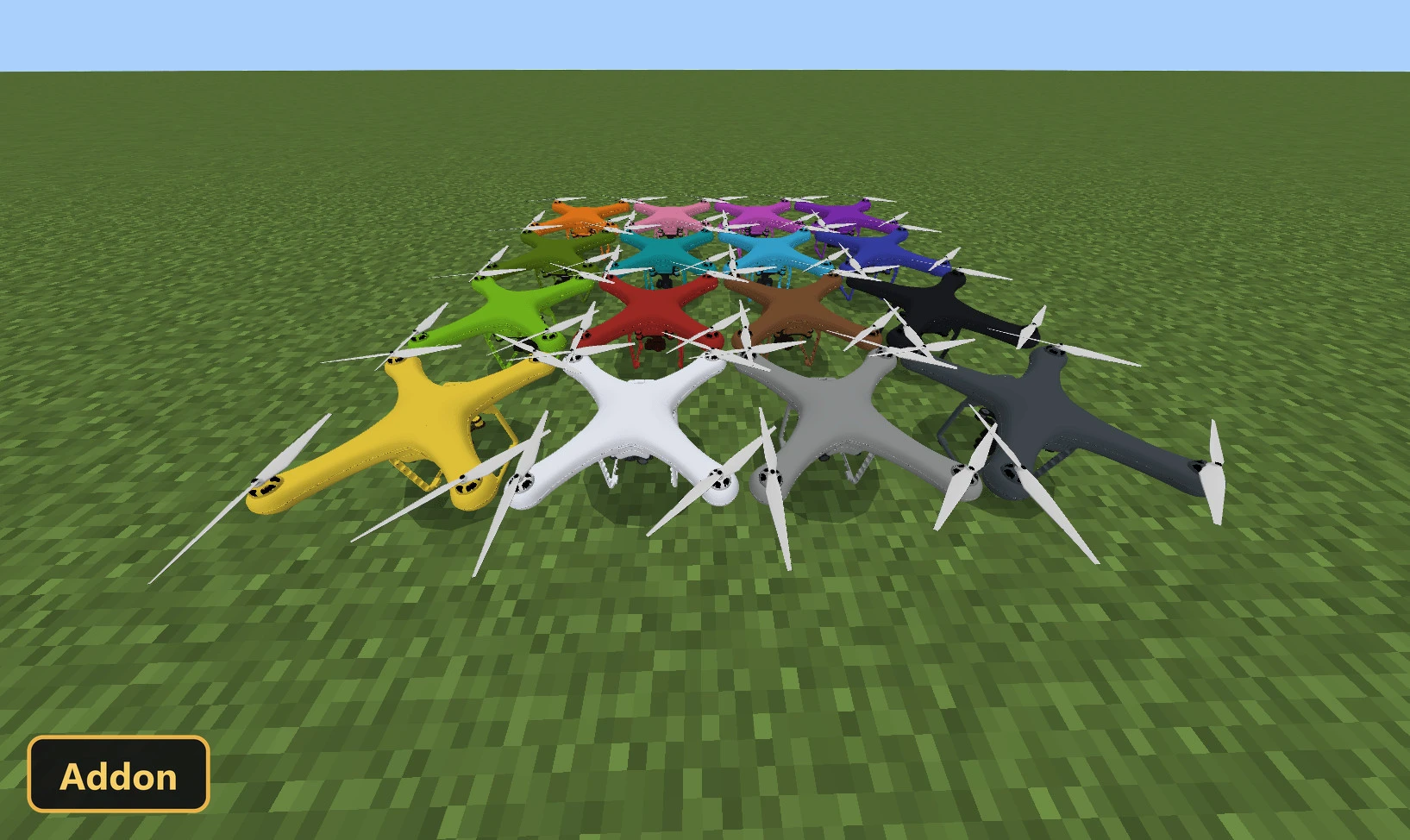
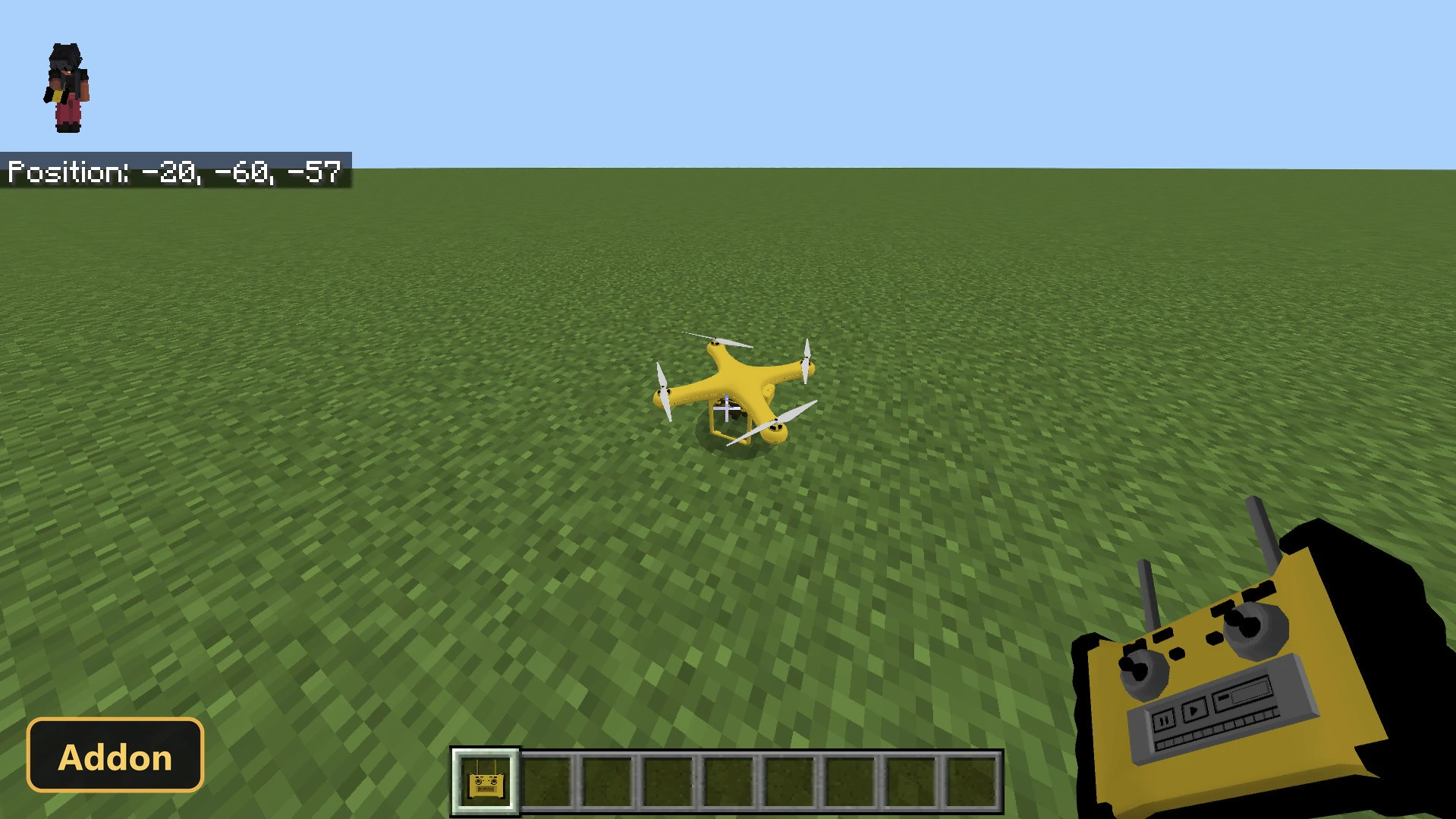
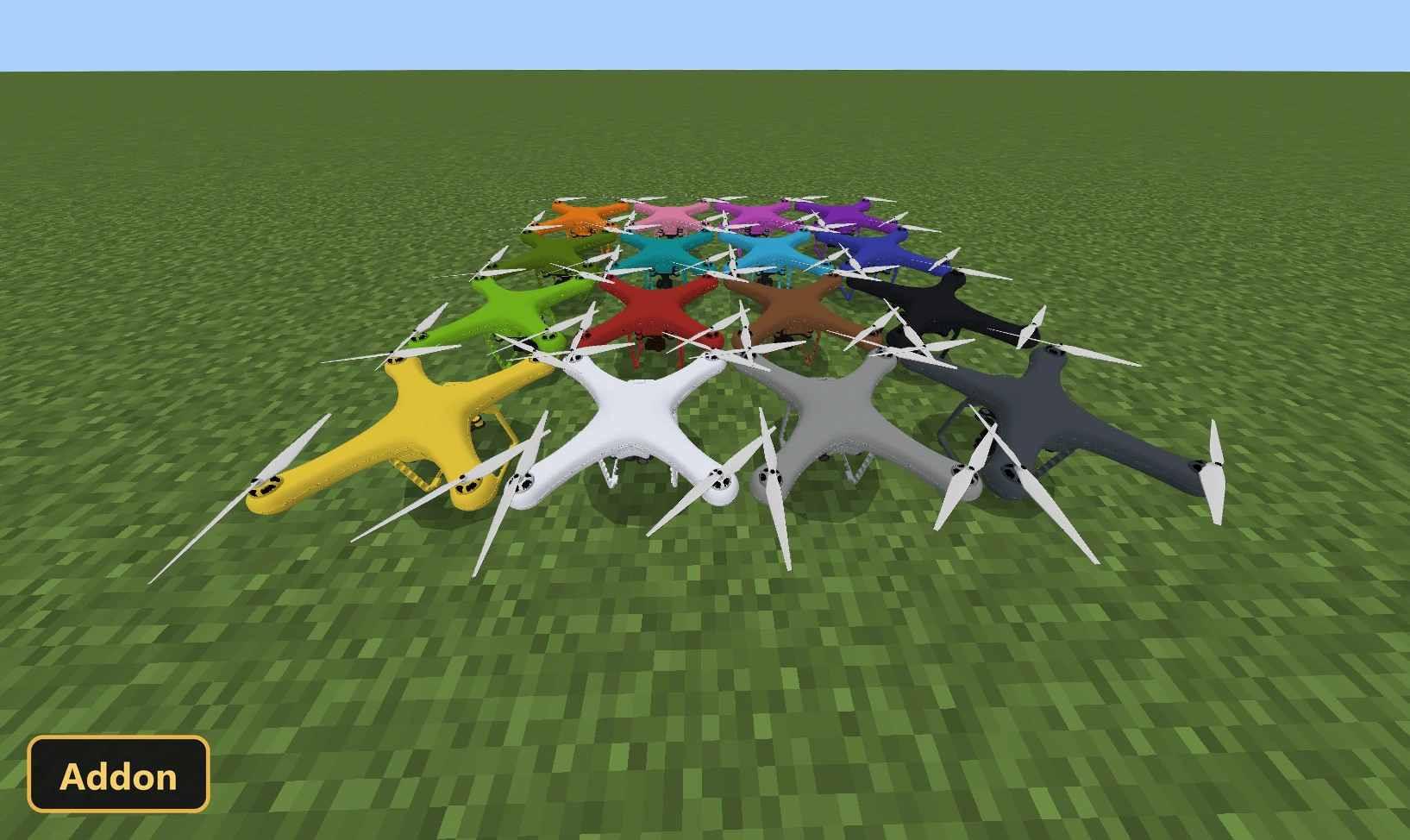
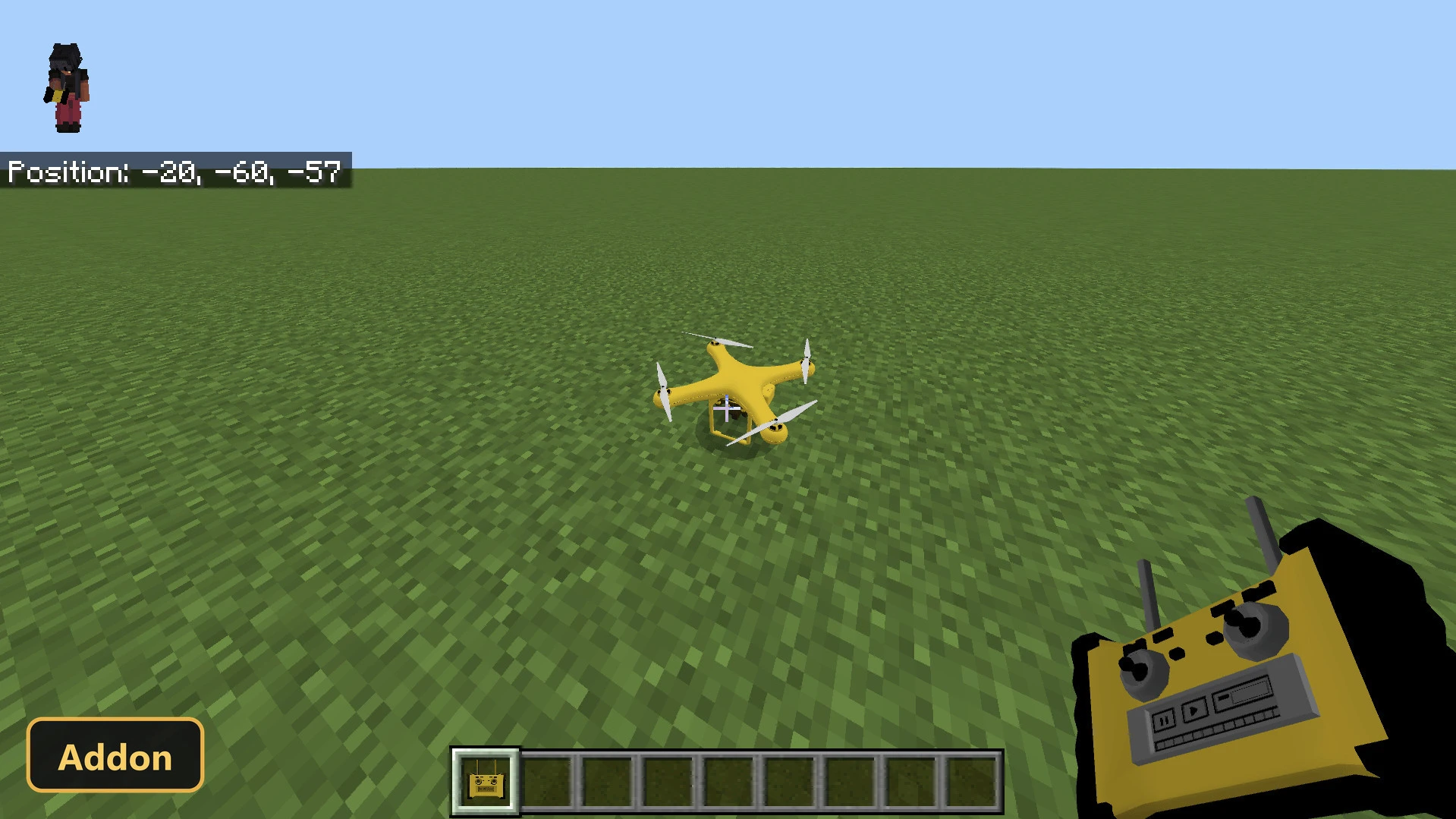
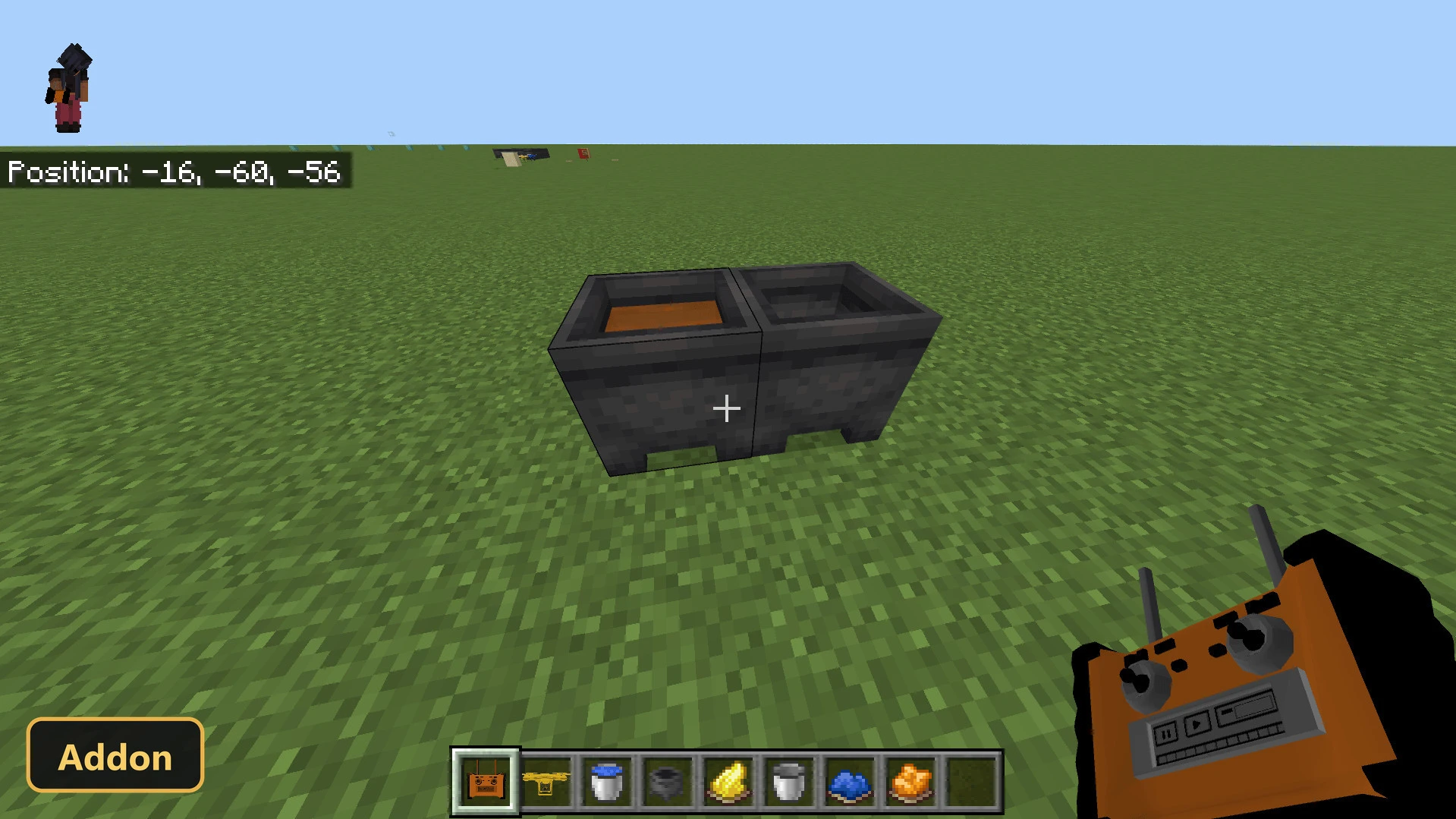
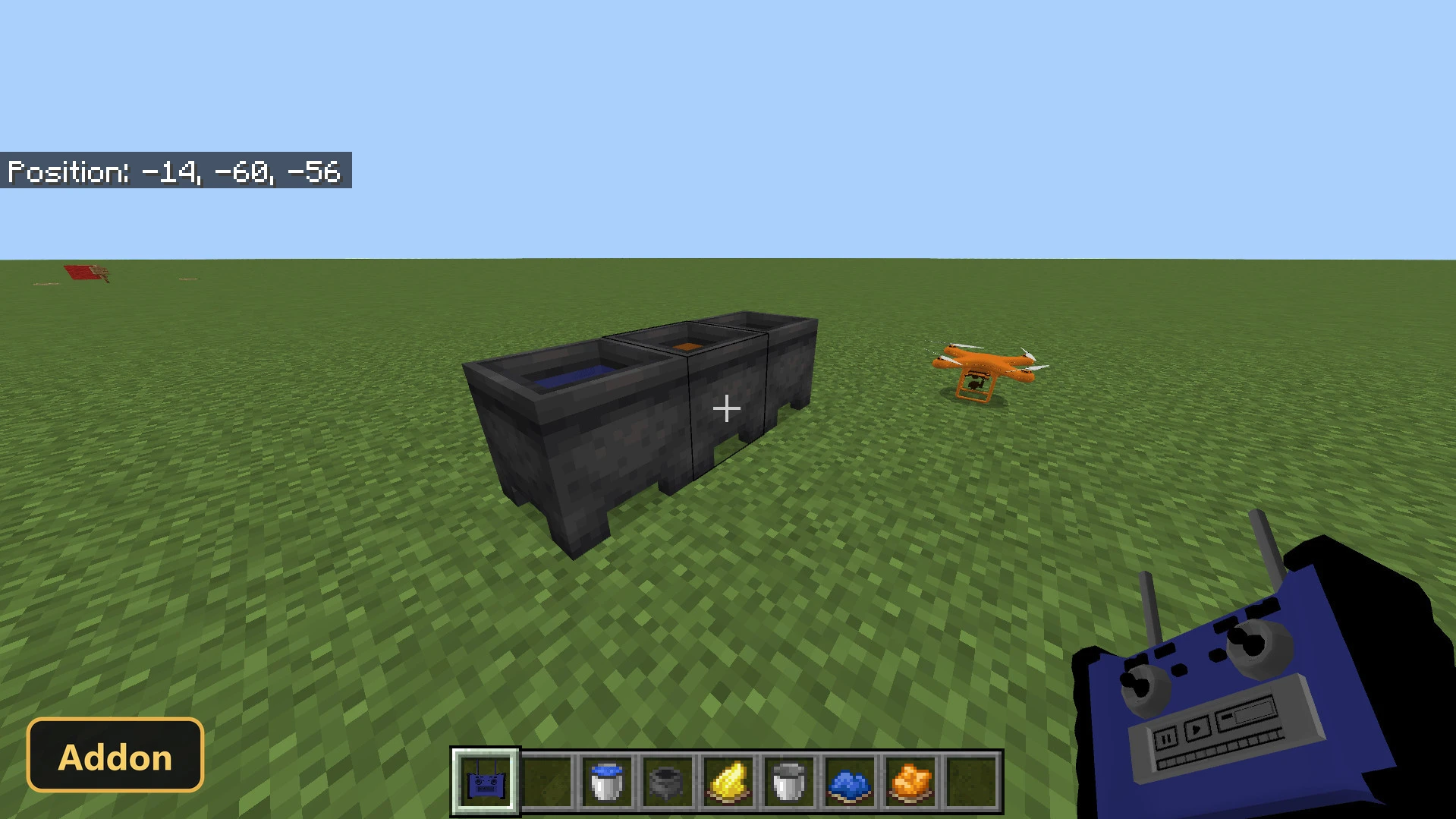
Scripting APIs are needed, so Experimental Features must be enabled. A drone and its controller are crafted, and interacting with the drone using the controller gives remote control. The camera sets the direction, the jump button gives a vertical boost, and an integrated camera view can be opened from anywhere through a menu of available drones, then closed by pressing crouch. Drones can carry blocks, including chests and TNT blocks that can then be dropped to cause explosions, and administration settings control TNT radius, fire, underwater detonation and block destruction. Dyes change the drone’s color, either directly or through a cauldron.
Requirements:
- MCPE/Bedrock 1.21.130 – 26.30
all 12 versions26.30, 26.20, 26.13, 26.12, 26.11, 26.10, 26.3, 26.0.02, 26.0, 1.21.132, 1.21.131, 1.21.130
- Turn on Experimental Features — this addon uses scripting APIs
Features:
- Drone
- Fall Simulator
- Controller
- Item
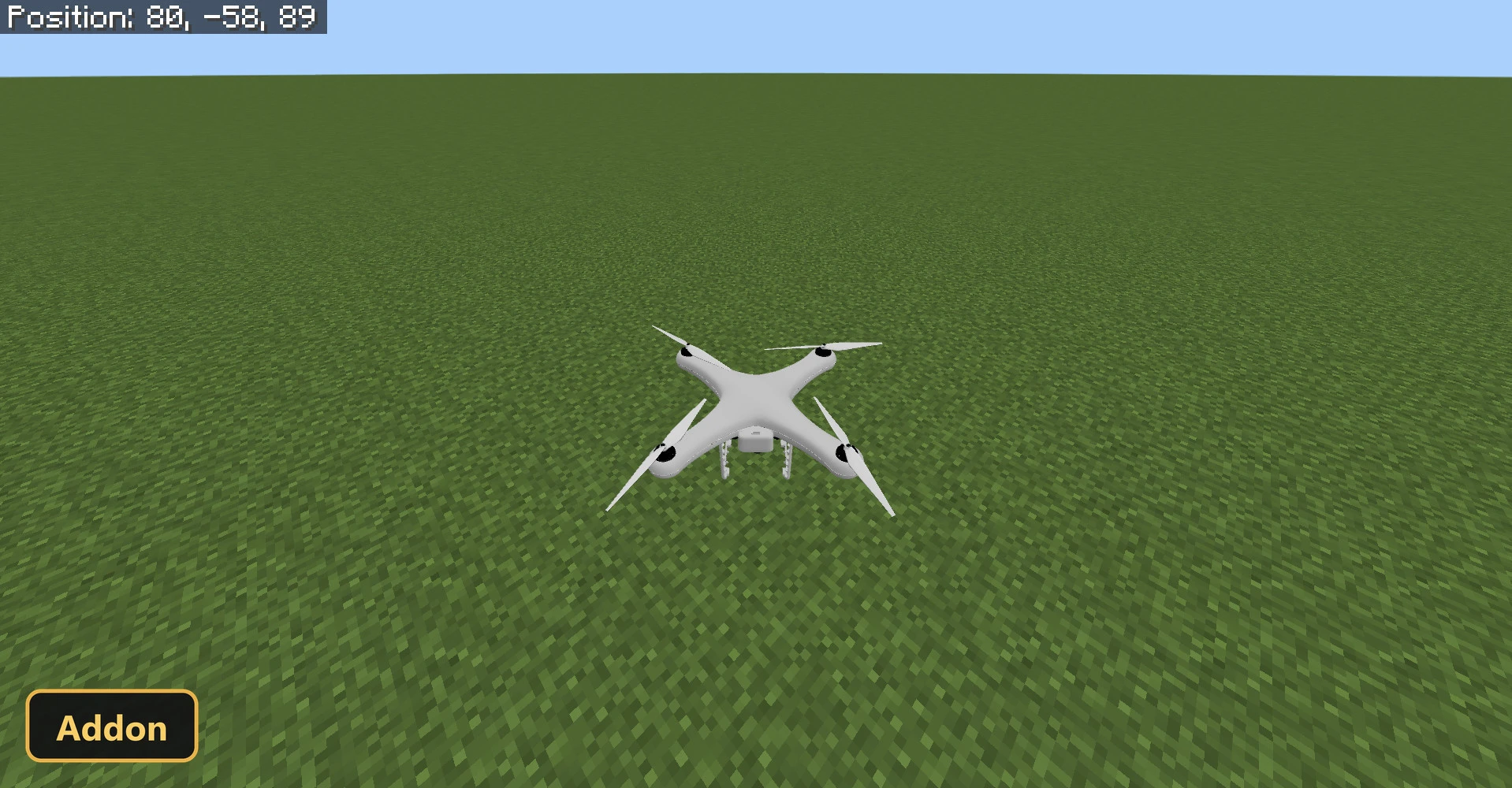
Screenshots:
- Edition: Minecraft Bedrock
- File type: .mcpack or .mcaddon
- Minecraft version listed: 1.21
- How to install: Download the .mcpack or .mcaddon file. → Open it — Minecraft imports it. → In your world: Behavior Packs → Available → Activate, then the same under Resource Packs.
- Where to get it: Opens on the file's original source — not every file is mirrored on our own servers.
Install steps are the general flow for this file type — How to install Minecraft Bedrock addons & mods walks through it step by step.
Drone , TNT Drones (26+, 1.21) – MCPE/Bedrock Addon is a free Minecraft Bedrock addon. Compatible with Minecraft 1.21. Download it and open it directly in the game.