ModsJava
Future Shops Mod (1.21.1, 1.20.1) – Run Custom Player Shops and Trade for Coins
Java mod listed for Minecraft 1.20–1.21. Downloads from the MC Java Mods app on Android.
⬇ Download


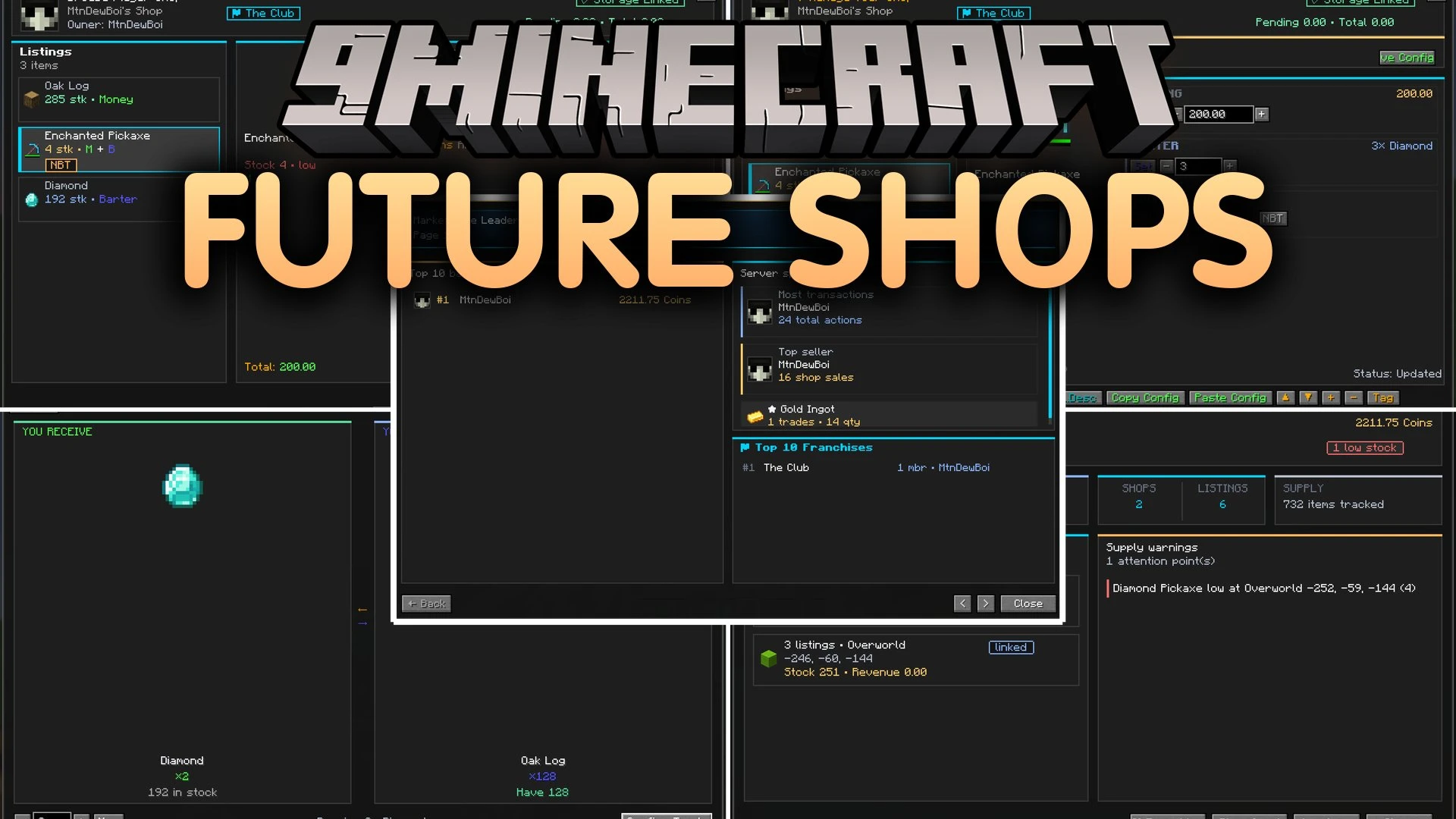
Future Shops Mod adds a complete trading and economy system with clean menus to your server. Players can set up their own storefront blocks, link them to storage containers, and sell items for digital money or barter trades. The mod includes an admin shop, physical coins with anti-duplication safeguards, and detailed sales dashboards. It lets communities build active markets without needing extra texture packs.
Features:
- Server Shop: Lets players browse categories, search items in real time, put goods in a shopping cart, and review purchase history using
/shop. - Player-Owned Shop Blocks: Allows placing a Shop Block to sell up to 12 items, name storefronts, and connect directly to chests, barrels, or storage networks.
- Physical Currency: Introduces coins in multiple bill values that players can hold, trade by hand, and right-click to deposit instantly.
- Bartering Screen: Lets players set up direct item-for-item trades with recipe tabs and an automatic quantity calculator.
- Promo System: Adds percentage discounts, flash sales, and buy-one-get-one promotions with animated discount badges.
- Economy Dashboards: Displays player account balances, top seller rankings, and low-supply alerts on visual leaderboards.
- Coins use unique IDs and server checks to stop item duplication.
- Shop owners can choose cash trades, barter trades, or both at the same time.
- Players can send money directly to friends with a quick transfer command.
- Owners can inspect their store as a regular customer by holding Shift and right-clicking the block.
- The entire interface uses standard game visuals without requiring extra texture downloads.
Commands:
/shop: Opens the server shop storefront./balance: Displays your current funds and financial dashboard./pay <player> <amount>: Sends money to another player./baltop: Shows the server balance leaderboard and top seller statistics./withdraw <amount> [yes|no]: Converts your digital money into physical coins./deposit: Converts held coins back into your digital account balance.
How to Use:
- Craft or place a Shop Block in the world to start your personal shop.
- Link your Shop Block to a nearby chest or barrel to supply stock.
- Select whether you want to sell goods for cash, trade for items, or accept both.
- Type
/shopin chat to browse the server market and buy supplies. - Hold physical coins and right-click with them in your hand to deposit funds into your account balance.
Screenshots:
Future Shops Mod Download Links
Quick facts
- Edition: Minecraft Java
- File type: .jar
- Minecraft versions listed: 1.21.1, 1.20.1
- How to install: Install the matching mod loader (Forge, Fabric or NeoForge) for your Minecraft version. → Download the .jar. → Put it in the .minecraft/mods folder and launch that loader profile.
- Where to get it: In MC Java Mods, or directly above on this page.
Install steps are the general flow for this file type — How to install Minecraft Java mods & modpacks walks through it step by step.
File checked by MCModsHub
- Downloads as 523842.mcaddon
- Download size: 1.3 MB
- Download link checked 9 Oct 2026 — working
- Mirrored on our own servers — the download does not depend on the original host
These come from our own check of the pack file, not from the source page.