ModsJava
Action HUD Mod (26.3, 1.21.1) – Master Your Timing in Combat and Daily Survival
Java mod listed for Minecraft 1.21. Downloads from the MC Java Mods app on Android.
⬇ Download


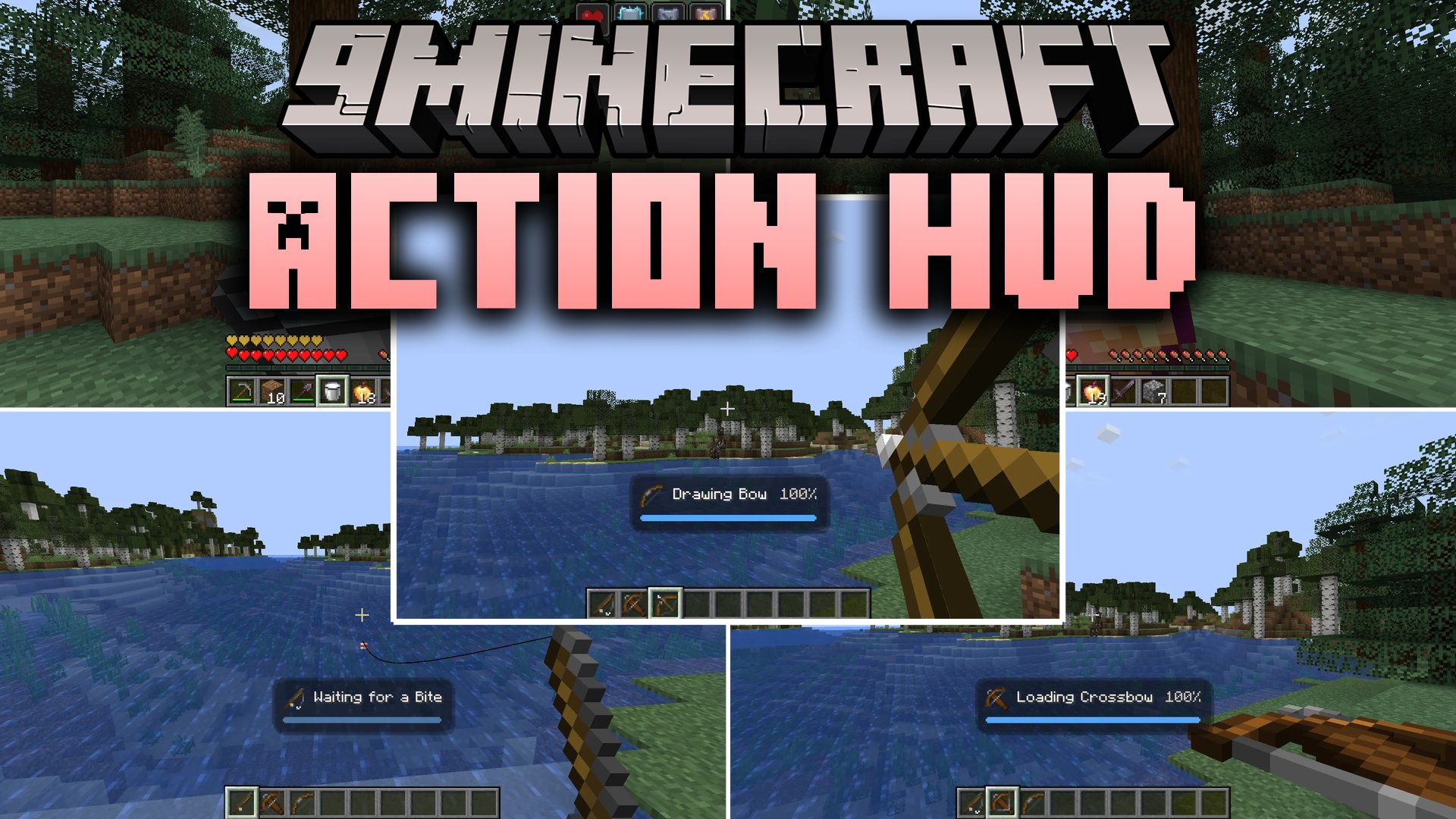
Action HUD Mod brings animated action bars right above your hotbar to show what you do in real time. It displays clean timers when you draw bows, break blocks, eat food, or wait for fish to bite. The display fades in smoothly when an action starts and disappears as soon as it ends. It helps you see your attack cooldowns and shield recovery clearly without blocking your view.
Features:
- 17 Tracked Actions: Displays timers for combat, mining, movement, fishing, and eating items.
- Smooth Animations: Uses clean fading and scaling effects instead of sudden popups on screen.
- Color Feedback: Changes bar colors to blue during actions, flashes green upon completion, and flashes red if interrupted.
- Smart Panel Sizing: Resizes the background box automatically based on the text length of the action name.
- Item Icons: Shows genuine vanilla item sprites that match the tools and items in your hands.
- The display panel stays hidden during normal walking and only pops up during active tasks.
- Runs completely on the client side without needing server installation or special server files.
- Works well alongside popular visual mods such as Sodium, Lithium, and Iris.
Tracked Action Categories:
- Combat actions include bow draws, crossbow loading, trident throws, attack cooldowns, and disabled shield timers.
- Player actions include eating food, drinking potions, clearing effects with milk, sleeping in beds, and looking through spyglasses.
- Movement actions track elytra gliding, firework boosts, swimming in water, crawling in tight spaces, and sneaking.
- Mining tracks the exact breaking status of any block in front of you.
- Fishing tracks casting your line, waiting in water, and the exact moment to reel in a catch.
How to Use:
- Open your game controls menu and assign a key to the Open ActionHud Settings option.
- Press your chosen key in game to open the settings screen.
- Pick one of the five screen positions, adjust the scale slider, and set the opacity to fit your screen.
- Turn specific action bars on or off depending on which timers you want to see.
Screenshots:
Action HUD Mod Download Links
Quick facts
- Edition: Minecraft Java
- File type: .jar
- Minecraft version listed: 1.21.1
- How to install: Install the matching mod loader (Forge, Fabric or NeoForge) for your Minecraft version. → Download the .jar. → Put it in the .minecraft/mods folder and launch that loader profile.
- Where to get it: In MC Java Mods, or directly above on this page.
Install steps are the general flow for this file type — How to install Minecraft Java mods & modpacks walks through it step by step.
File checked by MCModsHub
- Downloads as 523845.mcaddon
- Download size: 86 KB
- Download link checked 9 Oct 2026 — working
- Mirrored on our own servers — the download does not depend on the original host
These come from our own check of the pack file, not from the source page.