ModsJava
Chronoclones Mod (26.2, 1.20.1) – Let Duplicate Clones Automate Your Daily Base
Java mod listed for Minecraft 1.20. Downloads from the MC Java Mods app on Android.
⬇ Download


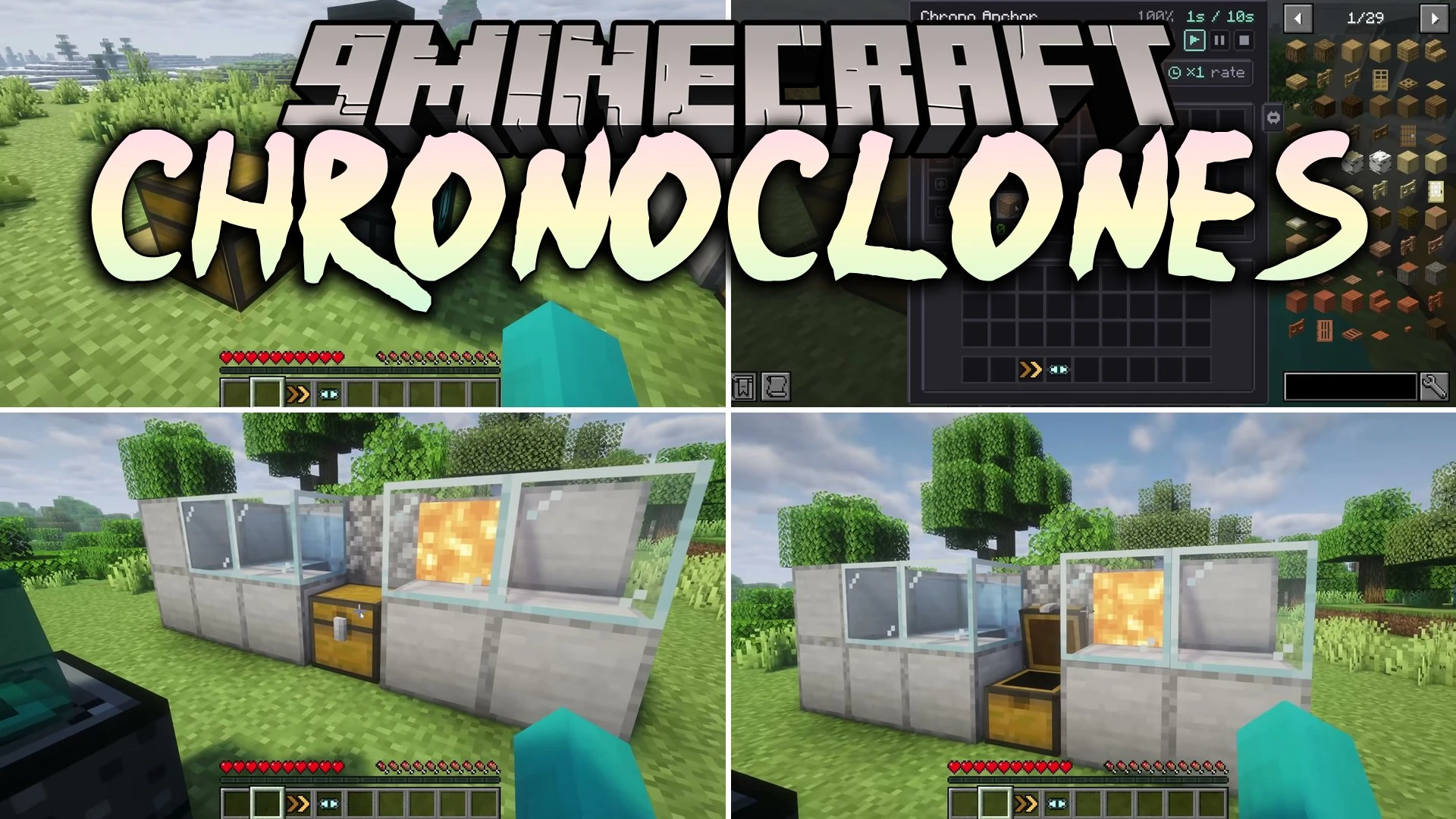
Chronoclones Mod lets you record your own actions and replay them using duplicate copies of yourself. You perform a task once, like mining blocks, sorting chests, or fighting monsters, and the mod replays that sequence on repeat. Clones can run your daily chores across your base without complicated redstone machines. It introduces items and anchor blocks that store, accelerate, and show your recorded movements.
Features:
- Chrono Recorder: Right-click this handheld tool to start or stop capturing your in-game actions.
- Chrono Anchor: Serves as the central block from which your recorded clones spawn and run their tasks.
- Chrono Goggles: Wear these goggles to inspect and preview recorded action paths right in front of you.
- Chrono Accelerator: Speeds up playback so clones finish their routines faster.
- Chrono Splitter: Spawns extra clones to duplicate and repeat the recorded routine.
- Clones can break blocks, place blocks, and interact with tile containers.
- Copies handle item movement, inventory sorting, crafting table recipes, and anvil repairs.
- Villagers trade with clones just like they do with actual players.
- Recorded helpers attack hostile mobs, breed animals, feed livestock, and shear sheep.
- Reads redstone signals to trigger or control ongoing playback loops.
Chronoclones Mod – Video Showcase
Configuration:
maxRadius: Sets the maximum distance a clone can travel from its anchor block.maxRecordingTicks: Sets the maximum duration of a single recording.maxActions: Controls the maximum count of actions stored in one recording.maxActionsPerTick: Sets the per-level action limit that clones can execute each game tick.maxActionTicks: Sets the maximum ticks allowed for a single action to finish.allowPvp: Toggles whether clones can attack other players.goggleRadius: Adjusts how far away Chrono Goggles reveal saved recordings.gogglesShowOthers: Chooses whether goggles can display ghost paths recorded by other players.
How to Use:
- Craft a Chrono Recorder, a Chrono Anchor, and a pair of Chrono Goggles.
- Place the Chrono Anchor block down where you want the action sequence to start.
- Hold the Chrono Recorder and right-click to begin recording your movements, block placements, or attacks.
- Perform your task and right-click the Chrono Recorder again to finish recording.
- Put on Chrono Goggles to view the path preview and watch your clone repeat the job.
Screenshots:


Chronoclones Mod Download Links
Quick facts
- Edition: Minecraft Java
- File type: .jar
- Minecraft version listed: 1.20.1
- How to install: Install the matching mod loader (Forge, Fabric or NeoForge) for your Minecraft version. → Download the .jar. → Put it in the .minecraft/mods folder and launch that loader profile.
- Where to get it: In MC Java Mods, or directly above on this page.
Install steps are the general flow for this file type — How to install Minecraft Java mods & modpacks walks through it step by step.
File checked by MCModsHub
- Downloads as 523847.mcaddon
- Download size: 506 KB
- Download link checked 9 Oct 2026 — working
- Mirrored on our own servers — the download does not depend on the original host
These come from our own check of the pack file, not from the source page.