ModsJava
Simple Schematics Mod (1.21.1, 1.20.1) – Build Complex Blueprints Directly
Java mod listed for Minecraft 1.20–1.21. Downloads from the MC Java Mods app on Android.
⬇ Download


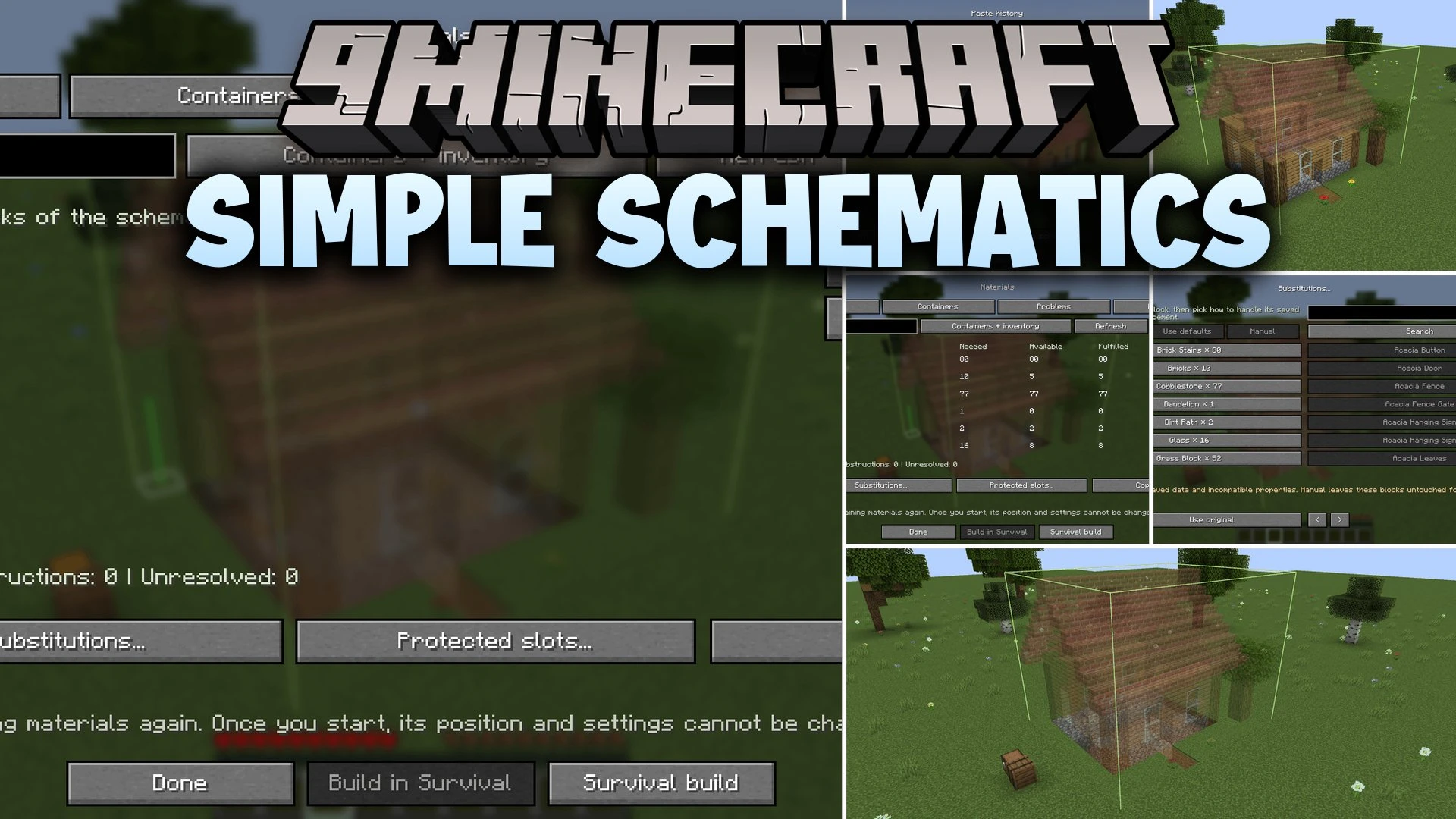
Simple Schematics Mod brings saved structure files directly into your Minecraft world through see-through ghost previews. You can position buildings in real time, paste them instantly in Creative mode with full undo support, or let the game construct them block by block in Survival using nearby chest storage. The mod supports standard file types like Litematica and WorldEdit while keeping track of missing items on your screen.
Features:
- In-World Preview: Displays see-through ghost blocks with accurate models for banners, signs, and heads before placing anything.
- Creative Instant Paste: Places entire structures in one click and includes an undo history for your last ten pastes.
- Survival Construction: Places blocks automatically by drawing items straight from your inventory and nearby containers within ten blocks.
- Materials Tracker: Shows everything needed for a project, lists missing blocks, and lets you pin items to your screen.
- Schematic Printer: Crafts a dedicated machine block that triggers builds through redstone signals and comparator checks.
- Build Inspection: Highlights misplaced or missing blocks across your structure with simple hotkey controls.
- Loads multiple file extensions including .litematic, .schem, .schematic, and structure .nbt formats.
- Moves, rotates, and mirrors blueprints in the world using quick keyboard controls instead of coordinate typing.
- Lets you inspect builds layer by layer and adjust preview opacity for clear interior views.
- Allows block substitutions so you can swap out missing materials for blocks you already own.
- Remembers exact placement positions per world so you never lose alignment when reloading.
- Saves custom placement setups and exports selected world areas into fresh Sponge schem files.
- Features customizable in-game rules to manage modded machine settings, inventories, and energy tags safely.
How to Use:
- Drop your blueprint files into the schematics folder inside your game directory.
- Press V in your world to open the library and select your desired file.
- Press G to pick a movement mode, then use Ctrl + Scroll or arrow keys to place the preview.
- Open the materials menu to check needed supplies, pin missing blocks, or set block replacements.
- Click build in Survival to pull items from nearby chests, or hit paste in Creative for instant placement.
Screenshots:
Simple Schematics Mod Download Links
Quick facts
- Edition: Minecraft Java
- File type: .jar
- Minecraft versions listed: 1.21.1, 1.20.1
- How to install: Install the matching mod loader (Forge, Fabric or NeoForge) for your Minecraft version. → Download the .jar. → Put it in the .minecraft/mods folder and launch that loader profile.
- Where to get it: In MC Java Mods, or directly above on this page.
Install steps are the general flow for this file type — How to install Minecraft Java mods & modpacks walks through it step by step.
File checked by MCModsHub
- Downloads as 523853.mcaddon
- Download size: 916 KB
- Download link checked 9 Oct 2026 — working
- Mirrored on our own servers — the download does not depend on the original host
These come from our own check of the pack file, not from the source page.