DatapacksJava
Create Curios Backtank Data Pack (1.20.1) – Wear Air Tanks Without Losing
Java data pack listed for Minecraft 1.20. File opened and checked on 28 Oct 2026; downloads from the MC Java Mods app on Android.
⬇ Download
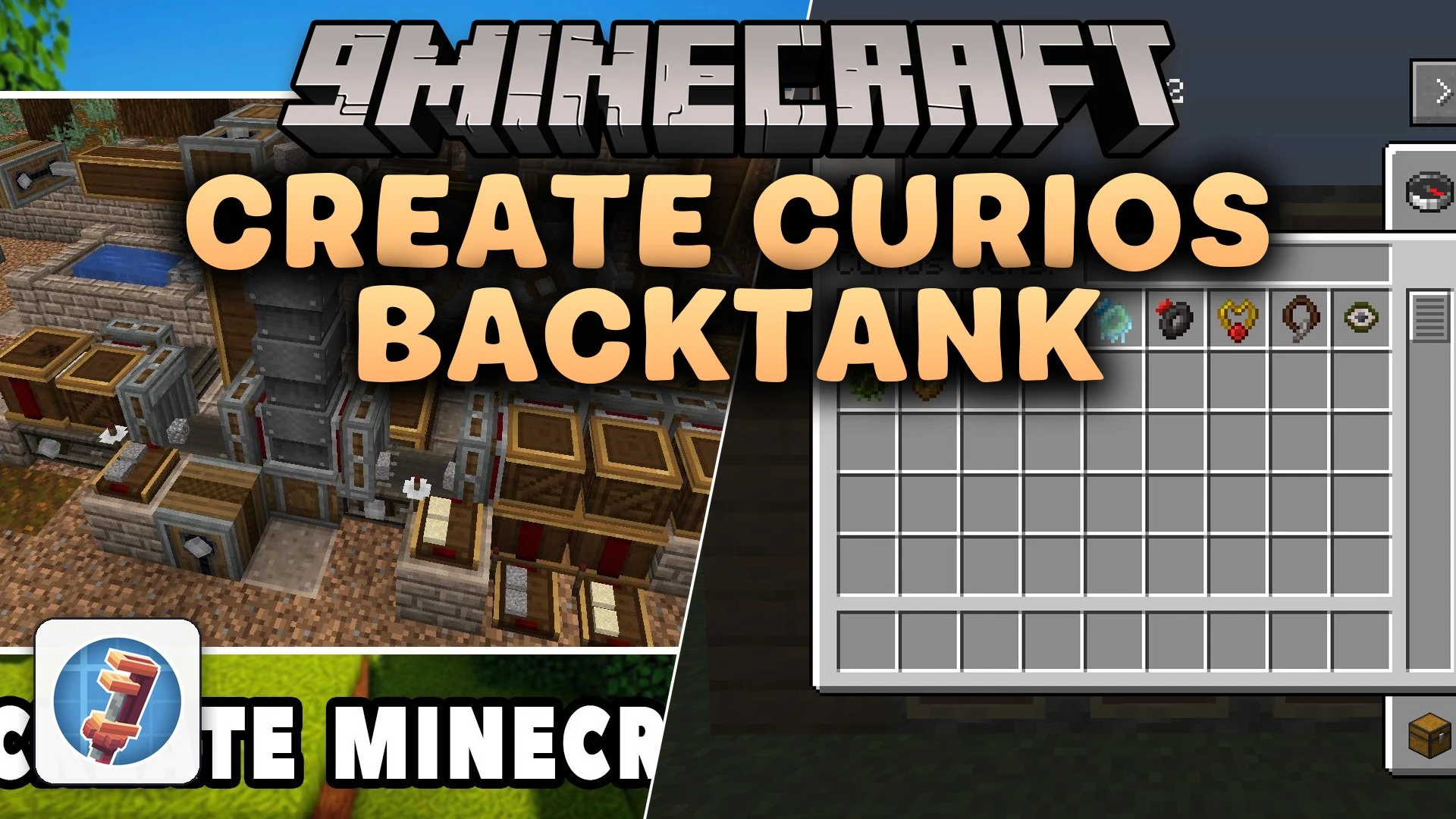
Create Curios Backtank Data Pack lets you place the Create mod backtank directly into a Curios accessory slot. Normally, wearing a backtank forces you to take off your chestplate. With this data pack, you keep your best chest armor on while still carrying air for your underwater trips and pneumatic tools. It links the gear from Create with the extra equipment slots from Curios.
Features:
- Lets you place the Create backtank straight into a Curios slot.
- Keeps your chestplate slot open for protective armor.
- Helps you carry pressurized air without losing your defense stats.
How to Use:
- Open your character inventory.
- Click the Curios button next to your character to view your accessory slots.
- Place your backtank into the matching accessory slot.
Create Curios Backtank Data Pack Download Links
Quick facts
- Edition: Minecraft Java
- File type: .jar
- Minecraft version listed: 1.20.1
- How to install: Install the matching mod loader (Forge, Fabric or NeoForge) for your Minecraft version. → Download the .jar. → Put it in the .minecraft/mods folder and launch that loader profile.
- Where to get it: In MC Java Mods, or directly above on this page.
Install steps are the general flow for this file type — see the MC Java Mods guides for the full walkthrough.
File checked by MCModsHub
- Downloads as 523865.mcpack
- Download size: 2 KB
- Download link checked 9 Oct 2026 — working
- Mirrored on our own servers — the download does not depend on the original host
These come from our own check of the pack file, not from the source page.