ModsJava
Mace Plus Client Mod (26.2) – Land Perfect Aerial Mace Strikes in PvP Battles
Minecraft Java mod. Downloads from the MC Java Mods app on Android.
⬇ Download


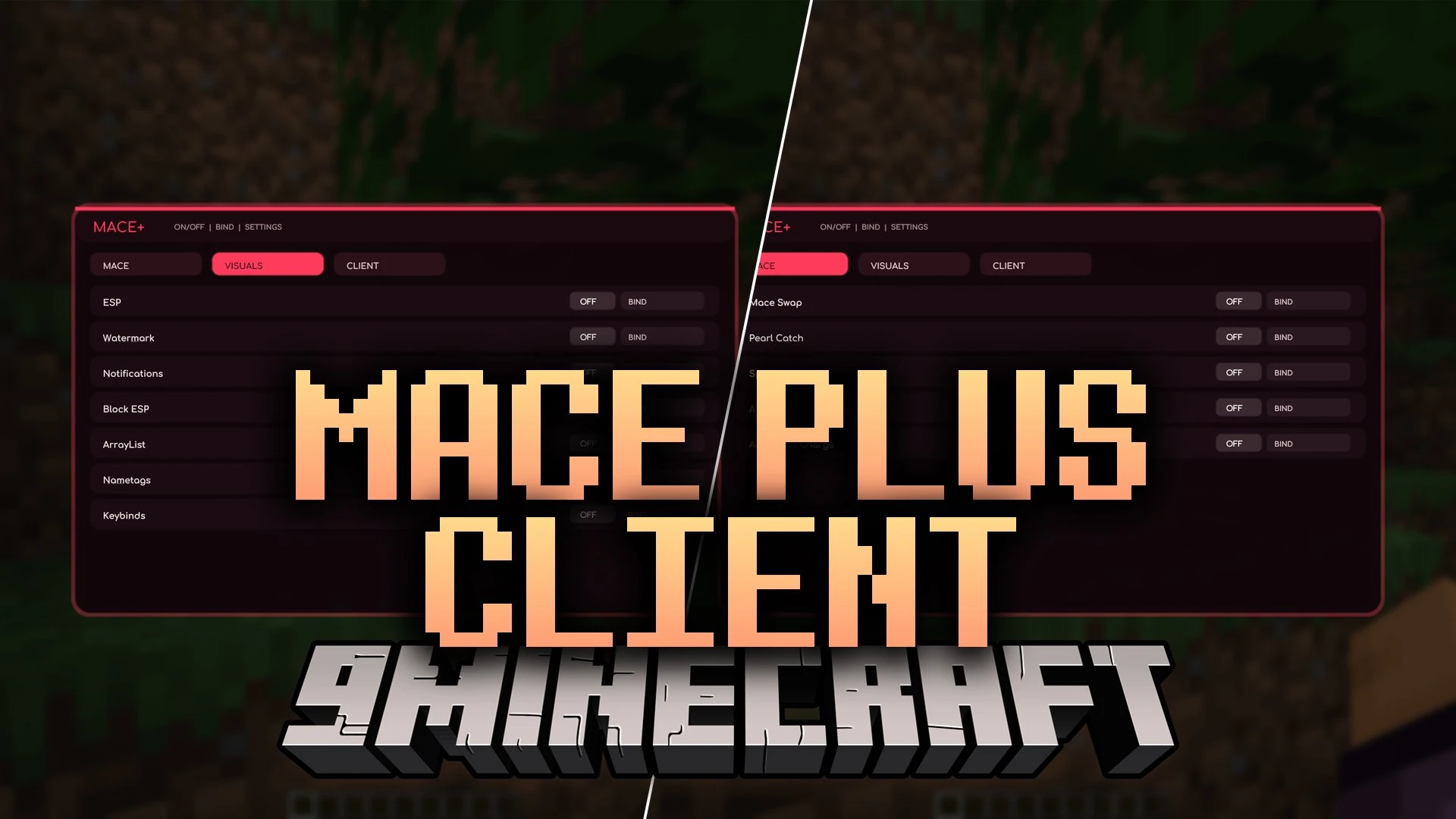
Mace Plus Client Mod equips you with dedicated tools for mace and spear combat alongside a set of helpful on-screen visuals. The client features a compact on-screen panel where you can toggle every mechanic on or off during fights. It handles quick weapon swaps, automated jumps, and clean target highlights to give you an edge in battles. You can open the control board at any moment to change options or attach custom keys to each individual tool.
Features:
- Opens a compact in-game menu screen with clean category tabs and instant switches.
- Lets you bind any combat or visual action to a custom keyboard button for instant access.
- Switches your held item to a mace at the exact split-second you strike an opponent.
- Catches thrown ender pearls without breaking your movement rhythm.
- Triggers spear lunge maneuvers automatically to help you reposition during brawls.
- Automates standard mace hits so you never miss a timing window.
- Fires wind charges automatically to launch you skyward for massive falling smash attacks.
- Draws bright outline highlights around mobs and players so targets stand out in dark arenas.
- Marks specific blocks in the world with colored boxes so you never lose track of objectives.
- Enlarges player nametags so they stay readable from far distances.
- Displays an active list of your running tools and bound shortcut keys right on the screen.
- Sends brief on-screen popups whenever you toggle a feature on or off.
How to Use:
- Press Right Shift during gameplay to open the client menu.
- Select one of the category tabs at the top to view combat, visual, or general options.
- Click the power switch next to any entry to turn that tool on or off.
- Press the BIND button on a module row and press any key to assign a quick shortcut.
Screenshots:
Mace Plus Client Mod Download Links
Quick facts
- Edition: Minecraft Java
- File type: .jar
- How to install: Install the matching mod loader (Forge, Fabric or NeoForge) for your Minecraft version. → Download the .jar. → Put it in the .minecraft/mods folder and launch that loader profile.
- Where to get it: In MC Java Mods, or directly above on this page.
Install steps are the general flow for this file type — How to install Minecraft Java mods & modpacks walks through it step by step.
File checked by MCModsHub
- Downloads as 524172.mcaddon
- Download size: 13.2 MB
- Download link checked 10 Oct 2026 — working
- Mirrored on our own servers — the download does not depend on the original host
These come from our own check of the pack file, not from the source page.