The Lost Camera Mod (26.2) – Restore Broken Ruins Through Your Camera Lens
Minecraft Java mod. Downloads from the MC Java Mods app on Android.
⬇ Download


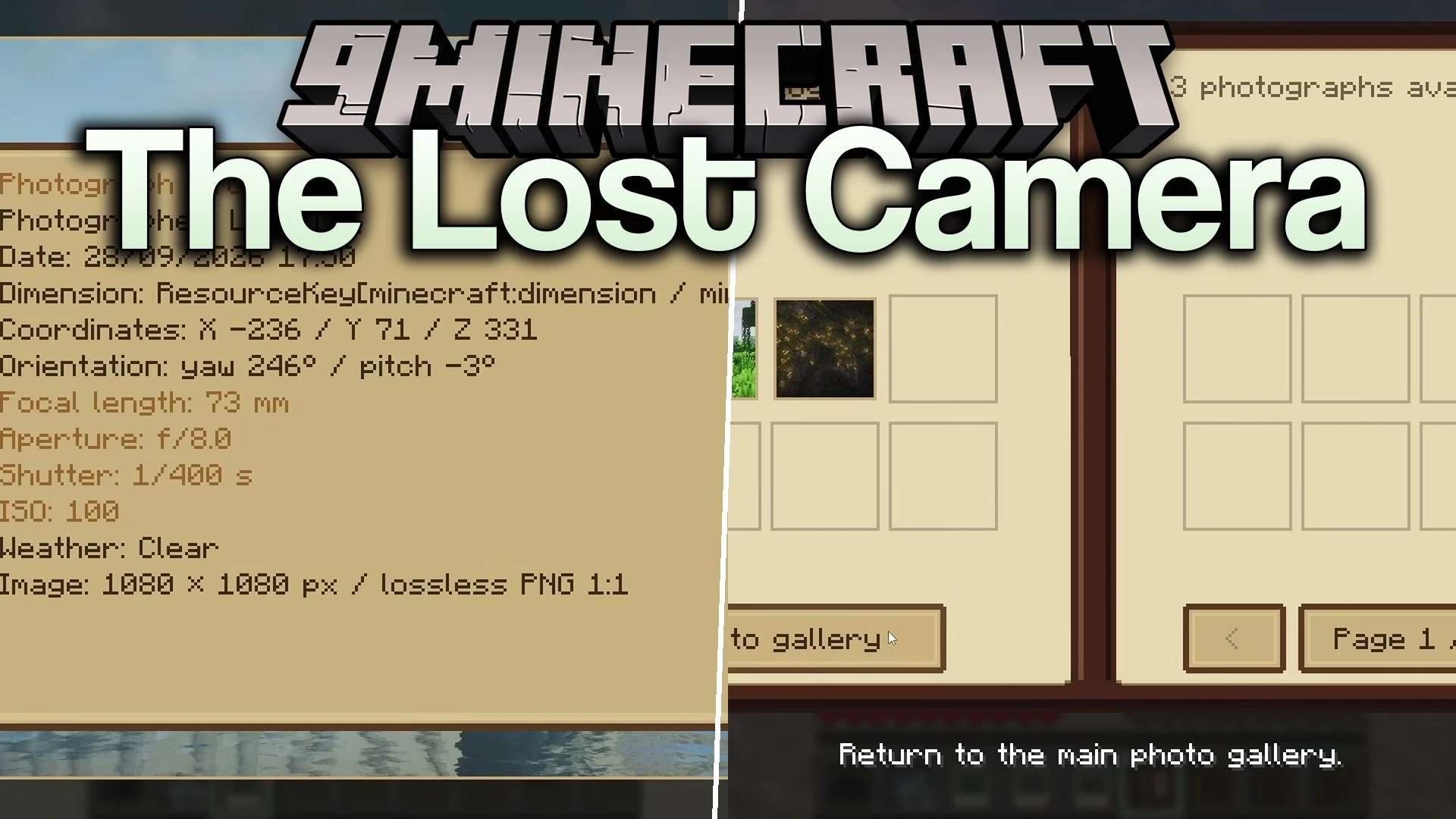
The Lost Camera Mod introduces working photography mechanics that bring ancient ruins back to life. You search the world for broken structures, line them up through your camera lens, and take a photo to trigger their restoration. The ruined blocks repair themselves in real time with dust particles and ground rumbles right in front of you. Every photo you take saves directly into an in-game album that stores your journey. You can also print physical photos in a darkroom to hang them on your base walls.
Features:
- Custom 3D Camera: Holds a detailed 3D model with a working viewfinder, zoom controls, and realistic exposure settings like shutter speed and ISO.
- Animated Ruin Restoration: Triggers realistic repairs on broken structures with sound effects, dust particles, and ground rumbles when photographed.
- Field Album: Stores your pictures in a personal book with ruin history, favorites tabs, and before-and-after snapshots.
- Darkroom Table: Lets you turn camera shots into physical paper prints using photographic paper.
- Photo Frames: Lets you hang printed pictures on walls to decorate your base or build art galleries.
- Every ruin comes with its own size, rarity, environment type, and historical background.
- Works in both singleplayer worlds and multiplayer servers.
- Includes English and French language options.
The Lost Camera Mod – Video Showcase
How to Use:
- Search your world to find an unusual forgotten ruin.
- Load a Photographic Plate into your camera and look through the viewfinder.
- Adjust your zoom, line up the ruin in the frame, and take the picture.
- Watch the broken building rebuild itself in real time.
- Open your Field Album to check the new ruin record and view your photo.
- Take a second picture of the repaired building to complete the before-and-after collection.
- Place photographic paper into a Darkroom Table to print physical photos for wall frames.
Screenshots:


The Lost Camera Mod Download Links
- Edition: Minecraft Java
- File type: .jar
- How to install: Install the matching mod loader (Forge, Fabric or NeoForge) for your Minecraft version. → Download the .jar. → Put it in the .minecraft/mods folder and launch that loader profile.
- Where to get it: In MC Java Mods, or directly above on this page.
Install steps are the general flow for this file type — How to install Minecraft Java mods & modpacks walks through it step by step.
- Downloads as 524333.mcaddon
- Download size: 613 KB
- Download link checked 10 Oct 2026 — working
- Mirrored on our own servers — the download does not depend on the original host
These come from our own check of the pack file, not from the source page.