
Emerald Armor and tools
Bedrock add-on listed for Minecraft 1.21–26.x (behavior + resource pack). File opened and checked on 11 Oct 2026; installs from the MC Bedrock Mods app on Android.
Emerald Armor & Tools adds powerful emerald-themed equipment to Minecraft Bedrock, including a full armor set and matching tools with a bright green…
⬇ Download on CurseForge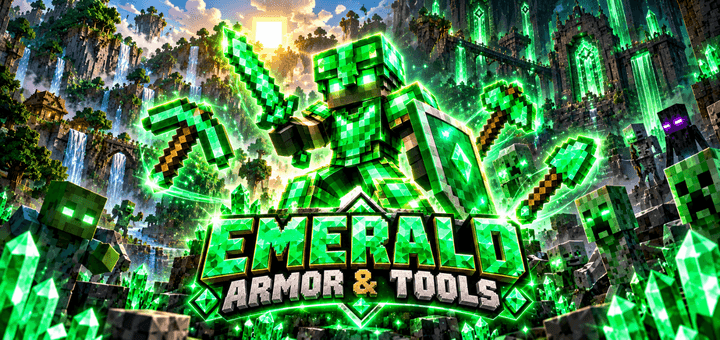
Emerald Armor & Tools
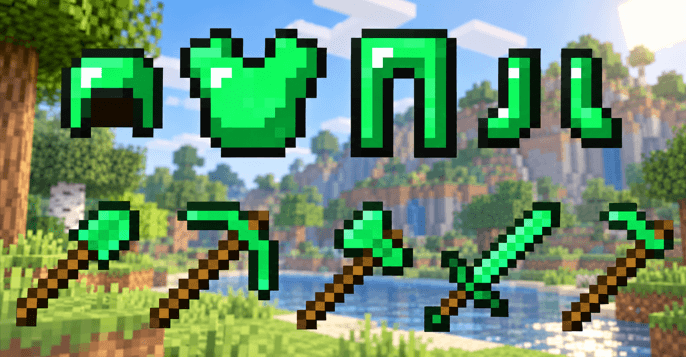
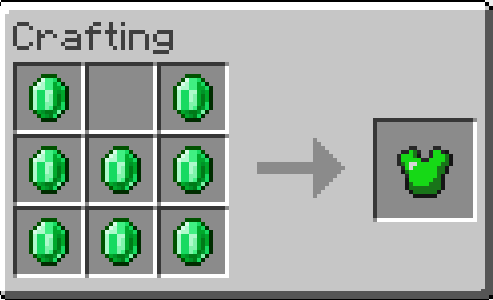
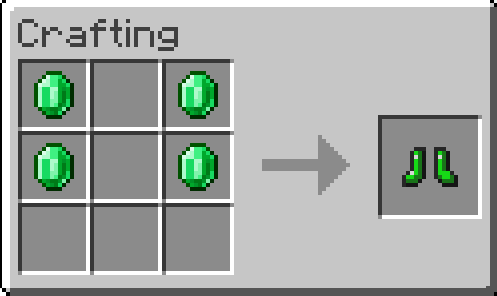
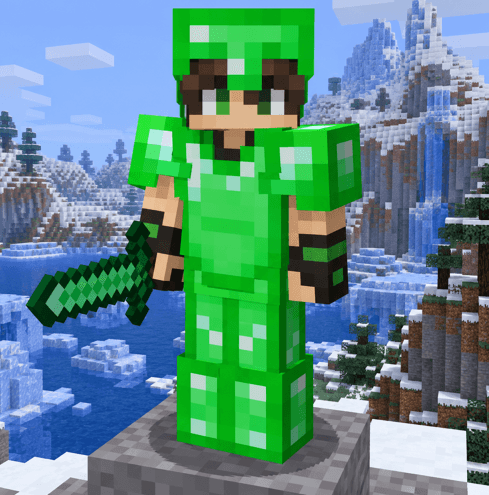
Upgrade your Minecraft Bedrock survival experience with Emerald Armor & Tools. This addon adds a complete set of emerald-themed equipment, including powerful armor and matching tools with a bright green crystal design.
The new gear gives emeralds more purpose and lets you create a full equipment set with a unique look. Whether you're mining underground, exploring dangerous areas, or fighting mobs, the emerald equipment gives your character a fresh and powerful style.
Features
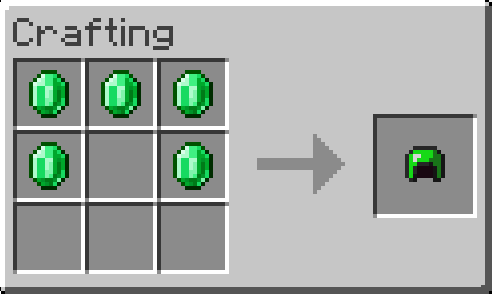
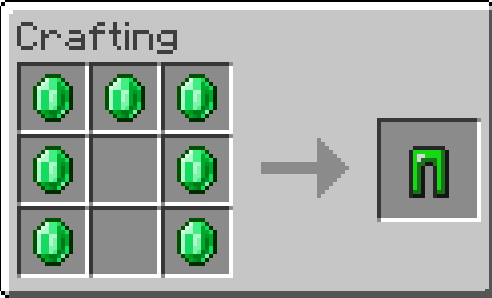
- Full Emerald Armor set
- Matching Emerald Tools
- Bright green emerald design
- Great for survival and combat
- Useful for mining and exploration
- Gives emeralds more value in your world
- Stylish crystal-inspired equipment
- Perfect for players who want more gear progression
- Made for Minecraft Bedrock Edition
With Emerald Armor & Tools, you can equip yourself from head to toe with emerald gear and bring a strong green-themed look to your adventures. 💚⚔️⛏️
- Edition: Minecraft Bedrock
- File type: .mcpack or .mcaddon
- Minecraft versions listed: 1.21.122, 1.21.123, 1.21.124
- How to install: Download the .mcpack or .mcaddon file. → Open it — Minecraft imports it. → In your world: Behavior Packs → Available → Activate, then the same under Resource Packs.
- Where to get it: Opens on CurseForge — not every file is mirrored on our own servers.
Install steps are the general flow for this file type — How to install Minecraft Bedrock addons & mods walks through it step by step.
- Pack type: .mcpack — a single pack
- Manifest requires Minecraft 1.21.0 or newer
- Complete pack — everything it depends on is inside the file
- Download size: 148 KB
- Download link checked 10 Oct 2026 — working
These come from our own check of the pack file, not from the source page.