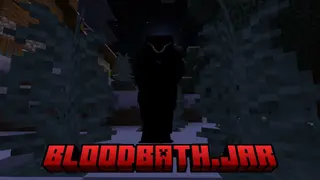
Fears to Fathom:Bloodbath
Bedrock add-on listed for Minecraft 1.21–26.x (behavior + resource pack). File opened and checked on 10 Oct 2026; installs from the MC Bedrock Mods app on Android.
⬇ Download on CurseForge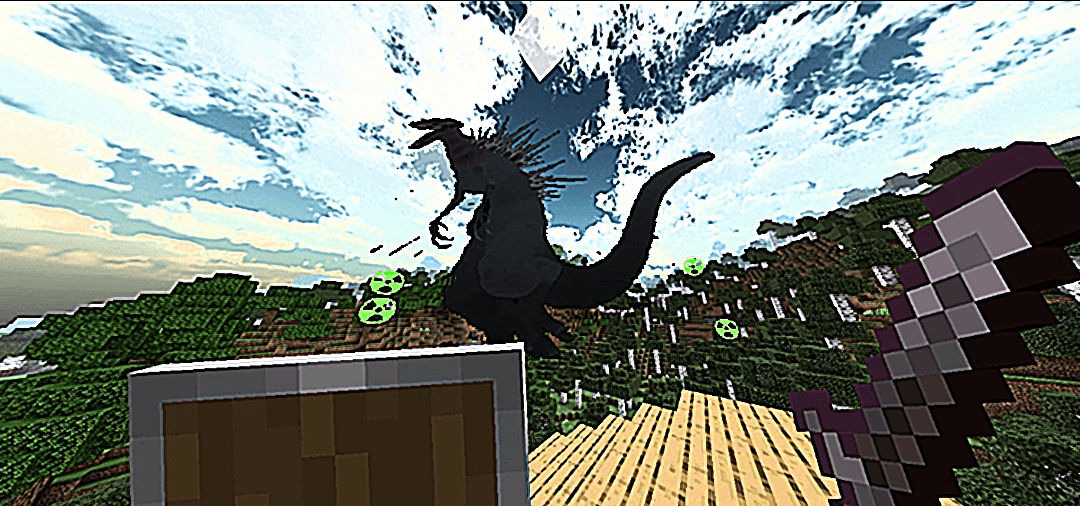
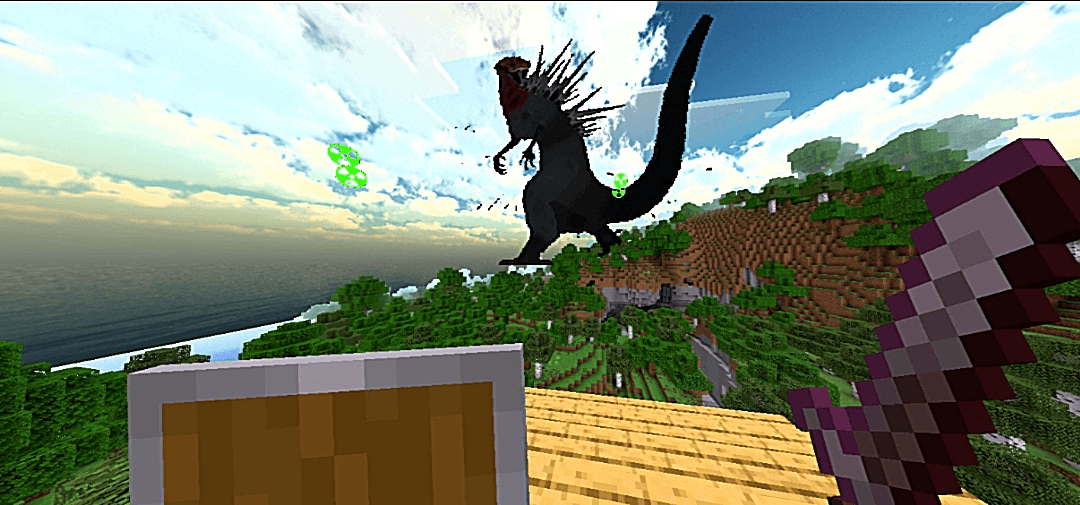
## Fears to Fathom: Bloodbath (Bedrock)
**Something enormous is watching you. And it won't stop.**
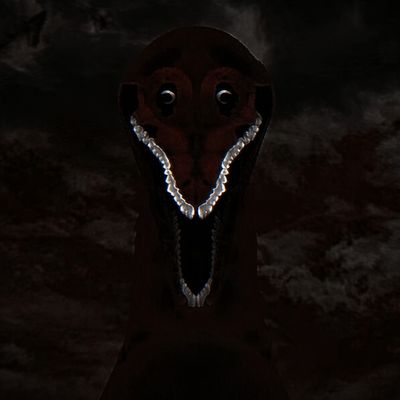
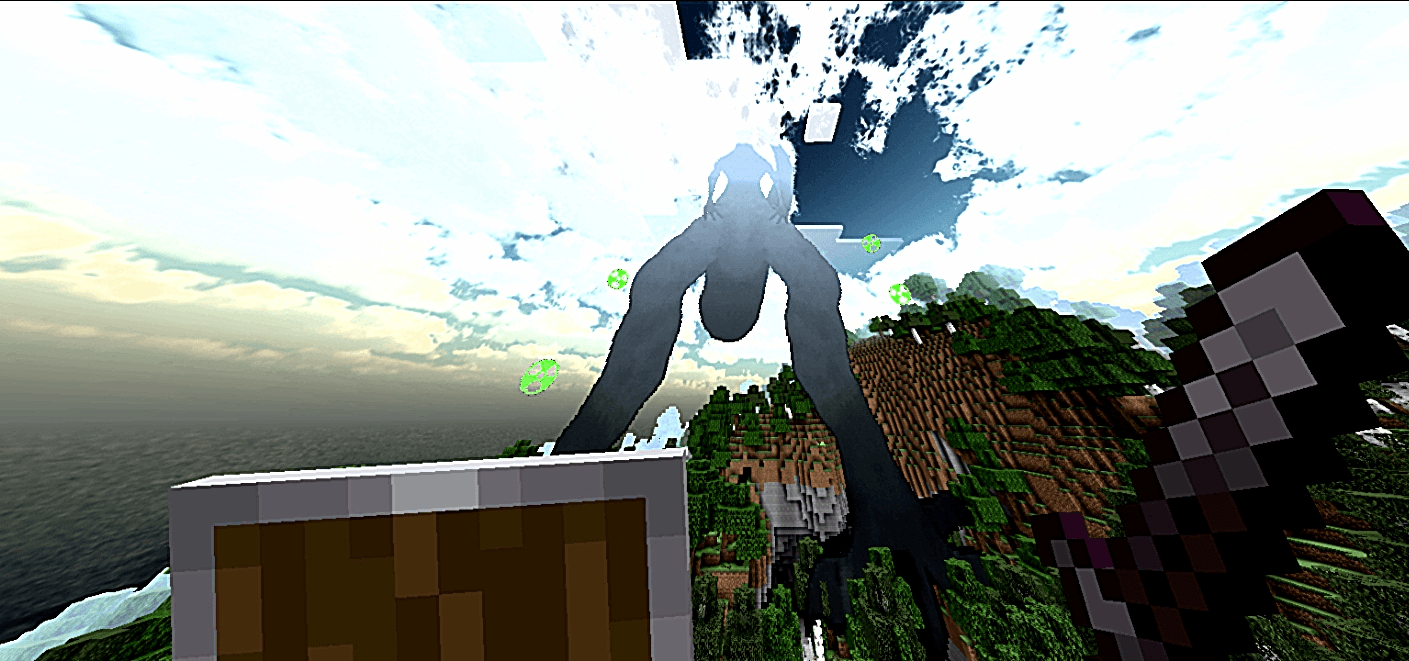
A horror and survival add-on for Minecraft Bedrock. Tremors underground, distant roars, a presence you shouldn't stare at... and one rule: survive. Find out how it works for yourself.
**Features:**
- A giant creature with custom animations
- Tense soundscape and music
- Camera and screen effects, plus a jumpscare
- Admin commands
### Compatibility
- **Minecraft Bedrock Edition 26.40 or higher.** The add-on uses the `@minecraft/server 2.9.0` Script API, stable since that version.
- Not compatible with Minecraft Java.
### Requirements for a trouble-free install
1. **Enable both packs** in your world: *Behavior Pack* and *Resource Pack*. Missing one will break the creature's visuals or spawning.
2. **Turn on camera shake:** go to *Settings > Accessibility* and enable **Camera Shake**. If it's off, you won't feel the tremors.
3. **No experiments or "Beta APIs" needed.**
4. **Cheats are not required** to play. Only the admin commands need operator permissions.
5. **Use a new or backed-up world.** If updating, remove the older version first.
6. **Recommended hardware:** the pack contains many textures, so very low-end phones may lag.
### Commands (operators)
`/bloodbath:bb <action>`. The main ones are `status`, `toggle`, `spawn`, `clear` and `reset`.
### Warning
Contains sudden scares, loud sounds and camera effects. Best played at night with headphones. Not recommended for people sensitive to screen effects.
### Credits and copyright
**Creator: Erencx4444**
© 2026 Erencx4444. All rights reserved.
**Official downloads only on CurseForge and MCPEDL.** Downloading, uploading, redistributing or reposting this add-on on any other link or site, under my name or any other, is not allowed without my written permission.
- Edition: Minecraft Bedrock
- File type: .mcpack or .mcaddon
- Minecraft versions listed: 26.40, 26.50
- How to install: Download the .mcpack or .mcaddon file. → Open it — Minecraft imports it. → In your world: Behavior Packs → Available → Activate, then the same under Resource Packs.
- Where to get it: Opens on CurseForge — not every file is mirrored on our own servers.
Install steps are the general flow for this file type — How to install Minecraft Bedrock addons & mods walks through it step by step.
- Pack type: .mcaddon — behaviour and resource pack in one file
- Manifest requires Minecraft 1.21.0 or newer
- Complete pack — everything it depends on is inside the file
- Download size: 18.5 MB
- Download link checked 10 Oct 2026 — working
These come from our own check of the pack file, not from the source page.