Auto Tool Switcher: Smart Mining
Bedrock add-on listed for Minecraft 1.21–26.x (behavior pack only). File opened and checked on 10 Oct 2026; installs from the MC Bedrock Mods app on Android.
Instantly switch to the best tool just by looking at a block! Includes durability warnings, combat protection, and stat tracking to make your survival…
⬇ Download on CurseForge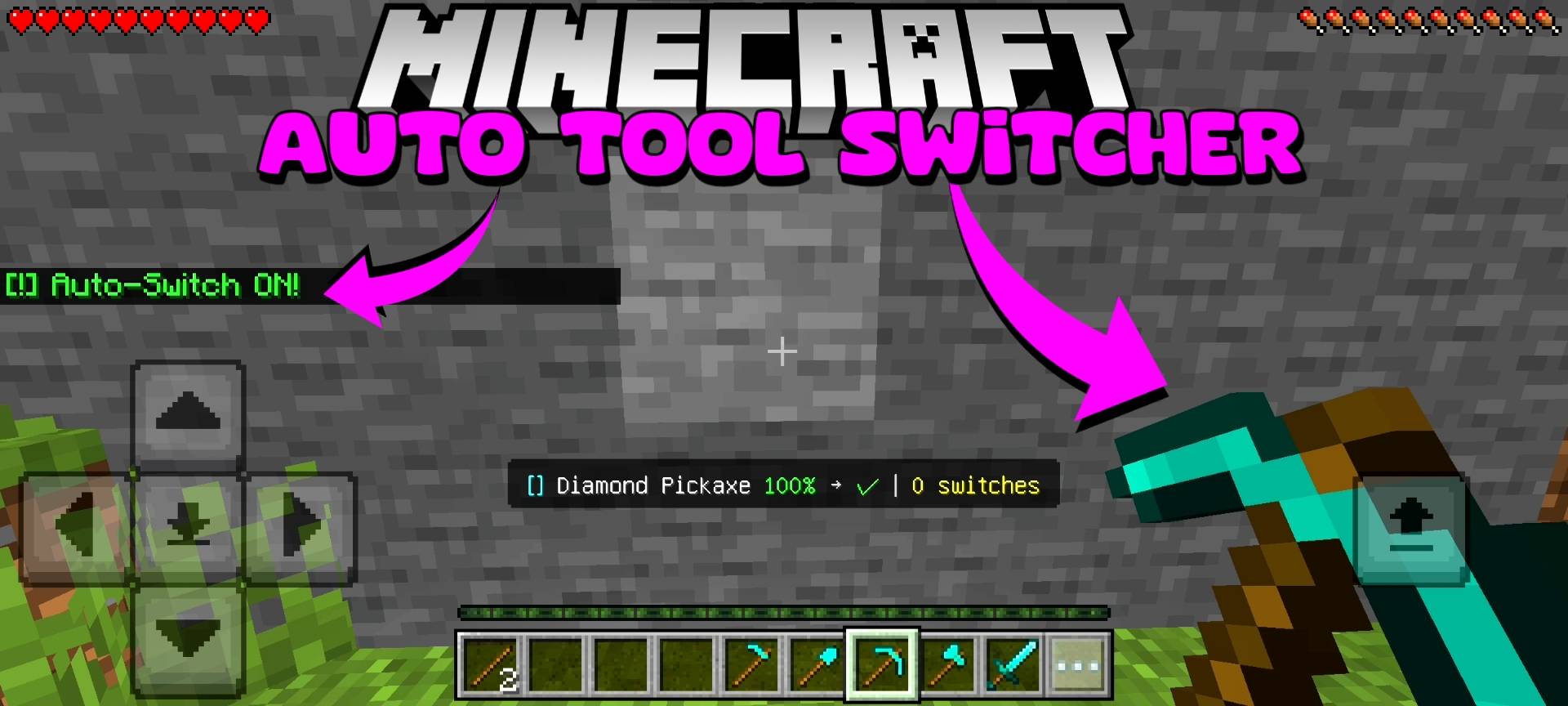
What is good, guys? Let us have a serious talk about the most tedious and repetitive part of playing survival Minecraft. You are strip-mining at Y-level negative 58, just totally vibing to some music. You are breaking deepslate with your pickaxe, but then you randomly hit a massive patch of dirt or gravel.
You have to stop, open your inventory or scroll your hotbar, pull out your shovel, clear the dirt, and then switch back to your pickaxe. Ten minutes later, you are chopping down a massive jungle tree, but there are vines and leaves in the way, so you have to keep swapping between your axe and your shears. It completely breaks your flow state.
Worse than that, how many times have you accidentally mined a bunch of dirt using your god-tier Netherite pickaxe just because you were too lazy to switch, completely wasting its durability? It absolutely sucks. I was tired of this endless clicking and scrolling, so we here at Novacraft studios developed the Auto Tool Switcher add-on.
I wanted a system that literally reads your mind. You just look at a block, and the exact tool you need magically appears in your hand. It is the ultimate quality-of-life upgrade for any survival player.
HOW THE SMART DETECTION WORKS
The core mechanic of this add-on is insanely smooth. You literally do not have to press any extra buttons. As you walk around your world, the script casts an invisible ray from your eyes to detect exactly what block you are looking at.
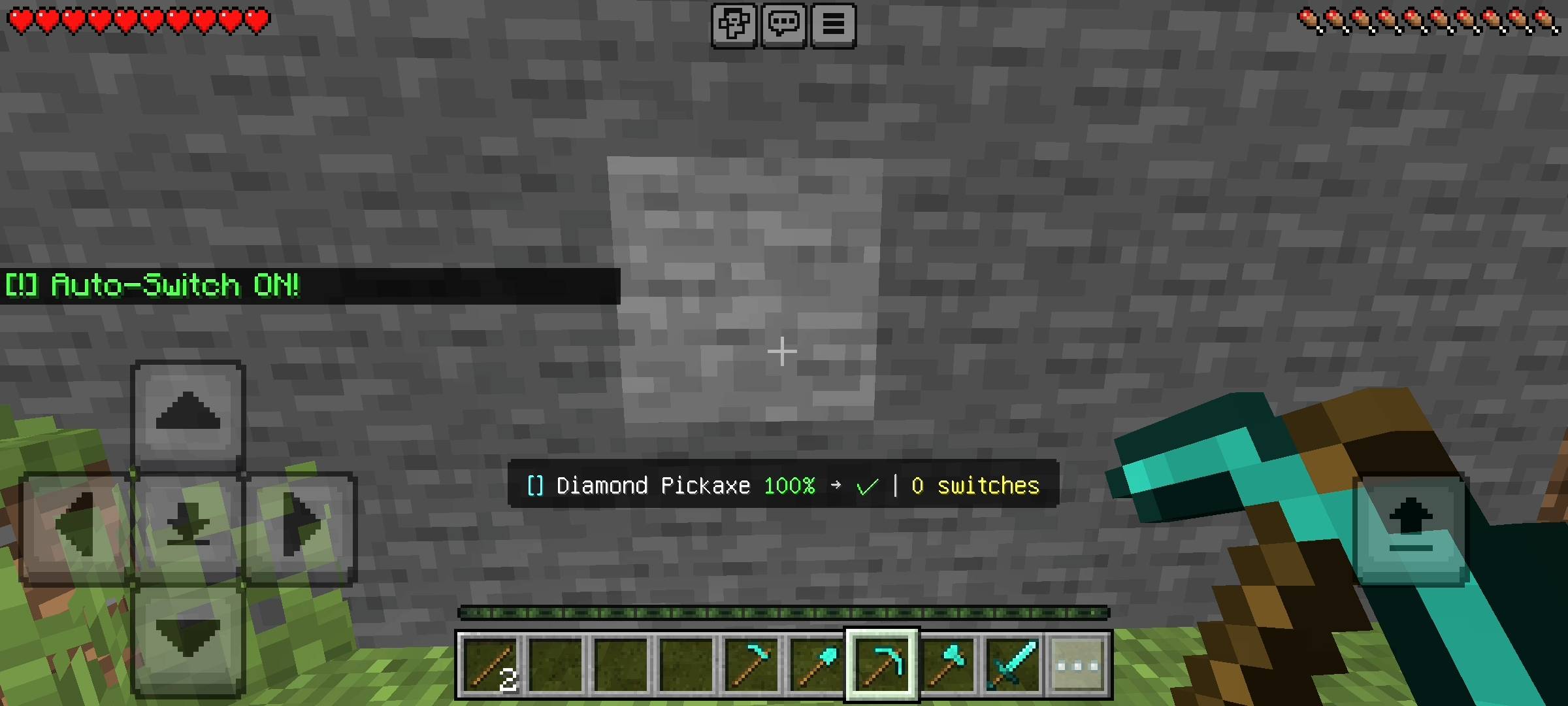
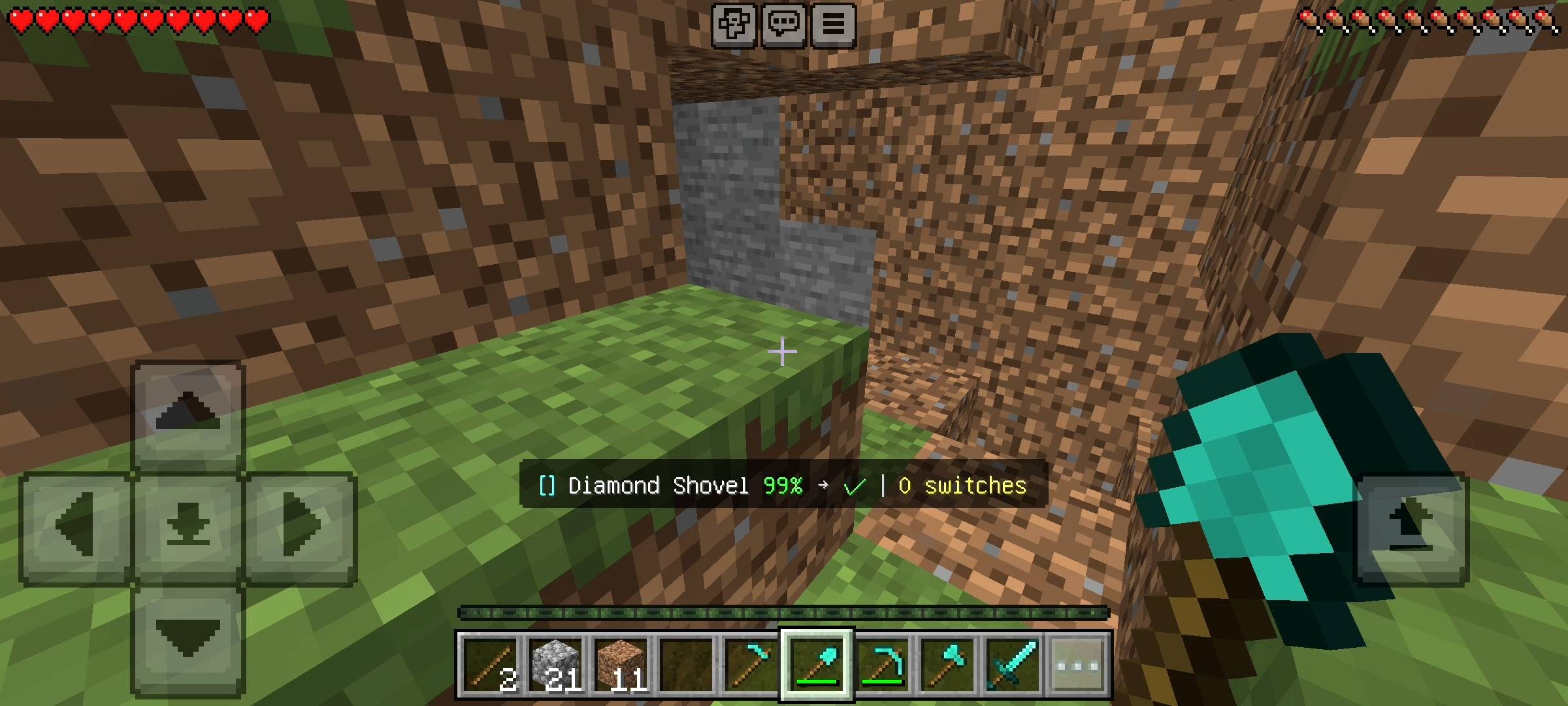
If you look at an oak log, the add-on instantly scans your entire inventory, finds the best axe you own, and equips it in your hand. If you turn and look at a block of sand, it instantly swaps to your shovel.
But it gets even smarter than that. I programmed a complete Tier System into the logic. Let us say you are returning from a mining trip and you have a nearly broken Stone Pickaxe, a brand new Iron Pickaxe, and a Diamond Pickaxe all sitting randomly in your inventory.
The add-on is smart enough to know that Diamond (Tier 40) is better than Iron (Tier 30). It will always pull out the highest-tier tool available for the specific block you are facing.
DURABILITY SAVER AND FAILSAFES
Now, I know exactly what my hardcore survival players are thinking right now. "Bro, what if I am using my maxed-out Mending and Unbreaking 3 diamond pickaxe, and I am not paying attention to the health bar? Will the auto-switcher just let me break it?" Absolutely not. I spent extra time coding a bulletproof durability failsafe into this add-on.
The system constantly monitors the health of the tool in your hand. When your tool drops down to exactly 20 percent durability left, you will hear a distinct bass warning sound to wake you up. If you ignore that and keep mining, and the tool drops below 10 percent (the Danger Zone),
the add-on literally intervenes. It will forcefully unequip the dying tool, play an anvil sound, post a red danger warning in your chat, and instantly swap to a backup tool if you have one. Your rare enchanted gear is 100% safe from accidental breaking.
THE COMBAT PROTECTION SYSTEM
This was the biggest bug I had to fix during testing. Imagine you are exploring a dark cave, and a Creeper jumps out at you. You pull out your sword to fight, but you accidentally look at a block of stone behind the Creeper, and the add-on suddenly switches your sword to a pickaxe right before you swing. That would get you killed instantly.
To prevent this, I built a dynamic Combat Protection aura. If the add-on detects any hostile mob—like a Zombie, Skeleton, Creeper, or Warden—within a 6-block radius of your character, it completely pauses the auto-switching feature. It lets you keep your sword or axe out so you can fight for your life without the game trolling your inventory. Once the area is clear of enemies, the auto-mining features turn right back on.
CUSTOM UI PANEL AND LIVE HUD
Nobody wants to memorize annoying text commands. So, I added a super clean user interface. All you have to do is hold a standard wooden stick in your hand, sneak (crouch), and click. This opens the main Doomsday-style control panel on your screen. From this menu, you can toggle the entire add-on on or off, disable chat messages, turn off particle effects, or disable the combat protection if you really want to.
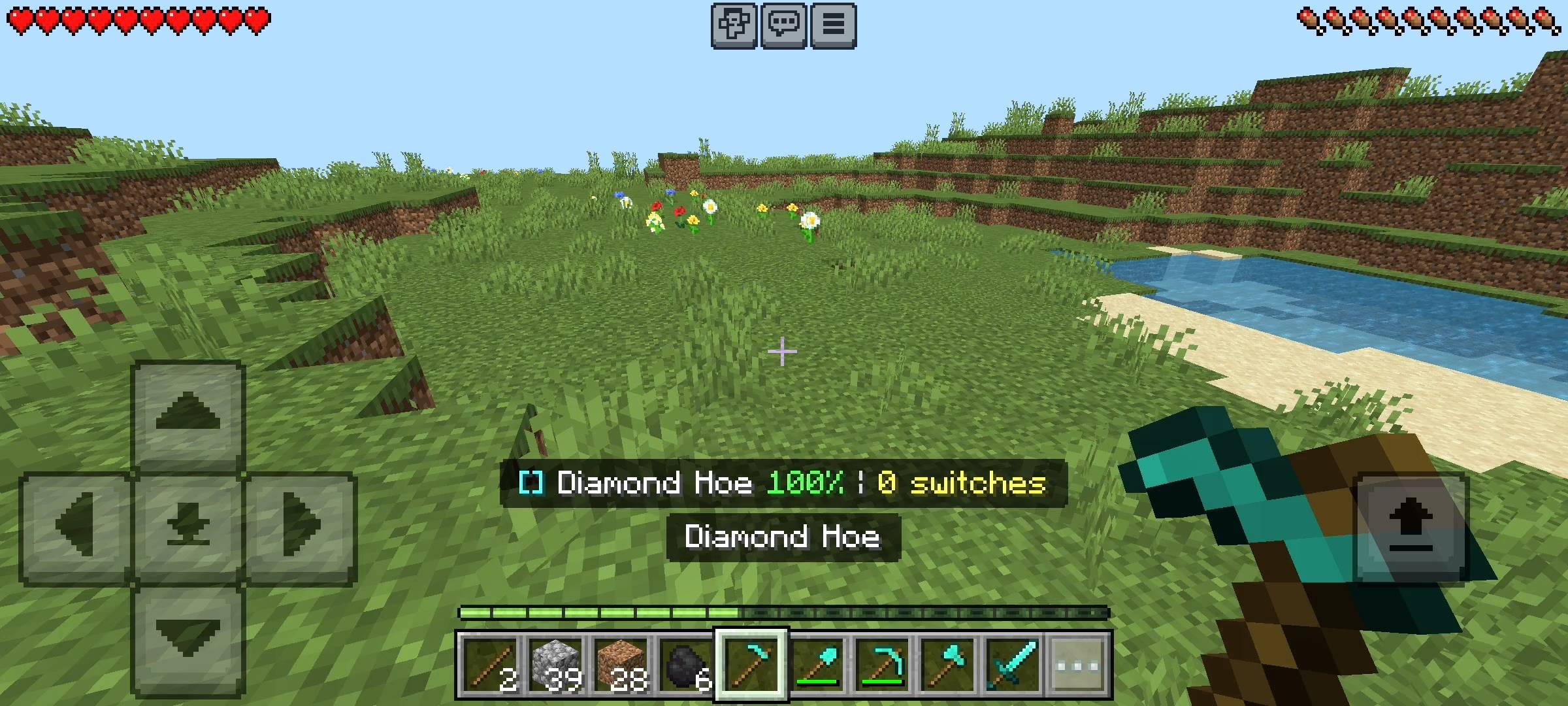
On top of that, I added a sleek Action Bar HUD right above your hotbar. As you play, it constantly updates to show you the name of your currently held tool, a color-coded percentage of its remaining durability, and exactly what tool the system is preparing to switch to based on what you are looking at.
GRINDING STATS AND UNLOCKING TITLES
To make mining actually fun again, I added a massive stat-tracking system. Every single time the add-on saves you the effort of manually switching a tool, it adds a point to your total switches. You can open your UI panel to see exactly how many times you have used a pickaxe versus a shovel.
Even better, there are 12 custom titles you can unlock. Everyone starts off as a basic "Manual Miner." But as you hit milestones like 500 switches, 2000 switches, or the insane 10,000 switches mark, you rank up to "Efficiency King," "Smart Miner," and eventually the red glowing title of "MINING LEGEND." It is a sick way to flex your grinding stats on your multiplayer realm.
NOTICE REGARDING AI
Just a quick note about the pictures on this Add-on. The main cover thumbnail and the screenshots in the gallery were enhanced using ai image tools.
Let us know what you think of this addon by commenting.
- Edition: Minecraft Bedrock
- File type: .mcpack or .mcaddon
- Minecraft versions listed: 26.0.02, 26.0, 26.3
- How to install: Download the .mcpack or .mcaddon file. → Open it — Minecraft imports it. → In your world: Behavior Packs → Available → Activate, then the same under Resource Packs.
- Where to get it: Opens on CurseForge — not every file is mirrored on our own servers.
Install steps are the general flow for this file type — How to install Minecraft Bedrock addons & mods walks through it step by step.
- Pack type: .mcpack — a single pack
- Manifest requires Minecraft 1.21.0 or newer
- Complete pack — everything it depends on is inside the file
- Download size: 646 KB
- Download link checked 10 Oct 2026 — working
These come from our own check of the pack file, not from the source page.