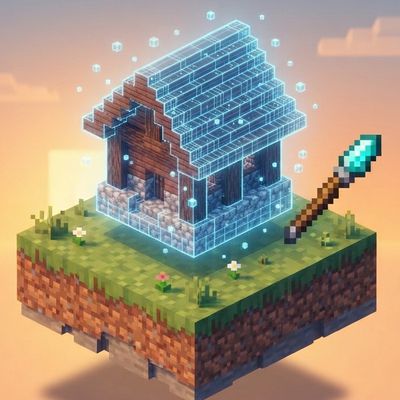
Blueprint Wand
Bedrock add-on listed for Minecraft 26.x (behavior + resource pack). File opened and checked on 10 Oct 2026; installs from the MC Bedrock Mods app on Android.
Build impressive Minecraft structures in seconds with the Blueprint Wand! Choose from 86 houses, farms, decorations, utilities, and complete bases, then…
⬇ Download on CurseForge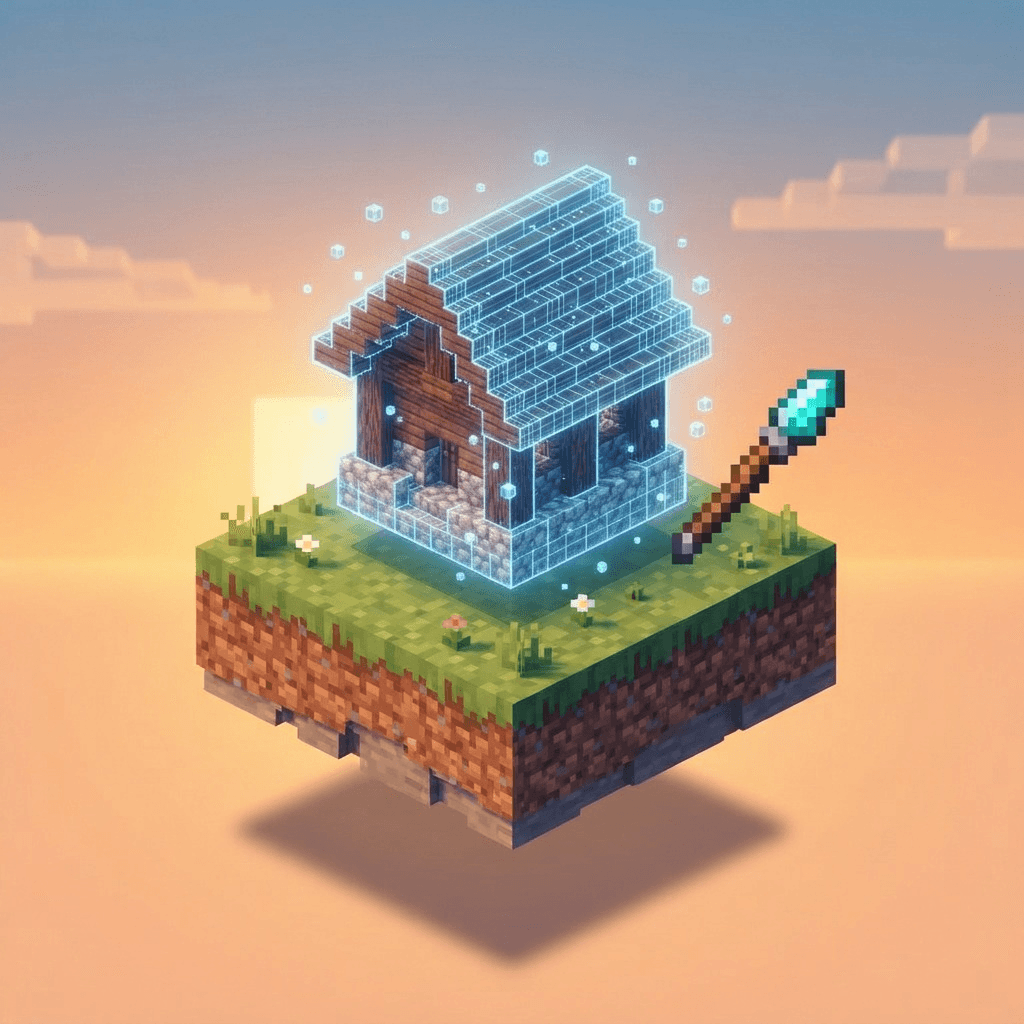
Blueprint Wand
Build impressive structures in seconds with Blueprint Wand! Choose from a large collection of ready-made structures and place them directly into your Minecraft world without having to build everything block by block.
✨ Features
🏗️ 86 Ready-Made Structures
Blueprint Wand includes 86 pre-built structures that can be placed in your world, including:
-
🏠 Houses and starter homes
-
🌾 Farms and farming structures
-
🌳 Gardens and decorative builds
-
🛠️ Utility structures
-
🏰 Complete bases
-
🎨 Decorative structures
-
And more!
Whether you need a quick starter house, a farming area, or an entire base, you can choose a suitable blueprint and place it in your world.
🪄 Blueprint Wand
The Blueprint Wand is the main tool used to build structures.
Use it to open the structure selection interface, choose a blueprint, and place the selected structure at your desired location.
📋 Easy Structure Selection
Browse the available blueprints through an in-game menu instead of manually searching through files.
Select the structure you want and let the addon handle the placement process.
📍 Flexible Placement
Structures can be positioned according to your building location, with options for adjusting the placement height.
This makes it easier to build on different terrains and create organized bases.
🛡️ Protection Mode
Enable protection options to help prevent the addon from unintentionally replacing existing builds when placing a structure.
This is especially useful when working in developed areas or near existing buildings.
🐑 Copy Entities
Some structures can include supported entities such as villagers and animals, allowing you to recreate more than just the blocks of a blueprint.
↩️ Undo Last Placement
Made a mistake?
Use the Undo function to remove the most recently placed structure and try again.
🧩 Large Structure Support
Large builds can be handled through multiple structure sections, allowing the addon to place bigger constructions without requiring you to build them manually.
🎮 How to Use
-
Install and activate the required Behavior Pack and Resource Pack.
-
Enter your Minecraft world.
-
Obtain and use the Blueprint Wand.
-
Open the blueprint selection menu.
-
Choose the structure you want to build.
-
Adjust the placement position or height if necessary.
-
Place the blueprint and wait for the structure to finish generating.
Tip: For large structures, make sure there is enough space around the placement area before starting the build.
⚙️ Compatibility
-
Minecraft Bedrock Edition: 1.26.0+
-
Platform: Windows, Android, iOS, and other supported Bedrock platforms
-
Pack type: Behavior Pack + Resource Pack
-
Suitable for survival and creative worlds.
For the best experience, always use a Minecraft version supported by the current release of the addon.
💡 Perfect For
Blueprint Wand is useful for players who:
-
Want to build a base quickly
-
Don't want to spend hours constructing large structures
-
Need starter houses for new worlds
-
Want ready-made farms and utilities
-
Create adventure or survival maps
-
Need decorative structures for their world
-
Want an easier way to experiment with different builds
📦 Installation
Import the addon into Minecraft Bedrock Edition and activate the required packs in your world settings.
Make sure both the Behavior Pack and Resource Pack are enabled if required by the current version.
For existing worlds, it is recommended to create a backup before installing or placing large structures.
- Edition: Minecraft Bedrock
- File type: .mcpack or .mcaddon
- Minecraft versions listed: 26.0.02, 26.0, 26.3
- How to install: Download the .mcpack or .mcaddon file. → Open it — Minecraft imports it. → In your world: Behavior Packs → Available → Activate, then the same under Resource Packs.
- Where to get it: Opens on CurseForge — not every file is mirrored on our own servers.
Install steps are the general flow for this file type — How to install Minecraft Bedrock addons & mods walks through it step by step.
- Pack type: .mcaddon — behaviour and resource pack in one file
- Manifest requires Minecraft 1.26.0 or newer
- Complete pack — everything it depends on is inside the file
- Download size: 5.2 MB
- Download link checked 10 Oct 2026 — working
These come from our own check of the pack file, not from the source page.