Fast Craft & Fast Loot By GxShake
Bedrock add-on listed for Minecraft 1.21–26.x (resource pack only). File opened and checked on 10 Oct 2026; installs from the MC Bedrock Mods app on Android.
Fast Craft & Fast Loot adds one-tap crafting, quick trading and tap-to-loot toggles to Minecraft Bedrock's inventory, chest and trade screens, so you can…
⬇ Download on CurseForge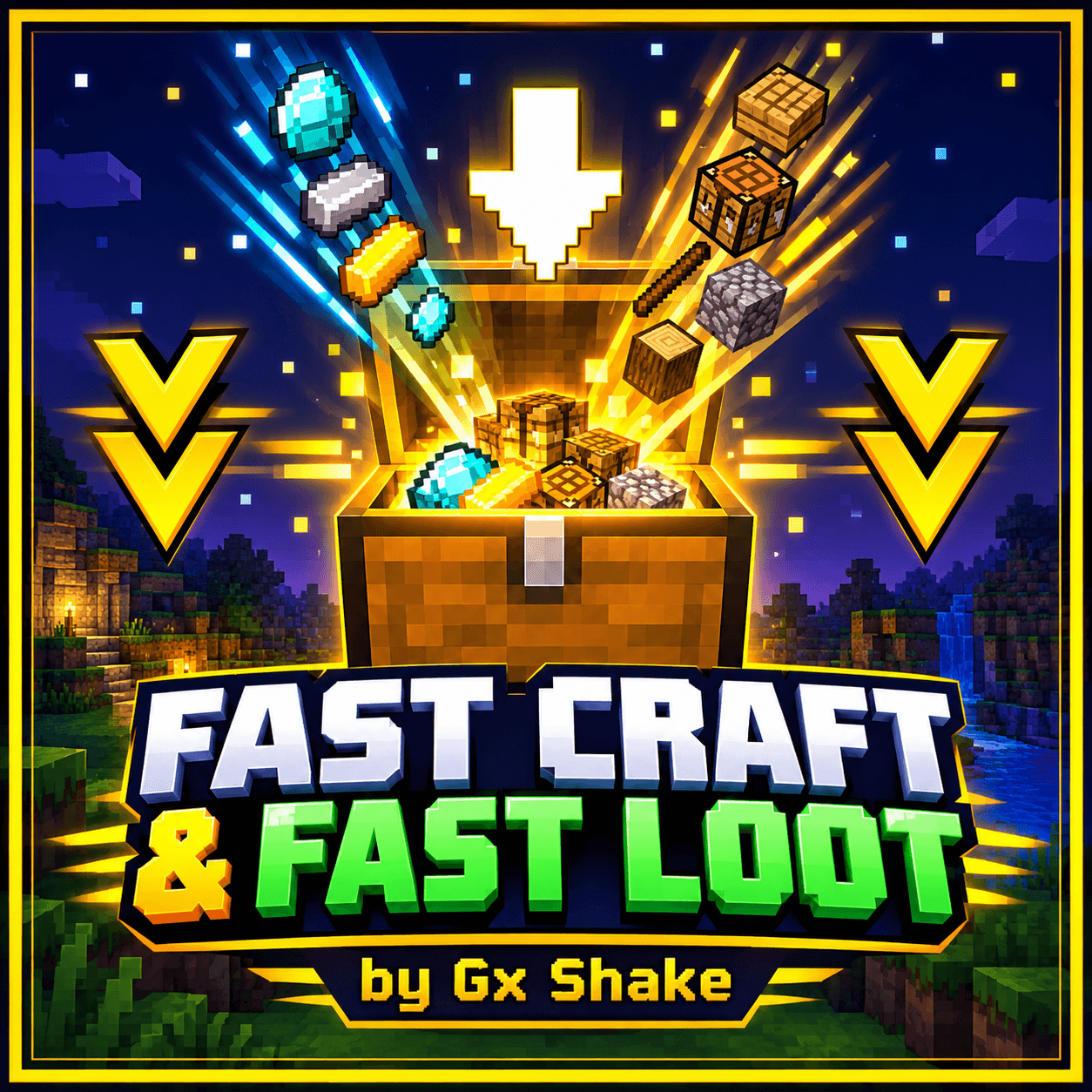
Fast Craft & Fast Loot v4.0 by Gx Shake
Fast Craft & Fast Loot is a lightweight UI resource pack for Minecraft Bedrock Edition that cuts down the number of taps it takes to craft, trade and collect items. It changes only the interface, so it adds no new blocks or items and won't affect your worlds.
Features
- Fast Craft: a button next to the crafting output (and in the stonecutter) crafts the result in one tap, so you don't have to tap the output over and over.
- Quick Trade: a one-tap button on the villager and wandering trader screens to complete a trade.
- Fast Loot: a toggle in chests and other containers. When it is on, tapping an item moves it straight to your inventory (or into the container from your inventory) with no extra taps. A green icon means on and a grey icon means off, and a "Fast Loot: On/Off" label shows the state.
- Double-tap to move: double-tap an item in your inventory to send it to the other container.
- Mobile friendly: it works in the phone (Pocket UI) layout, where the Fast Loot toggle appears on all container screens.
Choose your version in the pack settings
- Full Features (the default)
- Full Features with Fast Loot starting ON
- Fast Loot Only
- Fast Craft Only
Languages: English, Spanish (Spain and Mexico), French, German, Portuguese (Brazil), Russian, Chinese (Simplified) and Japanese.
Note: Mojang is gradually moving screens to a new UI system that resource packs can't change. Some screens may therefore look different or not work on future versions.
Created by Gx Shake.
- Edition: Minecraft Bedrock
- File type: .mcpack or .mcaddon
- Minecraft versions listed: 1.21.132, 26.0.02, 26.0
- How to install: Download the .mcpack or .mcaddon file. → Open it — Minecraft imports it. → In your world: Behavior Packs → Available → Activate, then the same under Resource Packs.
- Where to get it: Opens on CurseForge — not every file is mirrored on our own servers.
Install steps are the general flow for this file type — How to install Minecraft Bedrock addons & mods walks through it step by step.
- Pack type: .mcpack — a single pack
- Manifest requires Minecraft 1.21.0 or newer
- Complete pack — everything it depends on is inside the file
- Download size: 25 KB
- Download link checked 10 Oct 2026 — working
These come from our own check of the pack file, not from the source page.