
Random effectv56
Bedrock add-on listed for Minecraft 1.21–26.x (behavior pack only). File opened and checked on 10 Oct 2026; installs from the MC Bedrock Mods app on Android.
A chaotic mod that gives you a random set of positive and negative potion effects every minute. Choose your language and survive the chaos!
⬇ Download on CurseForgeThe author built this one for Minecraft 26.10. On other versions it may install and then do nothing.
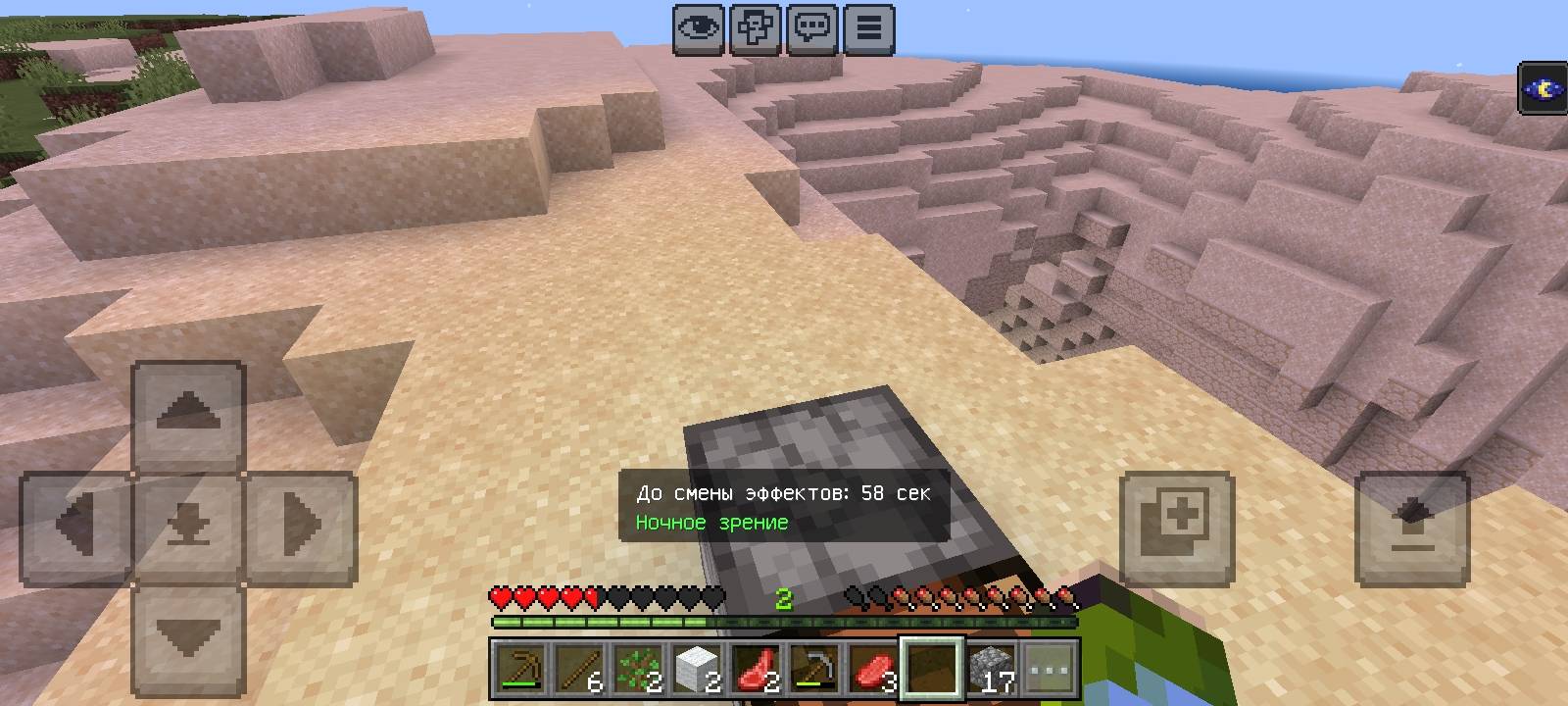
Random Effect v56
Random Effect v56 is a chaotic Minecraft Bedrock addon for version 1.21+ that gives you random potion effects every minute. No need to break blocks—just survive as the timer ticks down.
Features:
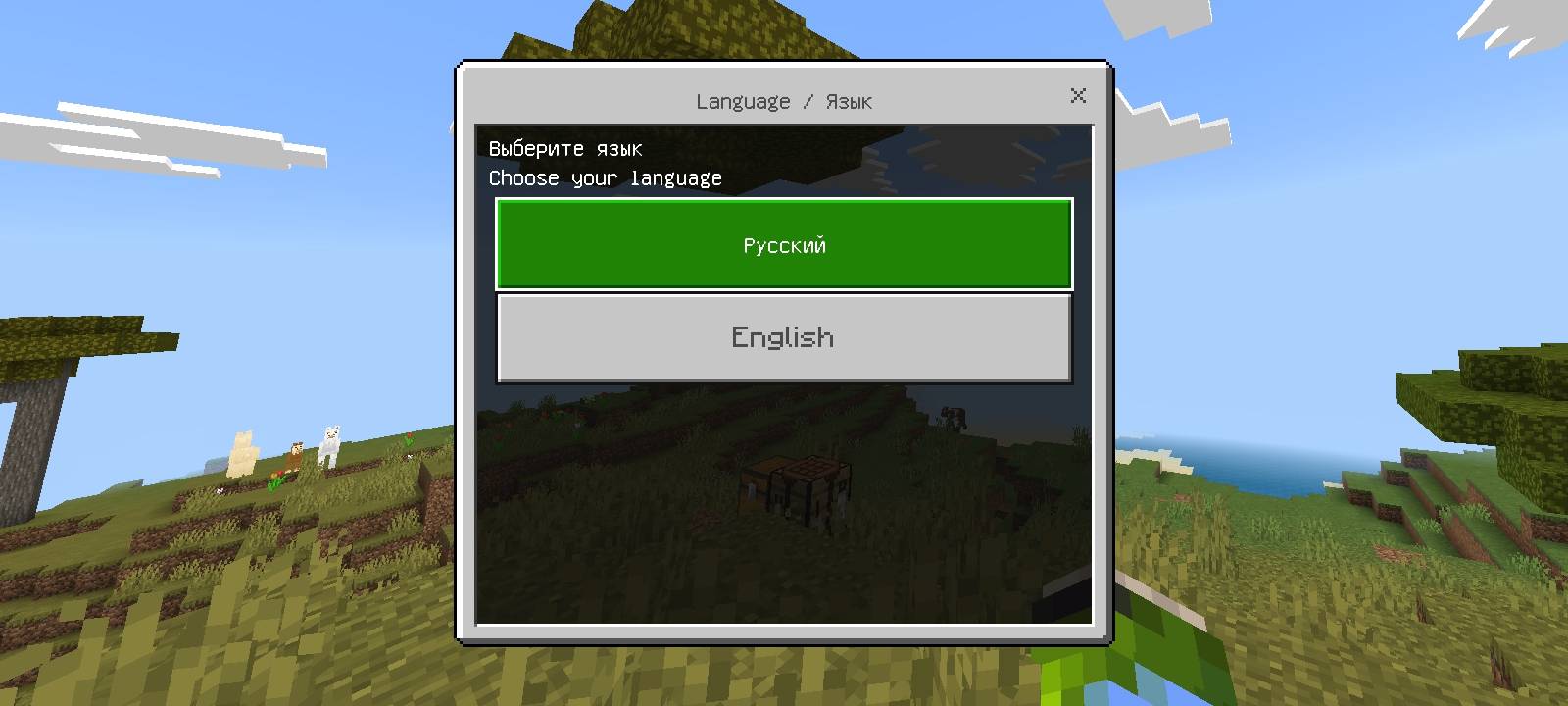
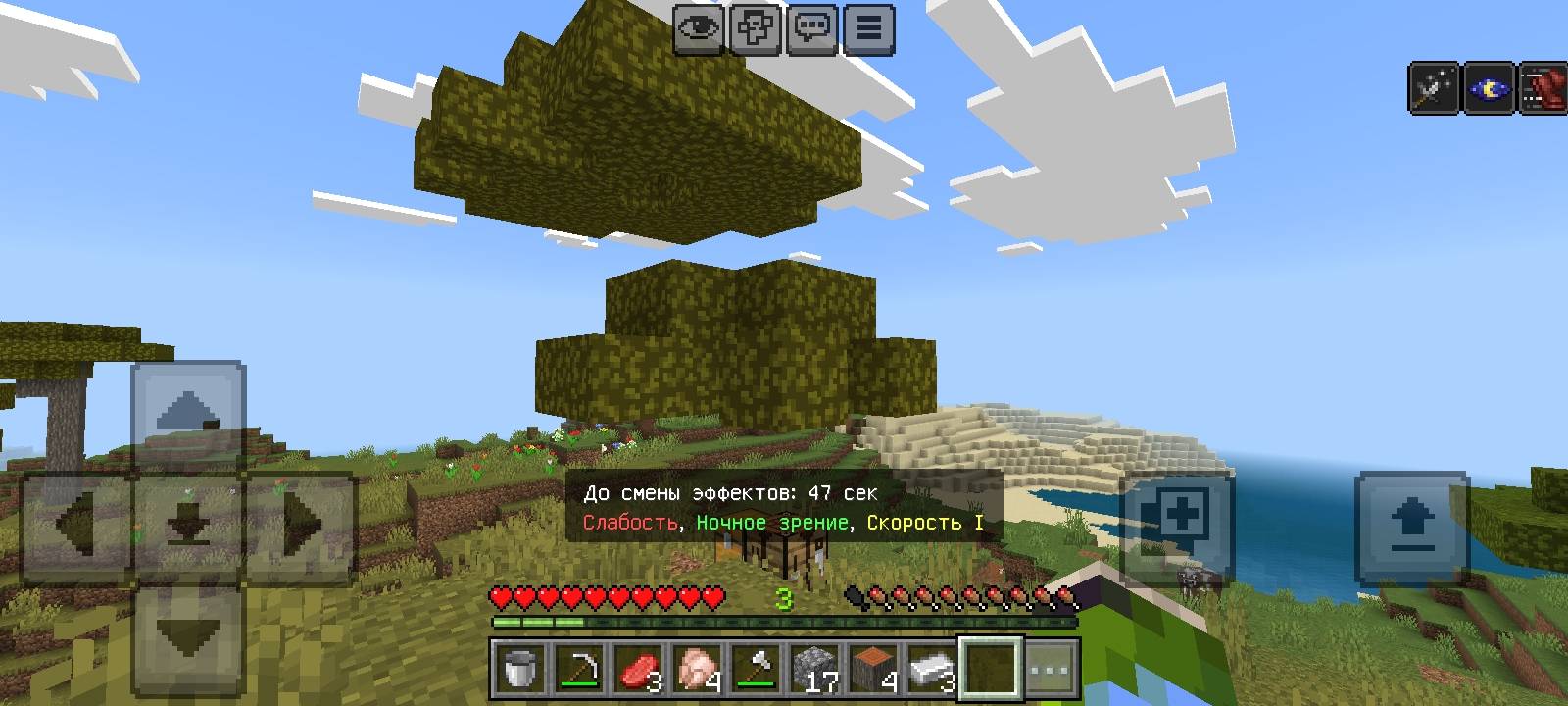
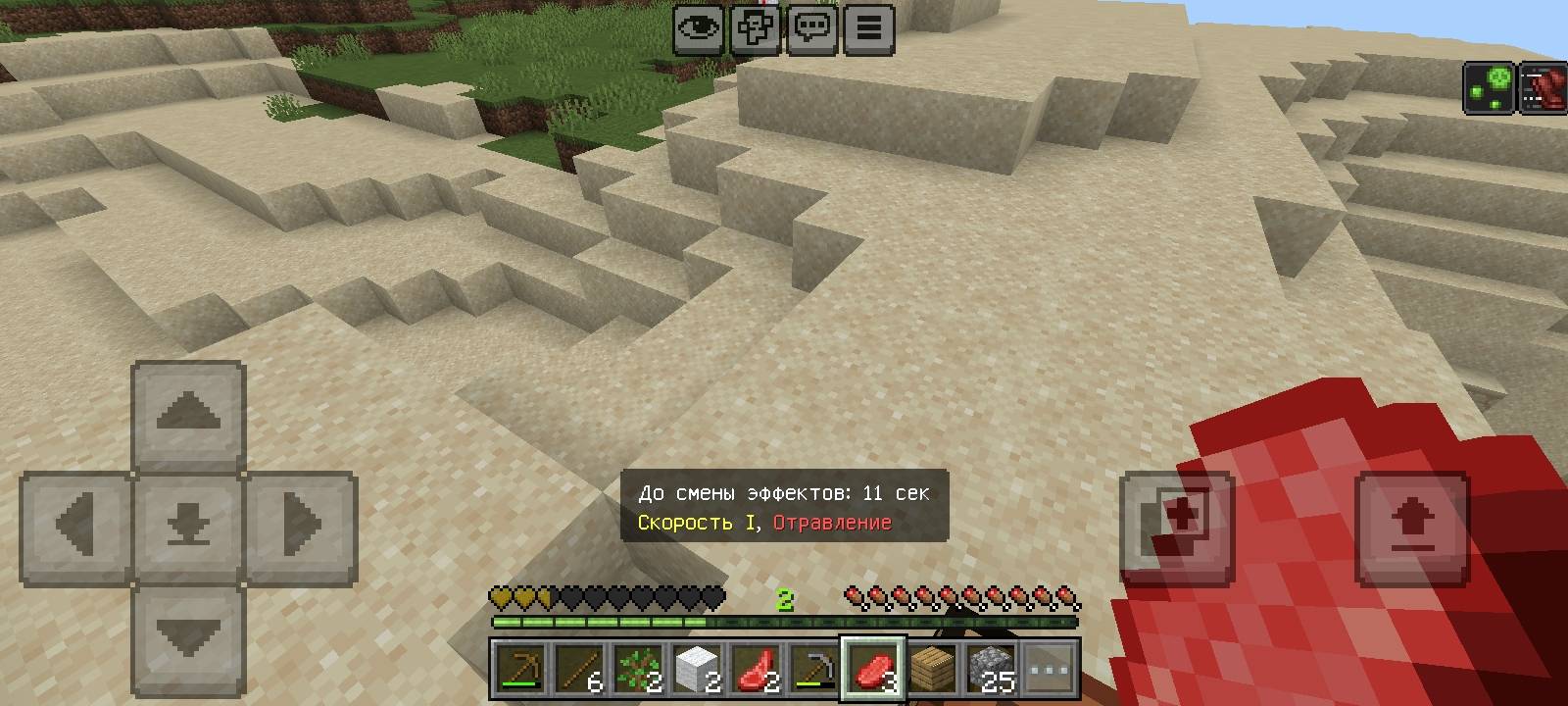
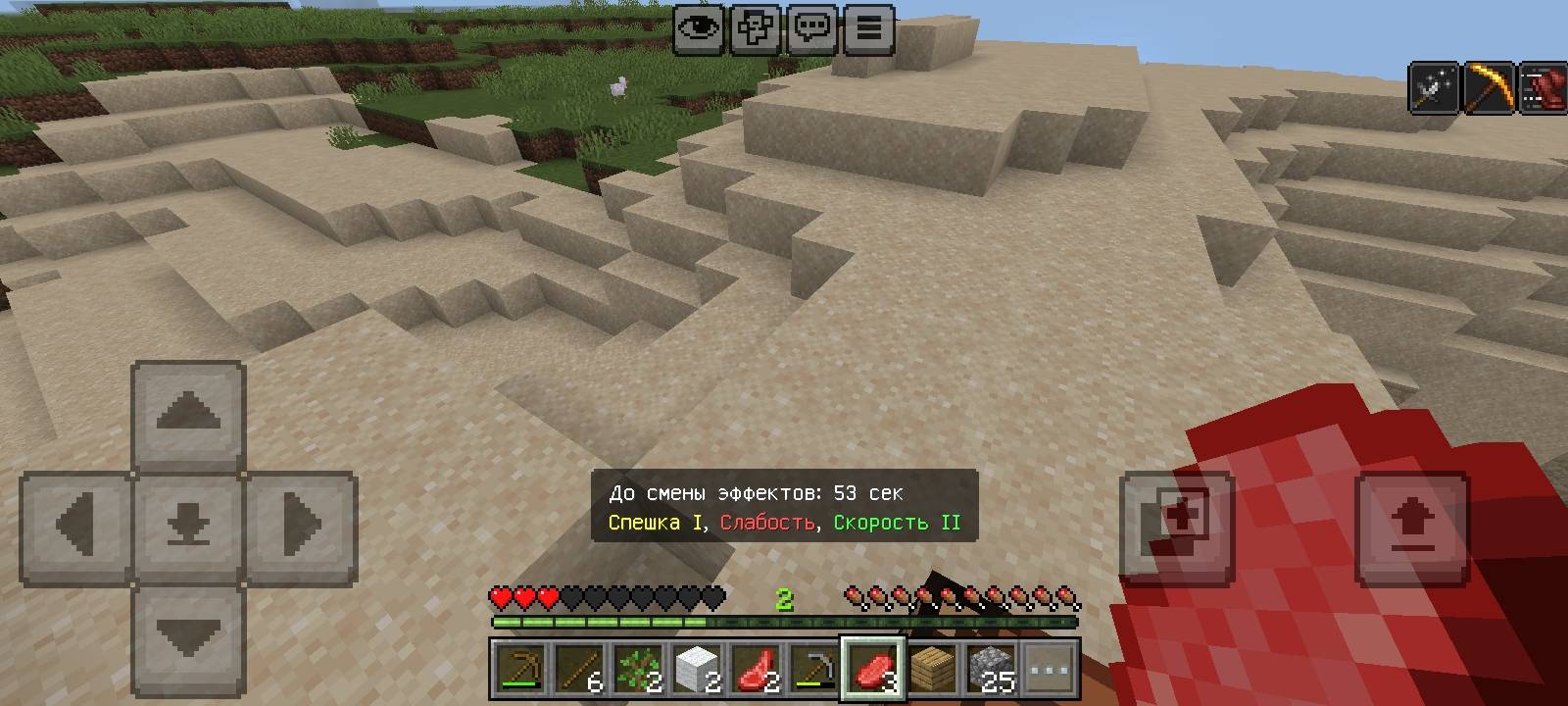
· Timer-based: Every 60 seconds, you get 1 to 3 random effects. · Rare buffs, common debuffs: Good effects (Regeneration, Strength) are rare; bad ones (Poison, Nausea) are common. · Bilingual UI: Choose Russian or English when you enter the world. · Actionbar display: Shows timer and active effects at the bottom of the screen. · Multiplayer ready: Play with friends and see who lasts longest.
How it affects gameplay:
· Constant tension: One minute you fly with Levitation, the next you're poisoned and blind. · Risk vs. reward: Some effects help you mine faster, others make you weak and slow. · Hardcore challenge: In Hardcore mode, a single Poison can end your run instantly. Every minute is a real survival test. · No experimental features required except Beta APIs, which must be enabled in world settings.
How to play:
- Install the .mcaddon and activate it in world settings.
- Enable all Experimental Features (Beta APIs) in world settings.
- Enter the world and choose your language.
- Survive the chaos!
Warning: Mod is in testing phase. If you find bugs, contact the author.
- Edition: Minecraft Bedrock
- File type: .mcpack or .mcaddon
- Minecraft version listed: 26.10
- How to install: Download the .mcpack or .mcaddon file. → Open it — Minecraft imports it. → In your world: Behavior Packs → Available → Activate, then the same under Resource Packs.
- Where to get it: Opens on CurseForge — not every file is mirrored on our own servers.
Install steps are the general flow for this file type — How to install Minecraft Bedrock addons & mods walks through it step by step.
- Pack type: .mcaddon — behaviour and resource pack in one file
- Manifest requires Minecraft 1.21.50 or newer
- Complete pack — everything it depends on is inside the file
- Download size: 4 KB
- Download link checked 10 Oct 2026 — working
These come from our own check of the pack file, not from the source page.