Golden Hour Furniture
Bedrock add-on listed for Minecraft 26.x. File opened and checked on 10 Oct 2026; installs from the MC Bedrock Mods app on Android.
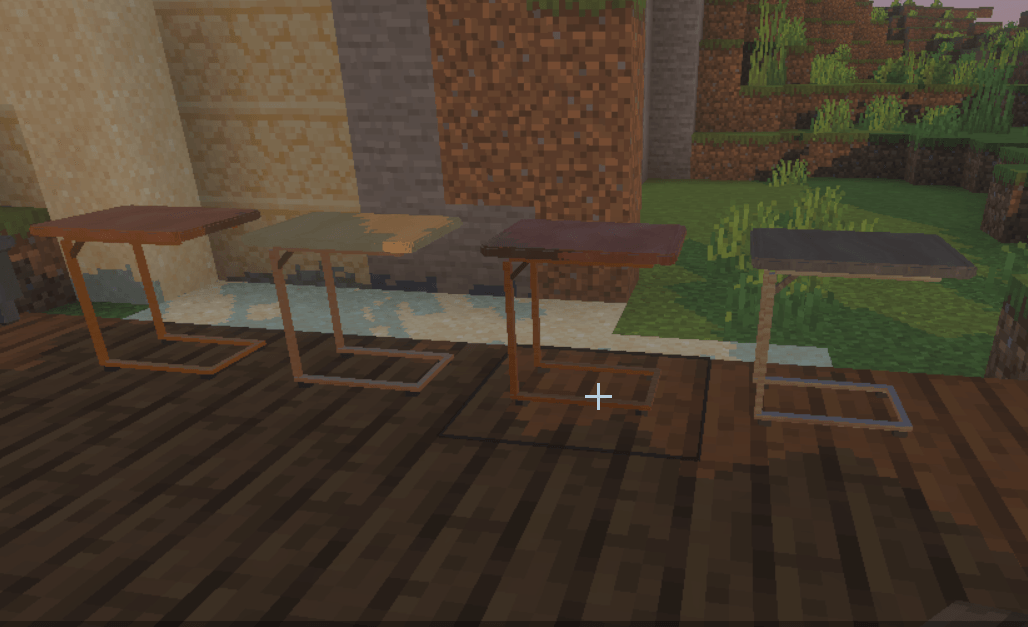
A set of 580 furniture pieces that rivals IKEA for design quality. Interactive storage compartments, drawers that open and close, working beds, and more.
⬇ Download on CurseForgeThe author built this one for Minecraft 26.50. On other versions it may install and then do nothing.
Before installing, here’s what you need:
Minecraft Bedrock Edition 26.50 or newer. The pack’s minimum engine version is 1.26.50. Both included packs enabled: Golden Hour Furniture’s Behavior Pack and Resource Pack. They are linked together.
- No separate API download or mod loader. The add-on uses Minecraft’s built-in, stable @minecraft/server 2.8.0 API.
- No experimental world toggles are required for furniture gameplay. You do not need the Beta APIs experiment.
- You MUST have Vibrant Visuals on a compatible device to see the full PBR materials and included lighting effects.
Golden Hour Furniture is basically the IKEA of Minecraft furniture. Pick a finish, furnish your rooms, and spend way too long deciding which couch looks better by the window.
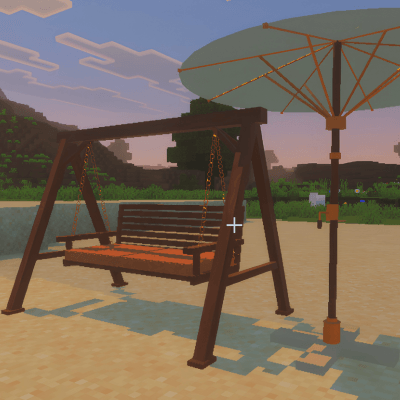
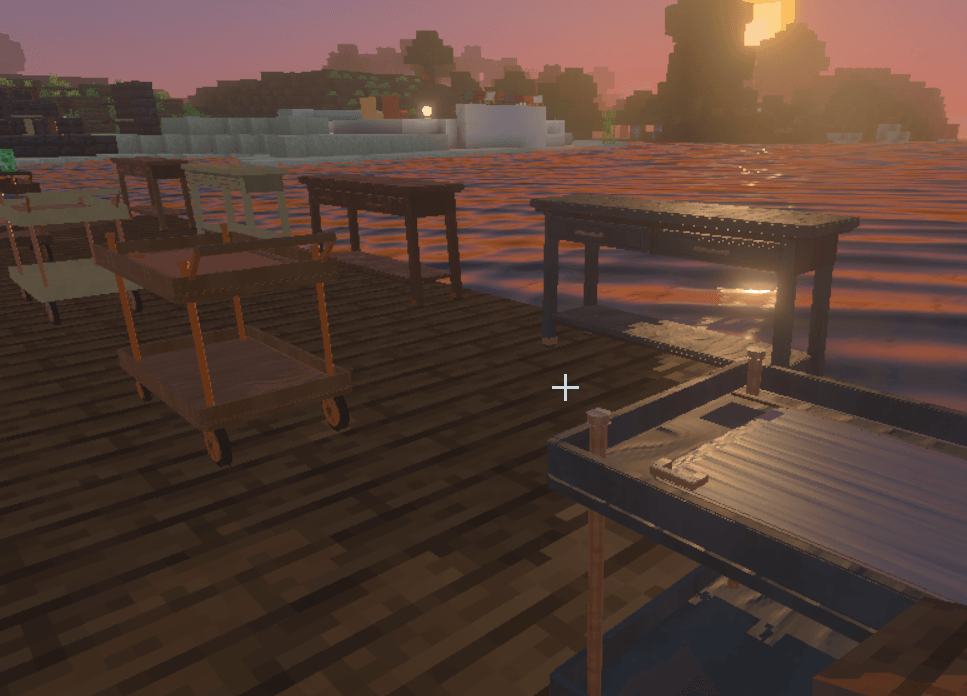
With 100 original furniture designs, all with detailed PBR materials, working animations, and warm golden lighting, this add-on gives you plenty of reasons to finally finish decorating your house. Let's not even mention the water...
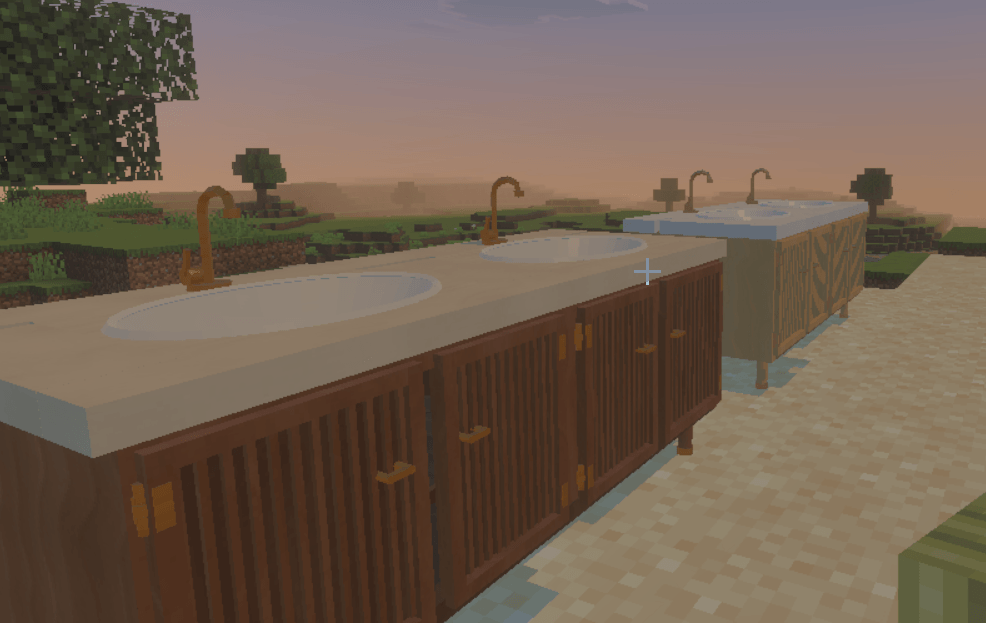
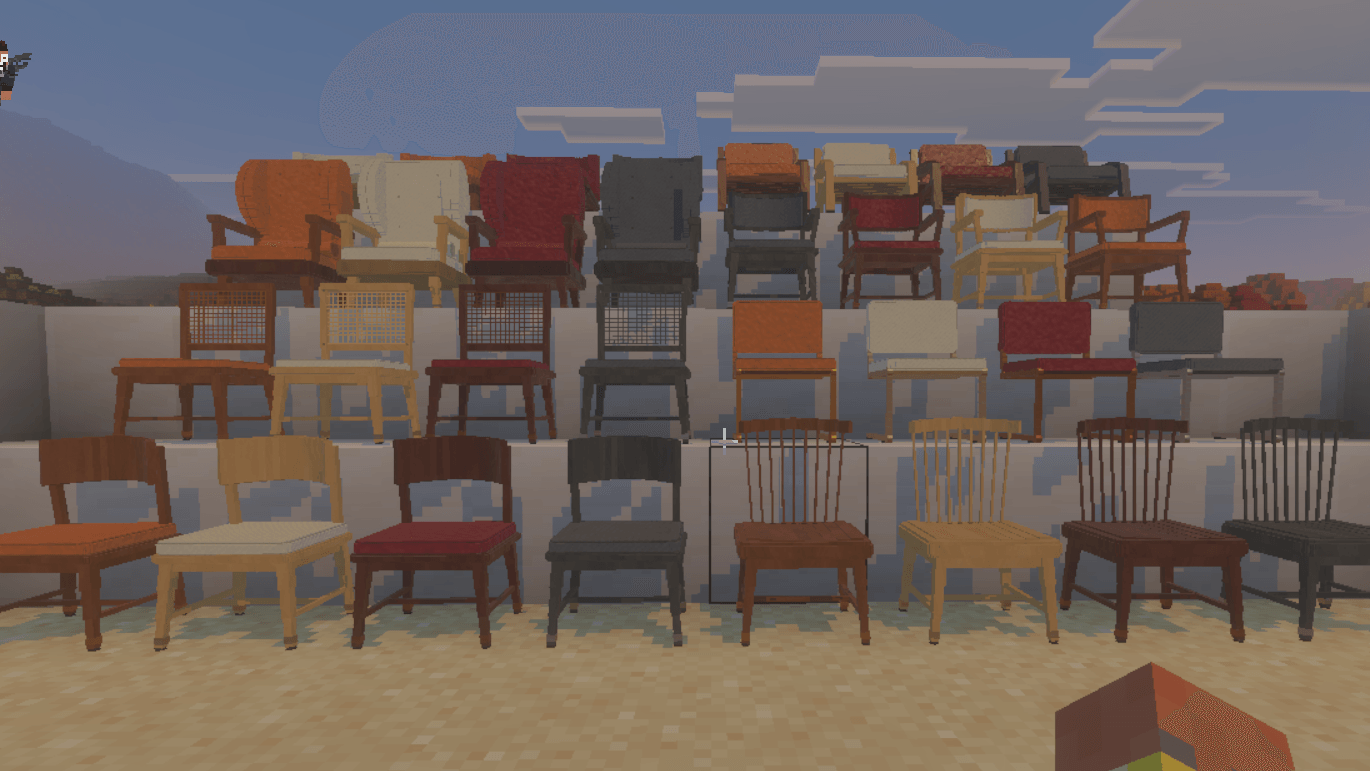
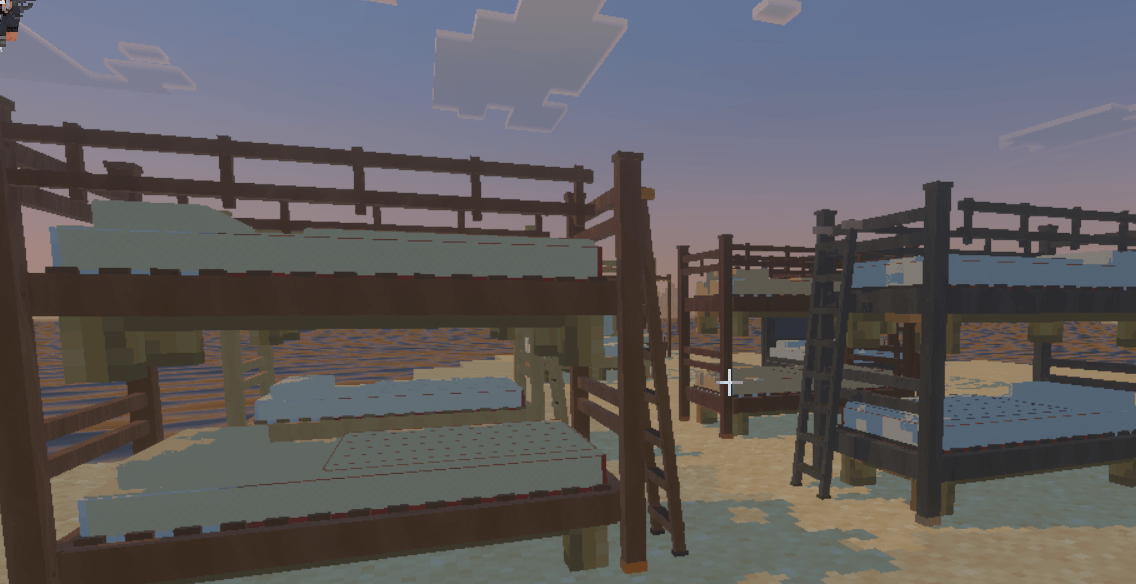
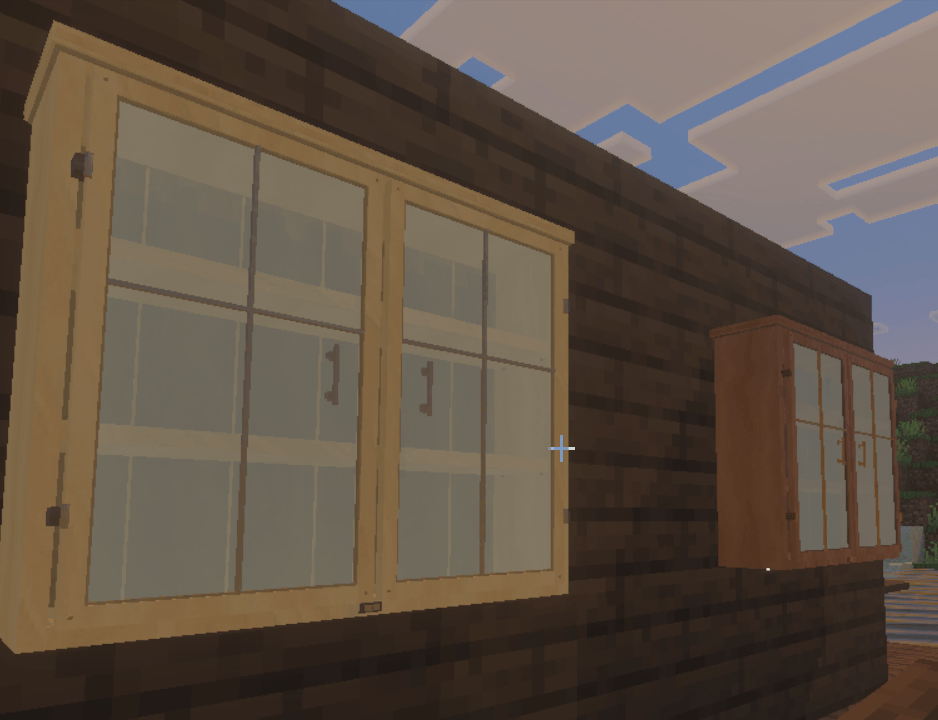
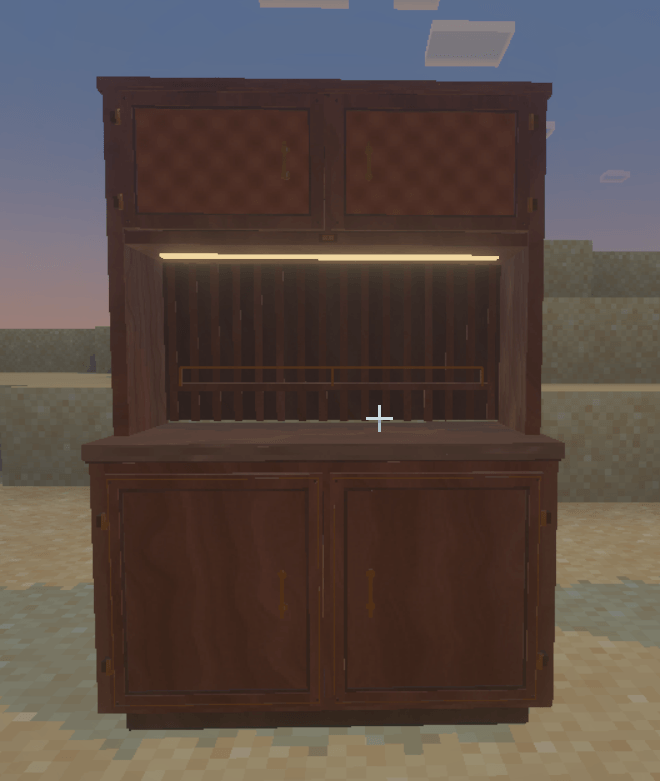
You get chairs, sofas, benches, tables, desks, cabinets, drawers, beds, kitchen and bathroom furniture, lamps, and outdoor pieces. Selected designs also have 45 additional Grid Fit versions for builds that need closer alignment with Minecraft’s block grid.
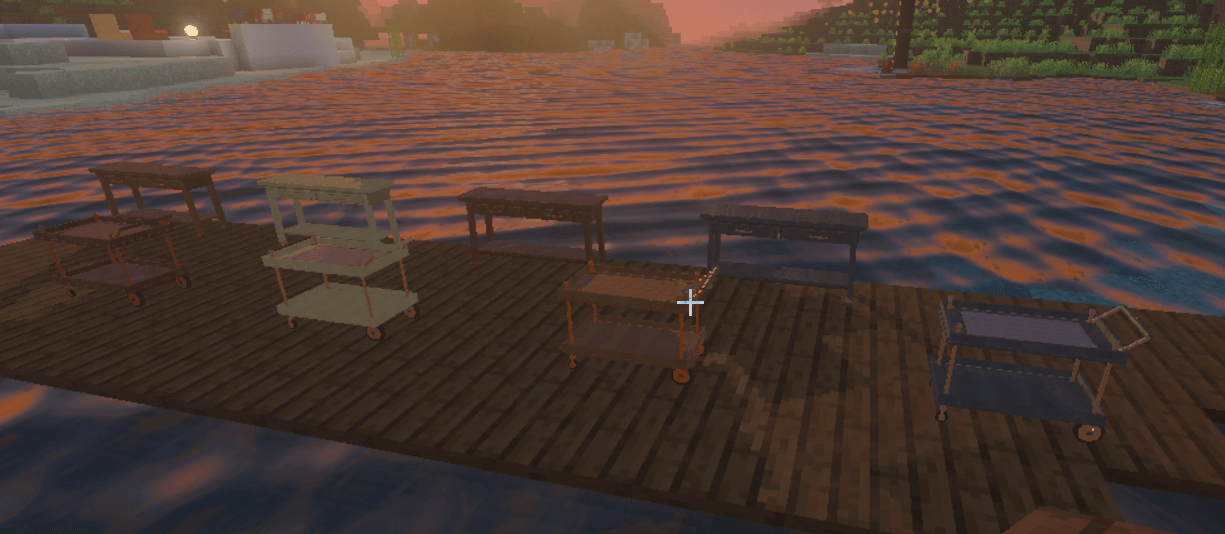
Everything comes in four finishes:
- Walnut & brass
- Pale oak & linen
- Dark walnut & oxblood
- Charcoal & nickel
That makes 580 craftable furniture variants, organized into nine Creative inventory categories.
The little details are the fun part. Sit on your furniture, recline an adjustable chair, open a parasol, raise a lift-top table, or switch on a lamp. Cabinets and drawers have independently operated compartments with actual storage inventories. Aim at the compartment you want, open it, and put your stuff away. Closing its storage screen closes that compartment.
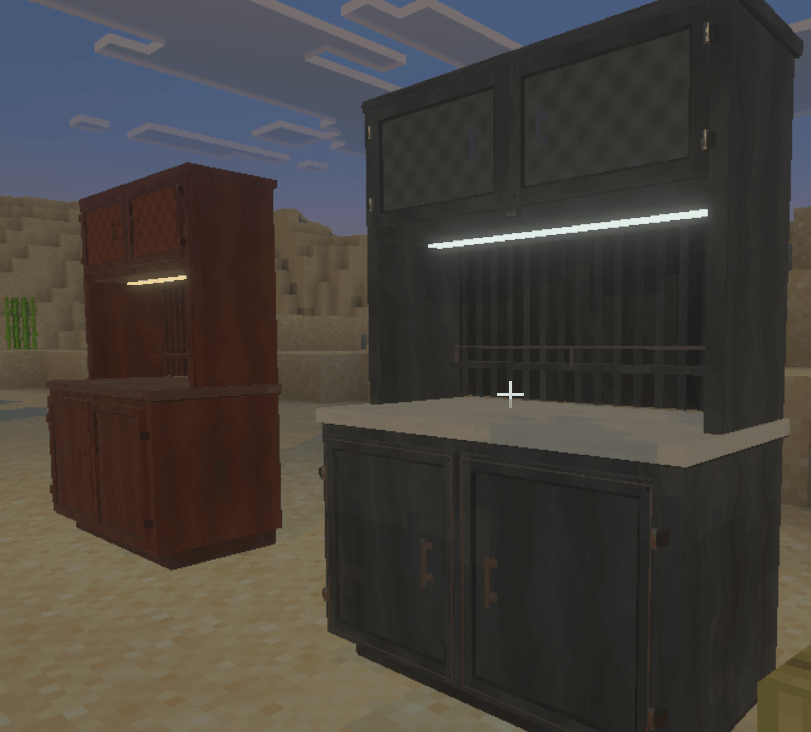
Supported surfaces also let you display items, so you can add those final details to a desk, shelf, or countertop.
Download the .mcaddon file and open it with Minecraft. Once it imports, enable Golden Hour Furniture in your world’s pack settings and confirm that both packs are active.
For the intended appearance, go to Settings → Video → Graphics Mode → Vibrant Visuals from Minecraft’s main menu. The furniture’s material effects and dramatic lighting depend on this graphics mode. The required graphics assets are included with the add-on. Your default setting is likely already Vibrant Visuals, but if you experience any troubles, double check Vibrant Visuals is enabled.
Getting your furniture is simple. In Creative, browse the furniture categories. In Survival, collect paper to unlock the base furniture recipes in your recipe book, then use a crafting table. Base recipes produce the Pale oak & linen finish; additional recipes convert pieces into the other finishes and available Grid Fit versions.
Placement and controls work through your normal Minecraft actions. “Use” means right-click on PC or your usual interact control on touch and controller.
| What you want to do | How to do it |
|---|---|
| Place furniture | Hold its item, aim at a suitable supporting surface, and use. |
| Rotate before placing | Crouch + use to rotate by 90°. Release crouch, then place. |
| Sit down | Use a seat with an empty hand. |
| Get up | Use your normal dismount control. |
| Adjust a moving chair | Crouch + use with an empty hand. |
| Operate other animated furniture | Use the relevant moving part or control with an empty hand. |
| Open storage | While standing, aim at the specific drawer or door and use. This also works with an item in hand. |
| Toggle a light | Hit it while standing, or use its switch. |
| Sleep | Use the bed’s mattress under normal Minecraft sleeping conditions. |
| Remove furniture | Crouch + hit. In Survival, the furniture drops back as an item. |
| Display an item | Crouch + use with the item on a supported display surface. |
| Retrieve a displayed item | Aim at it and crouch + use with an empty hand. |
New placements face toward you by default. The placement preview shows green when placement is valid, red when blocked, and cyan to mark the furniture’s front.
Furniture items are deliberately invisible in your hand until placed. Their inventory icons and placement previews still appear, so an apparently empty hand while holding furniture is expected.
For storage, aim directly at the intended drawer or cabinet door. If the front opens without showing the inventory, use the opened compartment again.
The golden lighting is included, and your world keeps its normal day/night cycle by default. If you want a fixed sunset for decorating or screenshots, players with command permissions can use:
/function furniture100/golden_hour/enableTo restore the normal cycle:
/function furniture100/golden_hour/releaseThese commands are optional; ordinary furniture use does not require commands.
The PBR textures cover the furniture. The pack also includes custom lighting and atmosphere, while vanilla terrain keeps its existing textures. Other graphics packs can override those effects, so give Golden Hour Furniture priority if you want its intended look. In other words
DO NOT ADD AN ADDON THAT AFFECTS VISUAL RENDERING in addition to this addon if you want to experience the beauty of what you see above without bugs and crashes.
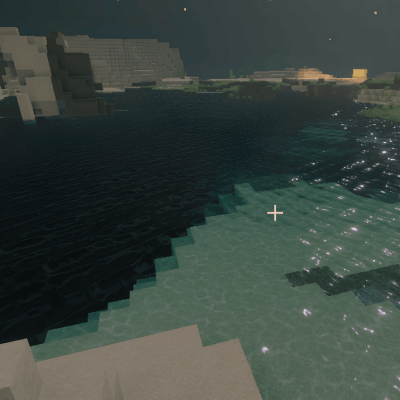
This is a detailed pack, and performance will depend on your device and how heavily you furnish an area. Lowering Vibrant Visuals settings can help on slower hardware.
Golden Hour Furniture V6.1 — by Ballblaster_Studios
- Edition: Minecraft Bedrock
- File type: .mcpack or .mcaddon
- Minecraft version listed: 26.50
- How to install: Download the .mcpack or .mcaddon file. → Open it — Minecraft imports it. → In your world: Behavior Packs → Available → Activate, then the same under Resource Packs.
- Where to get it: Opens on CurseForge — not every file is mirrored on our own servers.
Install steps are the general flow for this file type — How to install Minecraft Bedrock addons & mods walks through it step by step.
- Pack type: .mcaddon — behaviour and resource pack in one file
- Download size: 62.1 MB
- Download link checked 10 Oct 2026 — working
These come from our own check of the pack file, not from the source page.