
AddonsBedrock
The Vision
Bedrock add-on listed for Minecraft 26.x. File opened and checked on 10 Oct 2026; installs from the MC Bedrock Mods app on Android.
⬇ Download on CurseForgeThe author built this one for Minecraft 26.50. On other versions it may install and then do nothing.
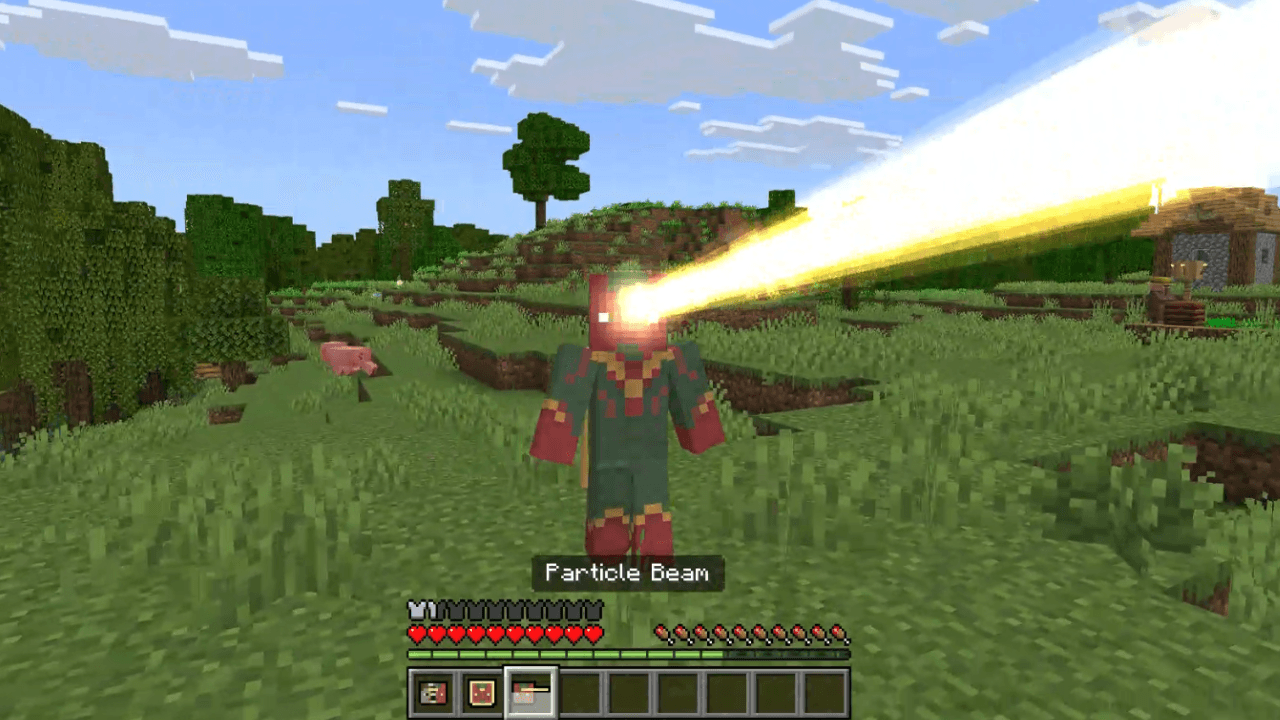

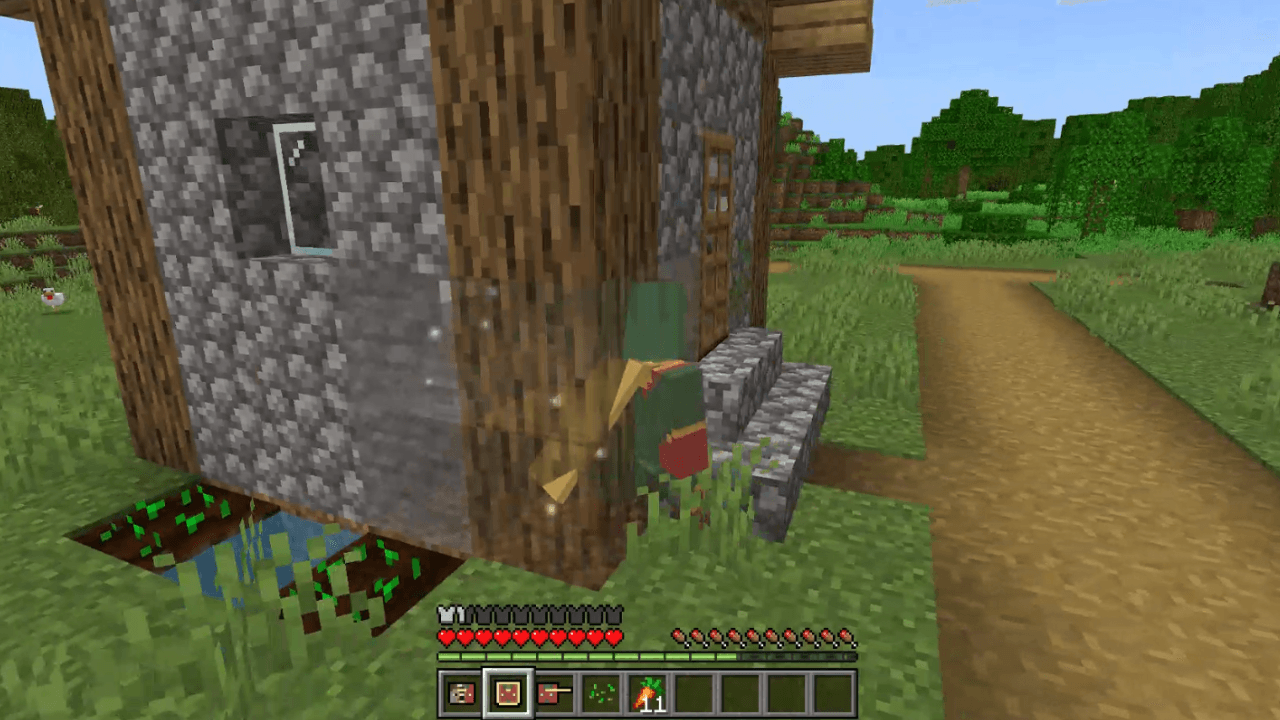
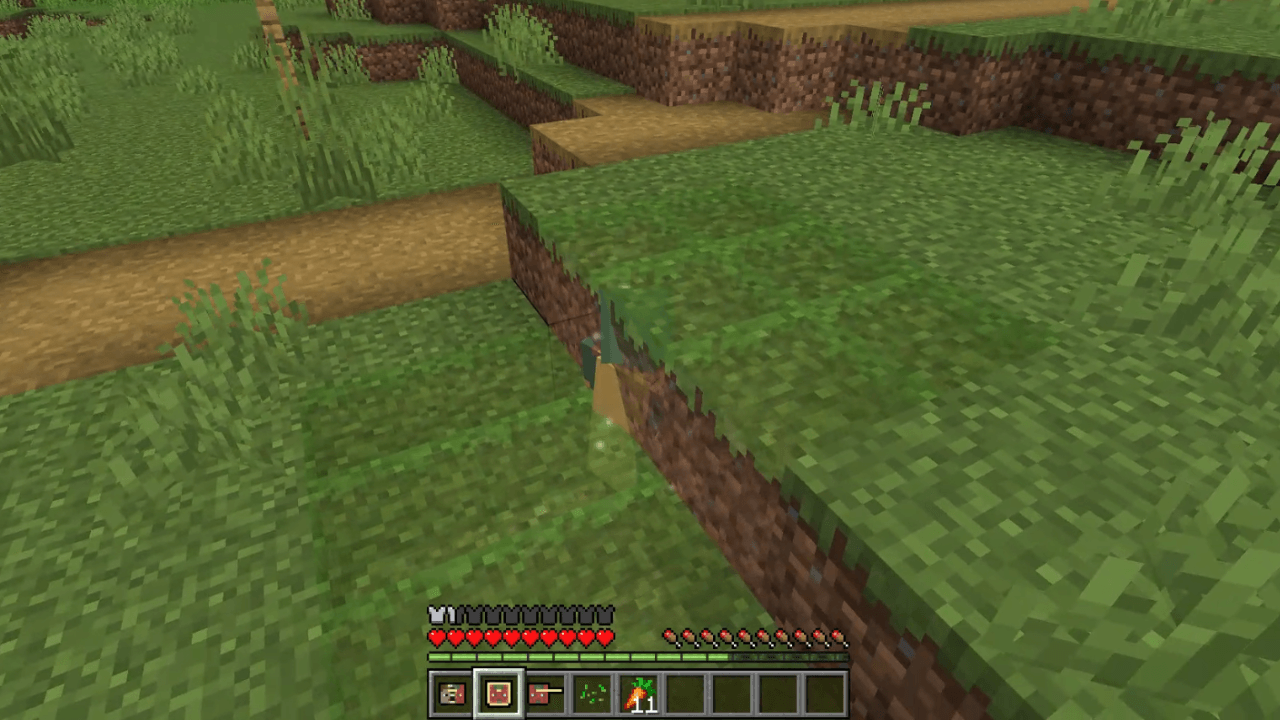
All the information you need to use this Add-On is listed below!
Requirements
- The Education Edition slider (found in settings under cheats) must be turned on in order for this Add-On to work!
How to use this Add-On
- Once you obtain a Nether Star you are given a new recipe! Look in the recipe book to find what you need to craft an item which, when worn, lets you become the Vision! When you are the Vision you are able to fly like in creative mode and are given some items that let you do the following:
- Disguise: Can be right-clicked to swap between Vision's human form and Vision form.
- Laser: Can be right-clicked to fire a damaging, block breaking, laser!
- Phase: Can be right-clicked to turn on and off. When on, you can phase through different blocks. Look down and sneak to phase into the ground.
- Disguise: Can be right-clicked to swap between Vision's human form and Vision form.
- There is also an alternative White Vision you can transform into. The recipe for that item can be found in the recipe book.
Quick facts
- Edition: Minecraft Bedrock
- File type: .mcpack or .mcaddon
- Minecraft version listed: 26.50
- How to install: Download the .mcpack or .mcaddon file. → Open it — Minecraft imports it. → In your world: Behavior Packs → Available → Activate, then the same under Resource Packs.
- Where to get it: Opens on CurseForge — not every file is mirrored on our own servers.
Install steps are the general flow for this file type — How to install Minecraft Bedrock addons & mods walks through it step by step.
File checked by MCModsHub
- Pack type: .mcaddon — behaviour and resource pack in one file
- Download size: 634 KB
- Download link checked 10 Oct 2026 — working
These come from our own check of the pack file, not from the source page.