Unstable SMP System
Bedrock add-on listed for Minecraft 1.21–26.x (behavior + resource pack). File opened and checked on 10 Oct 2026; installs from the MC Bedrock Mods app on Android.
⬇ Download on CurseForge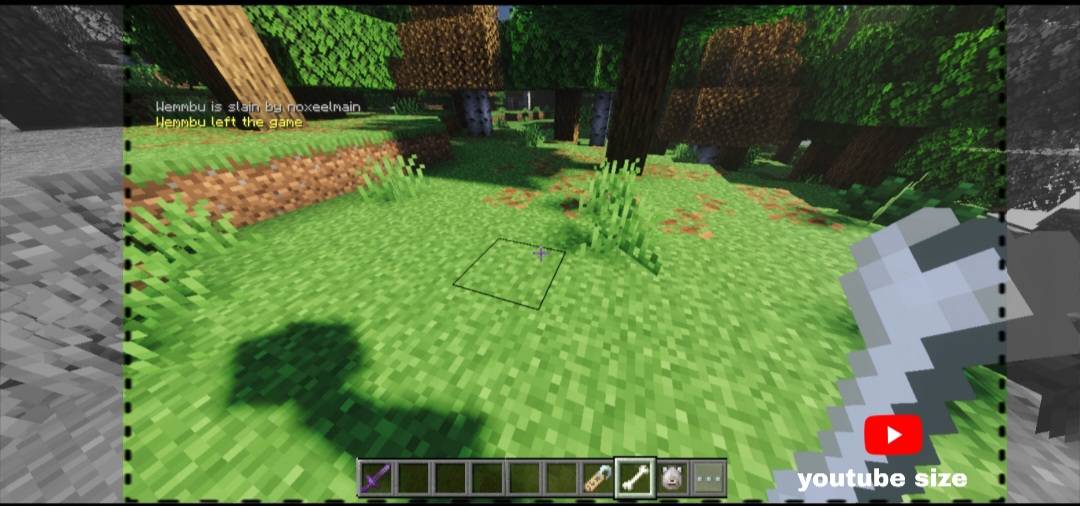
Unstable SMP System
A Bedrock add-on built for SMP servers and creators. It adds a death sound for the whole server, custom join and leave messages, and blocks player chat. The game chat is also moved into a small, clean style that stays inside the frame when you record or stream.
Made by NoxeelMC - subscribe on YouTube: NoxeelMC
WHAT IT DOES
- Death sound: when a player dies, a custom death sound plays for everyone.
- Kick on death: the player who died is removed about 2 seconds later (works on servers, may not work in single-player worlds).
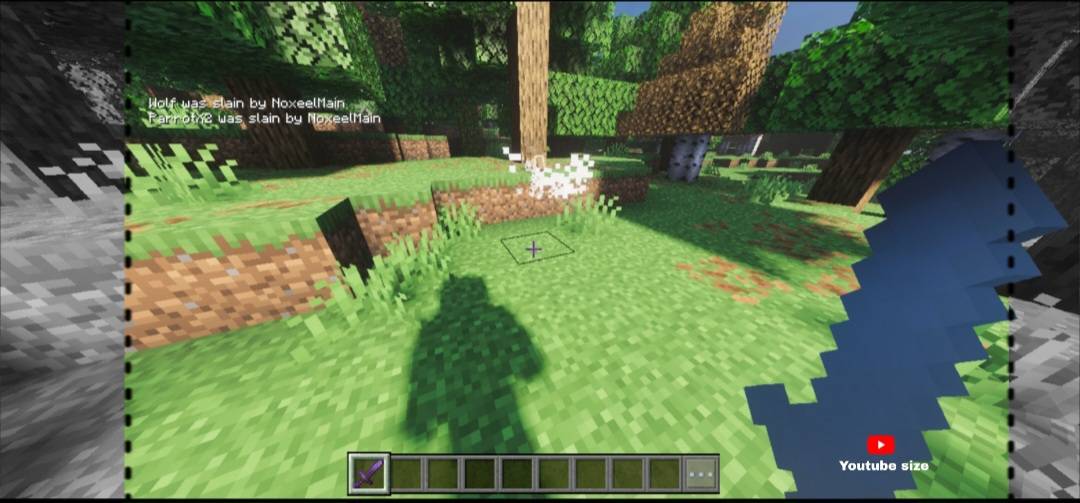
- Player chat is blocked: normal player messages are cancelled. Only system messages show, like death messages and join/leave messages.
- Custom join and leave messages shown in chat.
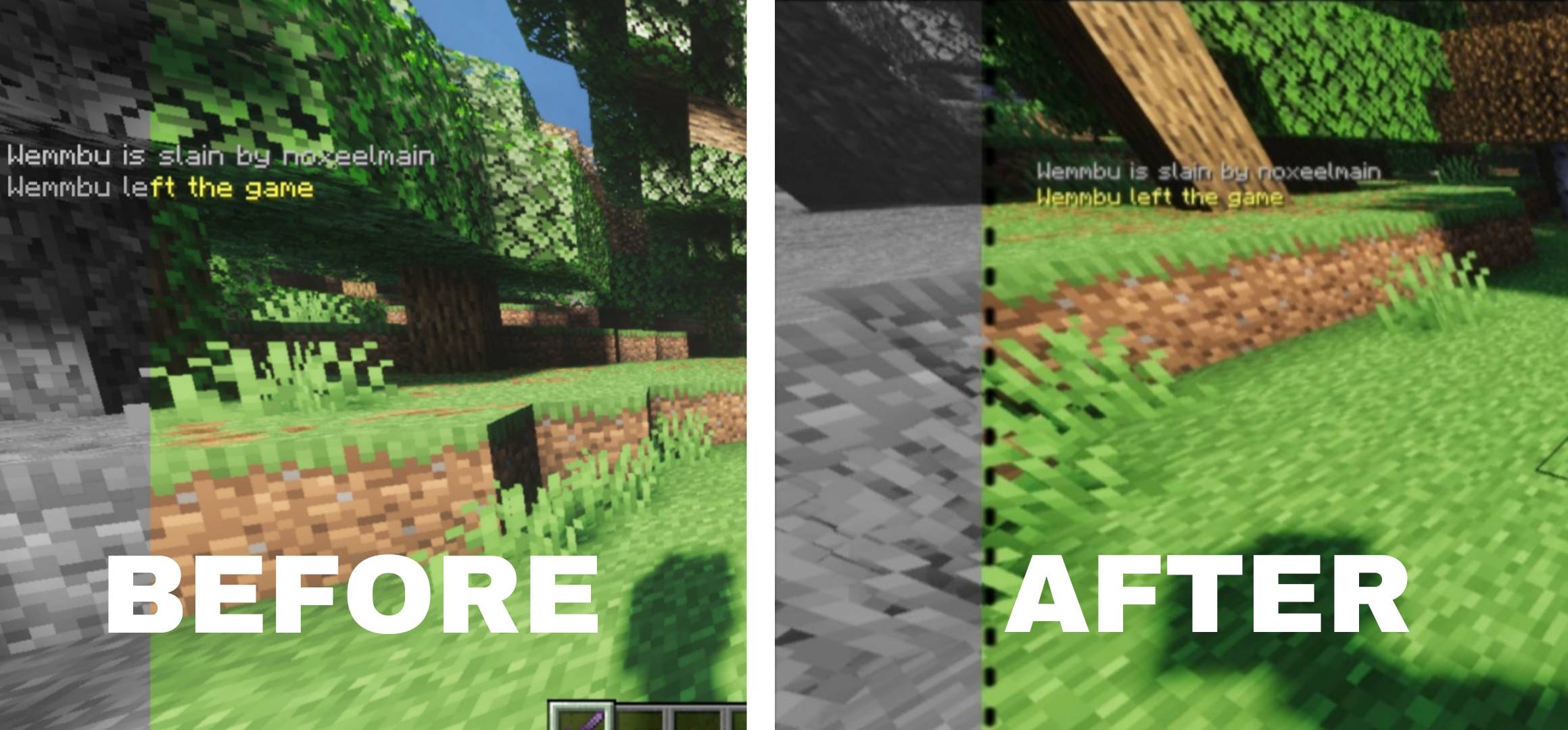
- Creator-safe chat: smaller text (75%) and moved in from the left edge. Wide phone screens crop the sides when you export a 16:9 video, which used to cut off death messages. This keeps the text inside the frame.
- Custom HUD icons texture included.
REQUIREMENTS
- Minecraft Bedrock Edition, stable release. Tested on 1.26.50.
- Uses Bedrock scripting for the behavior pack (@minecraft/server 1.8.0).
- For the death kick to work, play on a server or world where commands can run.
INSTALLATION
- Download the .mcaddon file.
- Open it. Minecraft imports both packs.
- Create or edit a world and turn on the Behavior Pack (it also turns on the Resource Pack).
- Join the world. If you update from an older version, remove the old packs first so you do not get duplicates.
NOTES
- The safe margin is made for phones up to roughly 21:9. Wider phones may still clip a little, and 16:9 screens do not need it.
- Because it blocks player chat and kicks on death, only use it on worlds and servers where you want that.
CREDITS AND LICENSE Made by NoxeelMC. All rights reserved. You can show it in your videos and streams, including monetized ones (credit appreciated). You may not edit it, re-upload it, sell it, or include it in other add-ons or packs without permission from the author. Contact NoxeelMC through YouTube. Fan-made for Unstable SMP, not affiliated with Mojang, Microsoft or the Unstable SMP team.
- Edition: Minecraft Bedrock
- File type: .mcpack or .mcaddon
- Minecraft versions listed: 1.21.130, 1.21.131, 1.21.132
- How to install: Download the .mcpack or .mcaddon file. → Open it — Minecraft imports it. → In your world: Behavior Packs → Available → Activate, then the same under Resource Packs.
- Where to get it: Opens on CurseForge — not every file is mirrored on our own servers.
Install steps are the general flow for this file type — How to install Minecraft Bedrock addons & mods walks through it step by step.
- Pack type: .mcaddon — behaviour and resource pack in one file
- Manifest requires Minecraft 1.21.0 or newer
- Complete pack — everything it depends on is inside the file
- Download size: 233 KB
- Download link checked 10 Oct 2026 — working
These come from our own check of the pack file, not from the source page.