AddonsBedrock
World Edit Touch
Bedrock add-on listed for Minecraft 1.21–26.x (behavior + resource pack). File opened and checked on 10 Oct 2026; installs from the MC Bedrock Mods app on Android.
⬇ Download on CurseForge
WorldEdit Touch
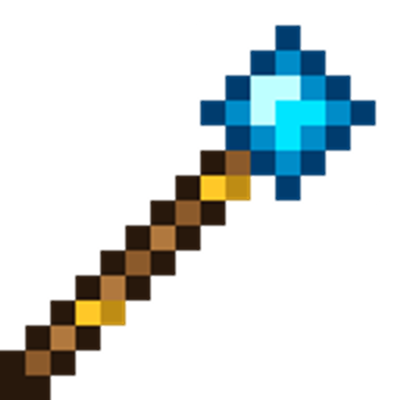
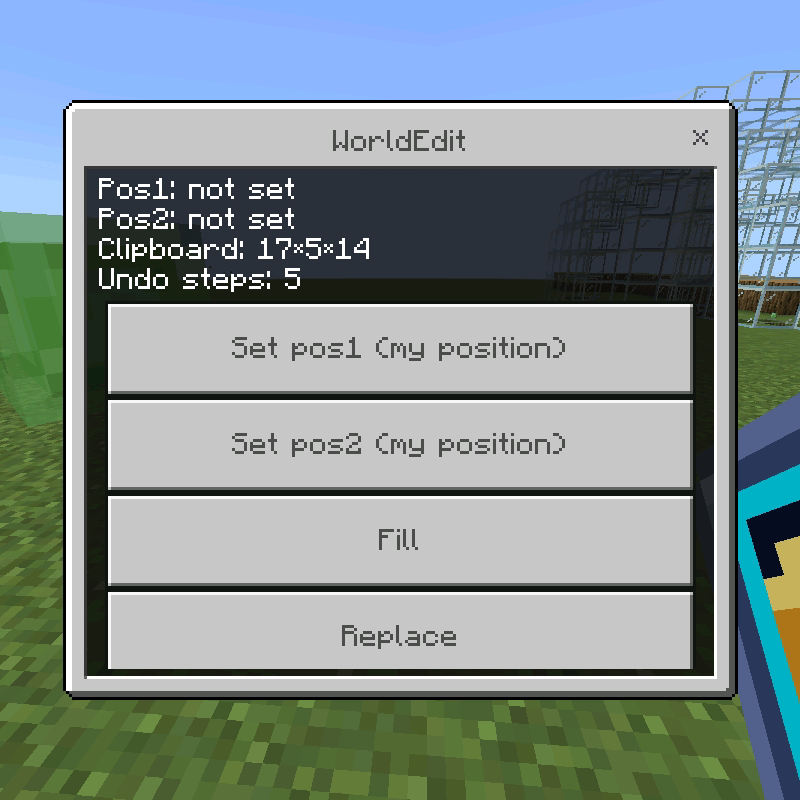
A WorldEdit-style building toolkit for Minecraft Bedrock, built for touch — no commands to type. Select a region with a wand, then fill, replace, wall off, hollow out, make spheres, copy/paste, stack and undo, all through a tap-through menu with a block picker.

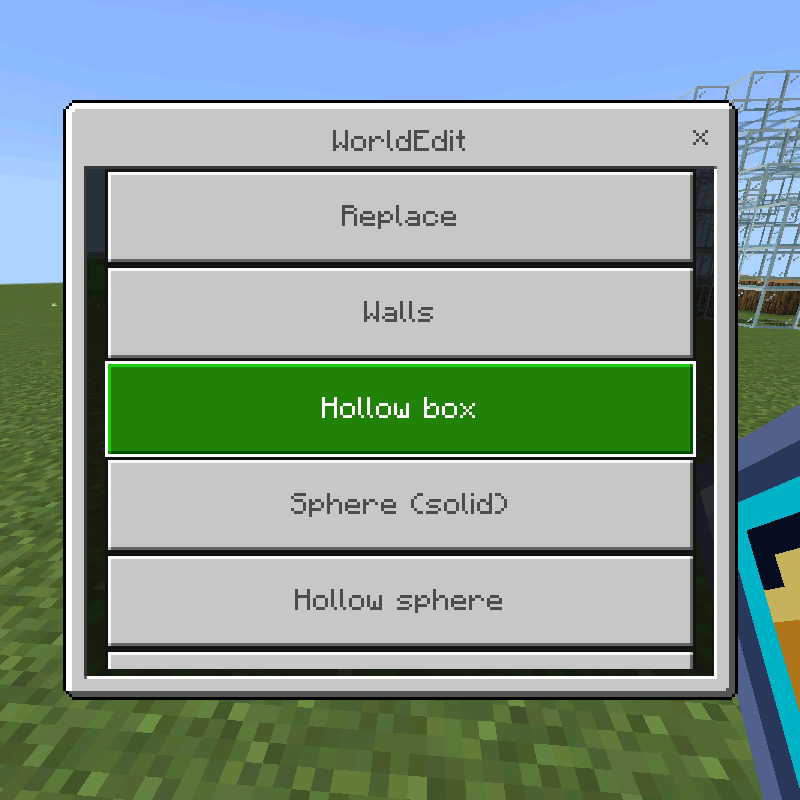
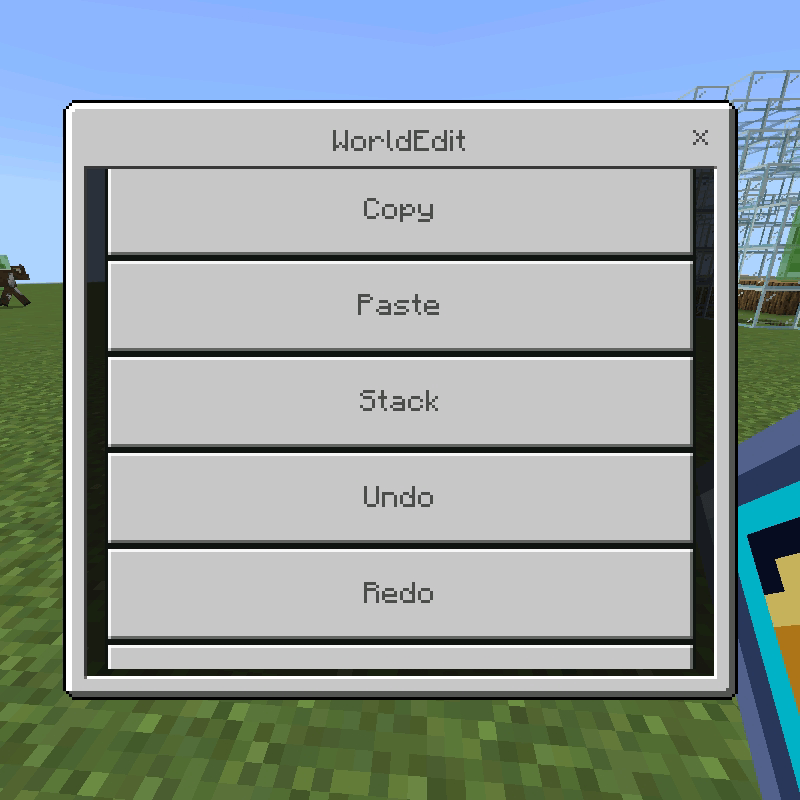
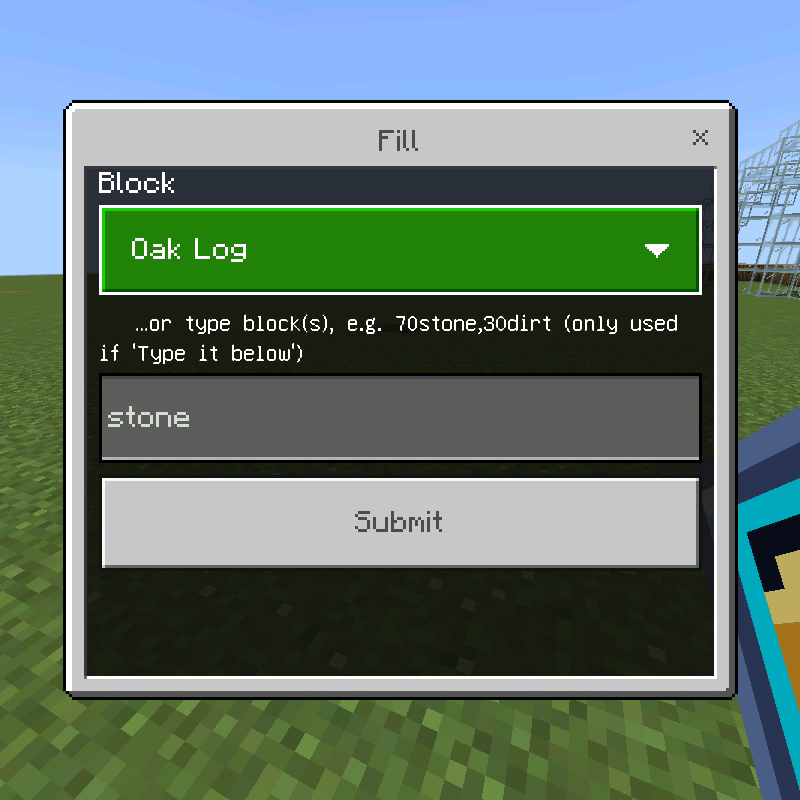
Installing
•Open WorldEdit.mcaddon on your device to import it — it adds both a behavior pack and a resource pack.
•In your world settings, add both packs under Behavior Packs and Resource Packs (or Create New World → packs, for a new one).
•Turn on Beta APIs under Experiments.
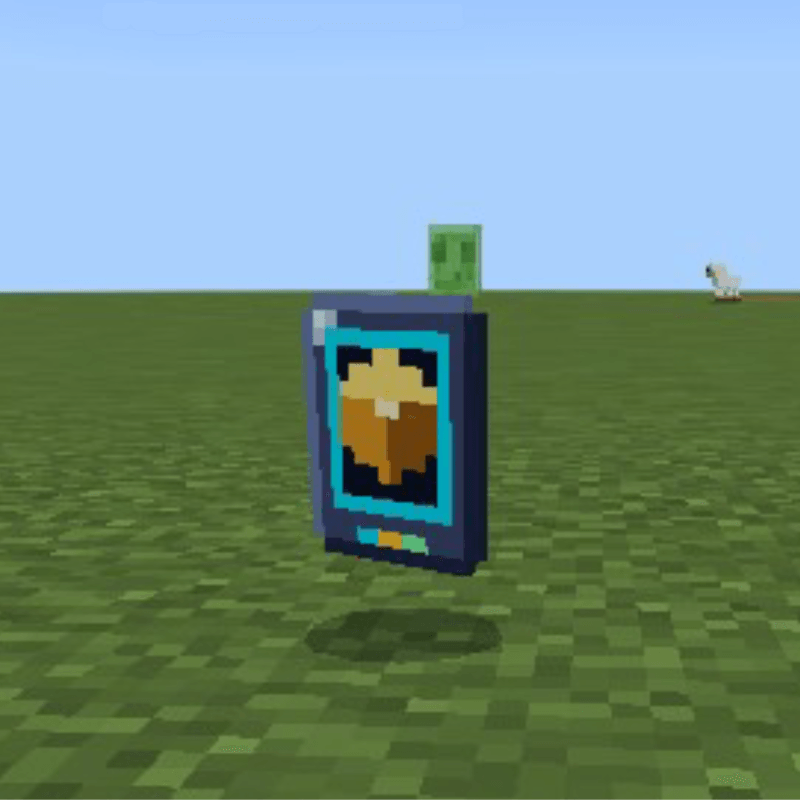
•Join the world. After a few seconds you'll get a chat message and two items: the WorldEdit Wand and the WorldEdit Menu.
•You need to be an operator (cheats on) or in Creative mode. If your items are missing, run /scriptevent we:give.
Quick facts
- Edition: Minecraft Bedrock
- File type: .mcpack or .mcaddon
- Minecraft versions listed: 1.21.101, 1.21.100, 1.21.122
- How to install: Download the .mcpack or .mcaddon file. → Open it — Minecraft imports it. → In your world: Behavior Packs → Available → Activate, then the same under Resource Packs.
- Where to get it: Opens on CurseForge — not every file is mirrored on our own servers.
Install steps are the general flow for this file type — How to install Minecraft Bedrock addons & mods walks through it step by step.
File checked by MCModsHub
- Pack type: .mcaddon — behaviour and resource pack in one file
- Manifest requires Minecraft 1.21.100 or newer
- Complete pack — everything it depends on is inside the file
- Download size: 13 KB
- Download link checked 10 Oct 2026 — working
These come from our own check of the pack file, not from the source page.
Related Bedrock mods
World Edit 2
1.21.90
World Edit Axe
1.21.131
World Edit Fnt
26.30
Best World Edit
26.20
World Editing Tools