ModsJava
More Music Discs Records Mod (1.21.1, 1.20.1) – Soundtrack Your Survival Base
Java mod listed for Minecraft 1.20–1.21. Downloads from the MC Java Mods app on Android.
⬇ Download


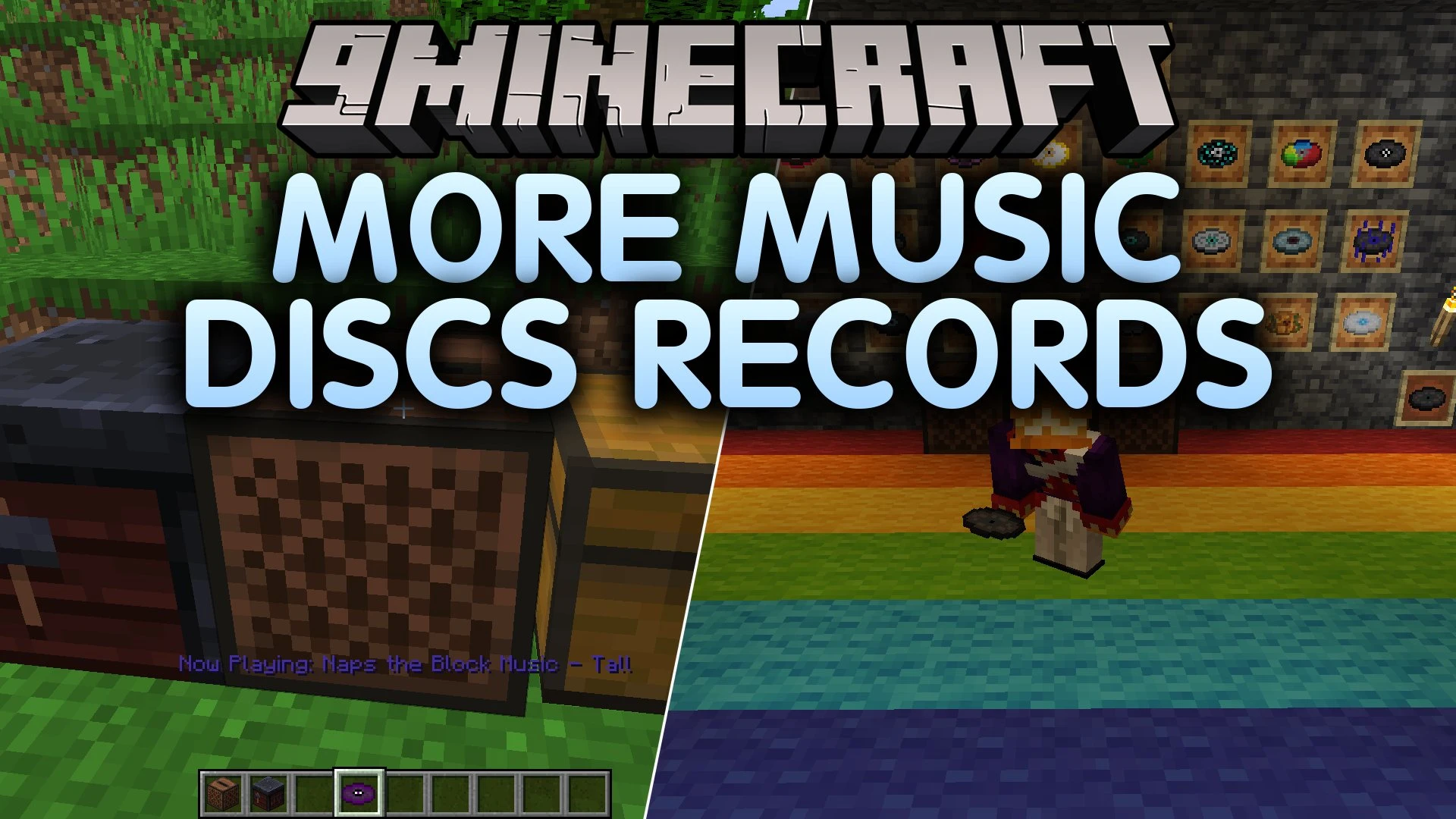
More Music Discs Records Mod adds dozens of brand new craftable music records to your jukebox collection. The mod gives you a simple way to create blank discs and combine them with items from your world. You can also craft every vanilla music disc without waiting for rare mob drops or dungeon loot. It brings fresh melodies and new advancements to reward your record collecting journey.
Features:
- Adds over 30 new custom music discs featuring unique songs and tunes.
- Introduces blank discs crafted with basic materials found early in the game.
- Makes all vanilla music records fully craftable in survival mode.
- Adds 27 custom advancements to track your disc collecting milestones.
- Works directly with standard vanilla jukebox blocks without extra machinery.
Sample Track Recipes:
- Tall: combine a blank disc with a chorus fruit.
- Revenge: combine a blank disc with gunpowder.
- Rain: combine a blank disc with a water bucket.
- Bricks: combine a blank disc with a brick.
- Never Gonna Give You Up: combine a blank disc with a noteblock.
Vanilla Record Recipes:
- Cat: combine a blank disc with an emerald.
- Chirp: combine a blank disc with redstone dust.
- Pigstep: combine a blank disc with netherite scrap.
- Otherside: combine a blank disc with a moss block.
- 11: combine a blank disc with an anvil.
How to Use:
- Surround one iron ingot with eight pieces of flint in a crafting table to make blank discs.
- Place a blank disc together with a specific block or item in a crafting table to make your chosen record.
- Hold the finished disc in your hand and right-click a jukebox block to play music.
- Right-click the jukebox again to stop playing and collect your disc.
Screenshots:
More Music Discs Records Mod Download Links
Quick facts
- Edition: Minecraft Java
- File type: .jar
- Minecraft versions listed: 1.21.1, 1.20.1
- How to install: Install the matching mod loader (Forge, Fabric or NeoForge) for your Minecraft version. → Download the .jar. → Put it in the .minecraft/mods folder and launch that loader profile.
- Where to get it: In MC Java Mods, or directly above on this page.
Install steps are the general flow for this file type — How to install Minecraft Java mods & modpacks walks through it step by step.
File checked by MCModsHub
- Downloads as 525034.mcaddon
- Download size: 58.6 MB
- Download link checked 11 Oct 2026 — working
- Mirrored on our own servers — the download does not depend on the original host
These come from our own check of the pack file, not from the source page.