ResourcepacksJava
Nebula GUI and Hotbar Resource Pack (1.21.11, 1.20.1)
Java resource pack listed for Minecraft 1.20–1.21. Downloads from the MC Java Mods app on Android.
⬇ Download


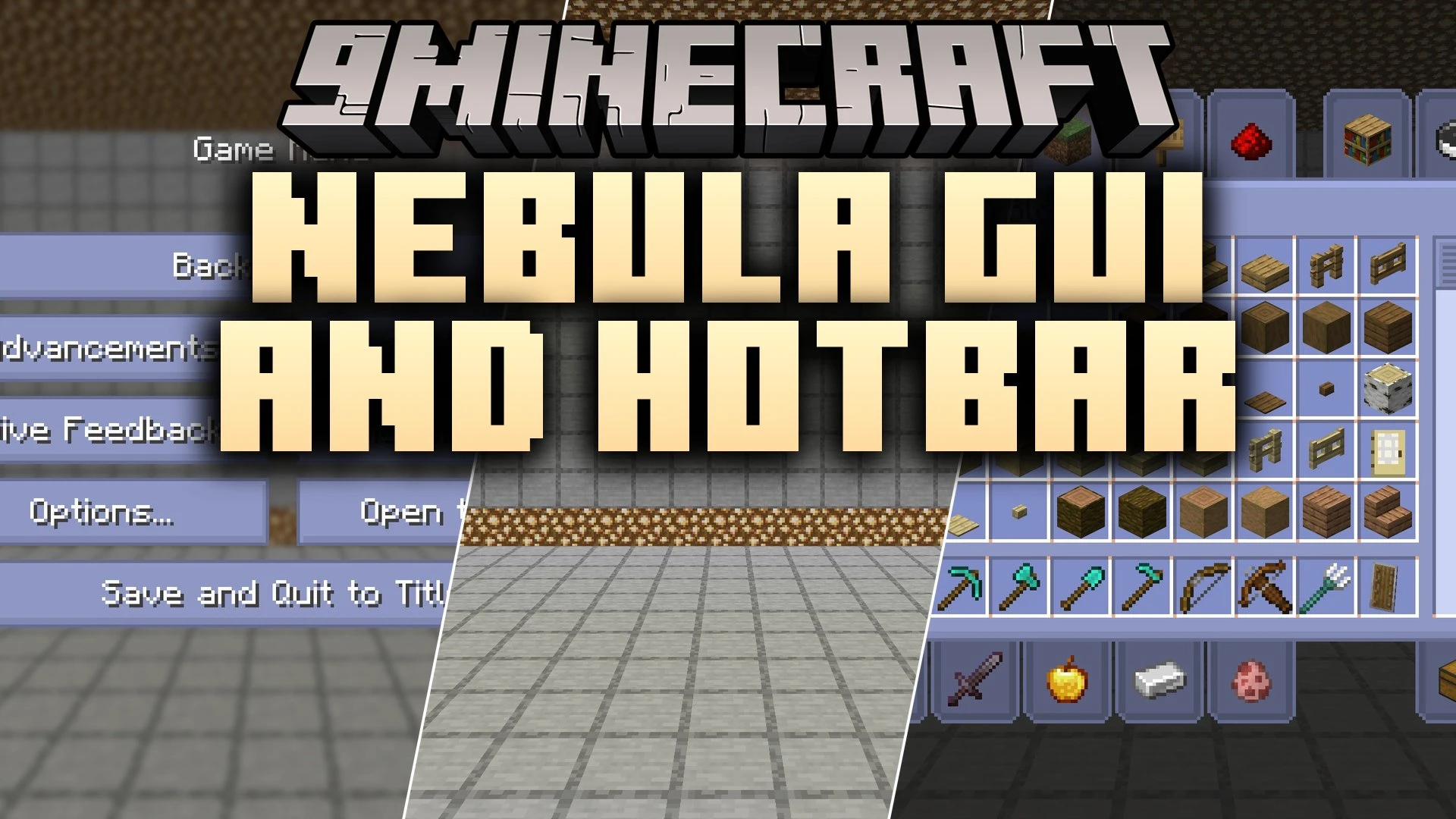
Nebula GUI and Hotbar Resource Pack restyles your in-game interface with calm shades of blue and cosmic mist accents. It covers your survival hotbar, inventory screens, creative menus, and game settings with starry artwork and soft orange details. This pack gives every screen a peaceful space theme while keeping icons easy to read.
Features:
- Replaces the default gray user interface with calm blue mist clouds and gentle star patterns.
- Adds warm orange accent highlights to select menu buttons and panels.
- Reskins the survival mode hotbar with clean borders and dark space tones.
- Transforms the player inventory and recipe book with cosmic art.
- Updates the creative inventory tabs and item grids to match the nebula theme.
- Changes option menus and pop-up screens across the game with consistent visuals.
Screenshots:
Nebula GUI and Hotbar Resource Pack Download Links
Quick facts
- Edition: Minecraft Java
- File type: .zip (resource pack)
- Minecraft versions listed: 1.21.11, 1.20.1
- How to install: Download the .zip resource pack — do not unzip it. → Put it in .minecraft/resourcepacks. → Enable it in Options → Resource Packs.
- Where to get it: In MC Java Mods, or directly above on this page.
Install steps are the general flow for this file type — How to install Minecraft Java resource packs walks through it step by step.
File checked by MCModsHub
- Downloads as 525042.mcpack
- Download size: 3.6 MB
- Download link checked 11 Oct 2026 — working
- Mirrored on our own servers — the download does not depend on the original host
These come from our own check of the pack file, not from the source page.