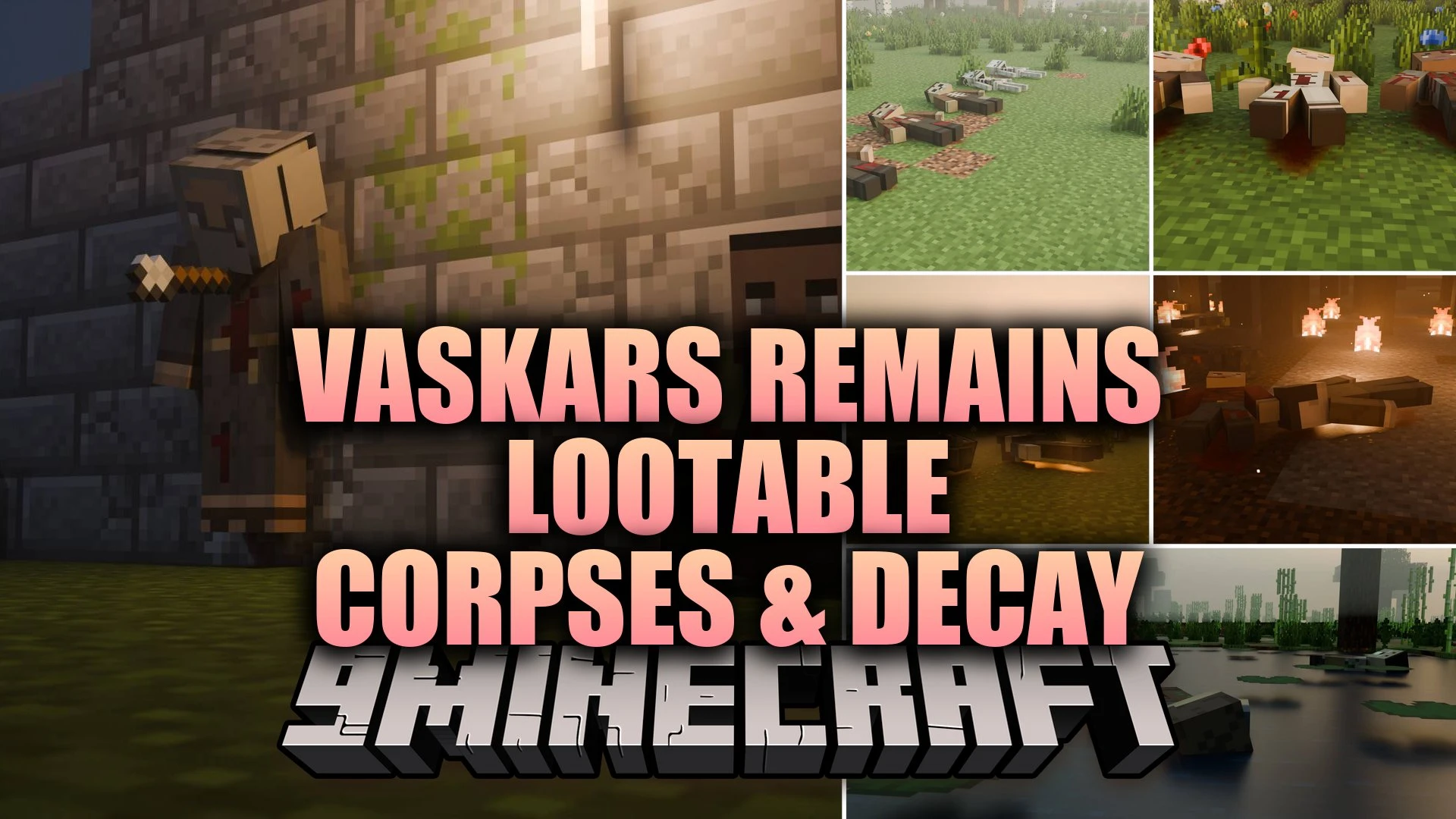
Vaskars Remains Lootable Corpses & Decay Mod (1.21.11, 1.20.1)
Java mod listed for Minecraft 1.20–1.21. Downloads from the MC Java Mods app on Android.
Vaskars Remains Lootable Corpses & Decay Mod leaves physical bodies behind whenever players or mobs die in your world. Each body stays where it falls…
⬇ Download


Vaskars Remains Lootable Corpses & Decay Mod leaves physical bodies behind whenever players or mobs die in your world. Each body stays where it falls, displaying visible wounds from the exact attack that caused the defeat. You can search the remains item by item to take back lost gear, weapons, and arrows. Over time, corpses decay through five stages until only clean bones sink into the dirt.
Features:
- Decaying Corpses: Bodies progress through five decay stages from fresh to dry bones over ten minutes.
- Piece-by-Piece Looting: Players take items one by one with each click, including weapons, armor, and stuck arrows.
- Visible Death Causes: Marks show whether a target fell to slashes, fire, freezing, drowning, poison, or starvation.
- Corpse Interactions: Players can drag bodies with an empty hand, hang them from fences with leads, nail them to walls, or bury them under grave mounds.
- World Structures: Lone remains and pre-built scenes like battlefields, gallows, ruined castles, and robbed caravans generate across all dimensions.
- Personal Grave System: Player deaths leave behind a body holding your inventory, XP, and equipment that restores with a single click.
- Cold biomes slow down the rotting process to keep remains preserved longer.
- Ragdoll mechanics throw bodies away from heavy blows so they rest naturally on terrain.
- Blood splatters on nearby blocks and leaves drag trails that wash away when it rains.
- Fresh bodies abandoned in the dark can rise back up as hostile zombies wearing their original gear.
- Crows circle above remains while wolves, foxes, and monsters gather to feed on them.
- Corpses survive explosions and wait at the world border if knocked into the void.
- Using Silk Touch allows players to pick up an entire body as an item.
- A Slayer enchantment guarantees that defeated targets always leave behind physical remains.
| Action | Method |
|---|---|
| Search | Click the body directly with a free hand |
| Drag | Sneak and pull with an empty hand |
| Hang | Attach a lead to a fence post or ceiling block |
| Nail to Wall | Strike using an arrow, sword, trident, axe, or pickaxe |
| Bury | Dig a plot to place an optional grave mound with a cross |
| Collect Whole | Mine the body using a tool with Silk Touch |
How to Use:
- Approach any fallen body and click it to inspect and take items one by one.
- Sneak and click with an empty hand to pull and drag the body across the terrain.
- Attach a lead to hang remains from fences or ceilings for display.
- Hit a corpse against a wall with a weapon or tool to pin it in place.
- Sneak and click your own fallen corpse to retrieve all lost armor and items instantly.
Configuration:
config/remains-common.toml: Adjust decay timers, brutality levels, scavenger behavior, and farm protections.#remains:fighters: Entity tag used to register custom modded mobs to drop corpses.
Screenshots:

Vaskars Remains Lootable Corpses & Decay Mod Download Links
- Edition: Minecraft Java
- File type: .jar
- Minecraft versions listed: 1.21.11, 1.20.1
- How to install: Install the matching mod loader (Forge, Fabric or NeoForge) for your Minecraft version. → Download the .jar. → Put it in the .minecraft/mods folder and launch that loader profile.
- Where to get it: In MC Java Mods, or directly above on this page.
Install steps are the general flow for this file type — How to install Minecraft Java mods & modpacks walks through it step by step.
- Downloads as 525105.mcaddon
- Download size: 2.1 MB
- Download link checked 11 Oct 2026 — working
- Mirrored on our own servers — the download does not depend on the original host
These come from our own check of the pack file, not from the source page.