ModsJava
Better Inventory and Backpacks Mod (1.21.1, 1.20.1) – Carry Extra Loot
Java mod listed for Minecraft 1.20–1.21. Downloads from the MC Java Mods app on Android.
⬇ Download


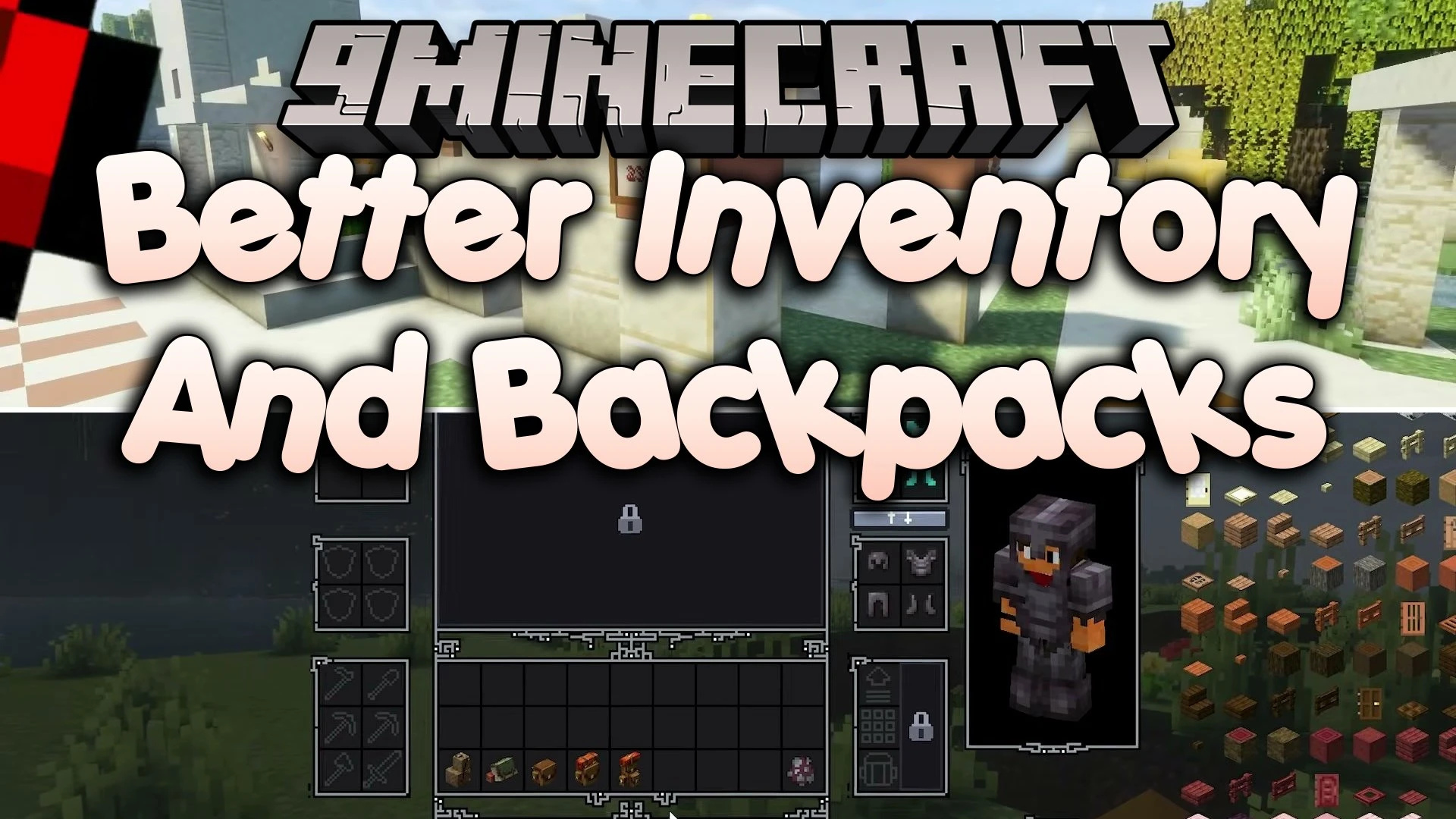
Better Inventory and Backpacks Mod transforms your storage screen with wearable bags, extra slots, and smart tool swapping. It lets you carry more items during long adventures without filling up your regular pockets. Your equipped backpack renders directly on your character’s back for everyone to see. When picking up items after death, the mod even returns recovered gear right back to the slots they came from.
Features:
- Wearable Backpacks: Bags show up directly on your character model and offer bonus inventory space.
- Tool Rack Selection: The mod automatically picks and holds the right tool for whatever block you hit.
- Corpse Item Recovery: Recovered items return straight to their original slots after you respawn.
- Offhand Carousel: Cycle through offhand items without opening your full inventory screen.
- Backpack Upgrades: Add special perks to bags to fit mining, combat, or farming trips.
- Vanilla Style Theme: Choose a familiar classic layout if you prefer the standard game look.
- Dedicated tool slots keep mining picks and weapons ready for quick action.
- Reduces clutter so you spend less time sorting through messy chests.
Better Inventory and Backpacks Mod – Video Showcase
How to Use:
- Equip a backpack in its dedicated gear slot to see it appear on your character’s back.
- Hit a block or mob to let the tool rack switch to your best tool.
- Open your inventory to view the new slots or switch between visual layouts.
- Cycle through torches, shields, or food on your offhand wheel.
Screenshots:


Better Inventory and Backpacks Mod Download Links
Quick facts
- Edition: Minecraft Java
- File type: .jar
- Minecraft versions listed: 1.21.1, 1.20.1
- How to install: Install the matching mod loader (Forge, Fabric or NeoForge) for your Minecraft version. → Download the .jar. → Put it in the .minecraft/mods folder and launch that loader profile.
- Where to get it: In MC Java Mods, or directly above on this page.
Install steps are the general flow for this file type — How to install Minecraft Java mods & modpacks walks through it step by step.
File checked by MCModsHub
- Downloads as 525110.mcaddon
- Download size: 544 KB
- Download link checked 11 Oct 2026 — working
- Mirrored on our own servers — the download does not depend on the original host
These come from our own check of the pack file, not from the source page.