Elwizz's Three Best Escape Rooms Map (26.3, 1.20.1) – Solve Three Clever Trials
Java map listed for Minecraft 1.20. Downloads from the MC Java Mods app on Android.
Elwizz's Three Best Escape Rooms Map traps you in three unique puzzle chambers. You must look for clues, solve riddles, and find a way out of each locked…
⬇ Download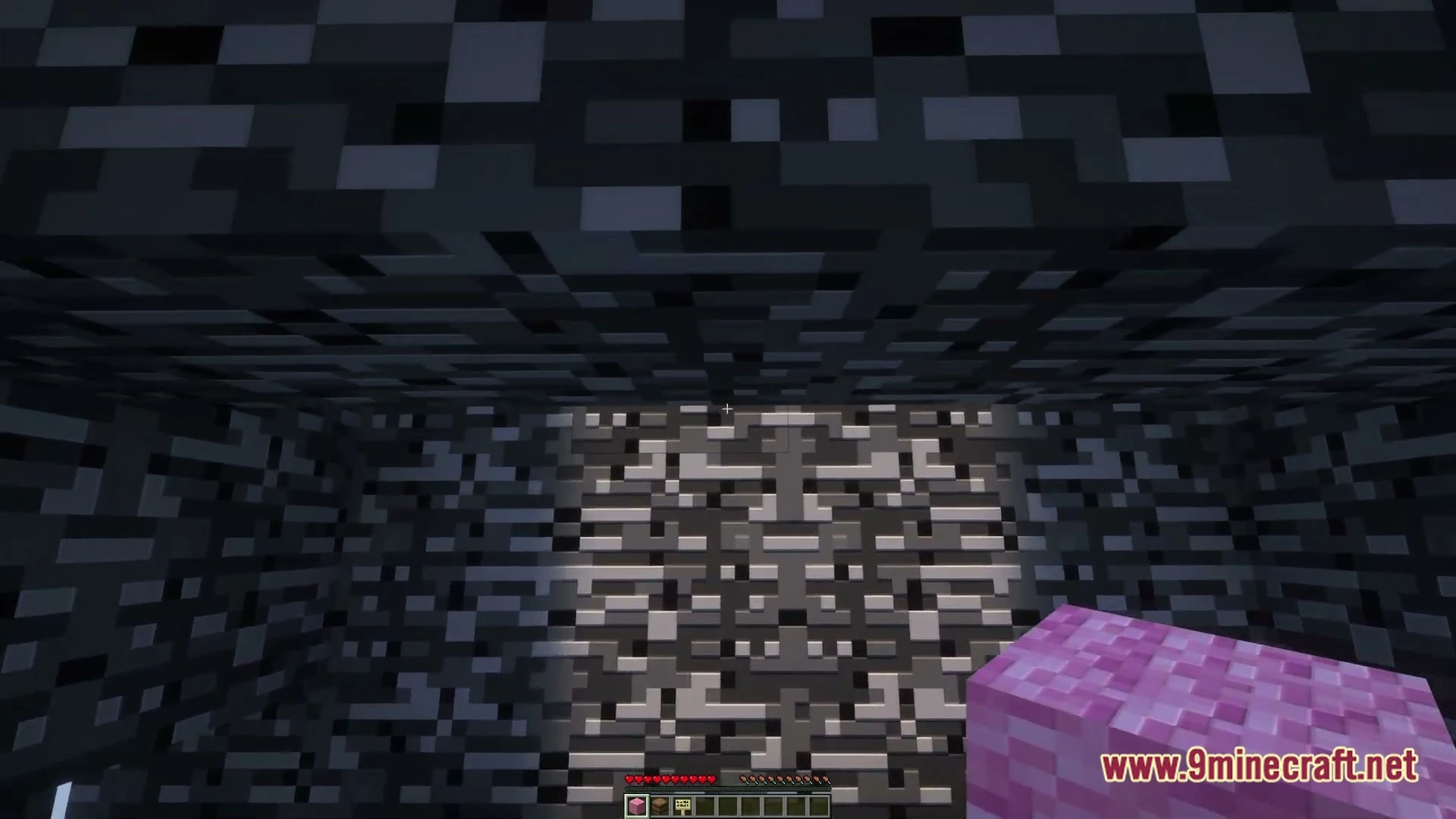
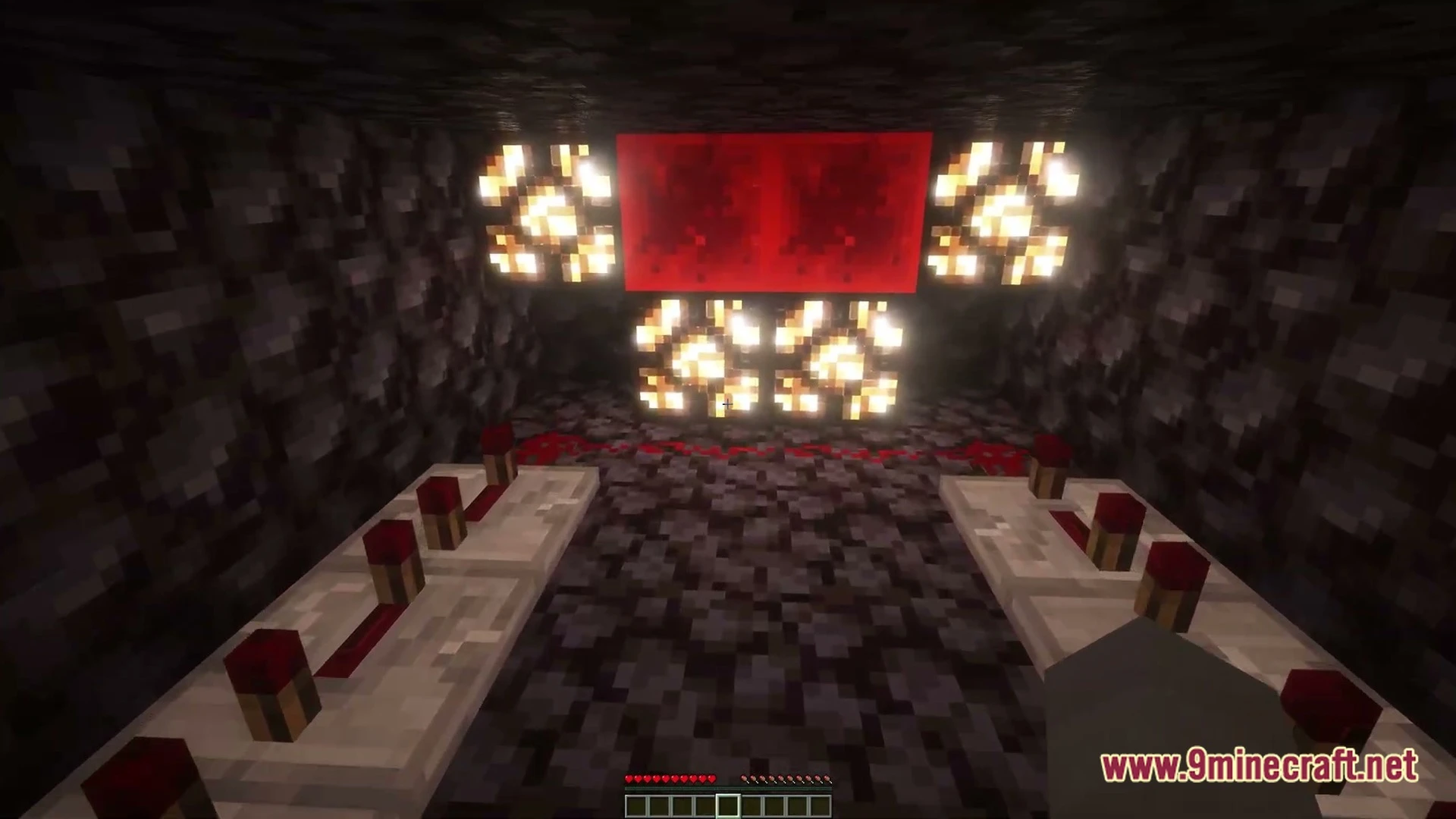
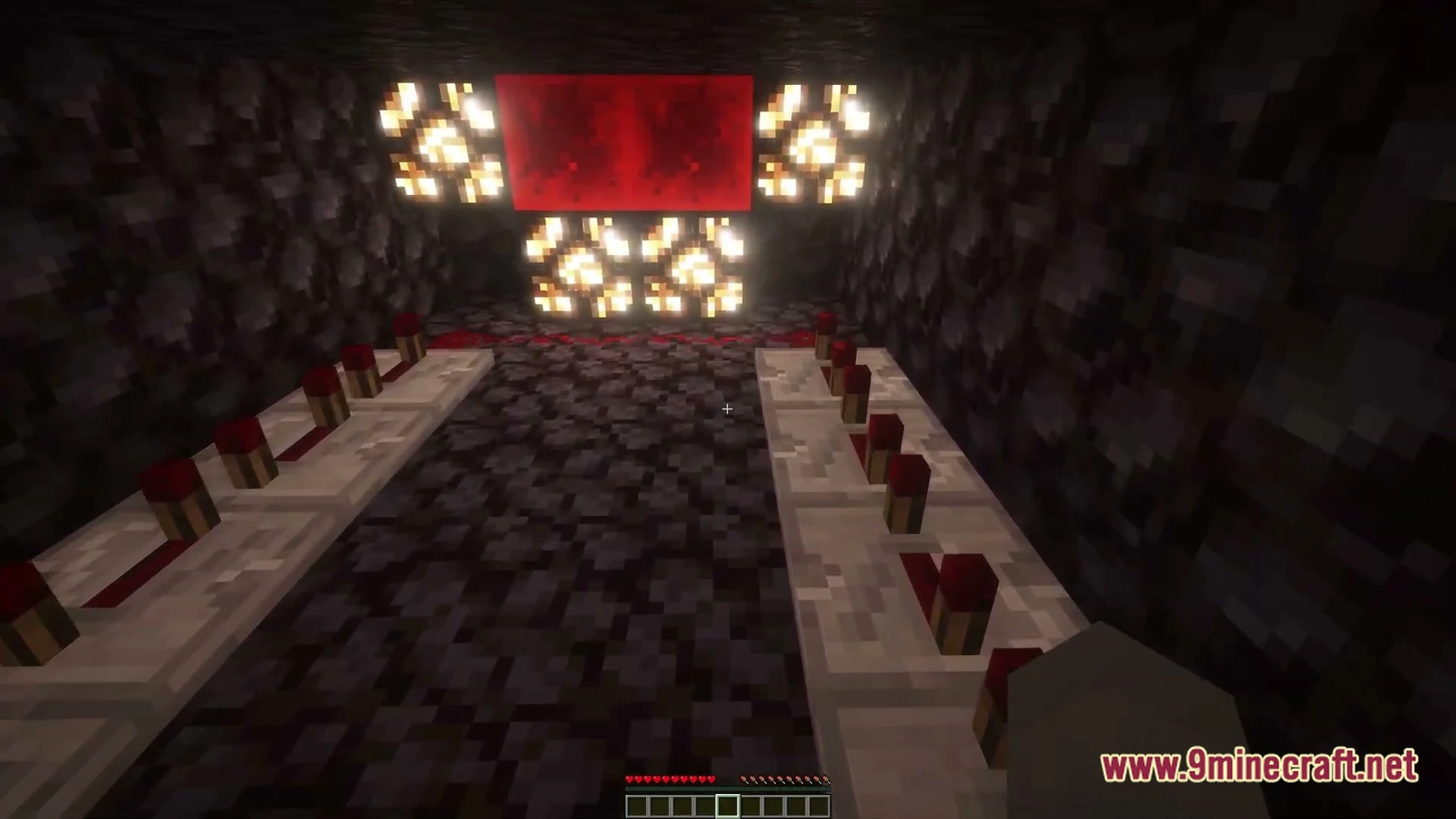
Elwizz’s Three Best Escape Rooms Map traps you in three unique puzzle chambers. You must look for clues, solve riddles, and find a way out of each locked space. The map tests your thinking skills through different themed areas including Bedrock, Classic, and Nether environments. Each room offers a distinct trial that pushes you to inspect every block.
Features:
- Three Unique Rooms: Puts your problem-solving skills to the test across three separate challenge areas.
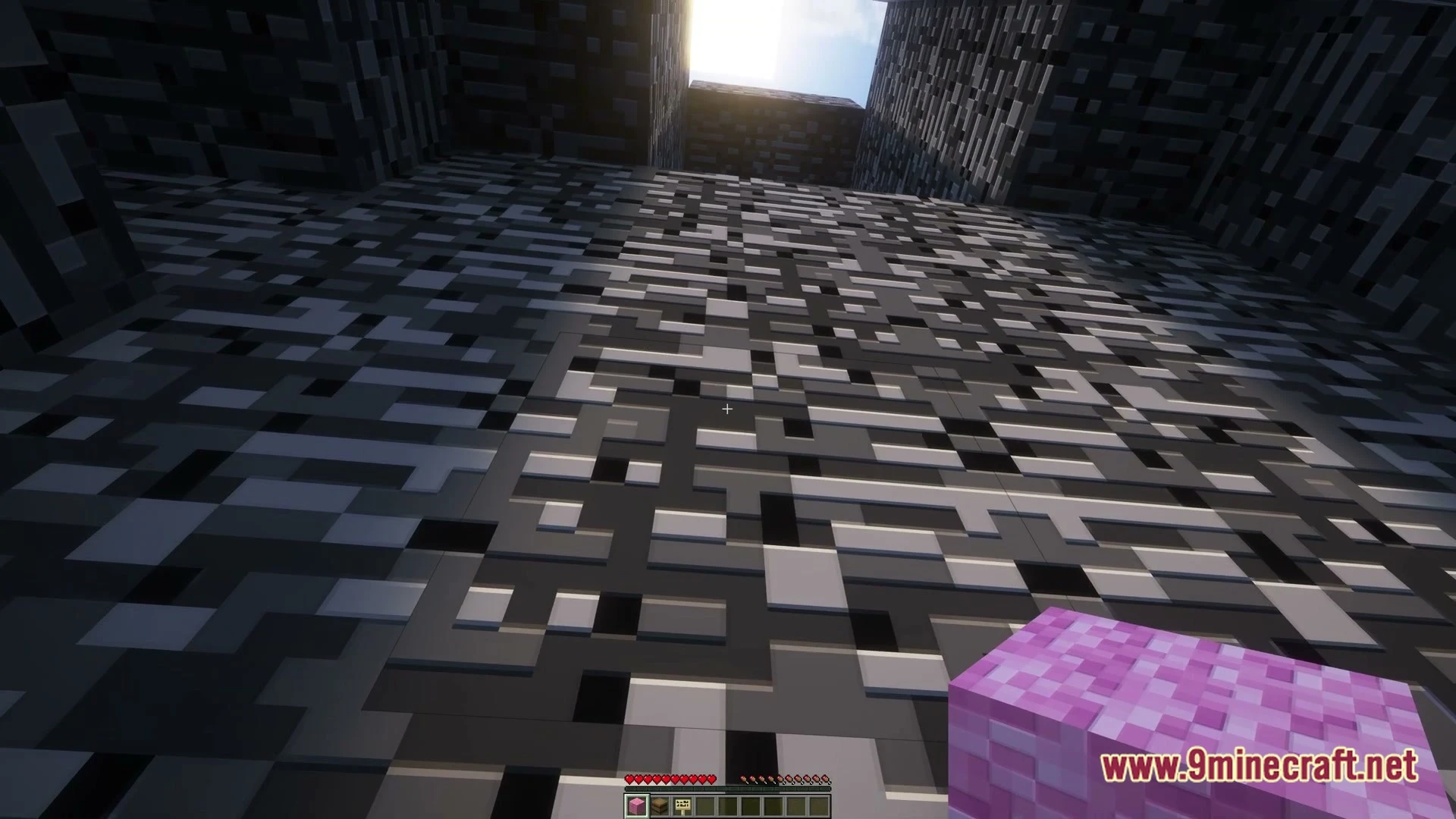
- Bedrock Room: Traps you inside sturdy bedrock walls where you must find a way to break out.
- Classic Room: Offers traditional puzzle mechanics focused on searching for clues.
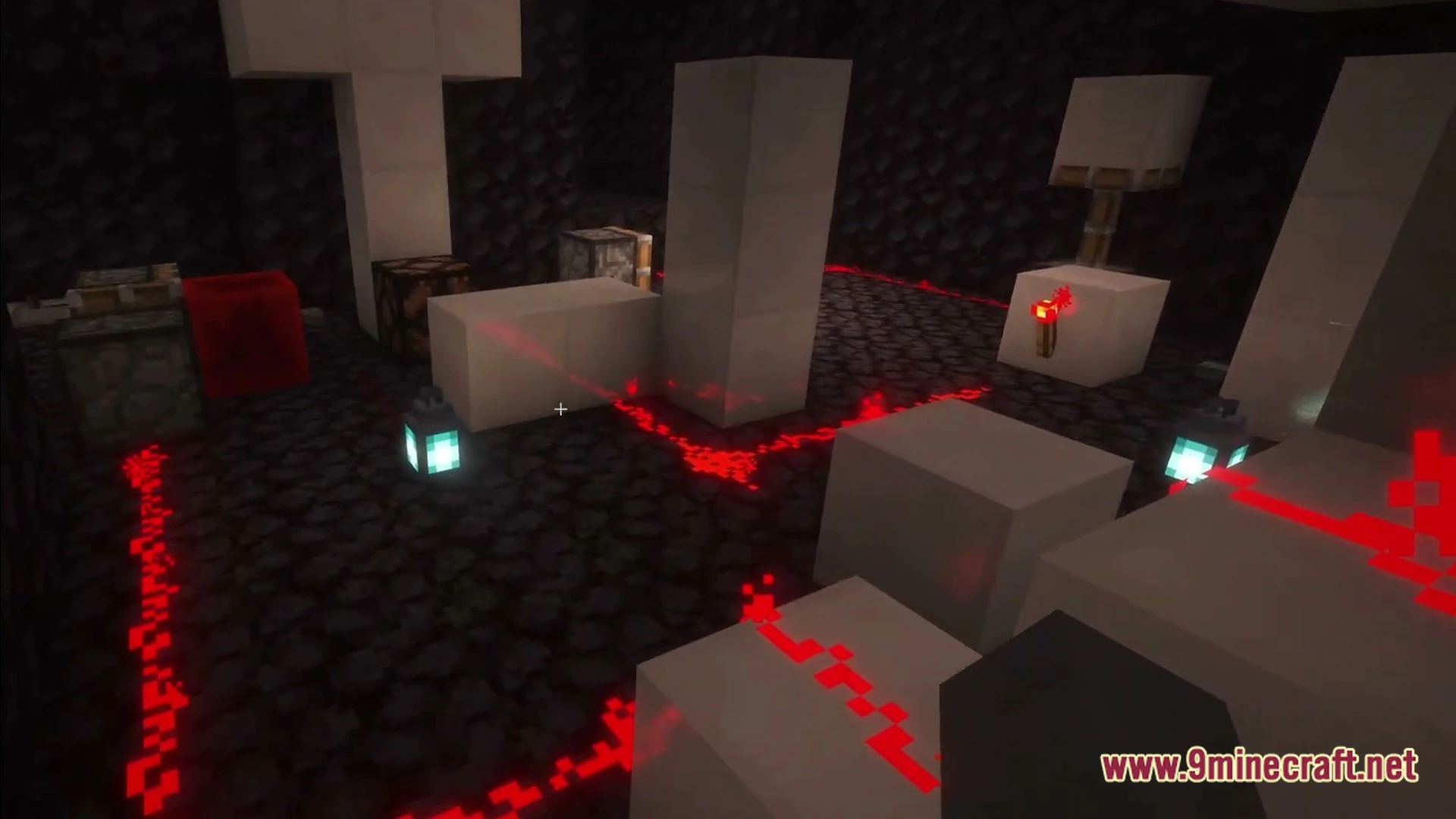
- Nether Room: Brings fire and brimstone obstacles to increase the pressure.
- Tests your patience and observation skills in every stage.
How to Play Elwizz’s Three Best Escape Rooms Map:
- Pick one of the three escape rooms from the starting area.
- Search the room carefully for hidden buttons, levers, and items.
- Use what you collect to unlock doors and solve each puzzle.
- Break out of all three rooms to win the challenge.
Screenshots:
Elwizz’s Three Best Escape Rooms Map Download Links
- Edition: Minecraft Java
- File type: .zip (world save)
- Minecraft version listed: 1.20.1
- How to install: Download the .zip world. → Unzip it. → Move the folder into .minecraft/saves.
- Where to get it: In MC Java Mods, or directly above on this page.
Install steps are the general flow for this file type — How to install Minecraft Java maps & worlds walks through it step by step.
- Downloads as 525149.mcworld
- Download size: 2.9 MB
- Download link checked 11 Oct 2026 — working
- Mirrored on our own servers — the download does not depend on the original host
These come from our own check of the pack file, not from the source page.