The Shooting Star Demo Mod (1.21.11, 1.20.1) – Vaporize Terrain From Orbit
Java mod listed for Minecraft 1.20–1.21. File opened and checked on 12 Oct 2026; downloads from the MC Java Mods app on Android.
⬇ Download
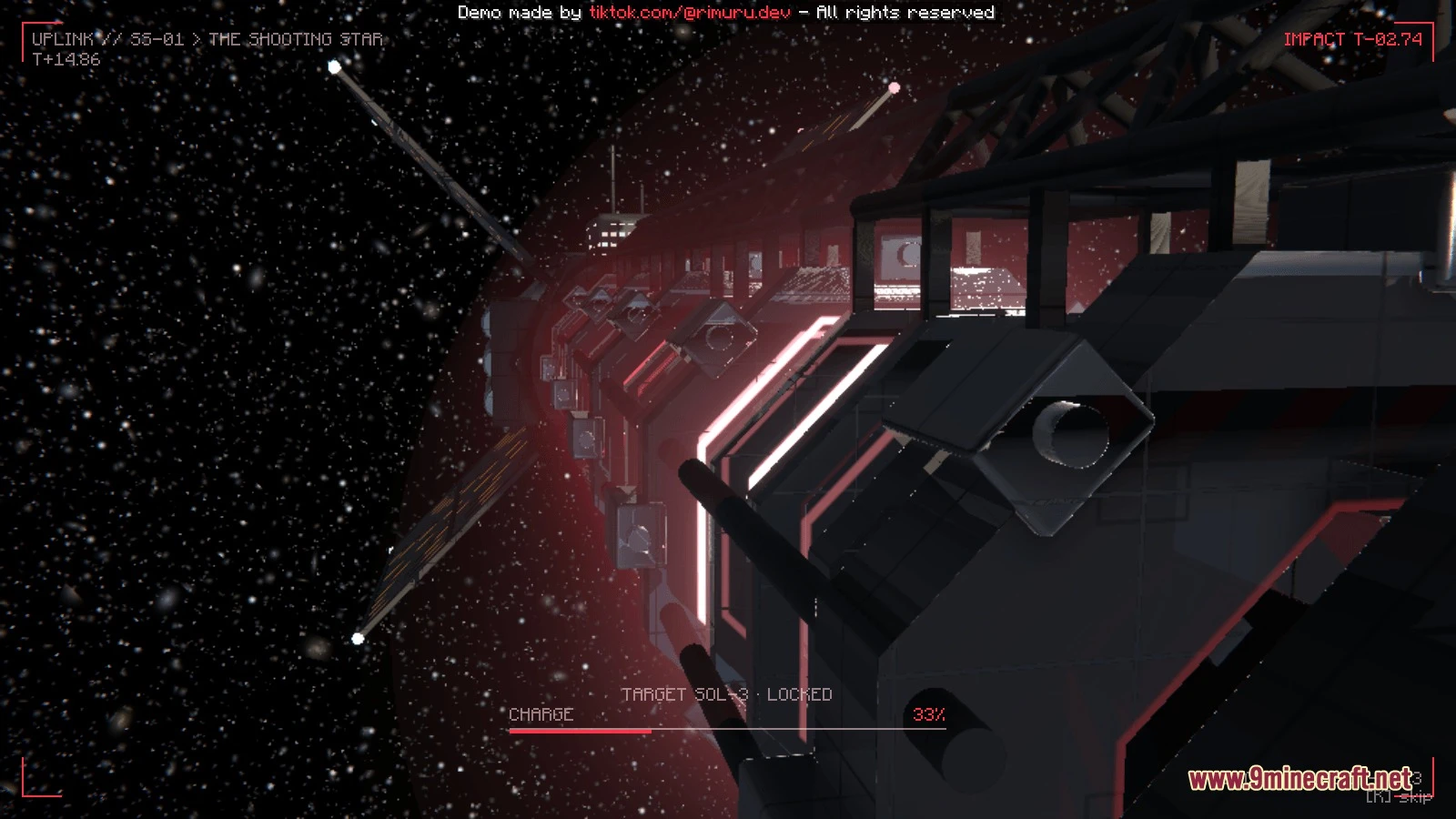
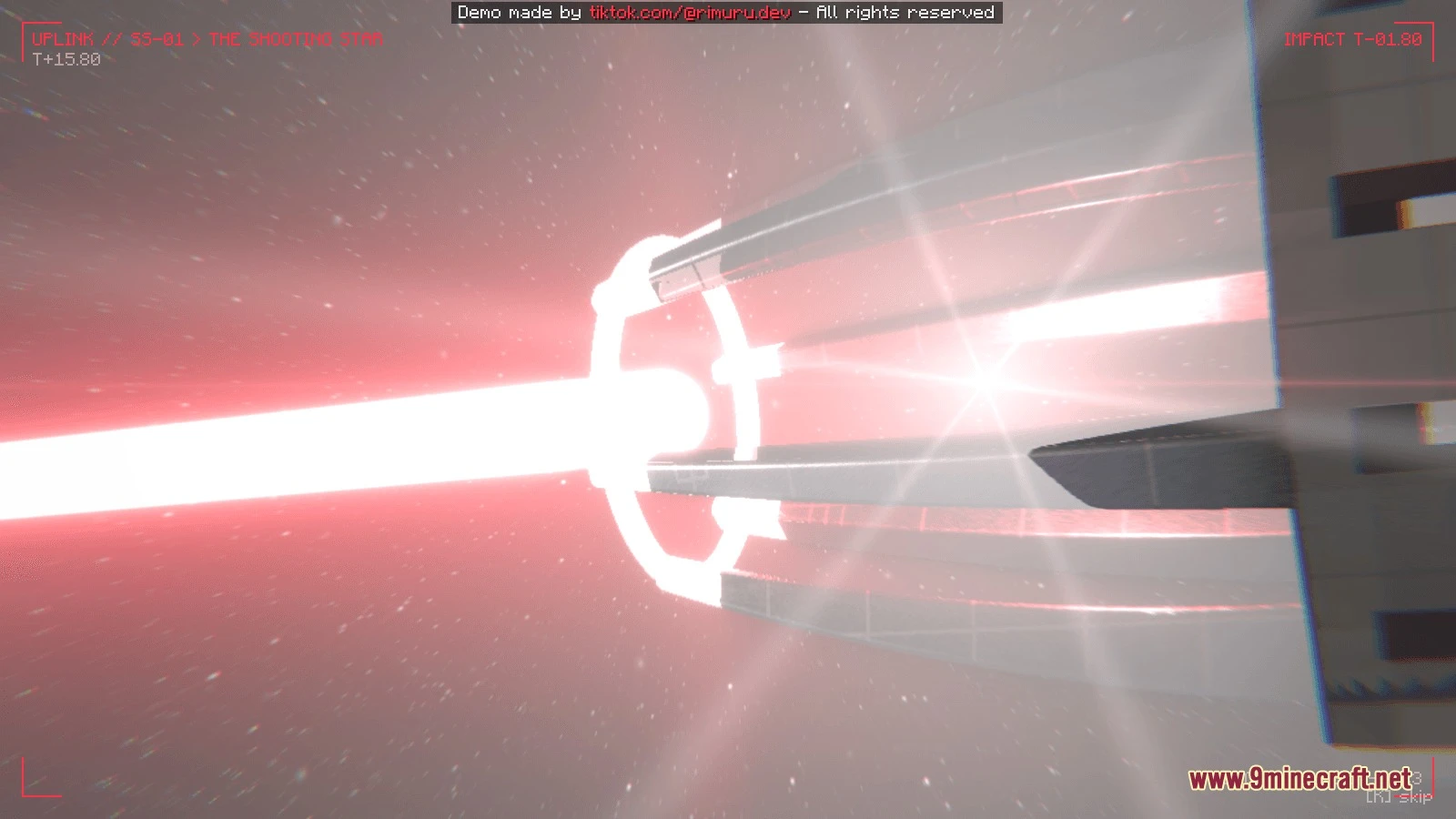
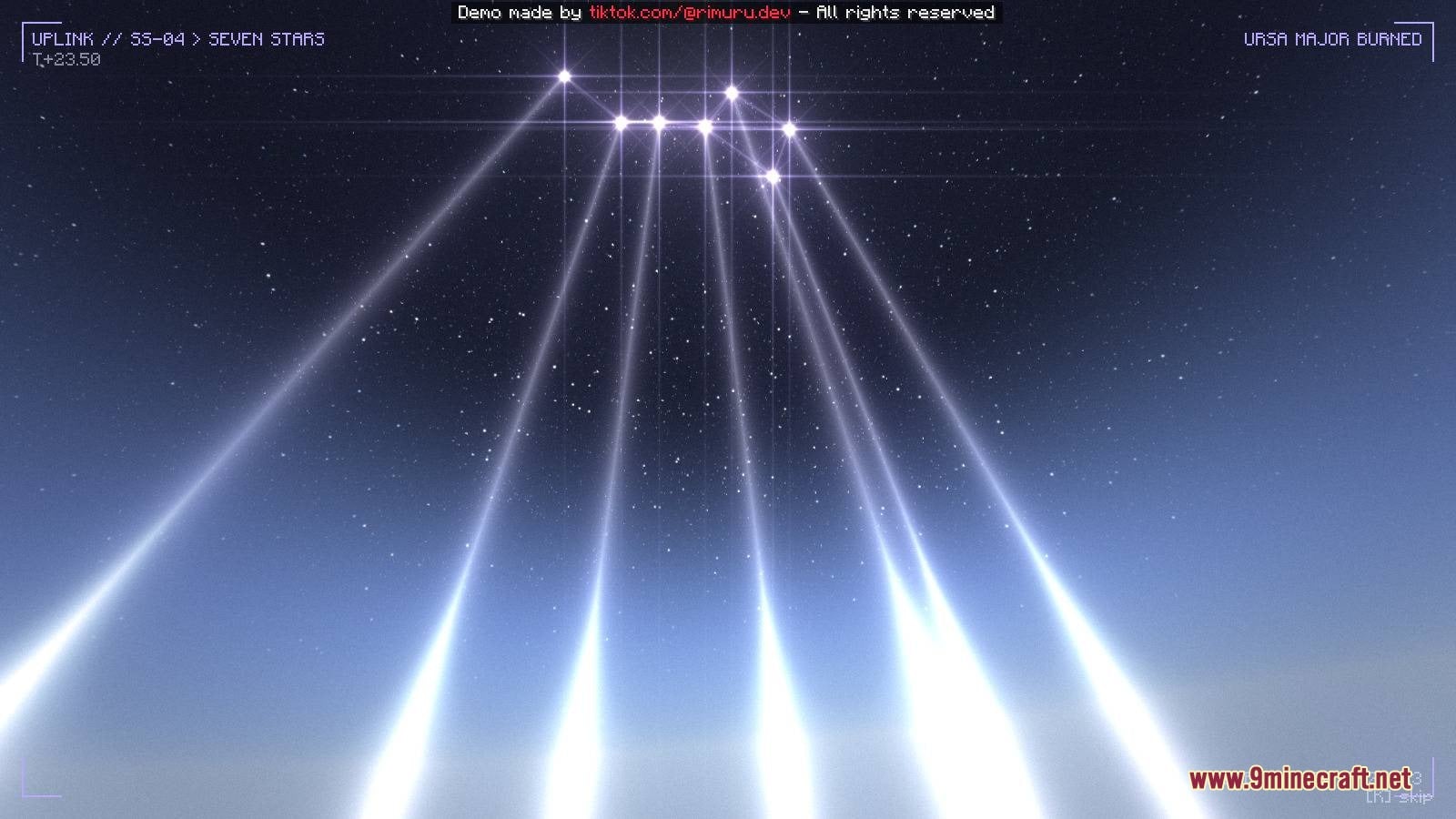
The Shooting Star Demo Mod equips you with the Stellar Remote to unleash massive strikes from outer space. You can call down a galaxy-scale railgun beam that wipes out entire columns of terrain down to the void. The mod also lets you rain stars from the Big Dipper constellation to create burning trenches and deep craters. Each attack features custom cutscenes that take your camera into deep space before the impact hits.
Features:
- Stellar Remote: Handheld device that triggers orbital strikes and space weapons.
- Space Cutscenes: Cinematic camera sequences that fly through the solar system during attacks.
- Gives you access to two destructive cosmic skills directly from your hotbar.
- Permanently carves terrain, breaks blocks, and clears land down to bedrock.
- Spares the player by lifting you into the sky or keeping your spot safe during the blast.
- Includes full keybind options to quickly choose and cast your orbital skills.
Orbital Skills:
- SS-01 Railgun: Fires a massive beam from the Milky Way rim that deletes a 400-block wide area straight to the void.
- SS-04 Seven Stars: Summons the seven stars of the Big Dipper to blast the land, leaving glowing star-core crystals and fiery trenches.
How to Use:
- Grab the Stellar Remote from the Creative Combat tab or the mod tab.
- Press K to select the SS-01 Railgun or press U to select the SS-04 Seven Stars skill.
- Press H to open the skill menu and customize your keybinds.
- Hold the remote and Right click to fire the chosen attack at your crosshair.
- Hold Sneak and Right click to cycle between available skills.
- Press J during the cinematic animation to skip the scene.
Screenshots:
The Shooting Star Demo Mod Download Links
- Edition: Minecraft Java
- File type: .jar
- Minecraft versions listed: 1.21.11, 1.20.1
- How to install: Install the matching mod loader (Forge, Fabric or NeoForge) for your Minecraft version. → Download the .jar. → Put it in the .minecraft/mods folder and launch that loader profile.
- Where to get it: In MC Java Mods, or directly above on this page.
Install steps are the general flow for this file type — How to install Minecraft Java mods & modpacks walks through it step by step.
- Downloads as 525243.mcaddon
- Download size: 27.9 MB
- Download link checked 12 Oct 2026 — working
- Mirrored on our own servers — the download does not depend on the original host
These come from our own check of the pack file, not from the source page.