ModsJava
JINZAI Traffic Lights Mod (1.20.1) – Direct Traffic Through City Streets
Java mod listed for Minecraft 1.20. Downloads from the MC Java Mods app on Android.
⬇ Download


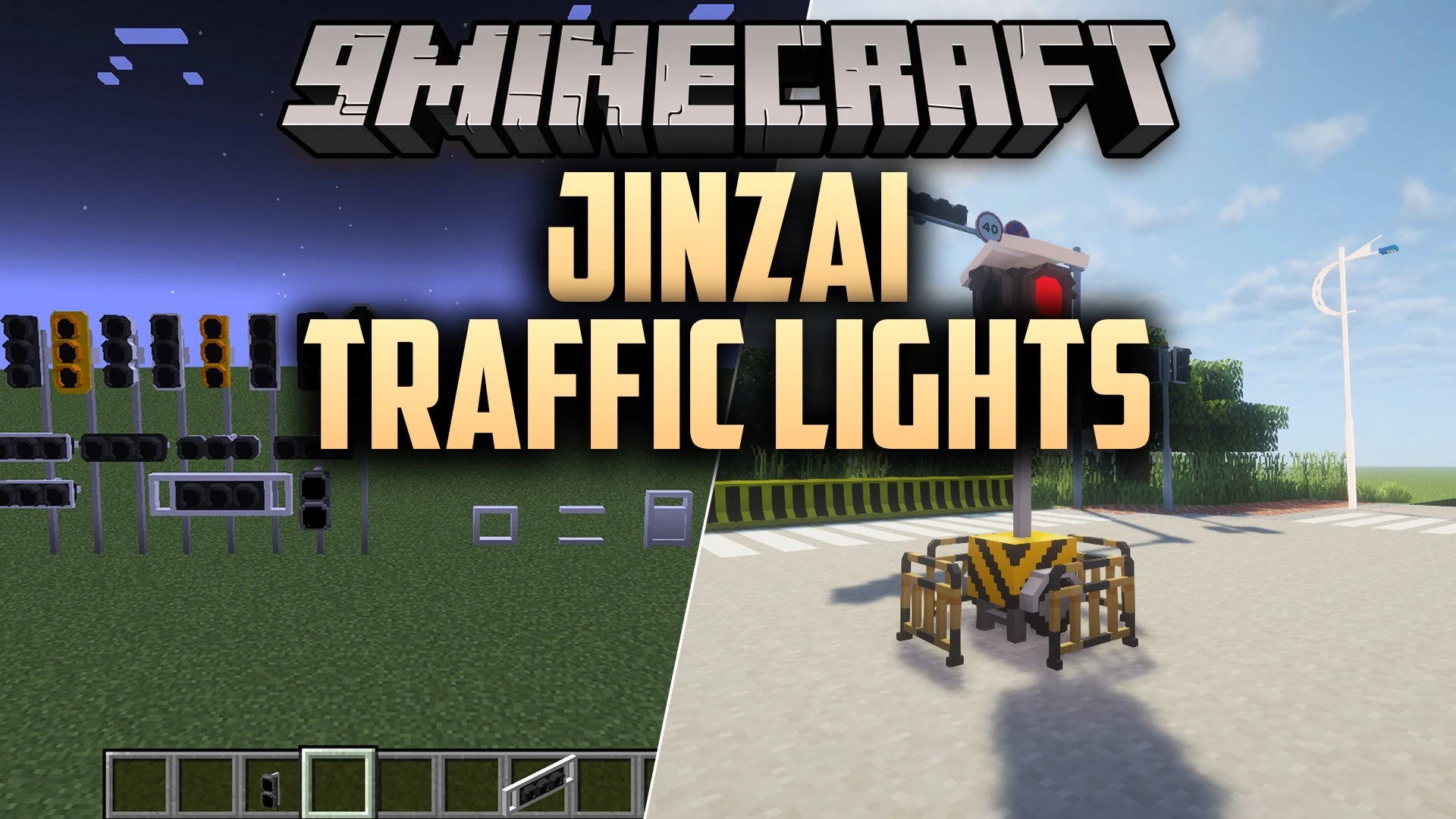
JINZAI Traffic Lights Mod brings realistic road signals, lamp posts, and street poles to Minecraft. It gives builders over one hundred blocks to construct detailed city intersections. You can mix and match different signal frames, colored lights, and metal poles. The mod helps you decorate modern highways, town crossroads, and urban roads with authentic city street fixtures.
Features:
- Adds many styles of traffic light frames, including frameless, framed, and American city designs.
- Includes indicator blocks with three colors and seven sign symbols for road lanes.
- Provides over fifty pole blocks based on real street posts from cities like Guangzhou, Hangzhou, and Taipei.
- Features ground-mounted traffic lights and LED light strips for road markings.
- Lets you assemble mobile traffic lights for temporary construction areas and detour zones.
- Street poles can also function as street lamps to illuminate dark roads at night.
- Pairs well with other city building and transport packs to create detailed towns.
Signal Frame Styles:
- Frameless light frames: clean designs for modern city streets.
- Framed box fixtures: classic styles with multiple light slots.
- American-style road heads: traditional overhead signals for wide intersections.
Street Accessories:
- Indicator light blocks: three signal colors with turn arrows and lane signs.
- Metal mounting poles: horizontal rails, double connectors, joints, and bent posts.
- Work zone signals: portable stands for temporary roadblocks and work sites.
- Ground strip lights: slim pavement markers for crosswalks and lane dividers.
How to Use:
- Place metal poles vertically or horizontally to form an overhead street post.
- Attach a traffic light frame to the pole connector.
- Place colored indicator lights or arrow signs directly onto the frame sockets.
- Add ground lights or LED strips along crosswalks to finish your intersection.
Screenshots:
JINZAI Traffic Lights Mod Download Links
Quick facts
- Edition: Minecraft Java
- File type: .jar
- Minecraft version listed: 1.20.1
- How to install: Install the matching mod loader (Forge, Fabric or NeoForge) for your Minecraft version. → Download the .jar. → Put it in the .minecraft/mods folder and launch that loader profile.
- Where to get it: In MC Java Mods, or directly above on this page.
Install steps are the general flow for this file type — How to install Minecraft Java mods & modpacks walks through it step by step.
File checked by MCModsHub
- Downloads as 525251.mcaddon
- Download size: 1.2 MB
- Download link checked 12 Oct 2026 — working
- Mirrored on our own servers — the download does not depend on the original host
These come from our own check of the pack file, not from the source page.