ModsJava
Texture Builder Mod (26.3) – Build Realistic Textured Walls Without Manual
Minecraft Java mod. Downloads from the MC Java Mods app on Android.
⬇ Download


Texture Builder Mod automates block variation as you place blocks in your world. It silently switches between your hotbar slots based on custom chances, letting you mix stone bricks, cracked bricks, and mossy blocks without manual swapping. The system works on single-player worlds and standard multiplayer servers without needing server-side plugins. You simply build as usual while the mod handles the texturing blend in real time.
Features:
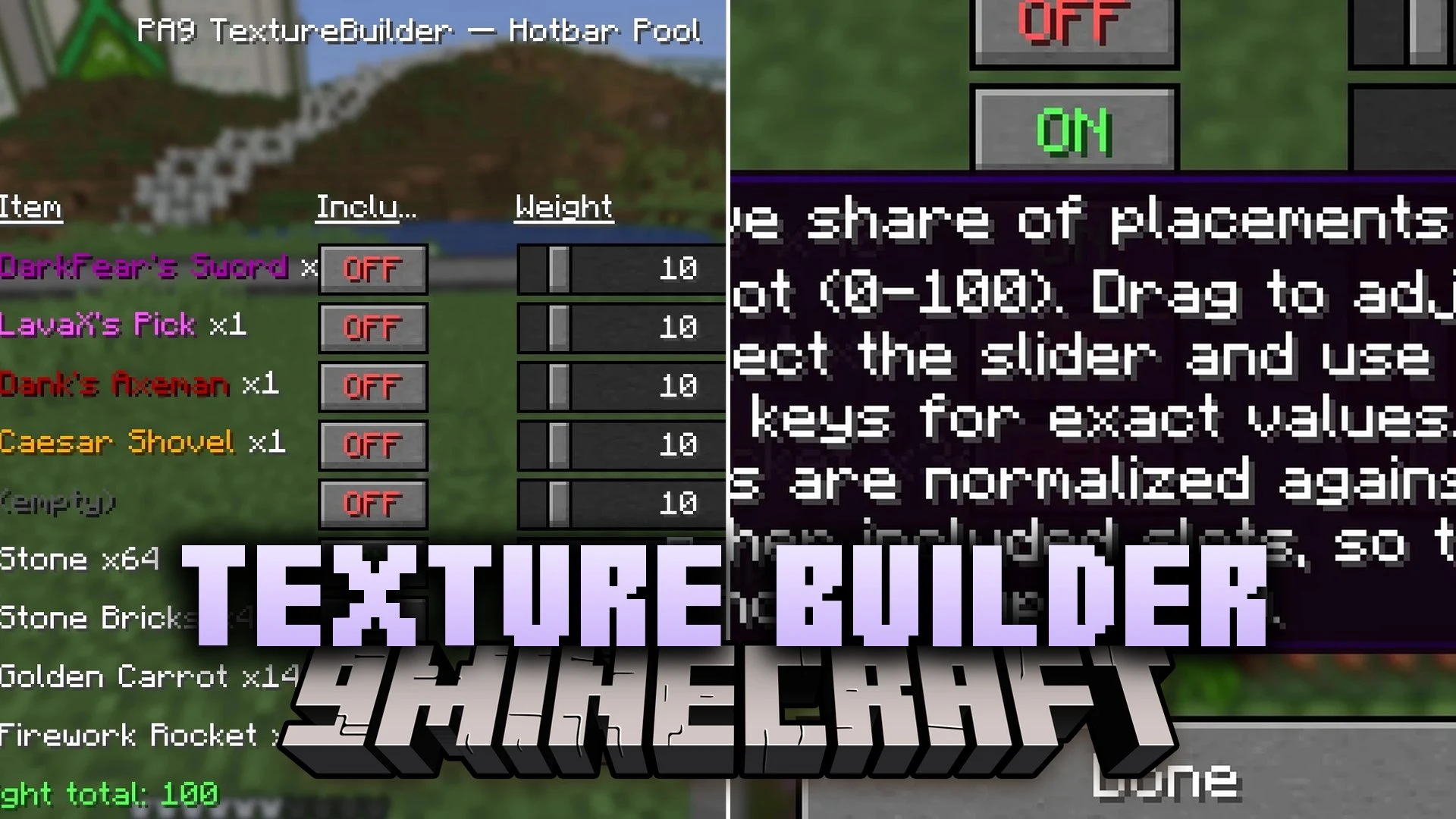
- Weighted Random Placement: Sets customizable percentage values for each hotbar slot to create balanced material blends.
- Fast Slot Swapping: Switches to the target block and back during placement without disrupting building flow.
- Real-Time Percentage Display: Shows the exact calculated distribution for each block type directly in the settings menu.
- Automatic Pick Block Restock: Triggers the pick block action to refill empty slots from your inventory or creative supply.
- Toggle Notification: Displays a clear green on or red off status message whenever you switch the texturing system.
- Works safely on vanilla multiplayer servers because it mimics regular client input.
- Includes an inventory button to open settings without typing commands.
Commands:
/texturebuilder config: Opens the texturing settings screen.
How to Use:
- Place the blocks you want to mix into your hotbar.
- Press the TB button in your inventory or run
/texturebuilder configto open the settings. - Adjust the weight sliders for each hotbar slot to balance your desired block mix.
- Toggle the mod on and place blocks normally to build textured walls automatically.
Screenshots:
Texture Builder Mod Download Links
Quick facts
- Edition: Minecraft Java
- File type: .jar
- How to install: Install the matching mod loader (Forge, Fabric or NeoForge) for your Minecraft version. → Download the .jar. → Put it in the .minecraft/mods folder and launch that loader profile.
- Where to get it: In MC Java Mods, or directly above on this page.
Install steps are the general flow for this file type — How to install Minecraft Java mods & modpacks walks through it step by step.
File checked by MCModsHub
- Downloads as 525287.mcaddon
- Download size: 68 KB
- Download link checked 12 Oct 2026 — working
- Mirrored on our own servers — the download does not depend on the original host
These come from our own check of the pack file, not from the source page.