ModsJava
Dye Depot Mod (1.21.1, 1.20.1) – Paint Your Builds and Pets in Rich New Shades
Java mod listed for Minecraft 1.20–1.21. Downloads from the MC Java Mods app on Android.
⬇ Download


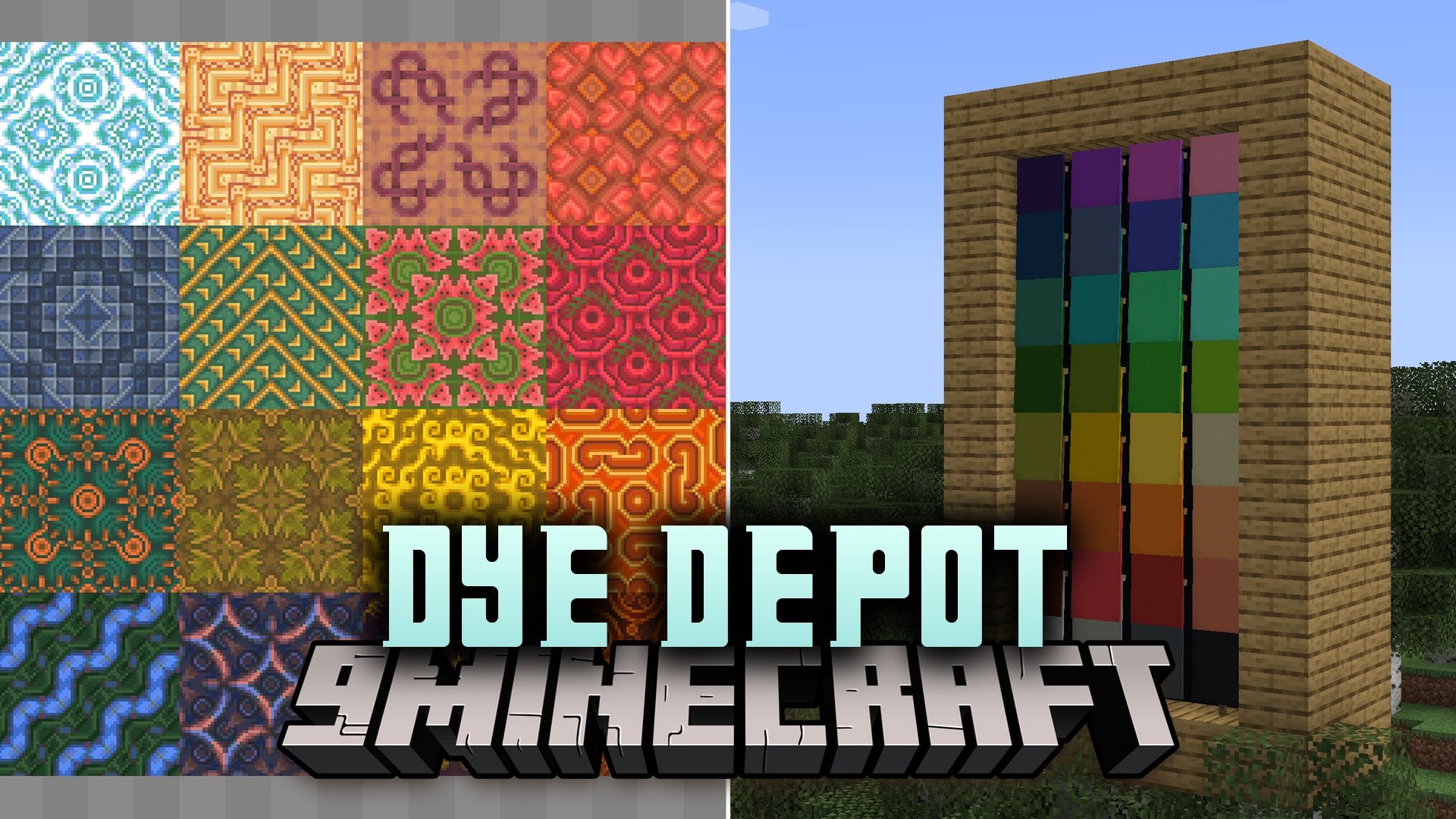
Dye Depot Mod introduces sixteen new dyes into Minecraft to expand your building palette. It gives you many fresh colors for dyeing sheep, tinting pet collars, coloring fish, and designing custom banners. The mod reworks the default dye crafting setup so mixing shades feels quick and simple. It also includes an optional built-in resource pack with clean item textures and renamed shades like Sky and Ash.
Features:
- Sixteen New Dyes: Adds sixteen brand-new colors to expand your decoration choices beyond standard vanilla options.
- Mob and Item Coloring: Works directly on sheep wool, pet collars, banner designs, and tropical fish.
- Reworked Crafting: Adjusts dye recipes to make mixing light, dark, base, and tinted shades much easier.
- Built-in Resource Pack: Includes an optional texture update that renames Light Blue to Sky and Light Gray to Ash while giving items fresh icons.
- Glazed terracotta, concrete, and wool blocks now come in every extra color variant.
- Decorates llama carpets and other colored accessories with matching fresh shades.
- Supports the in-game recipe book and item viewer mods for fast recipe lookups.
How to Use:
- Collect standard dye ingredients or harvest color sources across your world.
- Open your crafting table or consult the recipe book to see conversions between light, base, and dark shades.
- Mix base dyes to create tinted variants according to their unique recipes.
- Apply your finished dyes to sheep, leather armor, banners, pet collars, or terracotta blocks.
Screenshots:
Dye Depot Mod Download Links
Quick facts
- Edition: Minecraft Java
- File type: .jar
- Minecraft versions listed: 1.21.1, 1.20.1
- How to install: Install the matching mod loader (Forge, Fabric or NeoForge) for your Minecraft version. → Download the .jar. → Put it in the .minecraft/mods folder and launch that loader profile.
- Where to get it: In MC Java Mods, or directly above on this page.
Install steps are the general flow for this file type — How to install Minecraft Java mods & modpacks walks through it step by step.
File checked by MCModsHub
- Downloads as 525289.mcaddon
- Download size: 1.6 MB
- Download link checked 12 Oct 2026 — working
- Mirrored on our own servers — the download does not depend on the original host
These come from our own check of the pack file, not from the source page.