ModsJava
Re Framed Mod (1.21.11, 1.20.1) – Build Detailed Houses with Any Block
Java mod listed for Minecraft 1.20–1.21. Downloads from the MC Java Mods app on Android.
⬇ Download


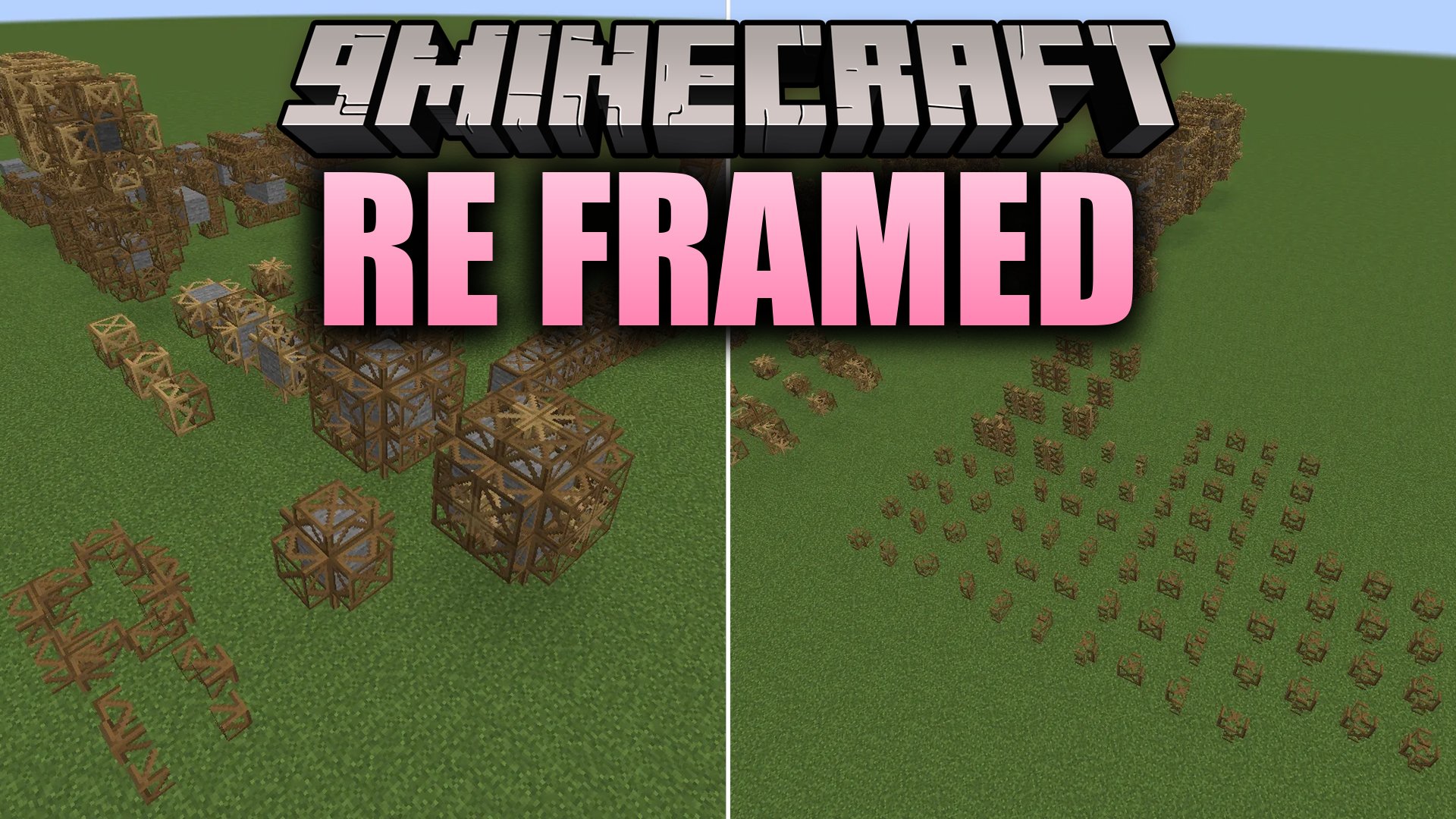
Re Framed Mod brings customizable building frames to Fabric. It allows players to apply block textures onto custom shapes like slabs, stairs, doors, and pillars. The mod keeps texture rotation, supports texture randomization, and includes handy tools to copy or clear themes across your builds.
Features:
- Adds 35 different frame shapes including buttons, doors, slabs, pillars, posts, and complex layered blocks.
- Lets you apply normal block textures directly onto frames for custom building designs.
- Supports dual textures on select frame shapes for detailed combinations.
- Keeps block rotation settings, allowing log textures and directional blocks to align properly.
- Works with texture randomization so camouflaged surfaces match natural block patterns.
- Includes full culling support to prevent visual glitches between neighboring frame blocks.
- Allows crafting directly through both the Crafting Table and the Stonecutter.
- Includes custom advancements for collecting all available frame types.
Modifiers:
- Popped Chorus Fruit removes collision so players can walk through frames.
- Glowstone Dust makes frames emit light in dark areas.
- Redstone Torches enable frames to emit a redstone signal.
Utility Tools:
- Hammer: Clears applied textures from any frame block.
- Screwdriver: Rotates pillar-style block textures on placed frames.
- Blueprint: Copies applied textures and pastes them onto other frames.
How to Use:
- Craft your desired frame using a Crafting Table or a Stonecutter.
- Place the frame block down in your world.
- Right-click the frame with any solid block to apply its texture.
- Use a Hammer to remove a texture, or use a Screwdriver to rotate directional patterns.
- Right-click with Glowstone Dust, Redstone Torches, or Popped Chorus Fruit to add special properties.
Screenshots:
Re Framed Mod Download Links
Quick facts
- Edition: Minecraft Java
- File type: .jar
- Minecraft versions listed: 1.21.11, 1.20.1
- How to install: Install the matching mod loader (Forge, Fabric or NeoForge) for your Minecraft version. → Download the .jar. → Put it in the .minecraft/mods folder and launch that loader profile.
- Where to get it: In MC Java Mods, or directly above on this page.
Install steps are the general flow for this file type — How to install Minecraft Java mods & modpacks walks through it step by step.
File checked by MCModsHub
- Downloads as 525622.mcaddon
- Download size: 698 KB
- Download link checked 13 Oct 2026 — working
- Mirrored on our own servers — the download does not depend on the original host
These come from our own check of the pack file, not from the source page.