Black Pink GUI Resource Pack (26.2, 1.21.1) – Stylish Neon Menu Overhaul
Java resource pack listed for Minecraft 1.21. Downloads from the MC Java Mods app on Android.
⬇ Download


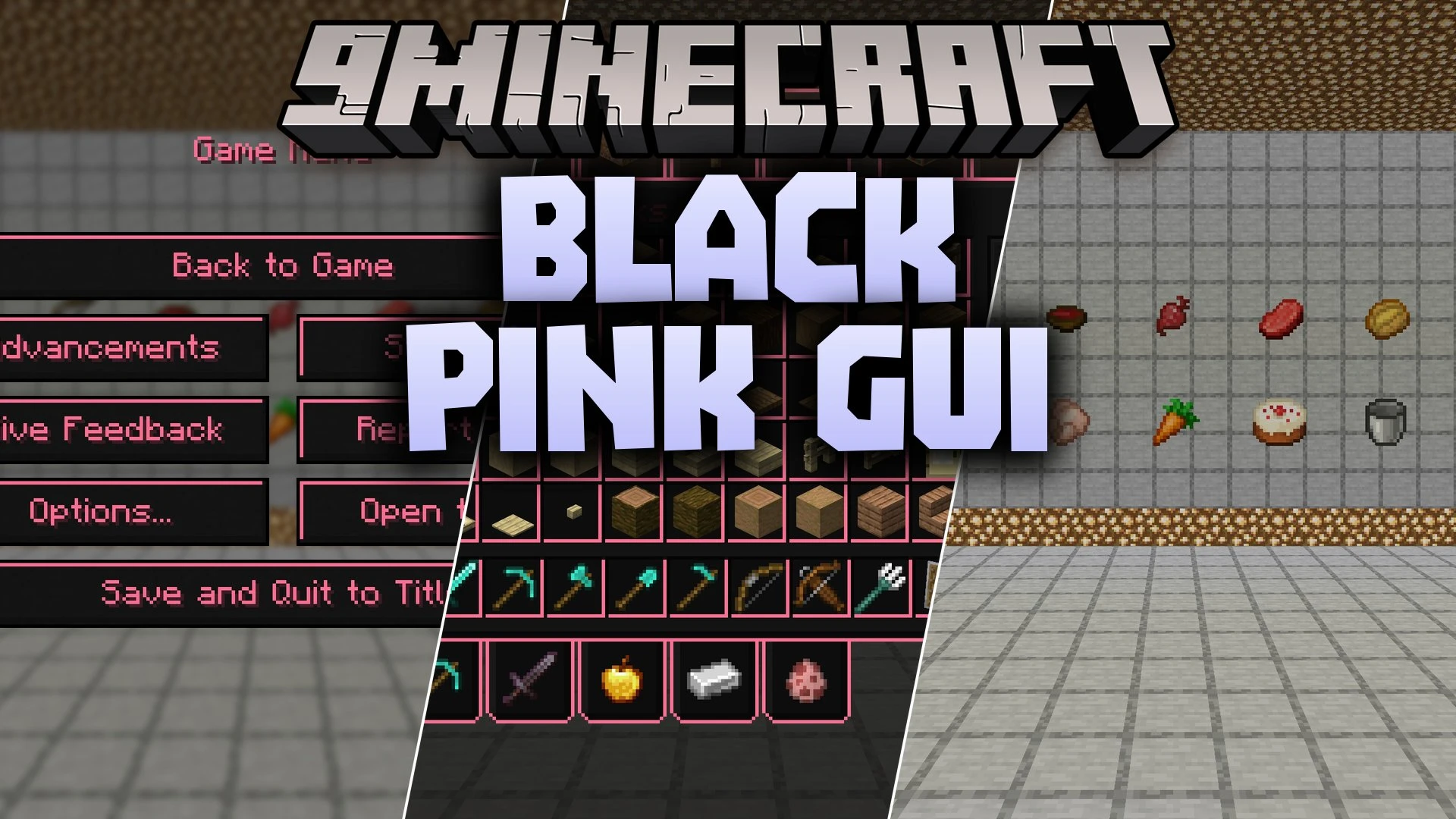
Black Pink GUI Resource Pack restyles the entire user interface with a sleek dark and pink theme. This pack refreshes the main menus, inventory screens, game titles, and fonts across your game. It gives your screen a clean look that stands out during survival sessions and menu browsing. You can use it in standard vanilla setups or alongside popular game addons that share the same menu layout.
Features:
- Replaces default gray menu boxes with clean black backdrops and bright pink borders.
- Updates inventory screens, crafting grids, and chest storage windows.
- Refreshes the main title screen logo and text fonts for better reading.
- Includes custom menu styling for Mod Menu, Simple Voice Chat, and Xaero’s Minimap.
- Works right away on vanilla setups without extra tools needed for basic menus.
- Changes the Mojang loading screen colors when loaded with OptiFine.
Supported Mod Interfaces:
- Mod Menu: full custom color theme across the mod selection screen.
- Simple Voice Chat: matches voice setting menus to the dark pink style.
- Xaero’s Minimap: reskins map setting windows and overlay buttons.
Screenshots:
Black Pink GUI Resource Pack Download Links
- Edition: Minecraft Java
- File type: .zip (resource pack)
- Minecraft version listed: 1.21.1
- How to install: Download the .zip resource pack — do not unzip it. → Put it in .minecraft/resourcepacks. → Enable it in Options → Resource Packs.
- Where to get it: In MC Java Mods, or directly above on this page.
Install steps are the general flow for this file type — How to install Minecraft Java resource packs walks through it step by step.
Black Pink GUI Resource Pack (26.2, 1.21.1) – Stylish Neon Menu Overhaul is a free Minecraft Java resourcepack. Compatible with Minecraft 1.21.1. Download it and open it directly in the game.