ModsJava
Waster Visual Mod (1.21.1, 1.20.1) – Master Fast PvP Fights with a Frosted
Java mod listed for Minecraft 1.20–1.21. Downloads from the MC Java Mods app on Android.
⬇ Download


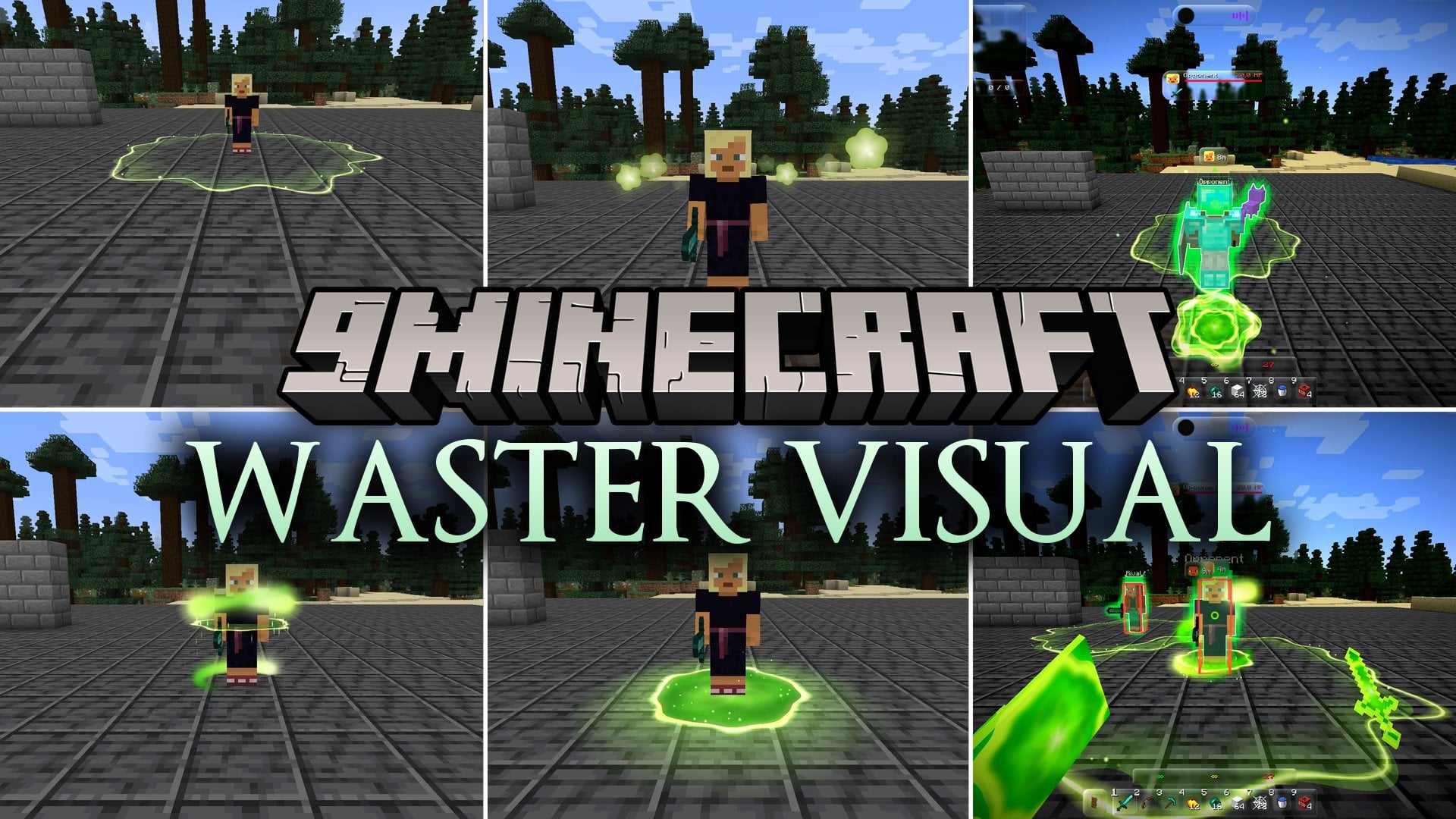
Waster Visual Mod redesigns the Minecraft user interface with a sleek frosted glass style and custom combat visual aids. It brings movable HUD widgets, media player tracking, and custom swing animations directly to your screen. The mod also displays distance markers, fall paths, and hit stars during PvP battles on Fabric servers.
Features:
- Liquid Glass Interface: Replaces solid menus with translucent frosted glass windows.
- Drag and Drop HUD: Lets you click and move every screen widget anywhere you want.
- Player Card Widget: Displays current song titles, artists, and album covers playing on your computer.
- Top Notification Bar: Pops open at the top of the screen to display game alerts and status updates.
- Attack Range Rings: Draws a clean circle around targets to mark your three-block reach distance.
- Drop Predictor: Renders real-time flight paths and landing points for falling items and players.
HUD and Display:
- Shows your live frame rate, server ping, and click speed in a compact box.
- Converts standard hotbars and container chests into clear glass panels.
- Offers vertical and circular hotbar layouts to clear up screen space.
PvP and Combat Indicators:
- Marks BedWars team boxes and teammate health hearts while hiding spectators.
- Leaves bright colored ghost trails behind running players.
- Replaces normal critical hit shapes with custom flying hit stars.
Camera and ViewModel:
- Adjusts hand position coordinates, hand size, and tilt on the screen.
- Provides custom swing motions including downward, upward, and centered strikes.
- Changes screen saturation, contrast, and stretched resolution without leaving the game.
- Works best on the default graphics engine and conflicts with external shader packs like Iris or OptiFine.
How to Use:
- Open the Waster Visual Mod menu in-game to view all settings.
- Click and drag any HUD element to reposition it across your display.
- Toggle desired combat helpers like attack circles, reach indicators, and player trails.
- Keep external shader packs turned off to prevent visual glitches with the core blur shaders.
Screenshots:

Waster Visual Mod Download Links
Quick facts
- Edition: Minecraft Java
- File type: .jar
- Minecraft versions listed: 1.21.1, 1.20.1
- How to install: Install the matching mod loader (Forge, Fabric or NeoForge) for your Minecraft version. → Download the .jar. → Put it in the .minecraft/mods folder and launch that loader profile.
- Where to get it: In MC Java Mods, or directly above on this page.
Install steps are the general flow for this file type — How to install Minecraft Java mods & modpacks walks through it step by step.
File checked by MCModsHub
- Downloads as 525725.mcaddon
- Download size: 1.4 MB
- Download link checked 13 Oct 2026 — working
- Mirrored on our own servers — the download does not depend on the original host
These come from our own check of the pack file, not from the source page.