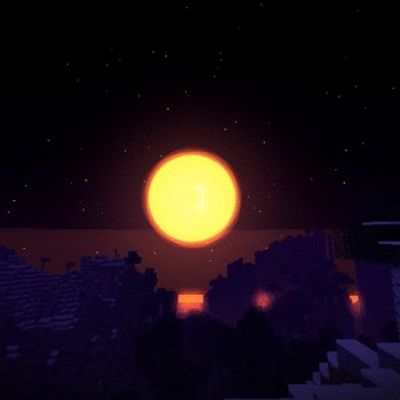
Halloween Shader
Java shader pack listed for Minecraft 1.20–1.21. Downloads from the MC Java Mods app on Android.
⬇ Download on CurseForge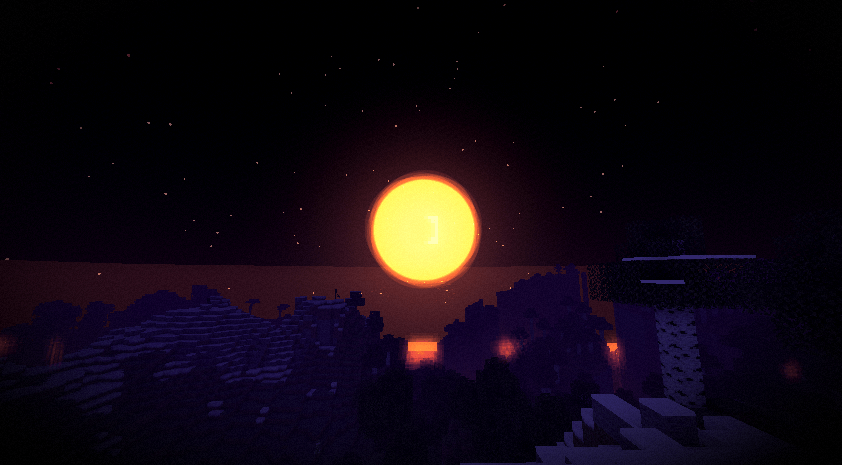
Halloween Shader
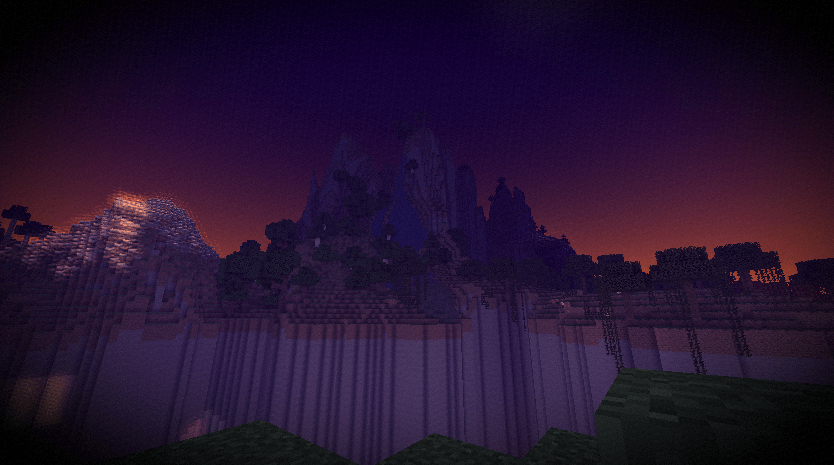
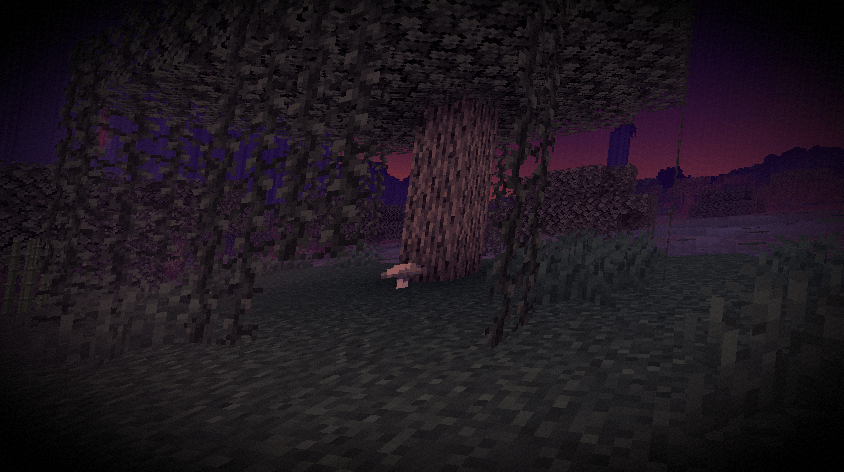
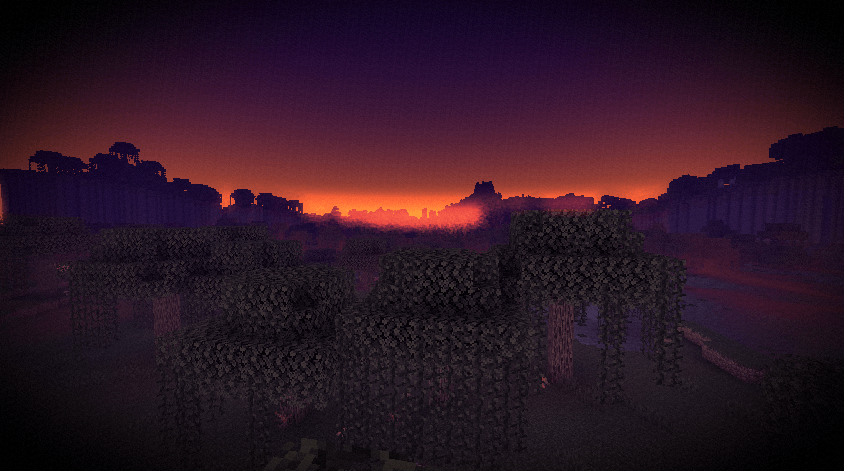
A simple shader pack that makes Minecraft look like a foggy October night. Purple sky, orange moon, mist along the ground. It only touches the sky, fog and color, so block lighting and textures stay vanilla.

What it changes
- The sky is always a dark purple dusk, even in the daytime
- At night there's a big orange moon
- Mist rolls across the ground and gets thicker when it rains
- Torches, lava and other bright lights get a soft orange glow
- Colors are faded, with purple in the shadows and orange in the highlights
- Light vignette and film grain
Options
All of these can be changed in the shader settings:
| Option | What it does |
|---|---|
| Fog Density | How thick the distance fog is |
| Ground Mist | How much low mist there is |
| Glow Strength | How strong the light glow is |
| Saturation | How faded the colors are |
| Vignette | Darkening at the screen edges |
| Grain | Amount of film grain |
| Giant Moon | Turns the big moon on or off |
Install
- Get Iris or OptiFine.
- Put the zip in your
shaderpacksfolder. Don't unzip it. - In game, go to Options > Video Settings > Shaders and pick Halloween Shader.
Compatibility
Works with Iris and OptiFine.
Notes
The shader is mostly post-processing, so it shouldn't be heavy to run. There's no shadow or lighting overhaul, so don't expect that. If you run into a bug, leave a comment or open an issue.
- Edition: Minecraft Java
- File type: .zip (resource pack)
- Minecraft versions listed: 1.21, 1.20.2, 1.21.8
- How to install: Download the .zip resource pack — do not unzip it. → Put it in .minecraft/resourcepacks. → Enable it in Options → Resource Packs.
- Where to get it: Opens on CurseForge — not every file is mirrored on our own servers.
Install steps are the general flow for this file type — see the MC Java Mods guides for the full walkthrough.
- Downloads as HalloweenShader.zip
- Download size: 4 KB
- Download link checked 13 Oct 2026 — working
These come from our own check of the pack file, not from the source page.