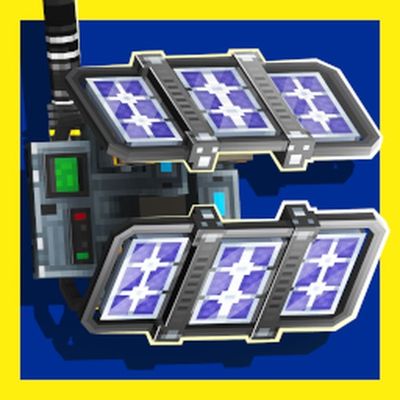
Industrial Add-On
Bedrock add-on listed for Minecraft 26.x. Download on the author's site.
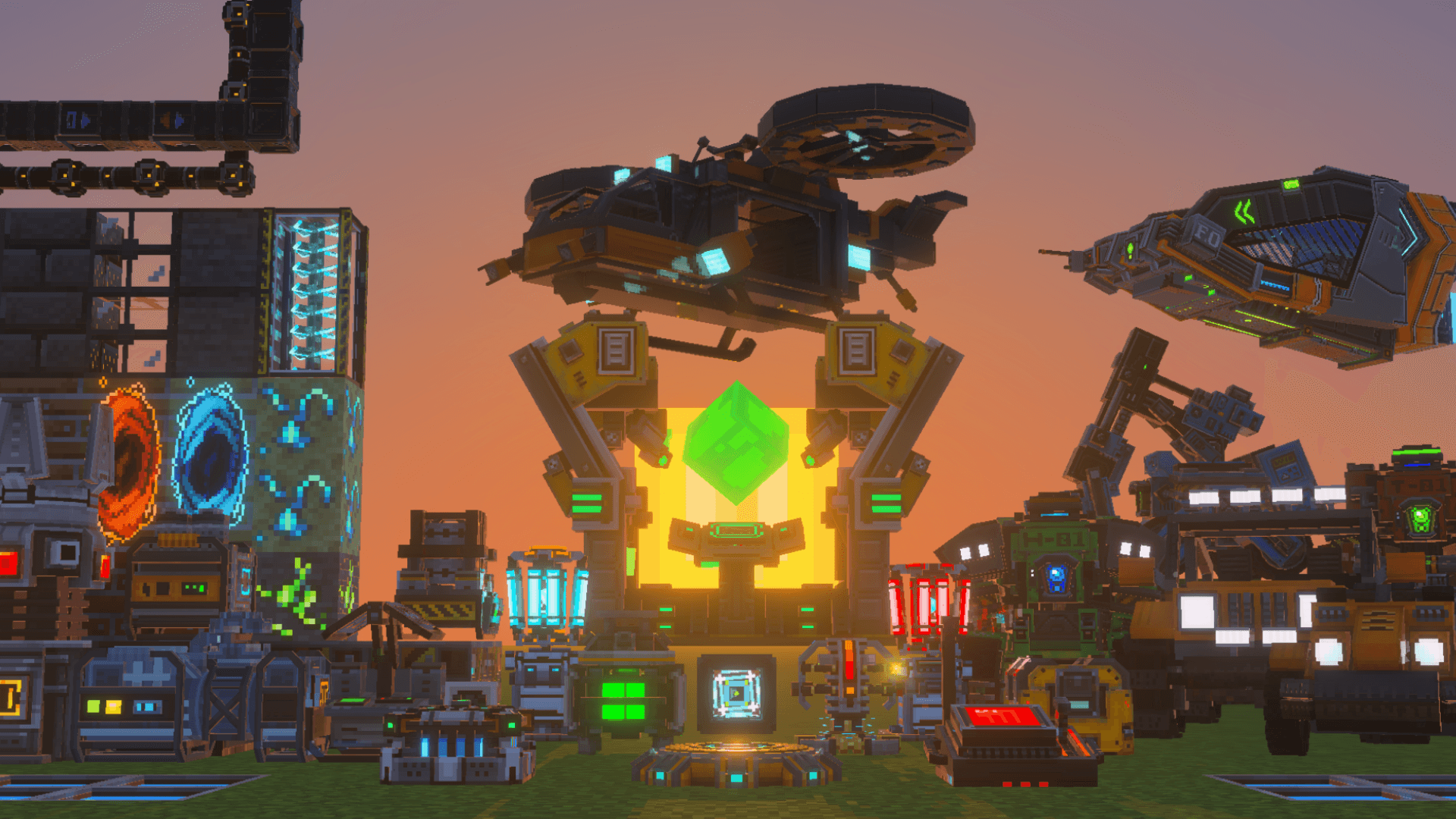
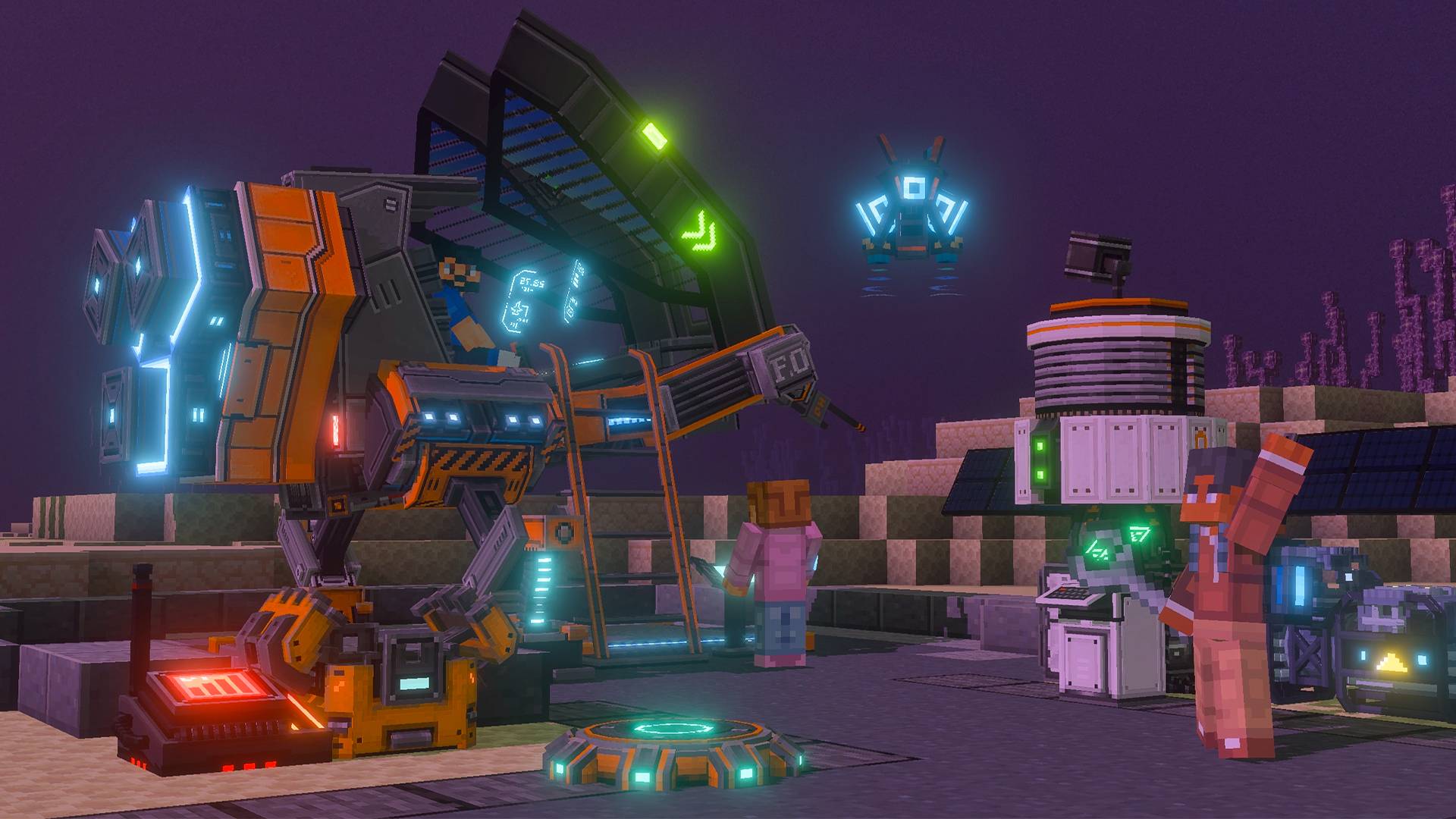
Build a high-tech industry: 25+ machines, worker robots, electric vehicles, satellites and spaceships powered by Energium.
⬇ Download on CurseForge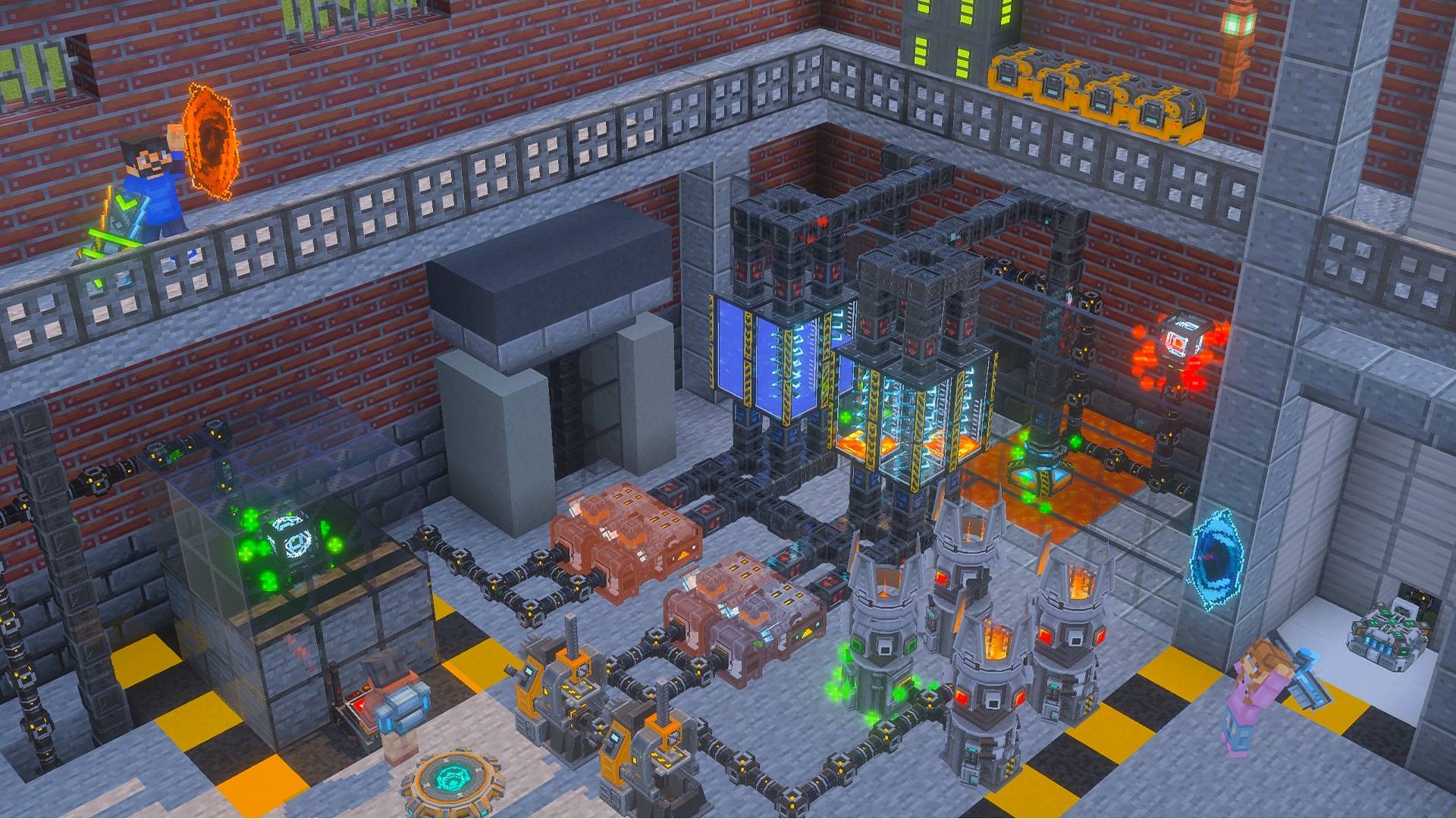
JOIN OUR DISCORD COMMUNITY

Get update news, sneak peeks of new machines, help from the team and a place to share your factories.
>> Click here to join: discord.gg/a30x1 <<
Industrial Add-On
Turn your survival world into a high-tech industry. Mine Energium, build generators, automate everything with pipes and robots, drive electric vehicles and, at the end of your journey, launch satellites and fly spaceships across your world.
Five years in the making, Industrial is a complete tech progression for Minecraft Bedrock, from your first coal generator to a wireless, orbit-powered factory.


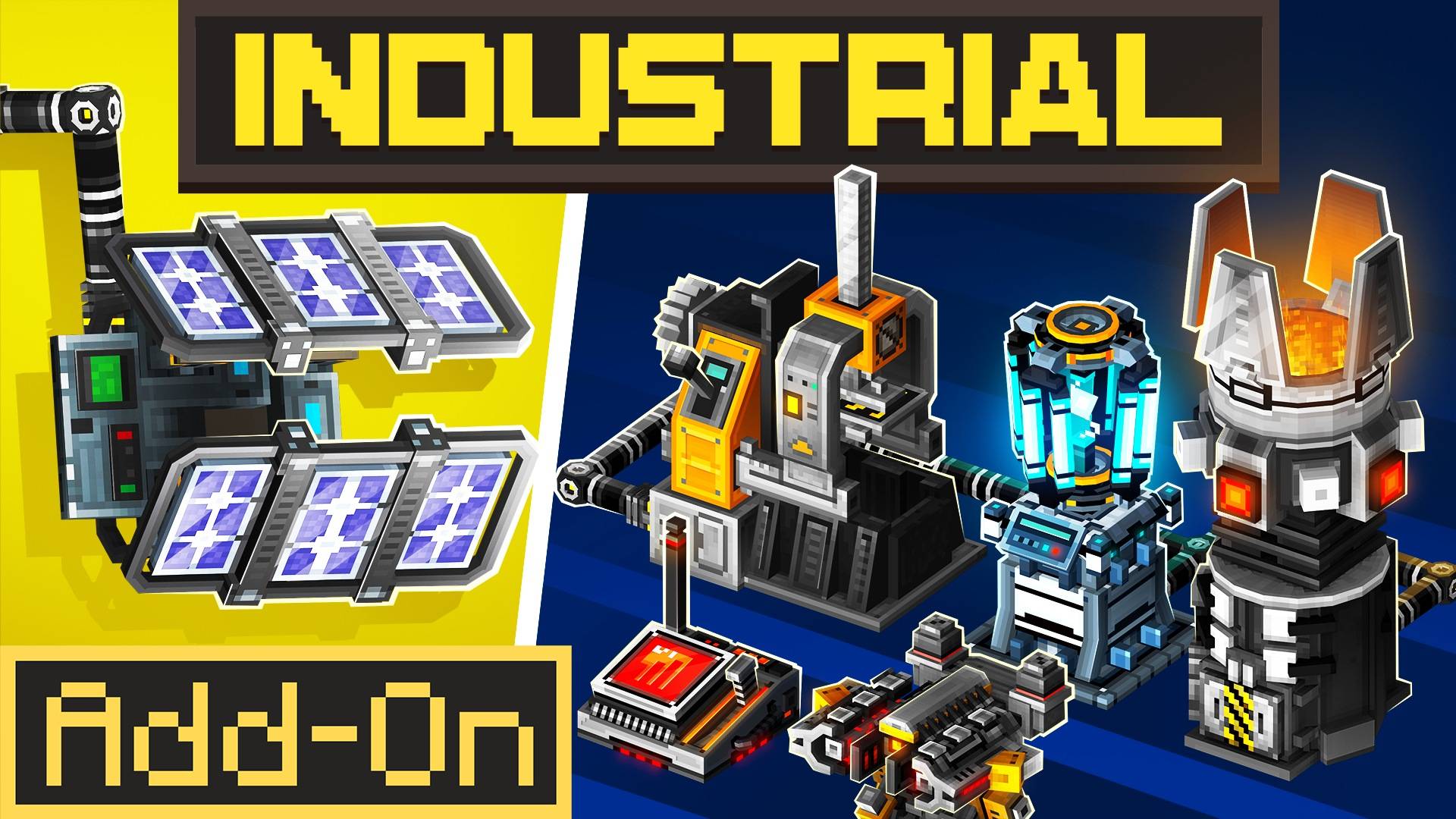
- 25+ machines and generators, each with its own model, interface and animations
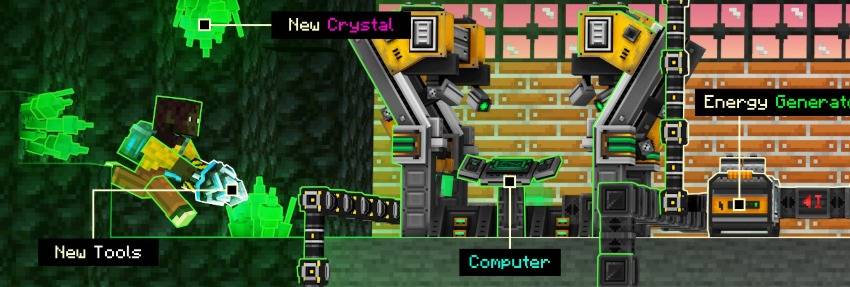
- Energy system with cables, batteries, wireless charging pads and solar, coal and lava power
- Full automation with item and liquid pipes, pipe filters and a crafting controller
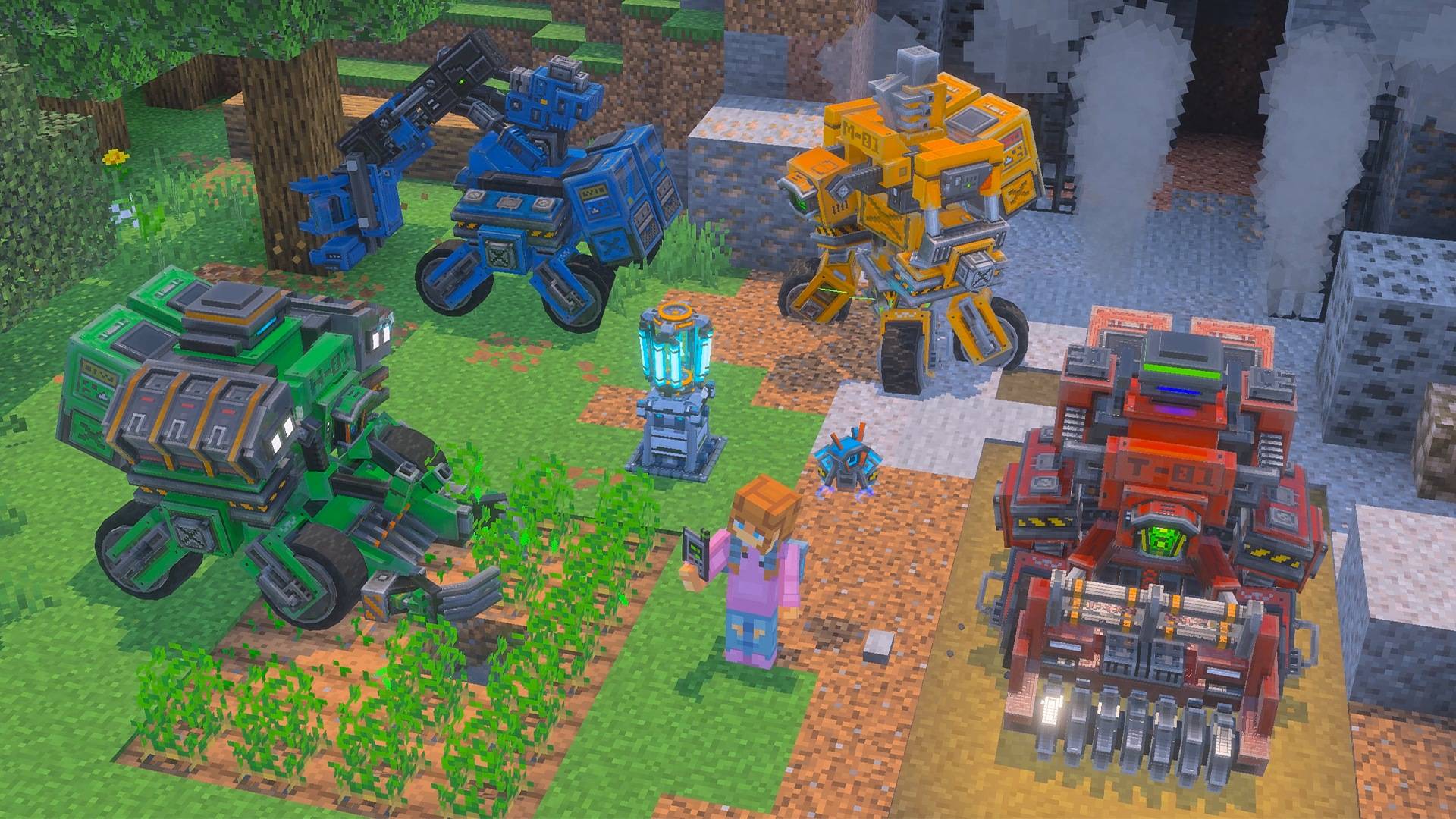
- 5 worker robots that farm, cut trees, mine and defend your base
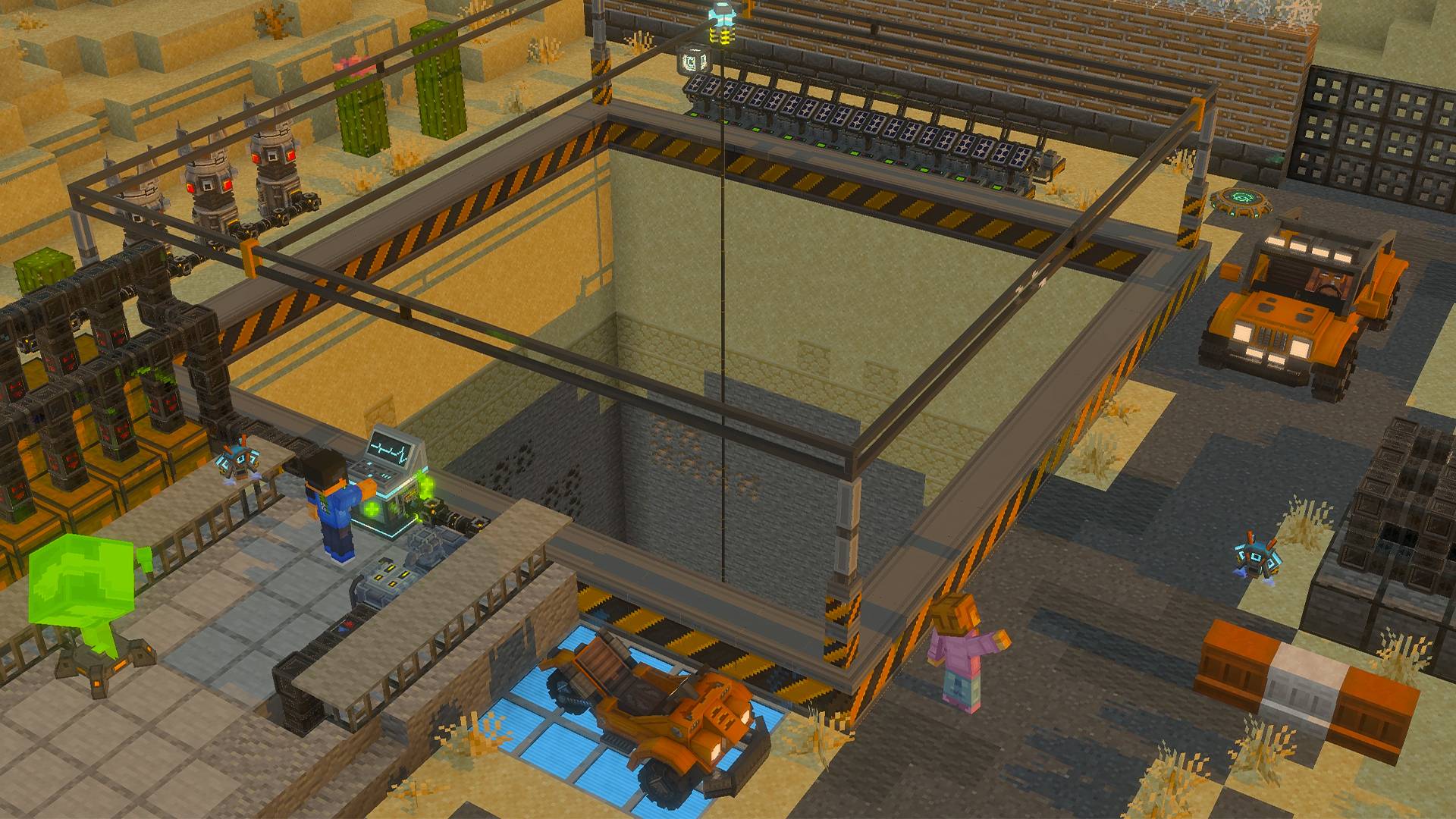
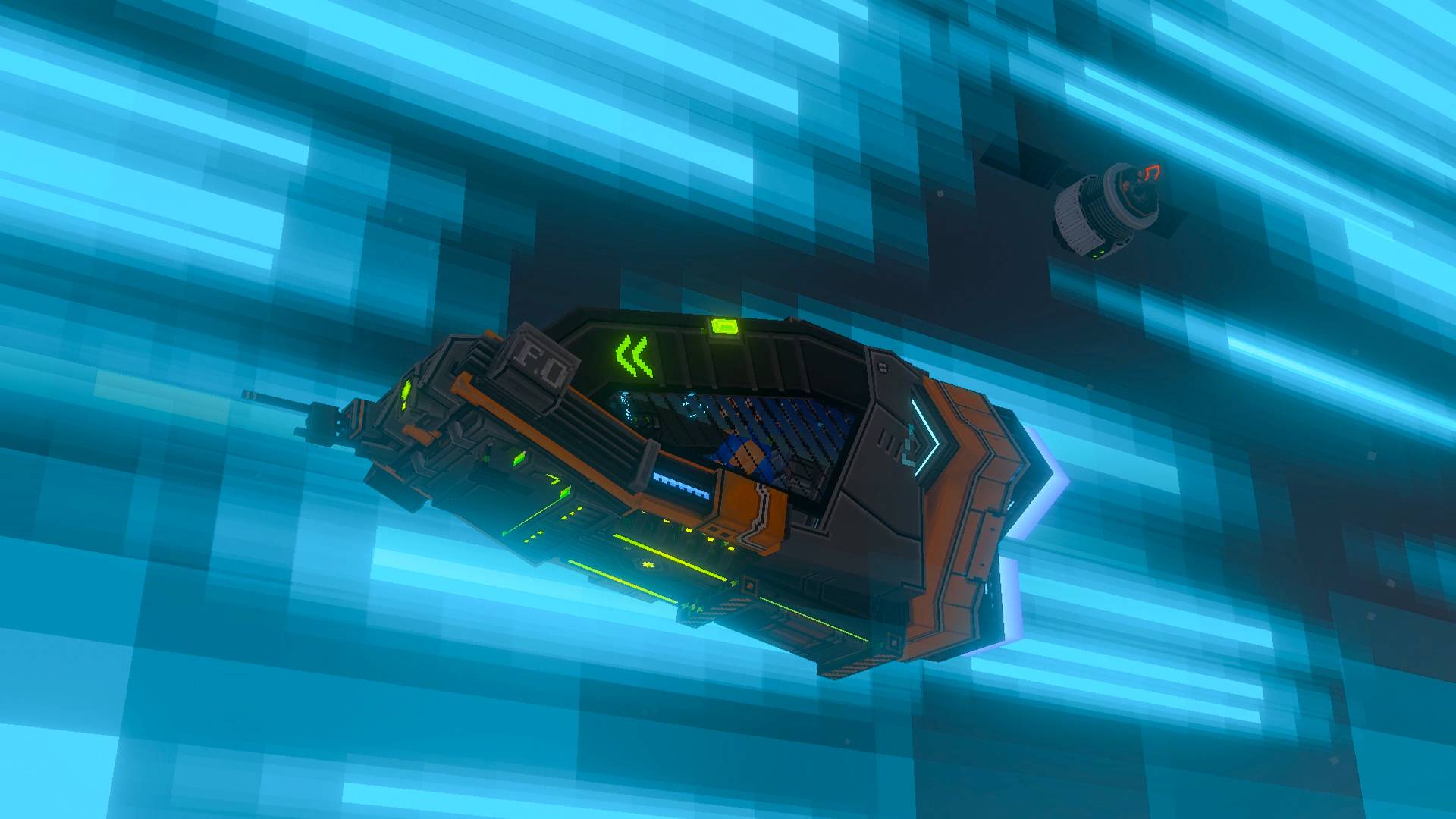
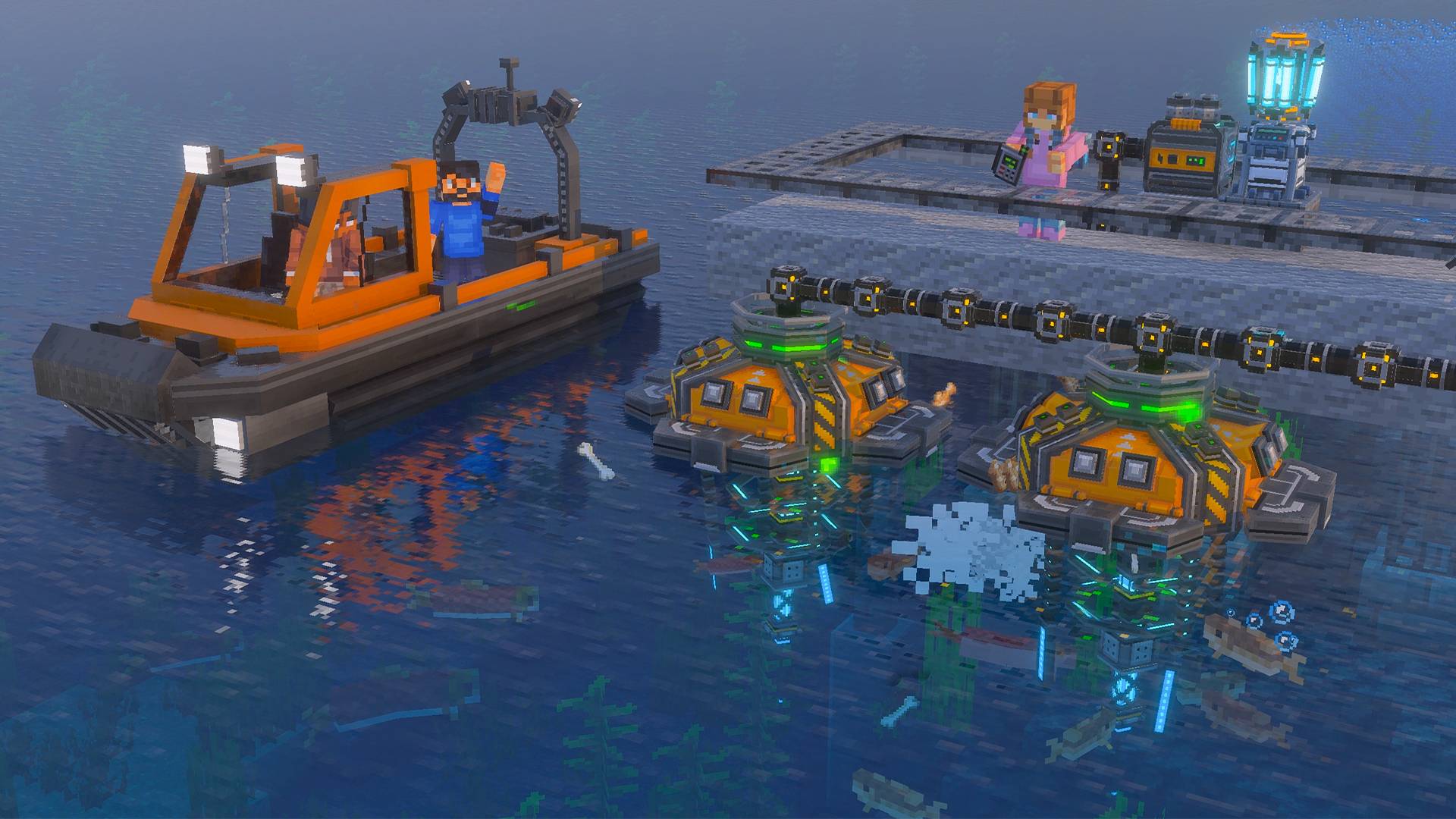
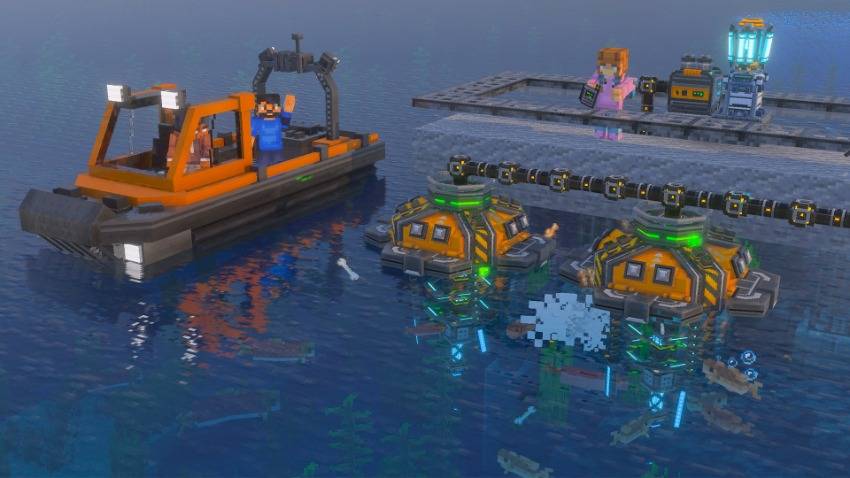
- 6 electric vehicles: tricycle, buggy, boat, submarine, helicopter and spaceship
- Late-game Internet: satellites, wireless energy and remote access to your Computer
- Upgrade system: level up machines and generators to Level 10 with Refined Energium
- New world content: Energium ores, Blackstone Geodes, asteroids and the Jerryfish
- In-game Guidebook and Aura, a robot helper that teaches you as you play
- Available in English and Brazilian Portuguese
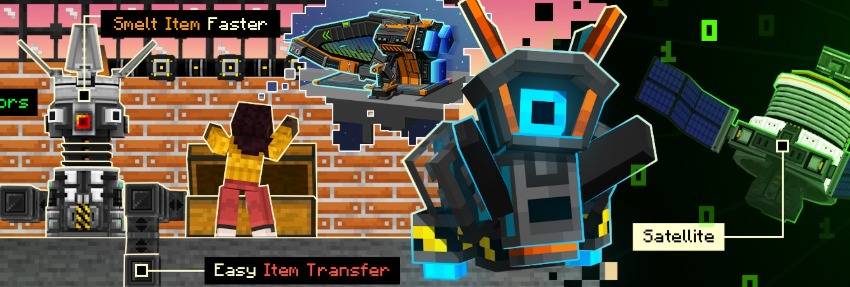
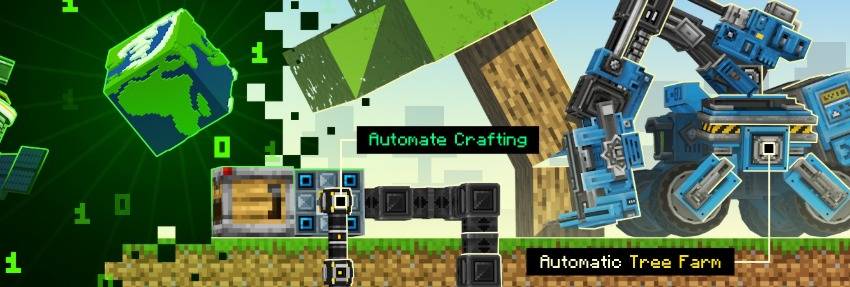

Every player receives Aura, the Industrial Allay, when joining the world. Aura watches your progress and explains each new machine the moment you place it. Lost Aura? Craft a new one with 4 Iron Ingots around 1 Medium Energium.
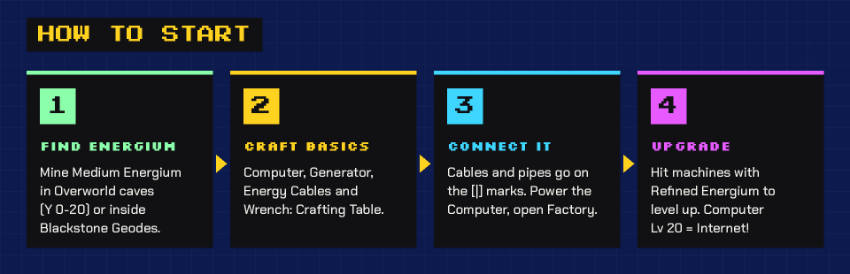
- Find Medium Energium in Overworld caves between Y 0 and Y 20, or inside Blackstone Geodes.
- Craft the basics in a regular Crafting Table: Computer, Common Generator, Energy Cables and Wrench.
- Connect everything. Cables and pipes attach where you see the [|] mark. Power the Computer and open the Factory menu: it crafts every block, machine and resource in the add-on.
- Upgrade. Hit machines with Refined Energium to level them up. At Computer Level 20 you unlock the Internet.
Energium tiers
| Tier | How to get it |
|---|---|
| Low | Put Amethyst in the Interdimensional Transmuter |
| Medium | Mine it in caves (Y 0 to 20) or Blackstone Geodes, or transmute Emeralds in The End |
| Refined | Mine it on The End islands, or transmute Diamonds |

| Source | Output | Notes |
|---|---|---|
| Common Generator | 2/s, +2 per level | Burns Coal or Charcoal, by hand or through pipes |
| Solar Panel | 2/s, +2 per level | Needs sunlight |
| Advanced Solar Panel | 4/s, +4 per level | Keeps supplying stored energy at night |
| Lava Generator | 40 every 3 s | Burns Lava and needs Water to stay cool |
Move power with Energy Cables, store it in Lithium Batteries, and charge robots and vehicles wirelessly on a Pad Charger.

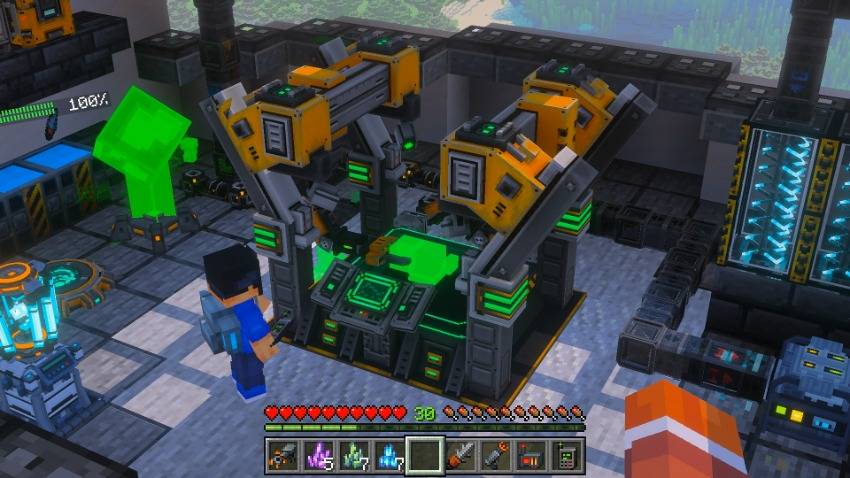
- Computer: the heart of your industry. Crafts everything, levels up to 100 and gains +500 energy storage per level.
- Recycler: turns junk items into Circuits.
- Advanced Furnace: cooks almost instantly and gains a new slot every 2 levels.
- Advanced Miner: digs a 15x15 area; from Level 5 it mines under water and lava.
- Farm Grower: speeds up crop growth and can change the weather.
- Fisher: pulls fish from nearby water and stores the drops.
- Liquid Pump and Liquid Tank: extract, move and store Water and Lava. Stack tanks for more capacity.
- Pipes, Pipe Connectors and Pipe Filters: move items and liquids between machines and containers.
- Crafter Controller: automates crafting.
- Teleporter: public or private teleport network between your bases.
- Forcefield: deploys Hunter robots to defend an area.
- Advanced Vault: password-protected storage that locks itself when strangers come close.
- Attractor and Fan: pull items and mobs, or build compact elevators.
- Wireless Redstone: send redstone signals by channel, with a remote controller.
- Advanced TNT: detonate it from a safe distance with a Remote Control.
- Interdimensional Transmuter: an End-powered converter that turns rare materials into Energium.
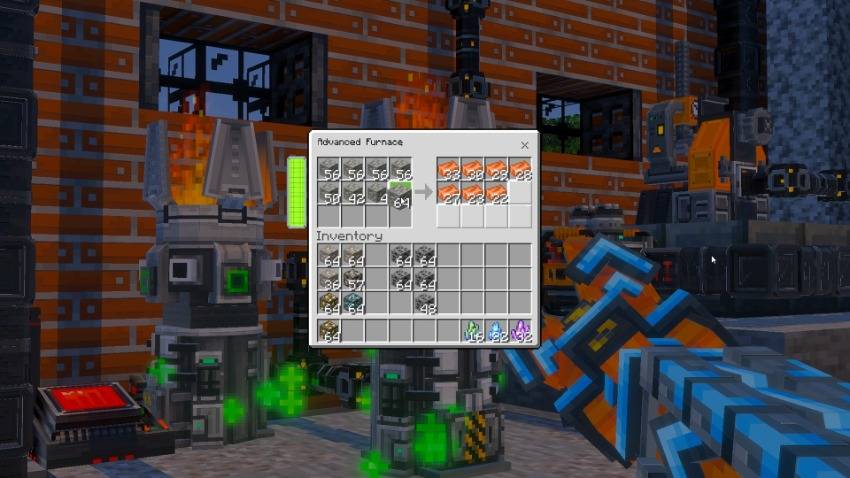

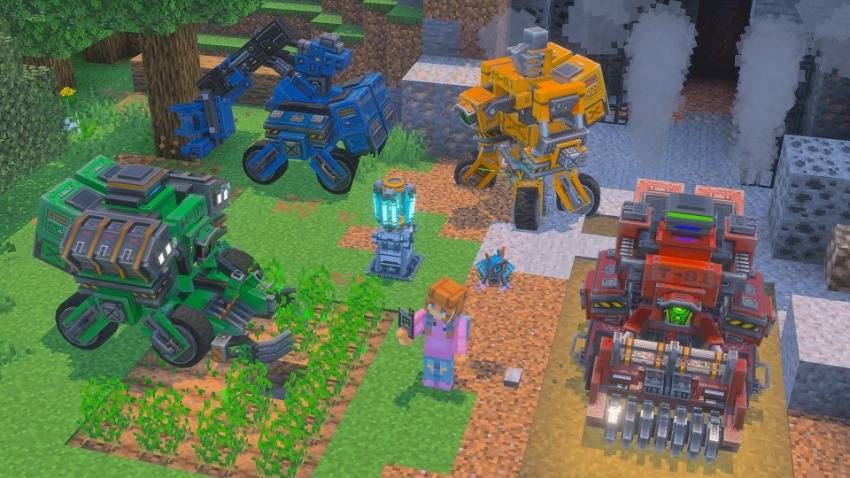
- Harvester Robot: harvests and replants crops, Nether Wart included.
- Lumberjack Robot: cuts and replants trees, bamboo, sugar cane and cactus.
- Miner Robot: a remote-controlled miner you drive from your Machine Tablet.
- Terraformer Robot: reshapes the land for you.
- Hunter: an autonomous defender controlled by the Forcefield.
Set each robot's work area with a Robot Transmitter and give it a home on a Pad Charger.

| Vehicle | Seats | Terrain |
|---|---|---|
| Tricycle | 1 | Land |
| Buggy | 2 | Land, with gears |
| Boat | 2 | Water |
| Submarine | 1 | Underwater |
| Helicopter | 8 | Air |
| Spaceship | 1 | Air and space |
All vehicles run on energy: recharge them on a Pad Charger or with a charged Battery. Most of them can be carried as portable items.

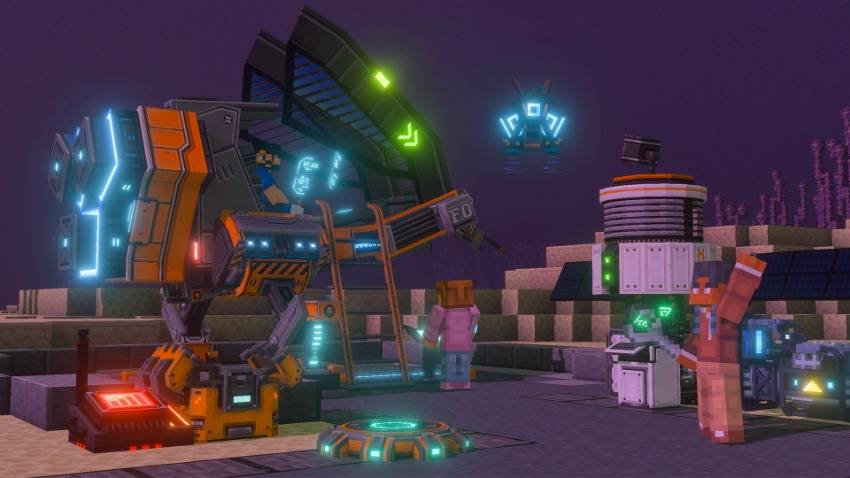
Reach Computer Level 20 to unlock the Internet:
- Satellite: launch it with 10,000 energy, then protect it with a network name and password. It stores huge amounts of energy.
- Energy Transmitter: deposit or extract energy anywhere in the world, with no cables.
- Machine Tablet: open your Computer remotely.
- Satellite Localizer: bring a satellite down to repair or move it.
- Space Elevator: stores, charges and launches Spaceships, and works as a warp point between your bases.

- Advanced Drill: 1x1 vein-miner mode or 3x3 mode
- Industrial Axe: cuts whole trees at once
- Grappler: pull yourself up cliffs and across gaps
- Portal Tool: create two linked portals, even between dimensions
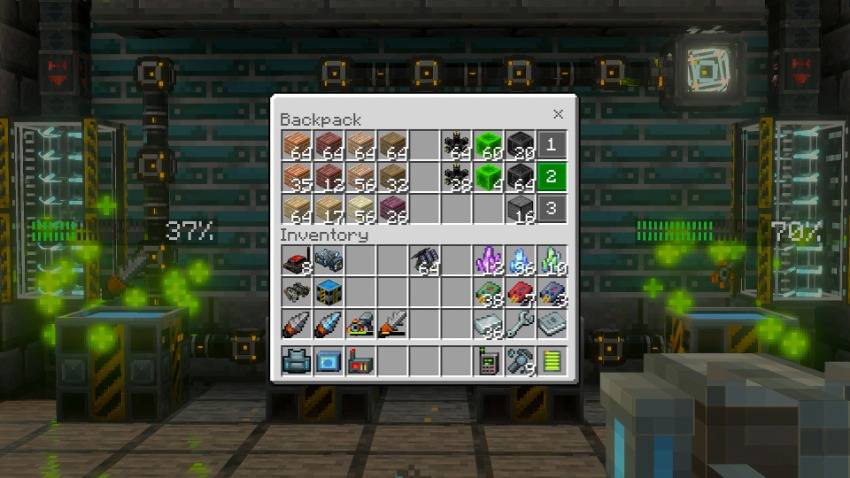
- Industrial Backpack: extra pages of storage
- Wrench: safely picks up machines, robots and vehicles
- Reinforced blocks: explosion-proof planks (10 wood types), stone, stone bricks, glass, door and trapdoor

- Download the .mcaddon file (or install it with the CurseForge app).
- Open the file. Minecraft imports both packs automatically.
- Create or edit a world, go to Add-Ons and activate Industrial World - Behavior Pack. The resource pack is added with it.
- Play! Open the Guidebook or ask Aura when you need help.
Requirements: the latest version of Minecraft Bedrock Edition.

Found a bug or have an idea? Join our Discord. We read every message, and Industrial will keep getting new machines and improvements.
Industrial Add-On © A30x1. All rights reserved. Please do not reupload this add-on to other sites. Share the CurseForge link instead.
- Edition: Minecraft Bedrock
- File type: .mcpack or .mcaddon
- Minecraft version listed: 26.50
- How to install: Download the .mcpack or .mcaddon file. → Open it — Minecraft imports it. → In your world: Behavior Packs → Available → Activate, then the same under Resource Packs.
- Where to get it: Opens on CurseForge — not every file is mirrored on our own servers.
Install steps are the general flow for this file type — How to install Minecraft Bedrock addons & mods walks through it step by step.
Industrial Add-On is a free Minecraft Bedrock addon. Compatible with Minecraft 26.50. Downloaded 200 times (via CurseForge). Download it and open it directly in the game.