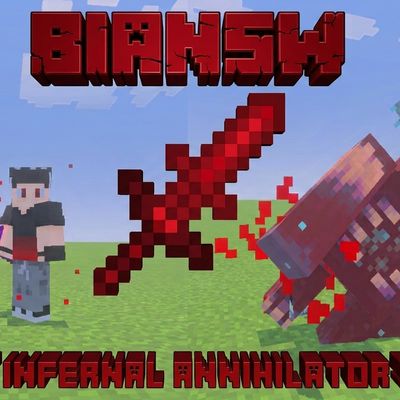
BIANSW: Bloody Infernal Annihilator Sword
Bedrock add-on listed for Minecraft 1.21–26.x (behavior + resource pack). Installs from the MC Bedrock Mods app on Android.
A powerful Minecraft Bedrock sword featuring devastating attacks, a high-speed dash, ranged slashes, mob marking, and spectacular visual effects.
⬇ Download on CurseForgeThe author built this one for Minecraft 26.50. On other versions it may install and then do nothing.
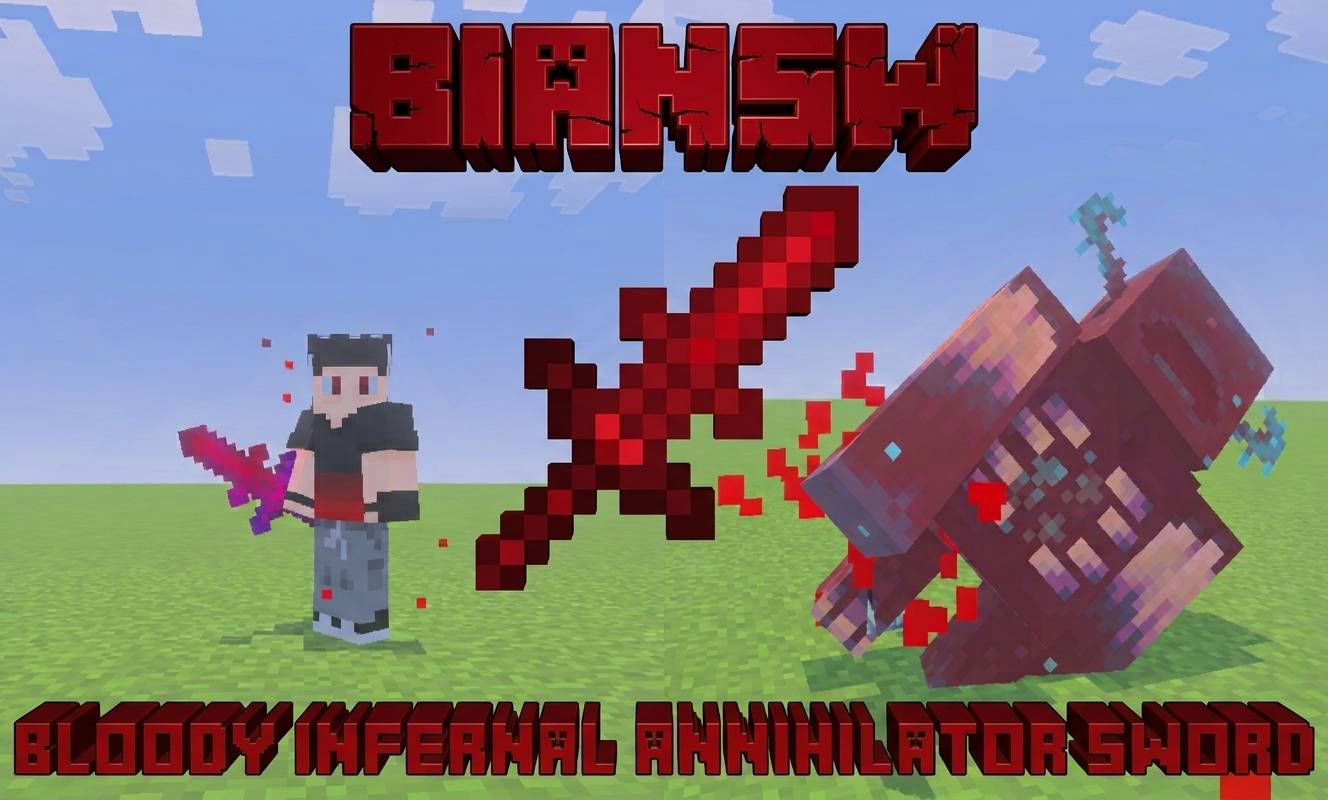
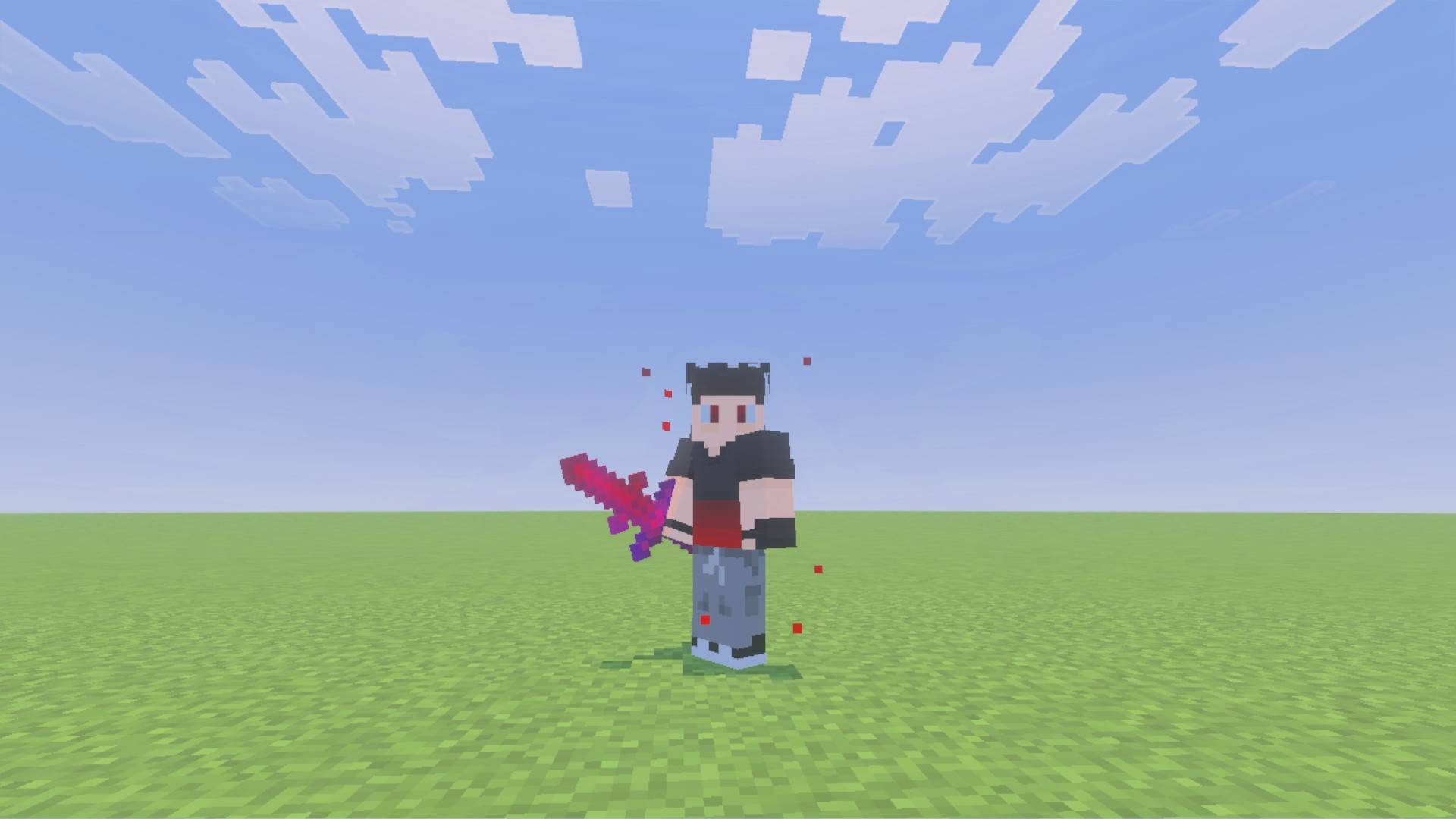
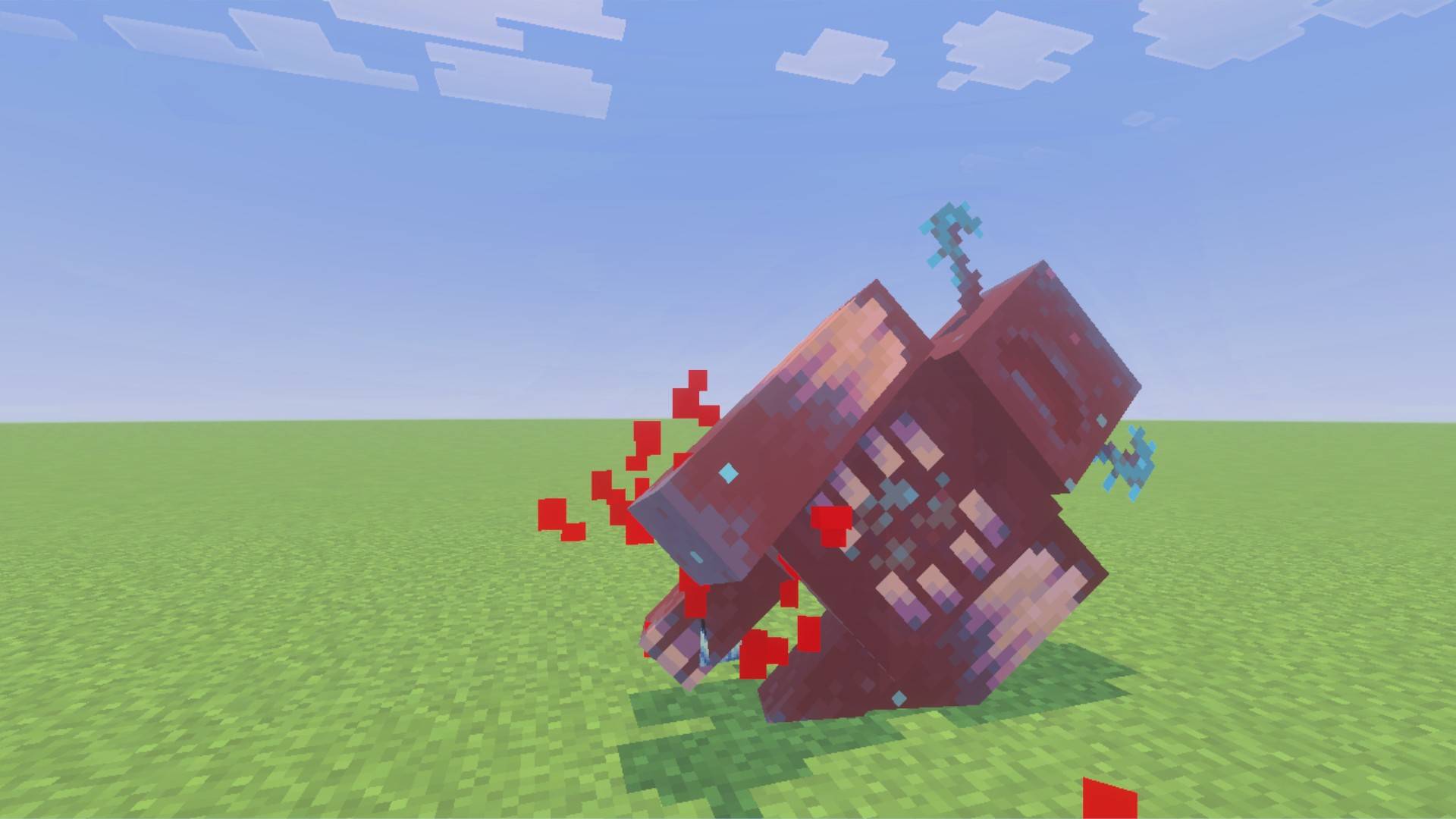
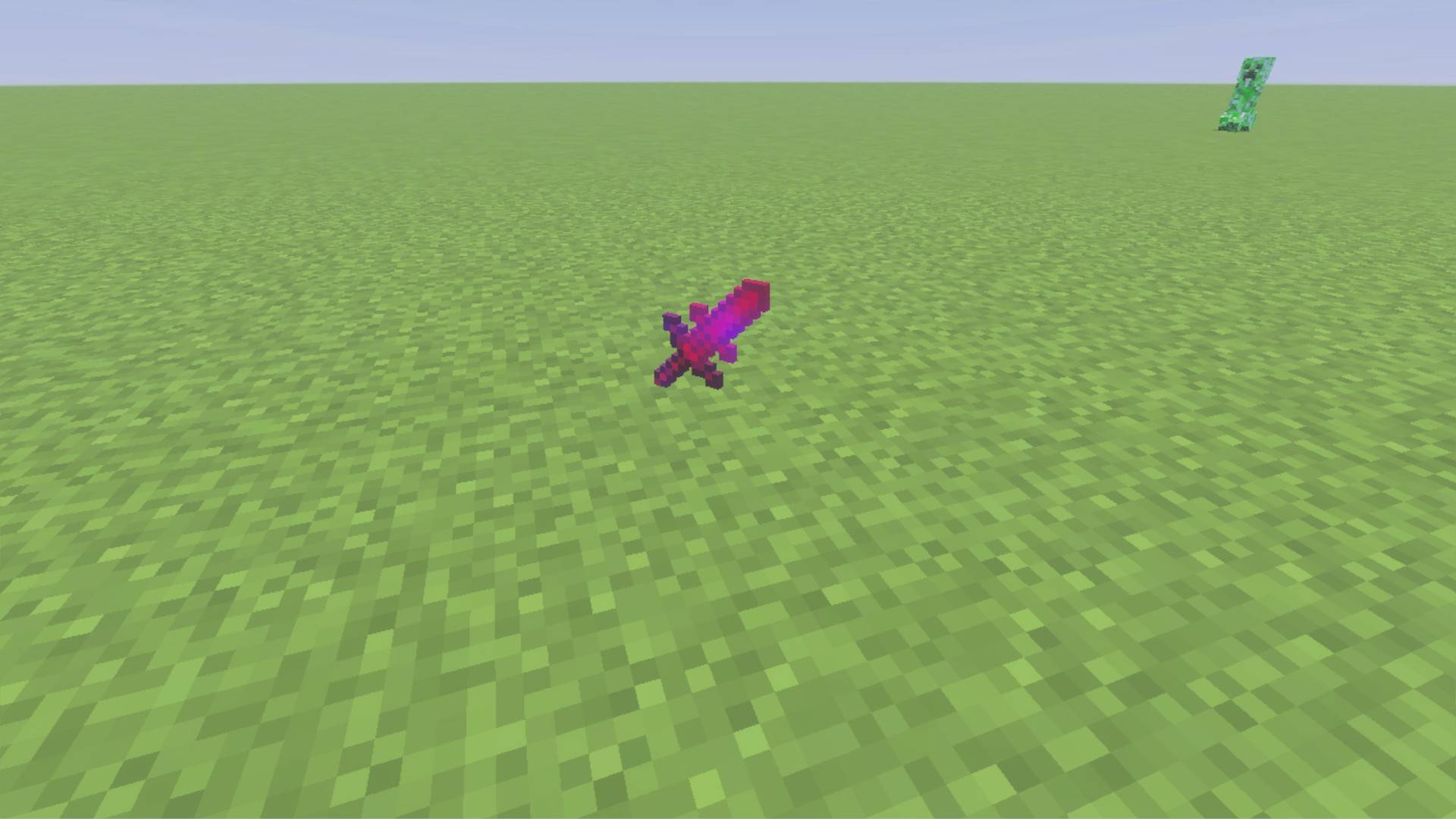
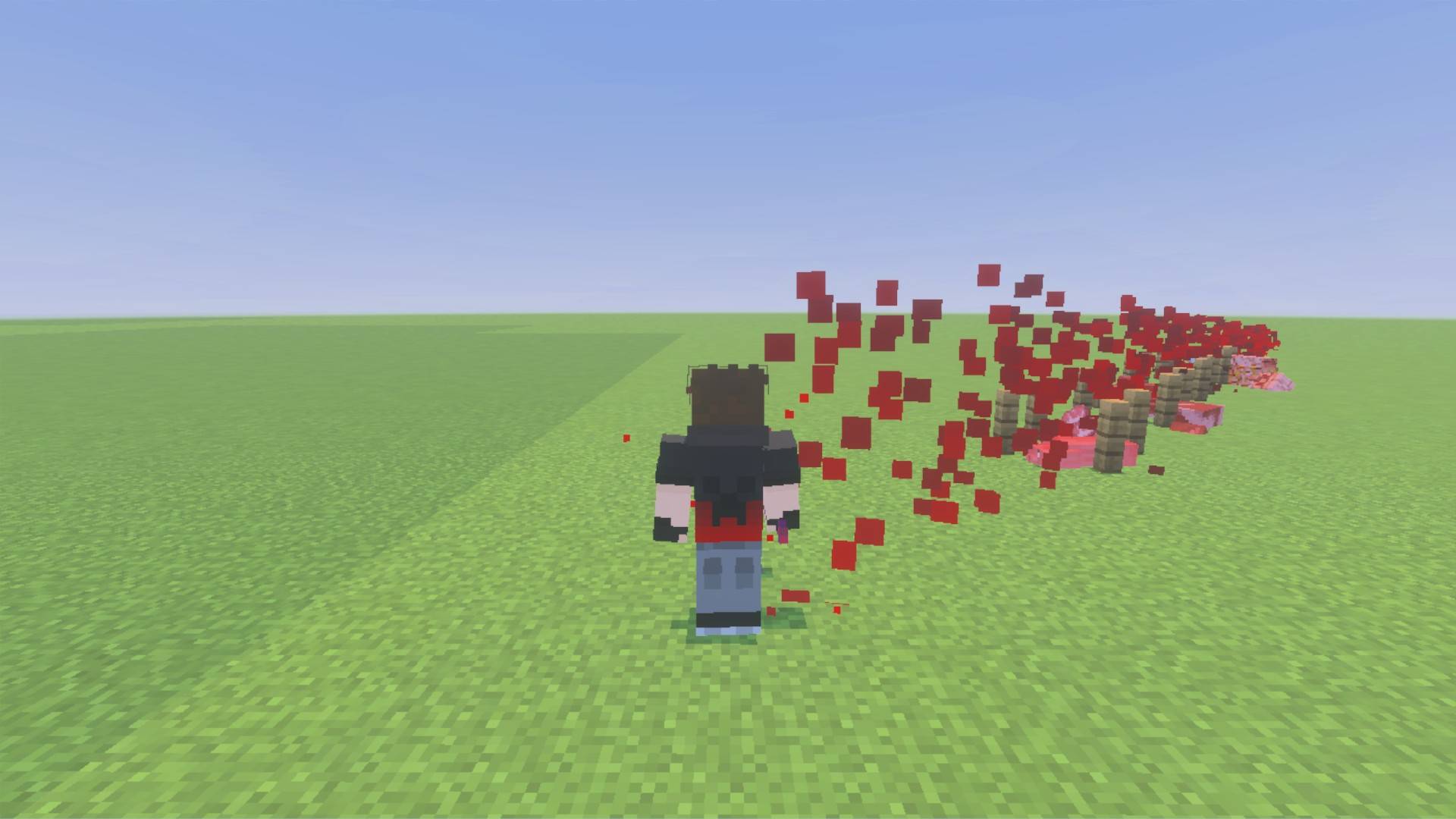
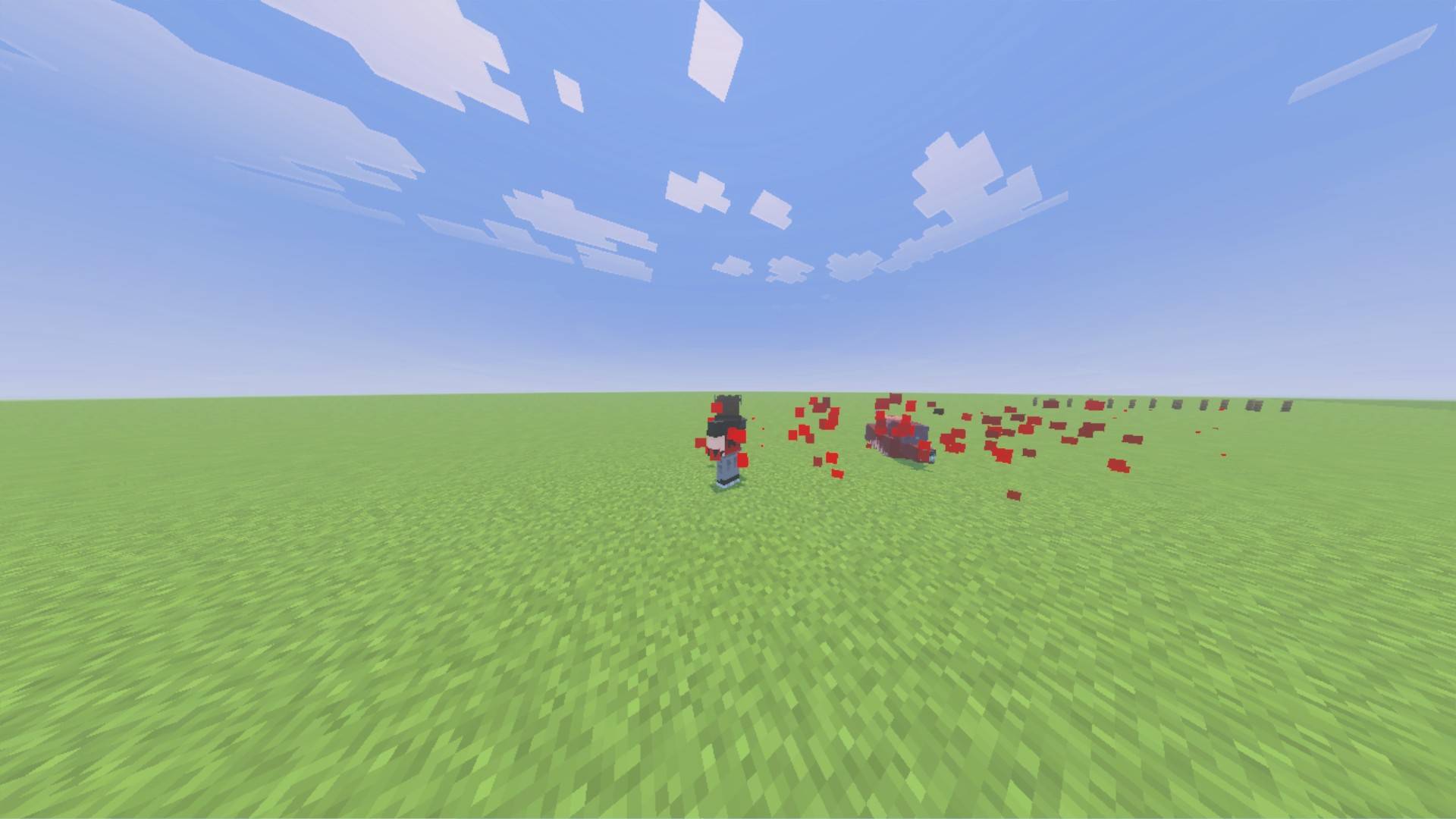
BIANSW — Bloody Infernal Annihilator Sword
Unleash the power of the BIANSW, an incredibly powerful sword created for Minecraft Bedrock Edition!
The BIANSW is an overpowered sword designed for players who want to take on powerful mobs, test high-health creatures, or simply enjoy spectacular combat abilities.
Features
Powerful Attacks
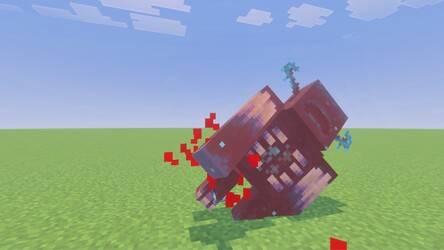
Defeat even the toughest mobs with the sword's devastating damage.
High-Speed Dash
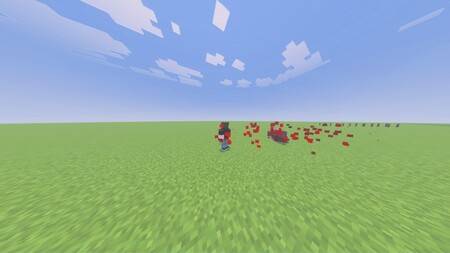
Quickly dash through the battlefield and move with incredible speed, Use this ability by right-clicking on PC or by holding your finger on the screen on mobile.
Ranged Slash
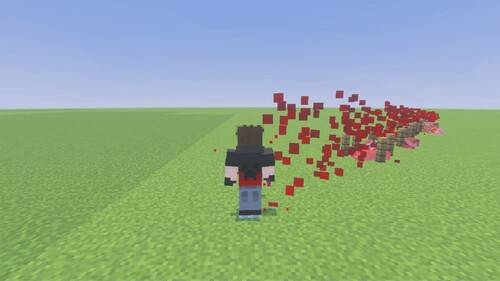
Unleash a powerful slash that can hit enemies from a distance, Use this ability by right-clicking while crouching on PC or by holding your finger on the screen while crouching on mobile.
Mob Marking
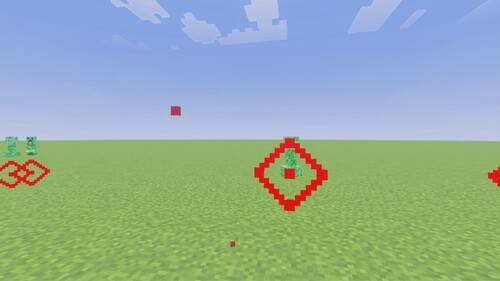
While holding the sword, mark mobs in your field of view to make them easier to identify.
Special Ability Cooldowns
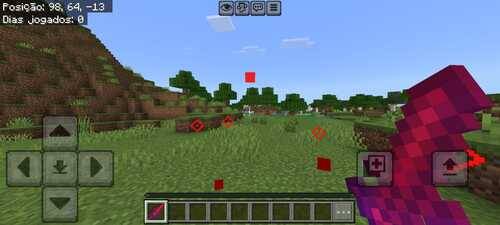
Each special ability has a cooldown, preventing constant use and adding timing to combat.
Regeneration
Defeat a mob using a normal attack to receive Regeneration I for 5 seconds. Special abilities do not trigger this effect.
Visual Effects
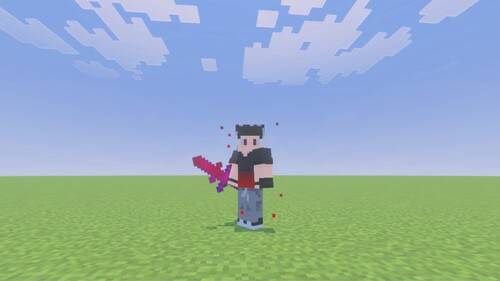
Enjoy custom visual effects that make the sword's abilities stand out during combat.
Designed for Testing and Fun
The BIANSW was originally created as a tool for testing mobs with extremely high health without relying on commands such as /kill.
It is also a great choice for players who enjoy extremely powerful weapons and fast-paced combat.
How to Use
-
Import the .mcaddon file into Minecraft Bedrock Edition.
-
Activate the addon's required packs in your world settings.
-
Enter Creative Mode and obtain the BIANSW.
-
Equip the sword and test its abilities.
Some ability controls may differ between keyboard, mouse, and touch devices.
Compatibility
Created for Minecraft Bedrock Edition. Please check the supported game versions listed in the Files section.
Credits
Addon made by Rafael
Created with development assistance from Claude AI, but the ideas and pixel art were all created by me, all by myself
Please do not redistribute modified versions or claim this project as your own without permission from the original creator.
- Edition: Minecraft Bedrock
- File type: .mcpack or .mcaddon
- Minecraft version listed: 26.50
- How to install: Download the .mcpack or .mcaddon file. → Open it — Minecraft imports it. → In your world: Behavior Packs → Available → Activate, then the same under Resource Packs.
- Where to get it: Opens on CurseForge — not every file is mirrored on our own servers.
Install steps are the general flow for this file type — How to install Minecraft Bedrock addons & mods walks through it step by step.
- Pack type: .mcaddon — behaviour and resource pack in one file
- Manifest requires Minecraft 1.21.60 or newer
- Complete pack — everything it depends on is inside the file
- Download size: 53 KB
- Download link checked 13 Oct 2026 — working
These come from our own check of the pack file, not from the source page.