
Timer/freeze clock/pocket edition/THERIALMC
Bedrock add-on listed for Minecraft 26.x. File opened and checked on 13 Oct 2026; installs from the MC Bedrock Mods app on Android.
⬇ Download on CurseForgeThe author built this one for Minecraft 26.50. On other versions it may install and then do nothing.
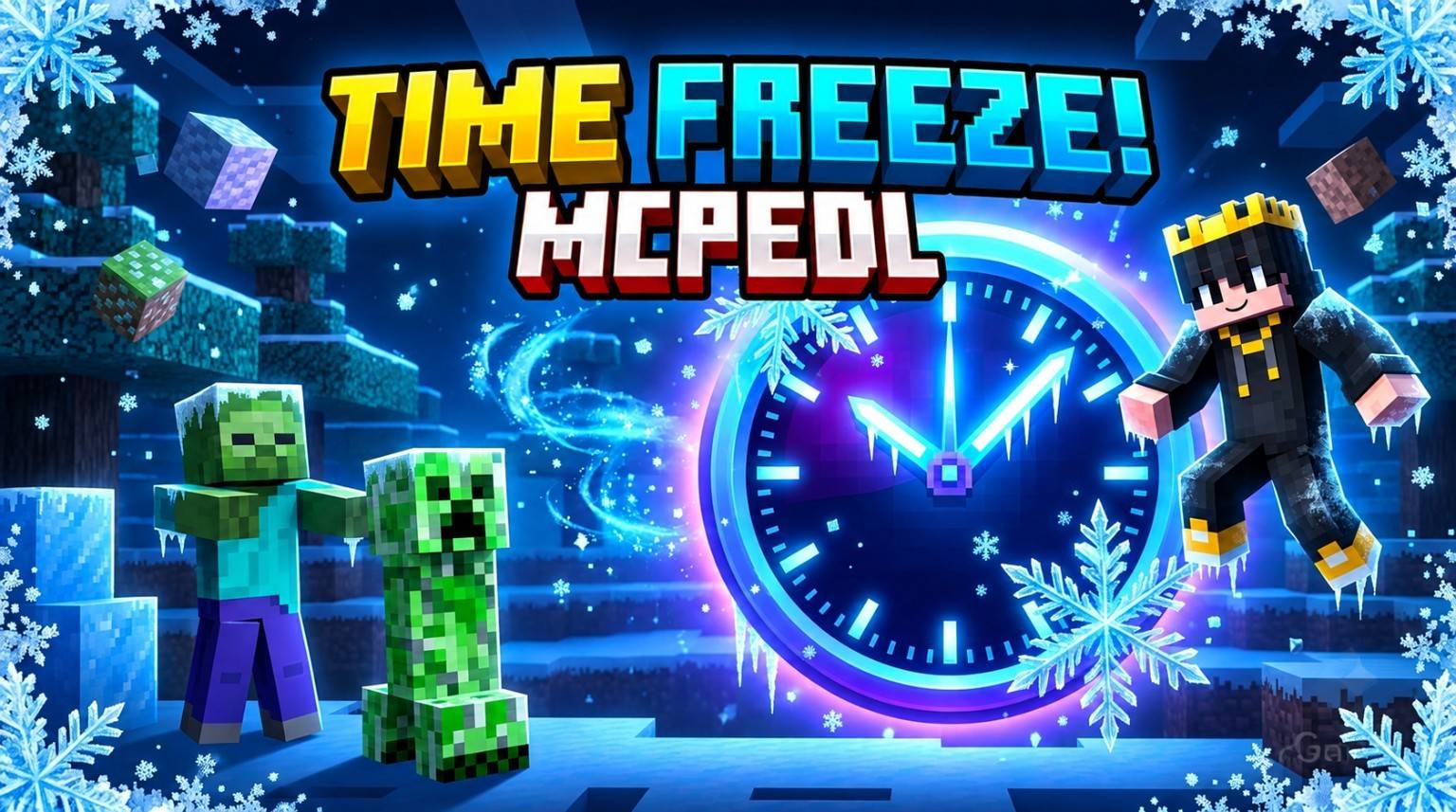
Have you ever wanted to freeze time in Minecraft Bedrock? With the Time Freeze Addon, you can pause the world around you with a single click!
Key Features:
- Custom Clock: A custom item called "Timer Freeze".
- Mid-Air Freeze: Falling mobs lock in place mid-air and resume smoothly when unfrozen.
- Lit TNT Pause: Ignited TNT pauses its explosion and stays frozen in place without disappearing.
- Projectiles: Arrows, Ender Pearls, and Tridents stay suspended in flight.
- Mobs & Knockback: Mobs freeze completely and cannot be knocked away while time is stopped.
- Visual Indicator: Clear on-screen title message shows FREEZE or UNFREEZE.
How to Use:
1. Obtain the clock via Creative inventory or run:
/give @s rialmc:timer_freeze
2. Long press on mobile (or right-click on PC) to toggle Freeze and Unfreeze.
Requirements:
- Turn ON "Beta APIs" in your World Settings under the Experiments tab.
- Activate both the Behavior Pack and Resource Pack.
Created by: THE RIAL MC
- Edition: Minecraft Bedrock
- File type: .mcpack or .mcaddon
- Minecraft version listed: 26.50
- How to install: Download the .mcpack or .mcaddon file. → Open it — Minecraft imports it. → In your world: Behavior Packs → Available → Activate, then the same under Resource Packs.
- Where to get it: Opens on CurseForge — not every file is mirrored on our own servers.
Install steps are the general flow for this file type — How to install Minecraft Bedrock addons & mods walks through it step by step.
- Pack type: .mcaddon — behaviour and resource pack in one file
- Download size: 7 KB
- Download link checked 13 Oct 2026 — working
These come from our own check of the pack file, not from the source page.