ShadersJava
Lavi_bloomz Shaders (26.3, 1.20.1) – Soft Bloom and Colored Lighting
Java shader pack listed for Minecraft 1.20. Downloads from the MC Java Mods app on Android.
⬇ Download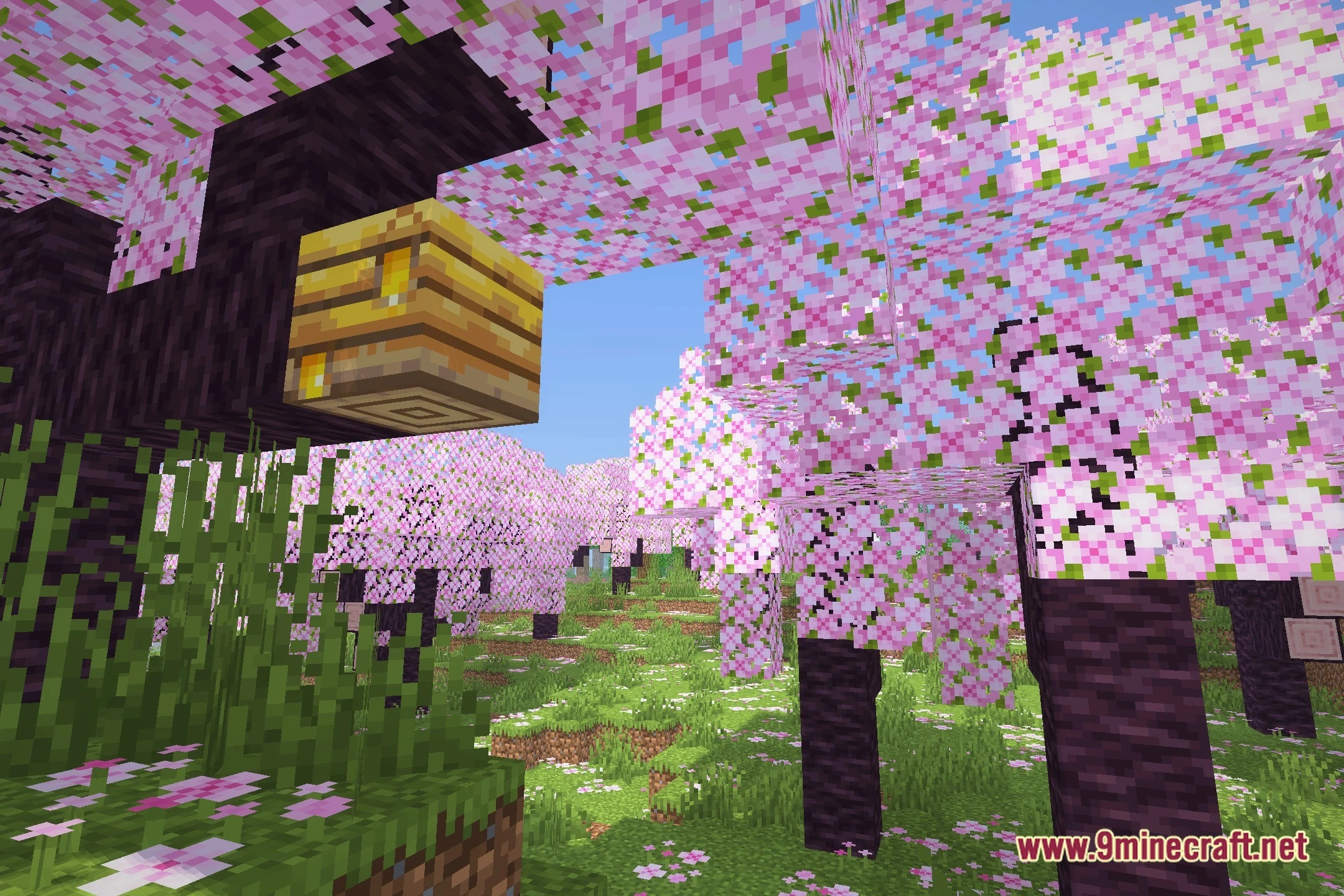
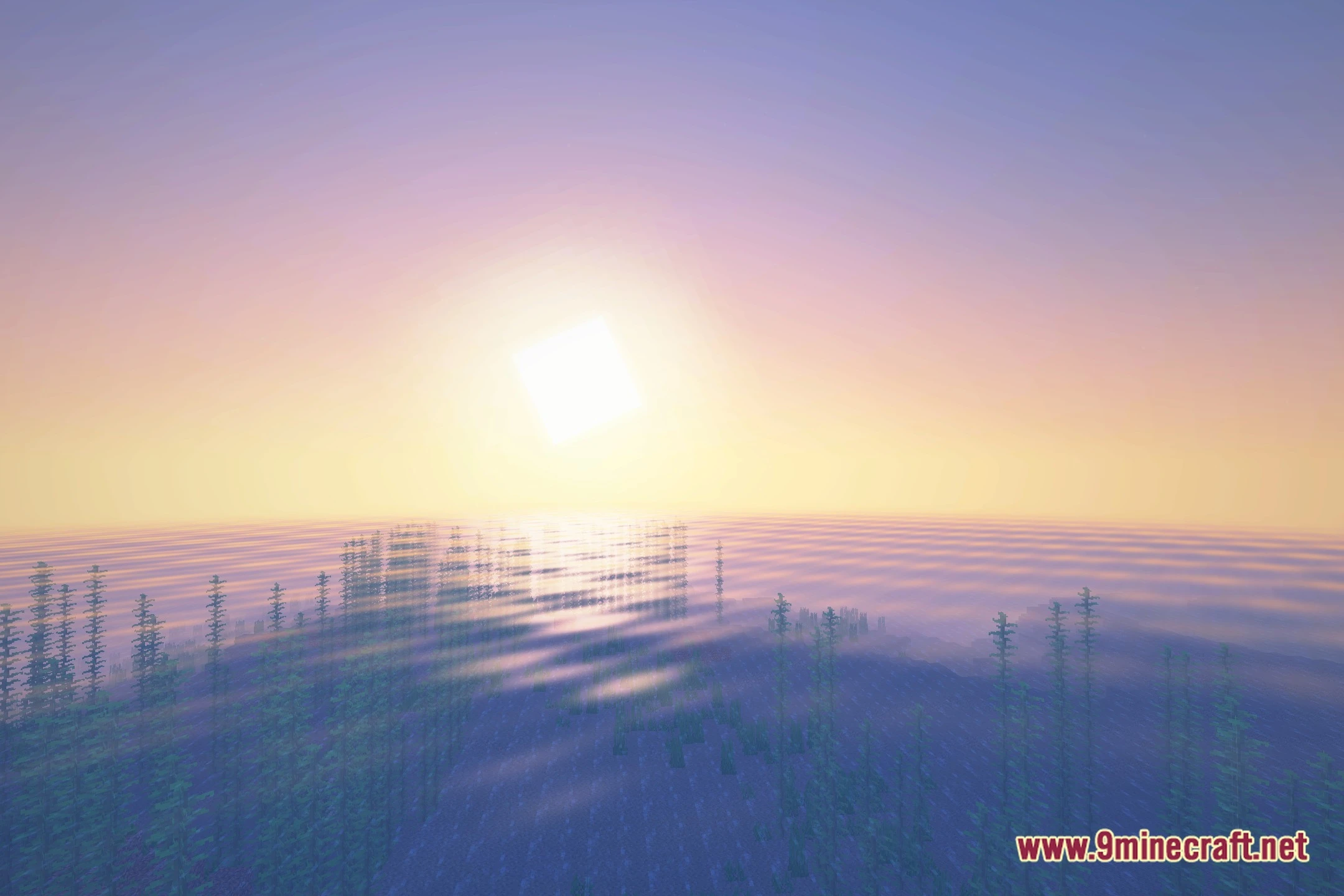
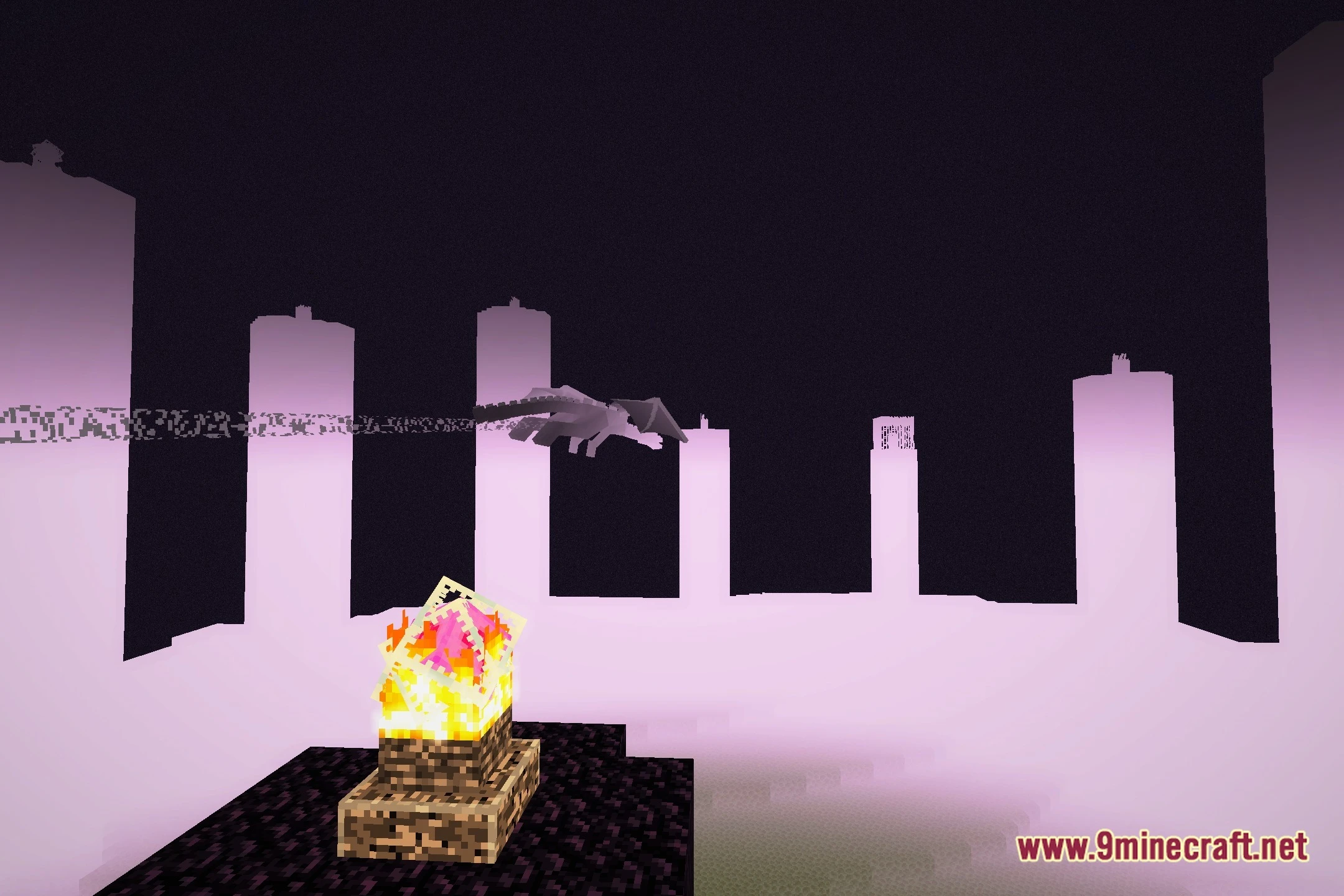
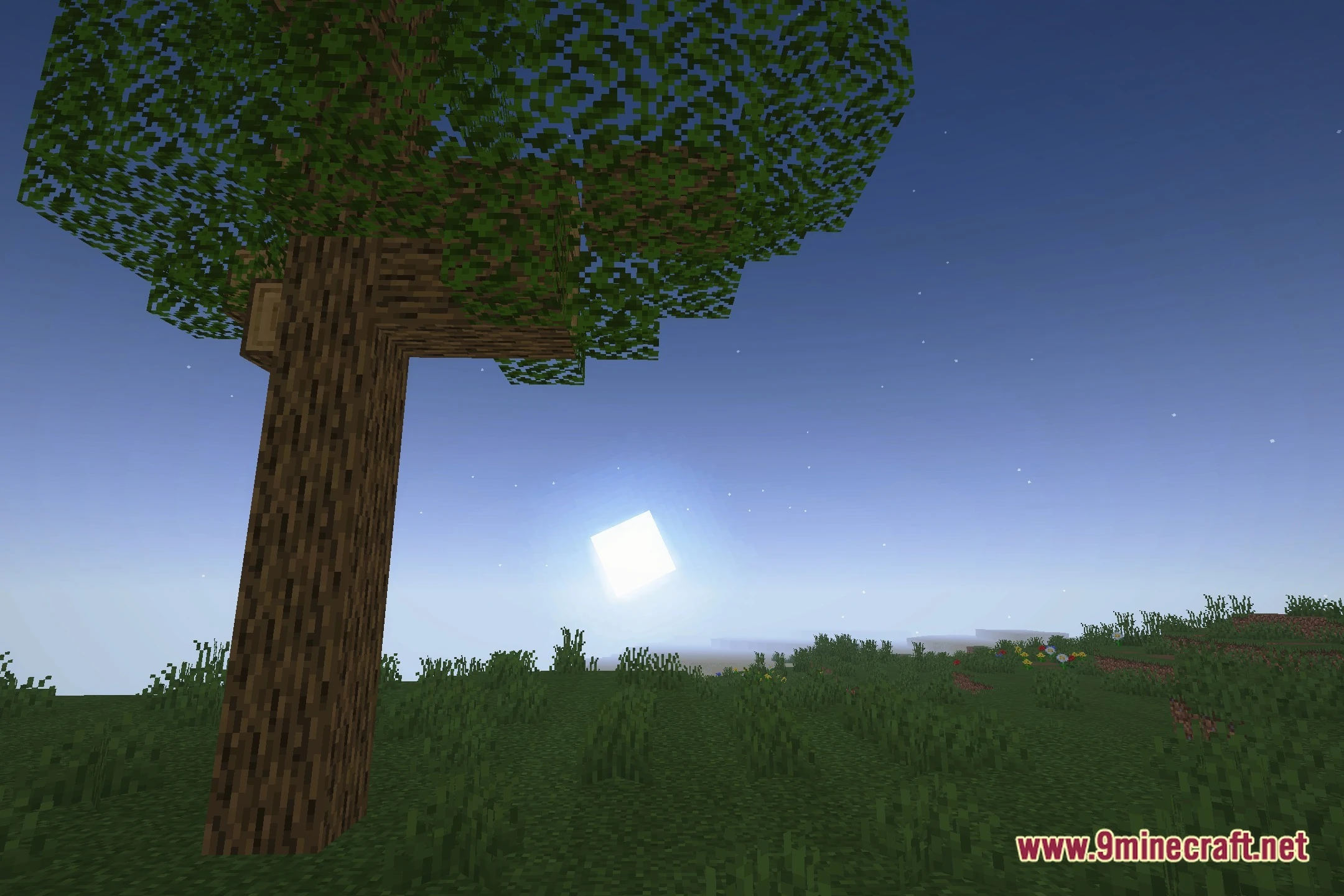
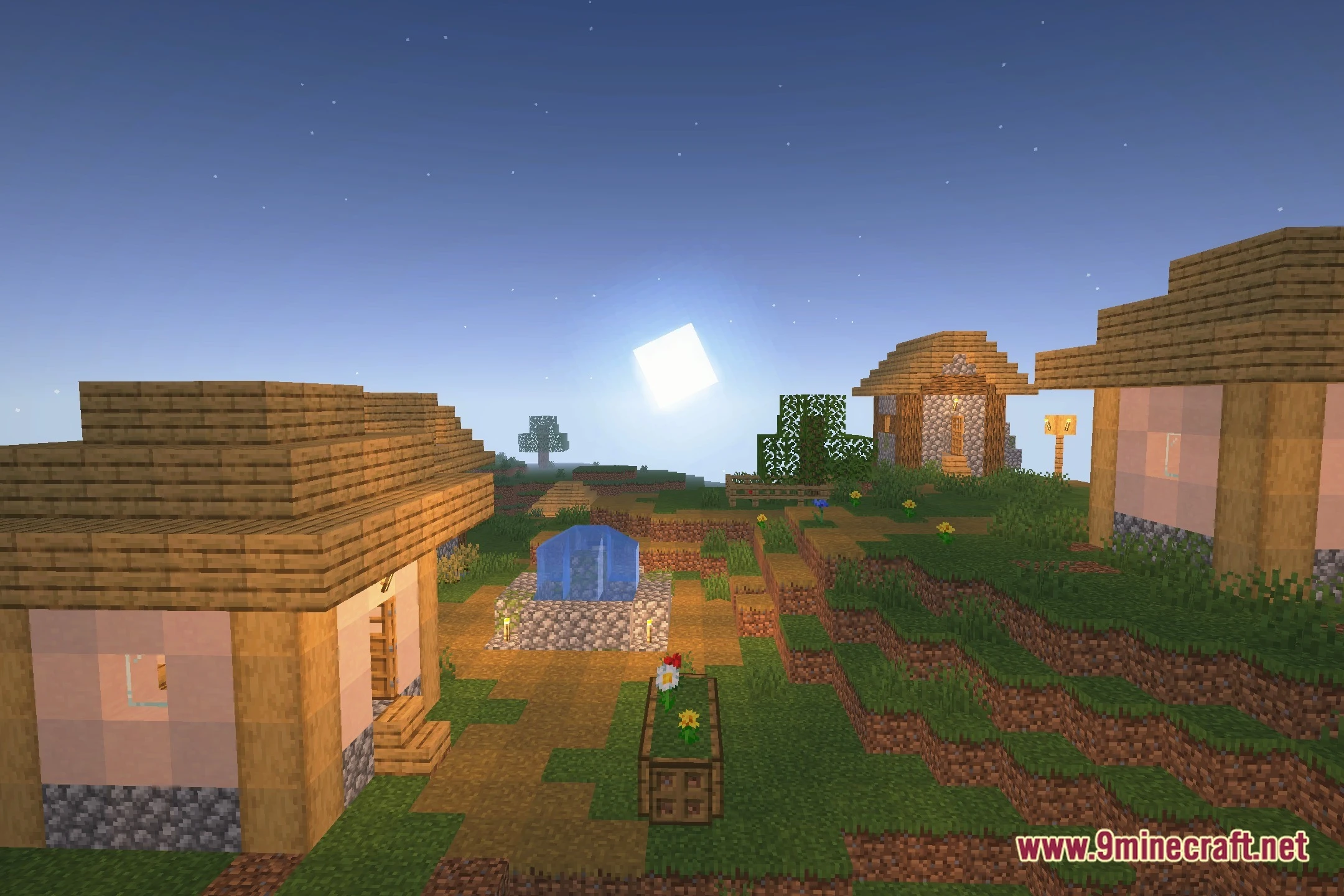

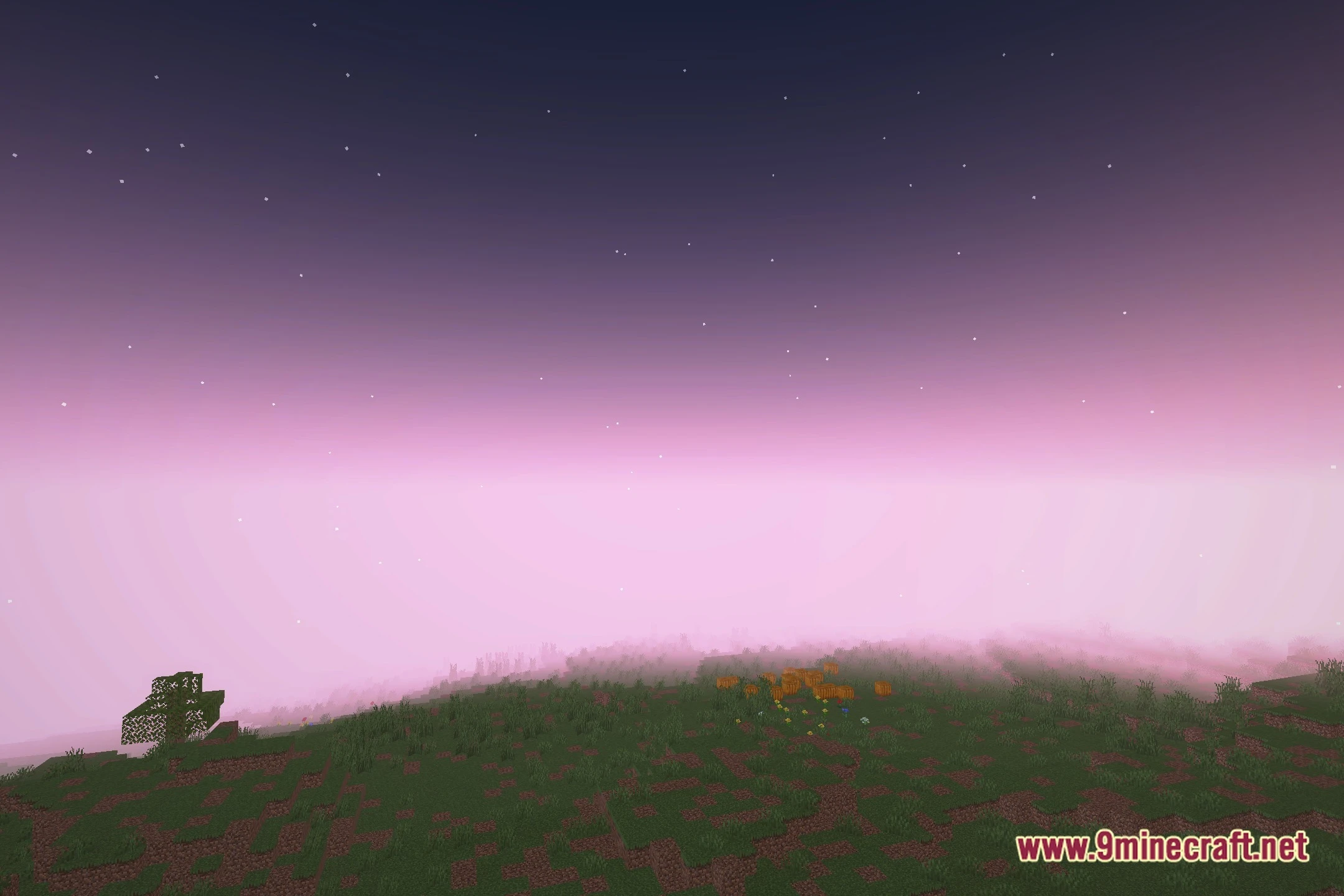
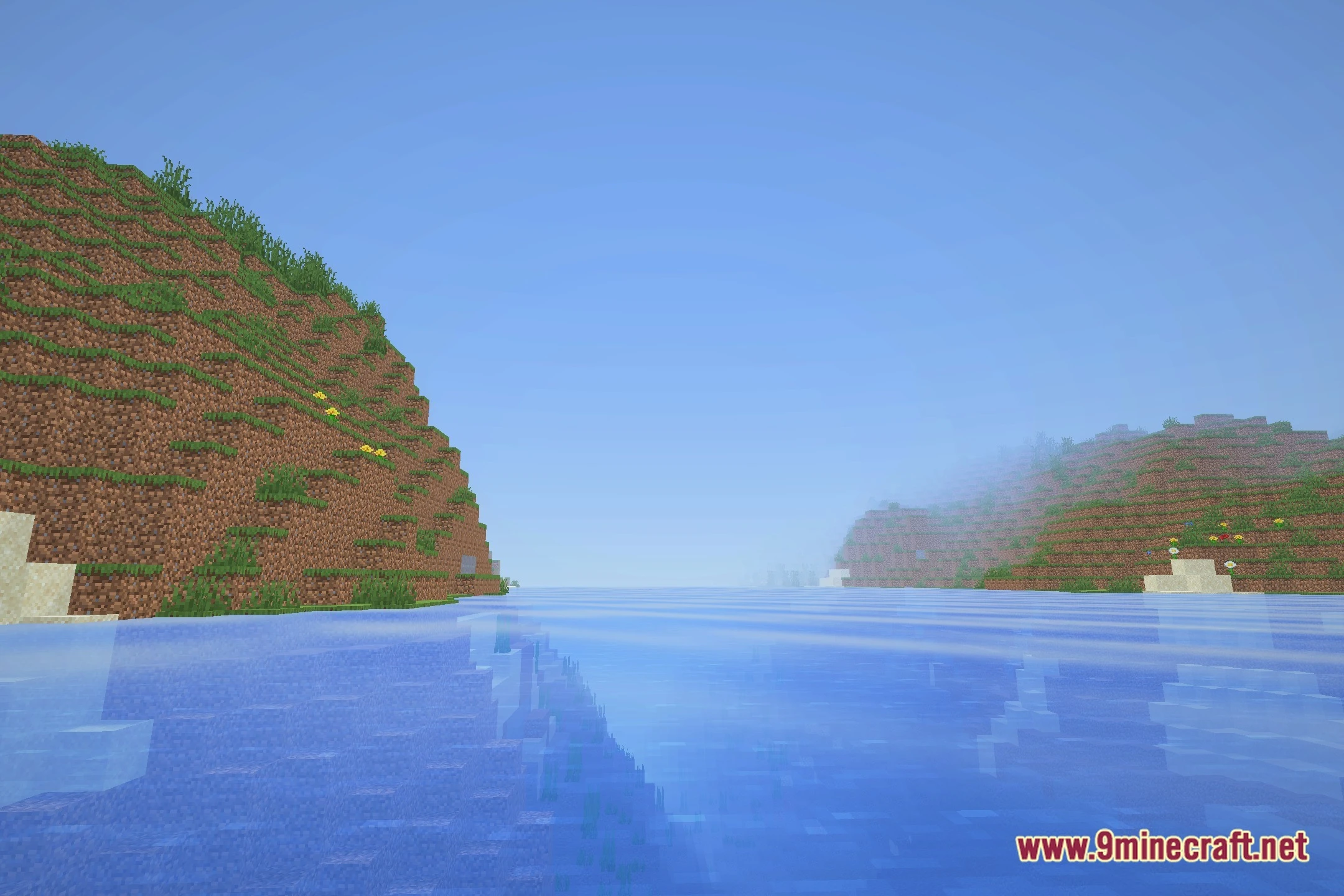
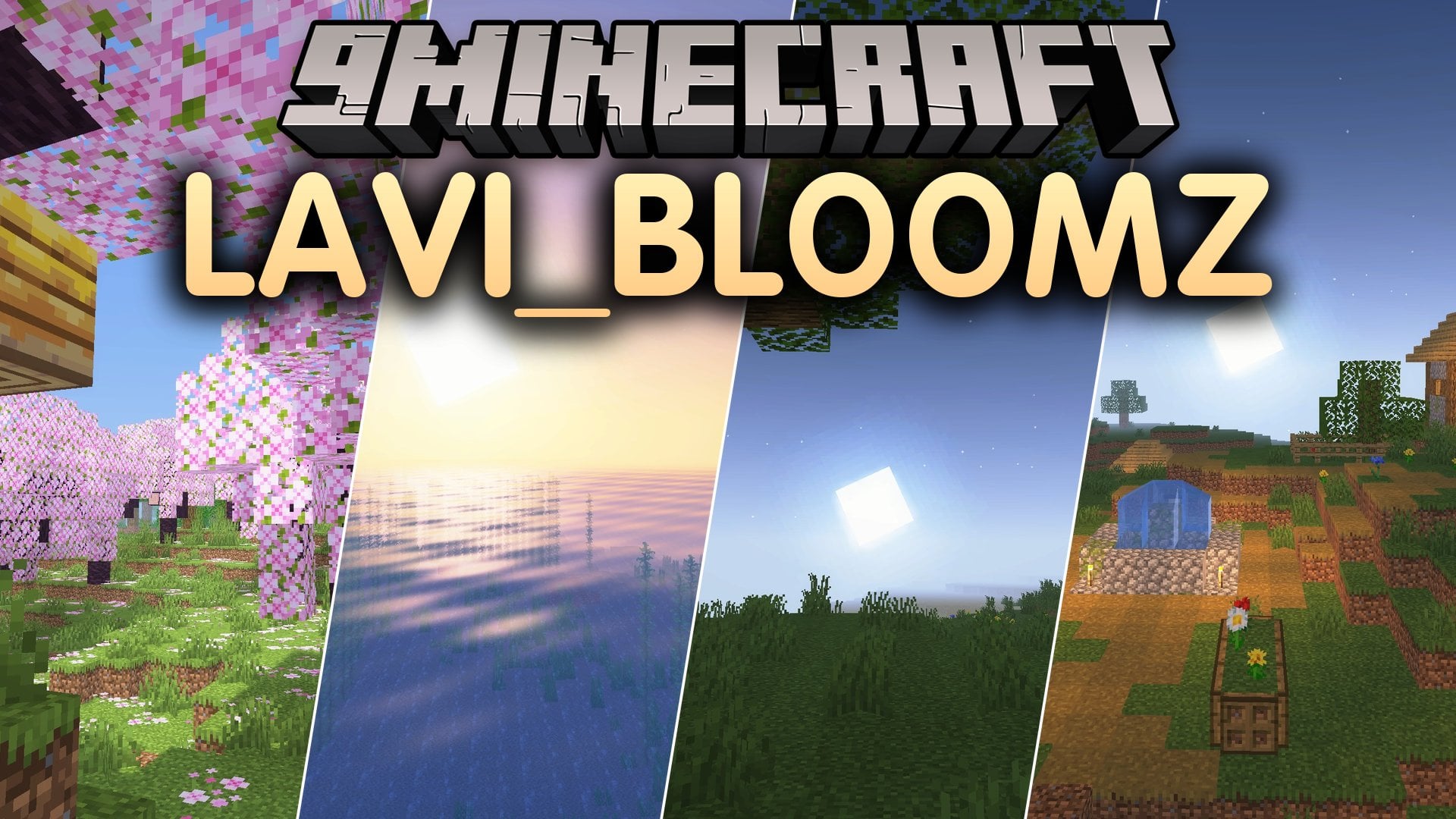
Lavi_bloomz Shaders lights up your game world with soft glow effects and colored lighting without slowing down your computer. This shader pack gives blocks and torches a warm shine while keeping shadows clean and simple. It runs well on budget setups and potato machines, so you do not need expensive hardware to get pleasant visuals.
Features:
- Colored Lighting: Torches and lanterns cast warm, tinted glows across nearby blocks.
- Bloom Glow: Bright blocks and shiny objects radiate a gentle aura in dark spaces.
- Potato PC Friendly: Keeps frame rates high on low-end machines without causing heavy lag.
- Adds soft shadows under trees and buildings to give your world better depth.
- Delivers semi-realistic ambient light while preserving the original blocky look of the game.
Screenshots:
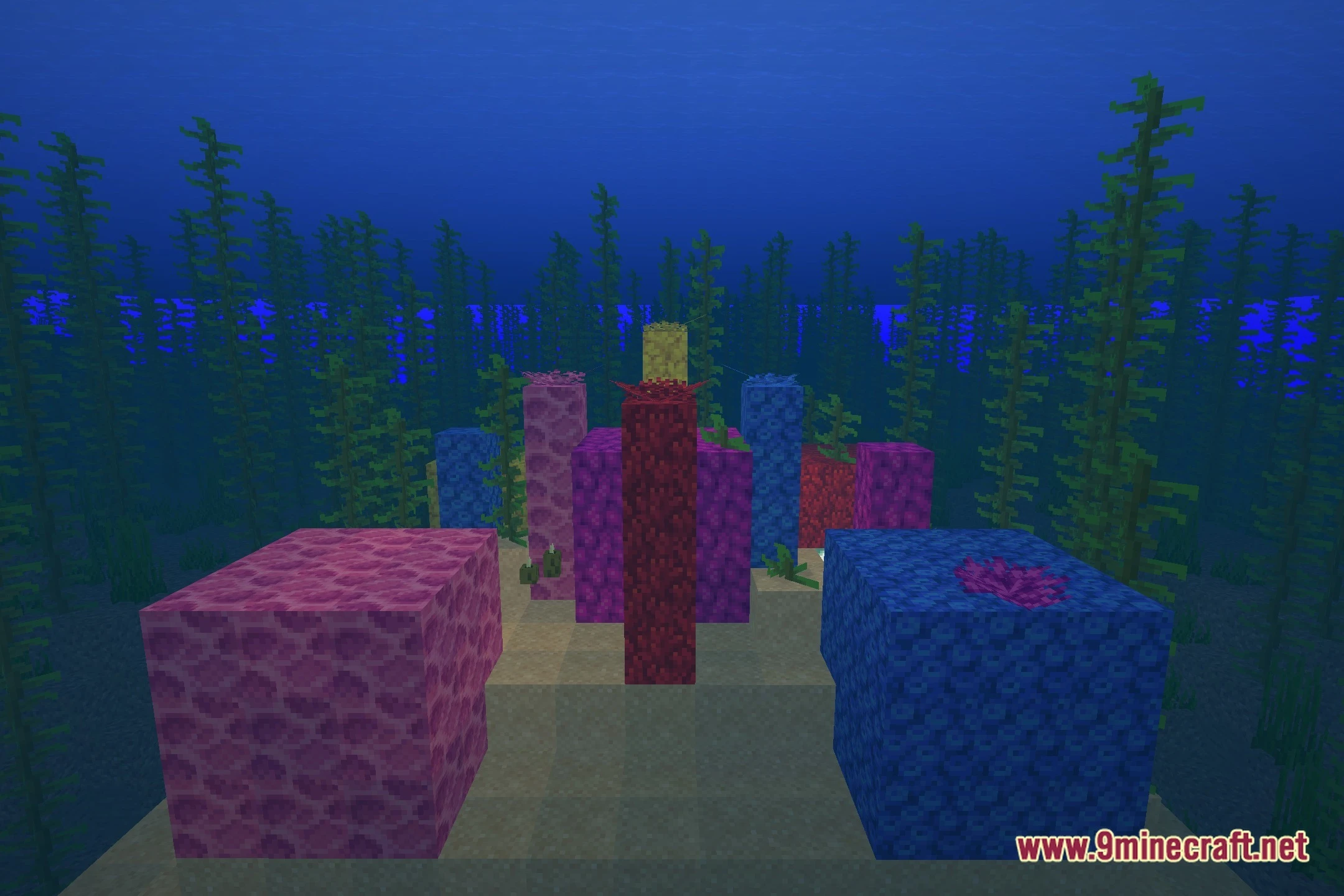

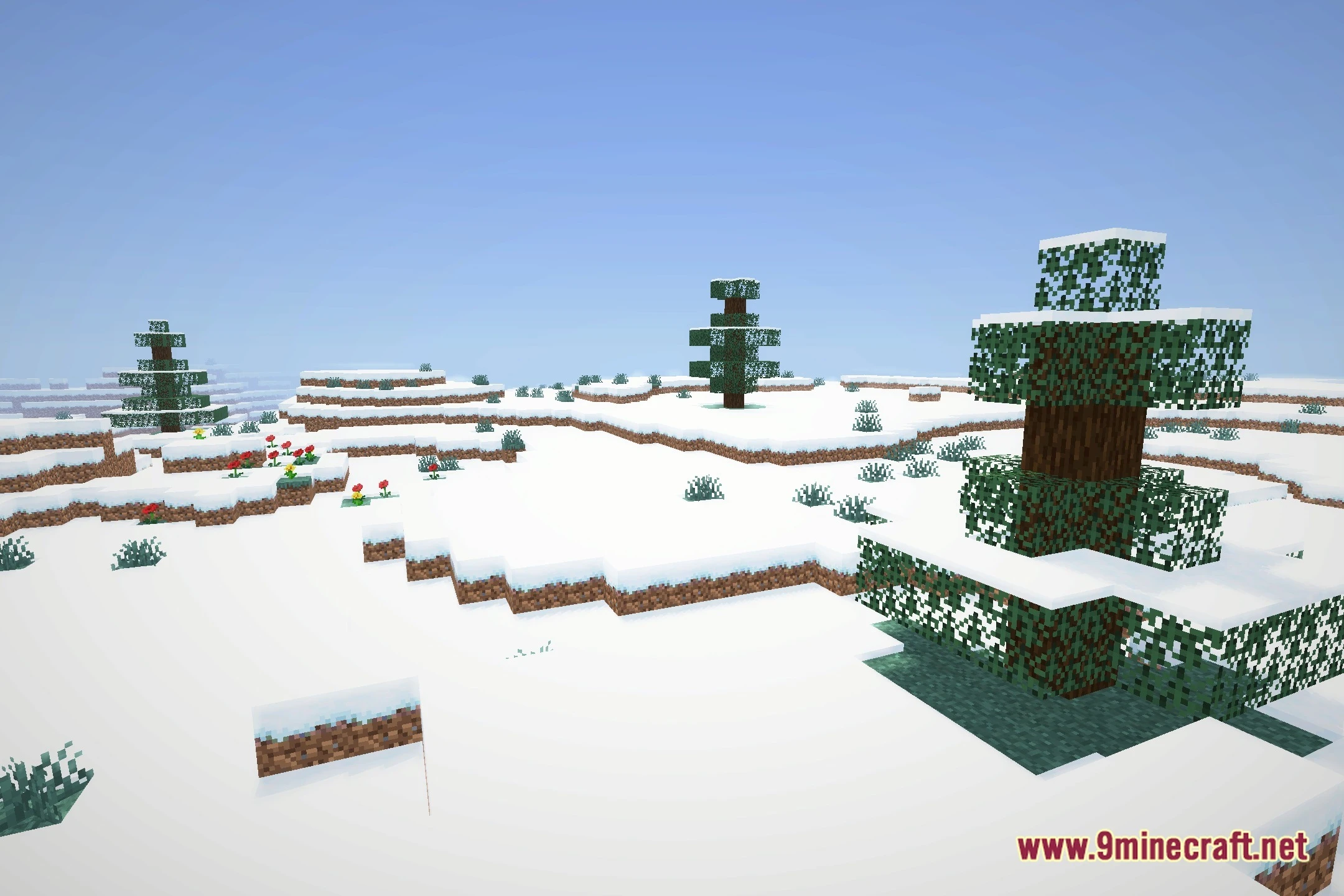
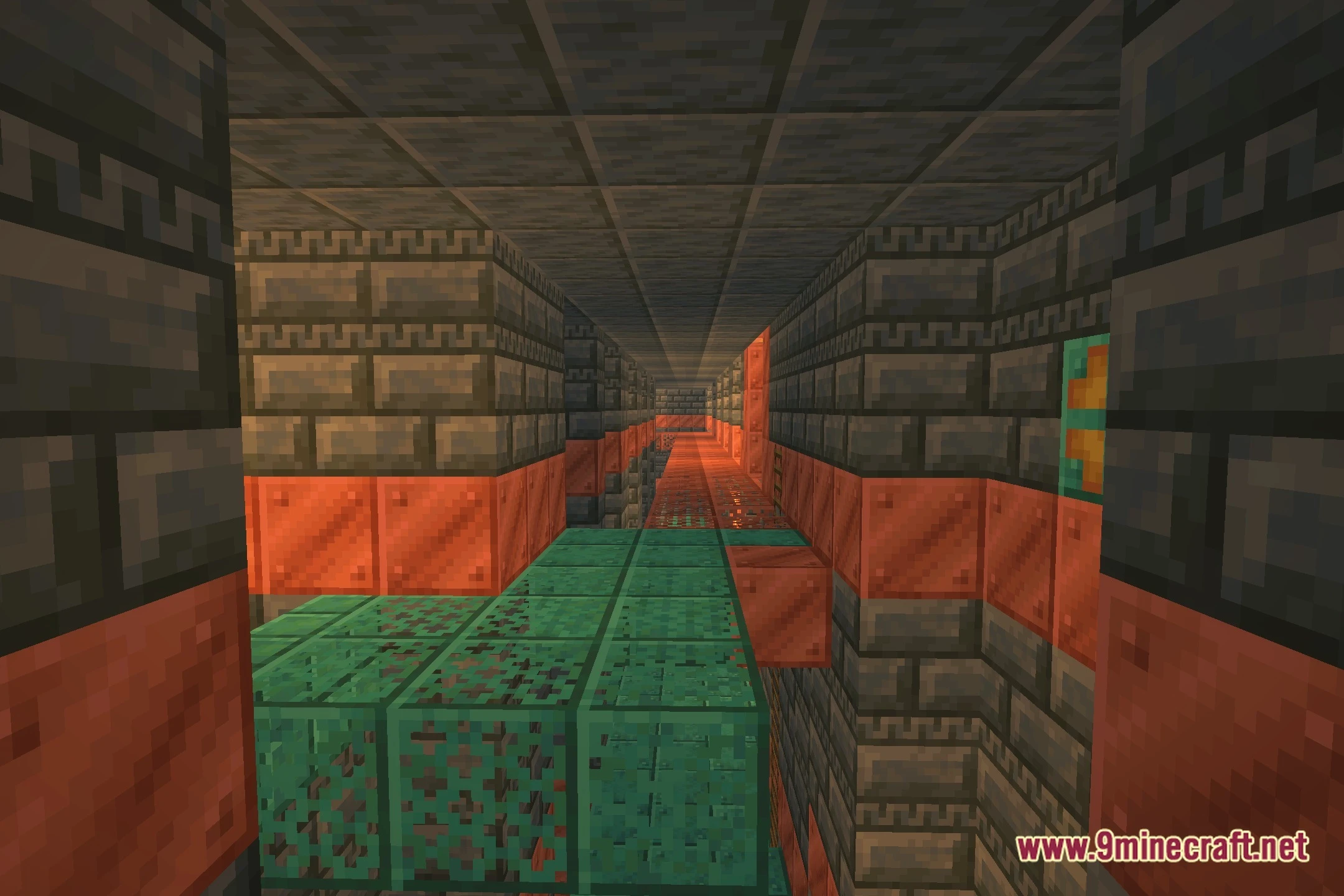
Lavi_bloomz Shaders Download Links
Quick facts
- Edition: Minecraft Java
- File type: .zip (resource pack)
- Minecraft version listed: 1.20.1
- How to install: Download the .zip resource pack — do not unzip it. → Put it in .minecraft/resourcepacks. → Enable it in Options → Resource Packs.
- Where to get it: In MC Java Mods, or directly above on this page.
Install steps are the general flow for this file type — see the MC Java Mods guides for the full walkthrough.
File checked by MCModsHub
- Downloads as 525932.mcpack
- Download size: 16 KB
- Download link checked 13 Oct 2026 — working
- Mirrored on our own servers — the download does not depend on the original host
These come from our own check of the pack file, not from the source page.