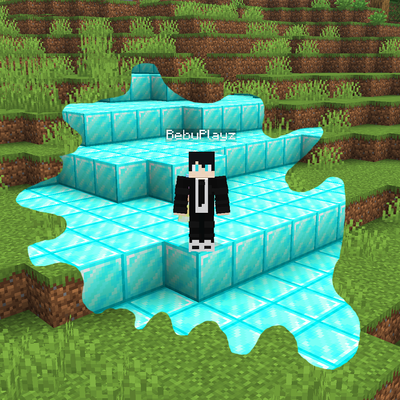
Blocks Spread Like Sculk
Bedrock add-on listed for Minecraft 1.21–26.x (behavior pack only). File opened and checked on 13 Oct 2026; installs from the MC Bedrock Mods app on Android.
Turn any block into a spreading force that clones itself across your world, slowly consuming everything in its path!
⬇ Download on CurseForge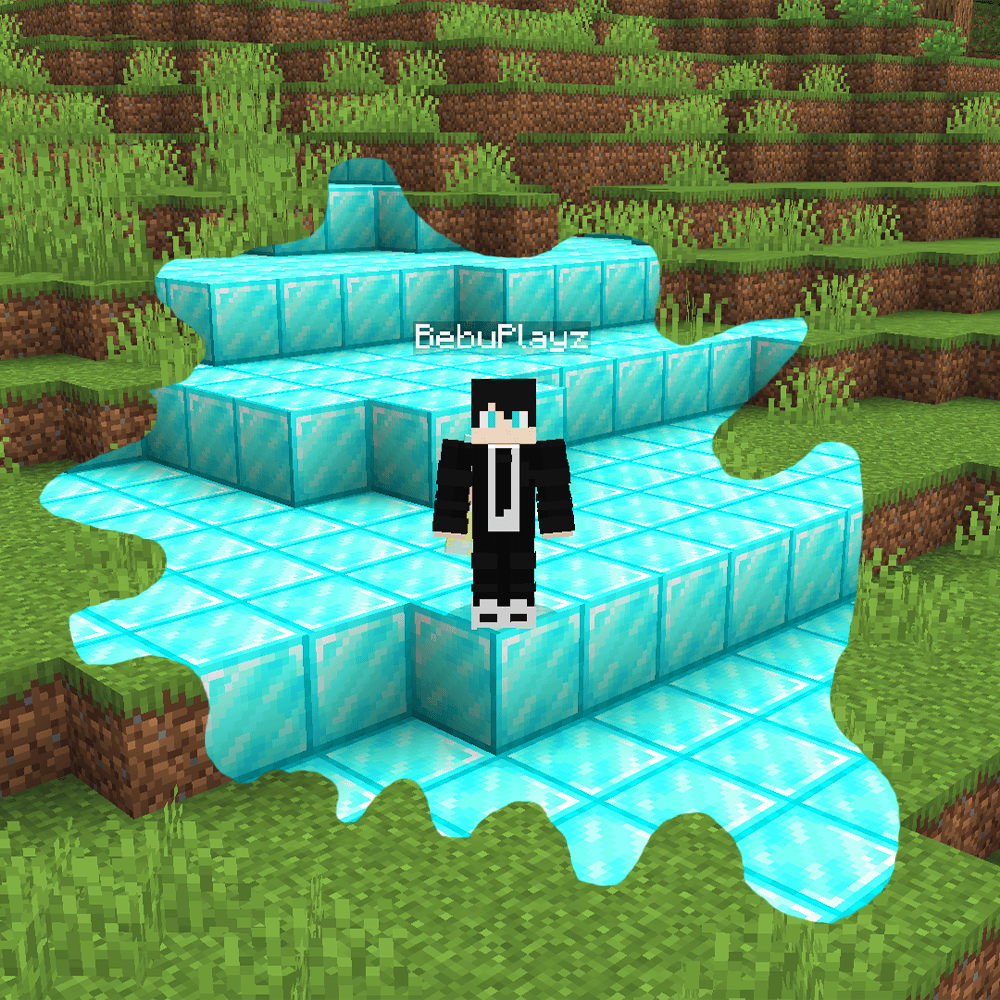
Minecraft But Blocks Spread Like Sculk
What if every block in Minecraft could spread like Sculk?
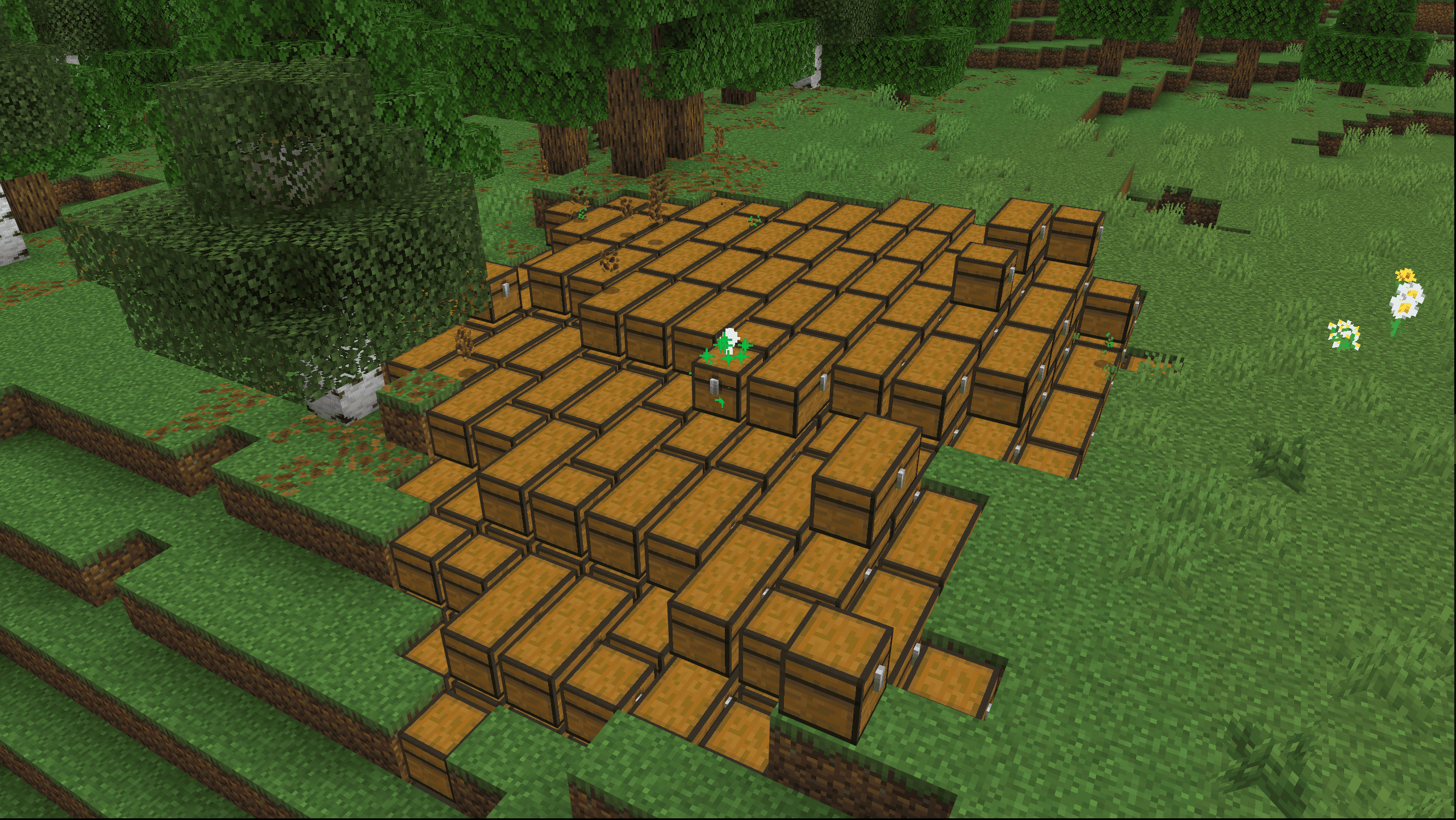
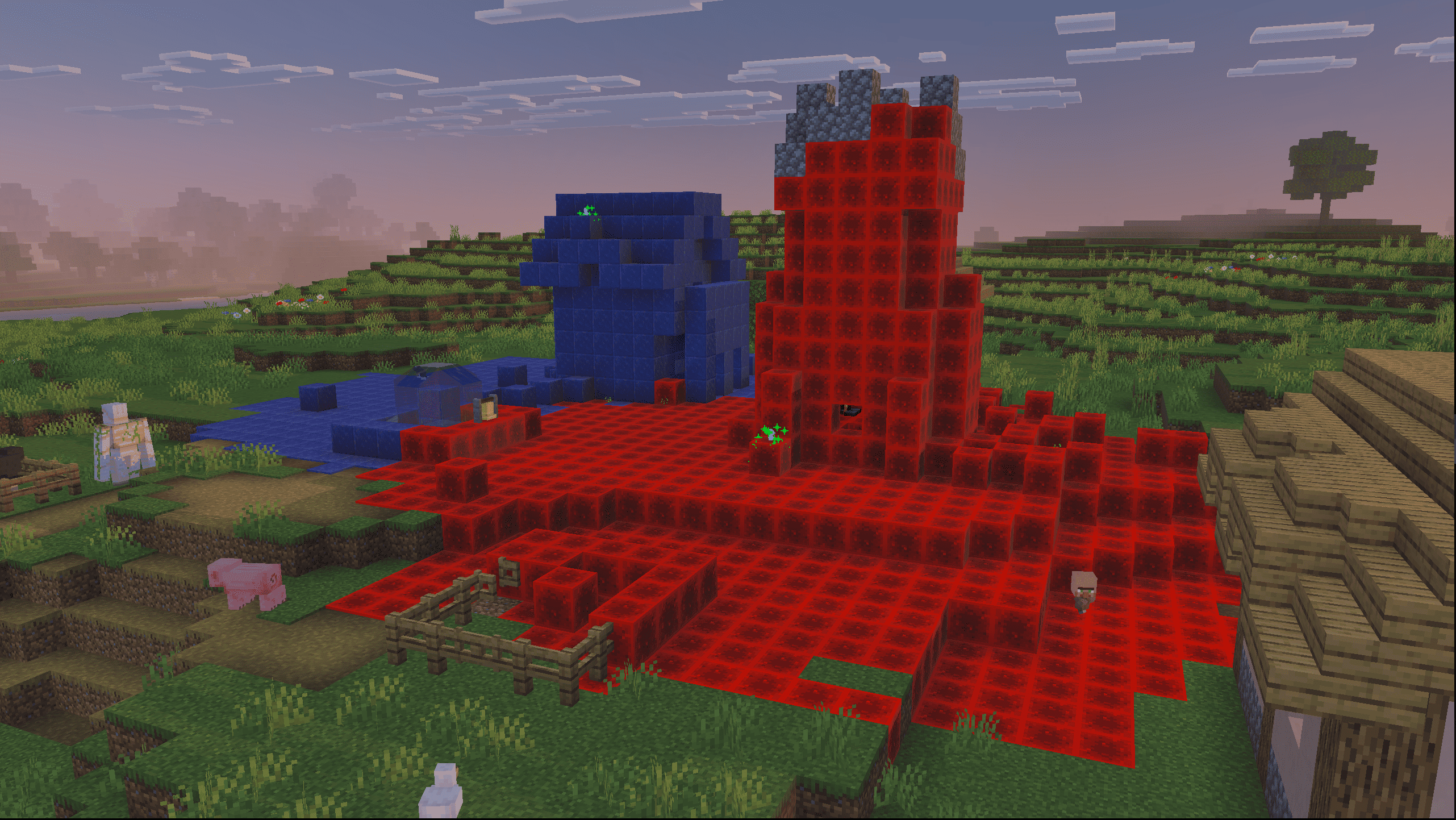
Introducing Blocks Spread Like Sculk, a chaotic Minecraft mod that turns ordinary blocks into unstoppable spreading colonies! Place a block, and watch as it begins to multiply, spreading outward and replacing nearby blocks with copies of itself. What starts as a tiny patch can quickly grow into a massive infection capable of transforming your entire world!
🧱 How It Works
Every Block Can Spread!
Place a block anywhere in your world, and it becomes the source of a spreading colony. Just like a Sculk Catalyst, it expands outward, cloning the original block onto surrounding blocks. Whether you start with dirt, stone, diamond blocks, or something else, your creation can spread far beyond its starting point.
Stop the Spread or Let It Stay
Want to stop an infection before it gets out of control? Break its original source block normally, and the connected spread will disappear, leaving air behind. But if you sneak while breaking the original block, the spreading stops while all the cloned blocks remain in place. Use this mechanic to clean up an outbreak or preserve the chaos you've created!
⚙️ Take Control with Commands
Customize the spreading experience with built-in commands:
/spread start— Enable block spreading./spread stop— Disable spreading and remove active colonies./spread status— View spreading information./spread speed <1-100>— Adjust the base spreading speed.
⚠️ Warning: This mod can permanently alter your world. It is strongly recommended to create a new world or back up your existing one before experimenting.
- Edition: Minecraft Bedrock
- File type: .mcpack or .mcaddon
- Minecraft versions listed: 26.0.02, 26.0, 26.3
- How to install: Download the .mcpack or .mcaddon file. → Open it — Minecraft imports it. → In your world: Behavior Packs → Available → Activate, then the same under Resource Packs.
- Where to get it: Opens on CurseForge — not every file is mirrored on our own servers.
Install steps are the general flow for this file type — How to install Minecraft Bedrock addons & mods walks through it step by step.
- Pack type: .mcpack — a single pack
- Manifest requires Minecraft 1.21.110 or newer
- Complete pack — everything it depends on is inside the file
- Download size: 38 KB
- Download link checked 13 Oct 2026 — working
These come from our own check of the pack file, not from the source page.