
CoreGuard
Bedrock add-on listed for Minecraft 26.x. Download on the author's site.
🛡️ CoreGuard — Grief Protection & Rollbacks for Bedrock Someone griefed your base? Find out who, see exactly what they did, and undo it in seconds…
⬇ Download on CurseForge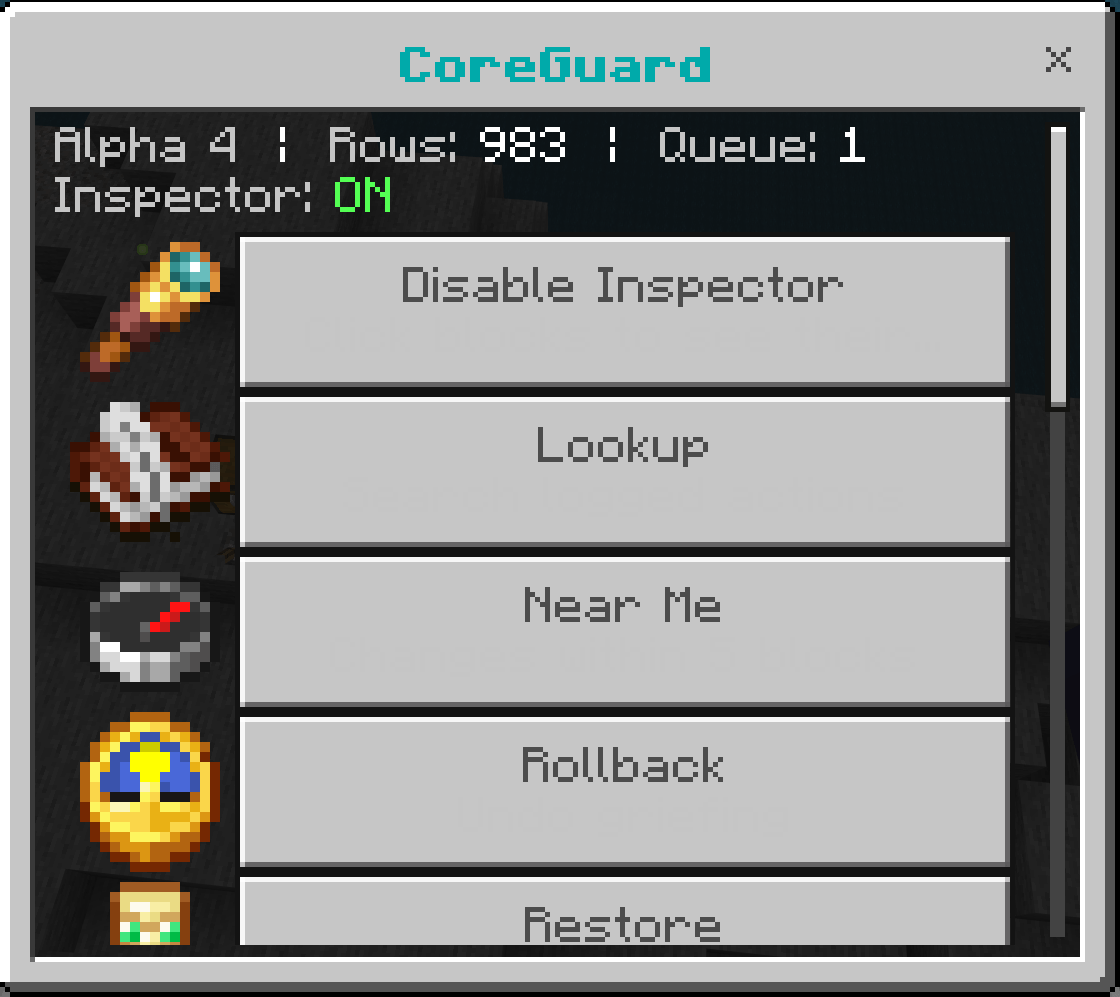
🛡️ CoreGuard — Grief Protection & Rollbacks for Bedrock
Someone griefed your base? Find out who, see exactly what they did, and undo it in seconds.
CoreGuard quietly records what happens in your world (every block placed or broken, every chest opened, every creeper blast) and gives you the tools to investigate and roll it all back. Built for servers, Realms and shared worlds that want real grief protection on Bedrock.
If you ever used CoreProtect On java servers this is very similar to that and is essentially the bedrock version of it.
Coreguard was made from scratch and has 0 relation to coreprotect.
✨ Features
🔍 Inspector
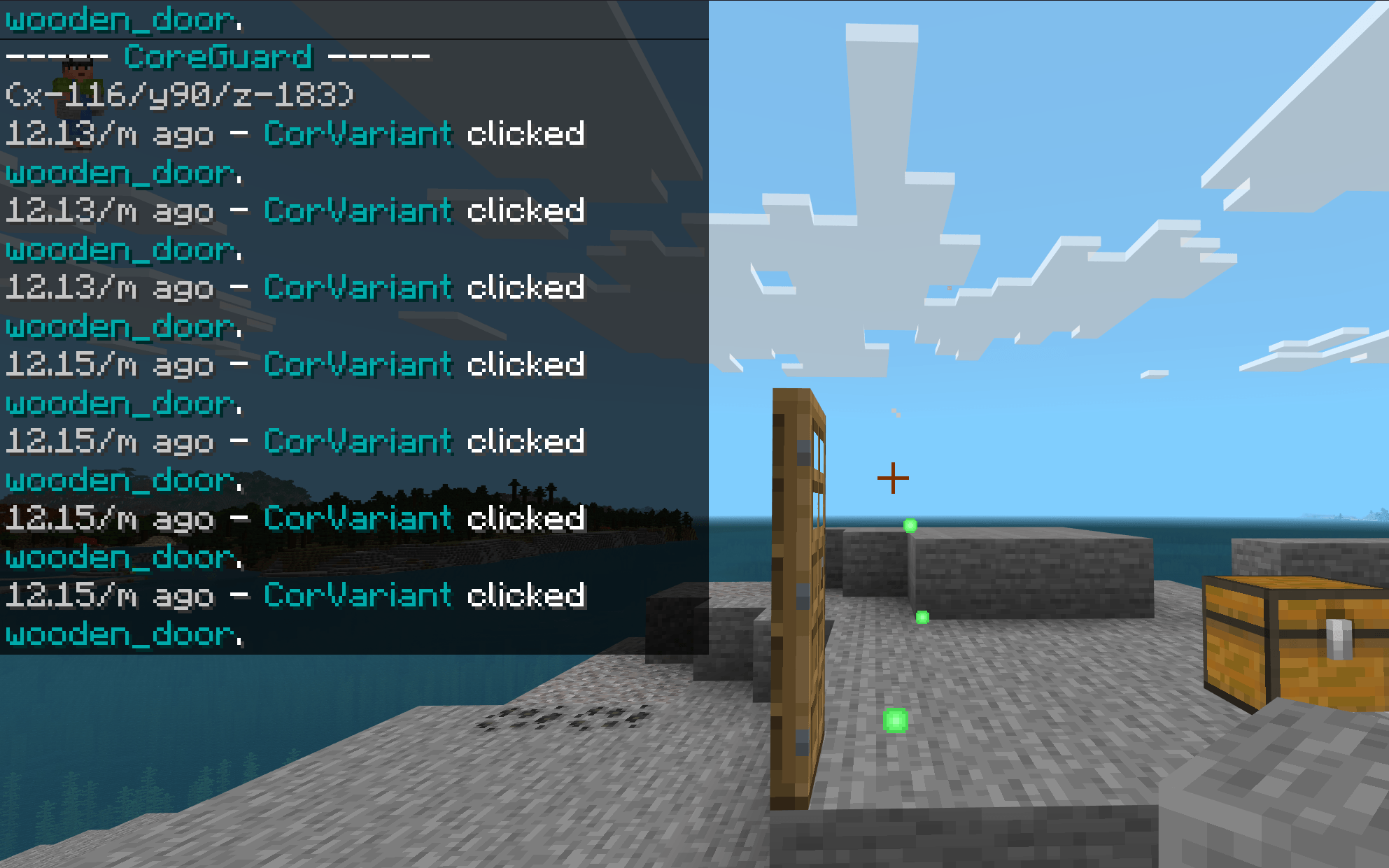
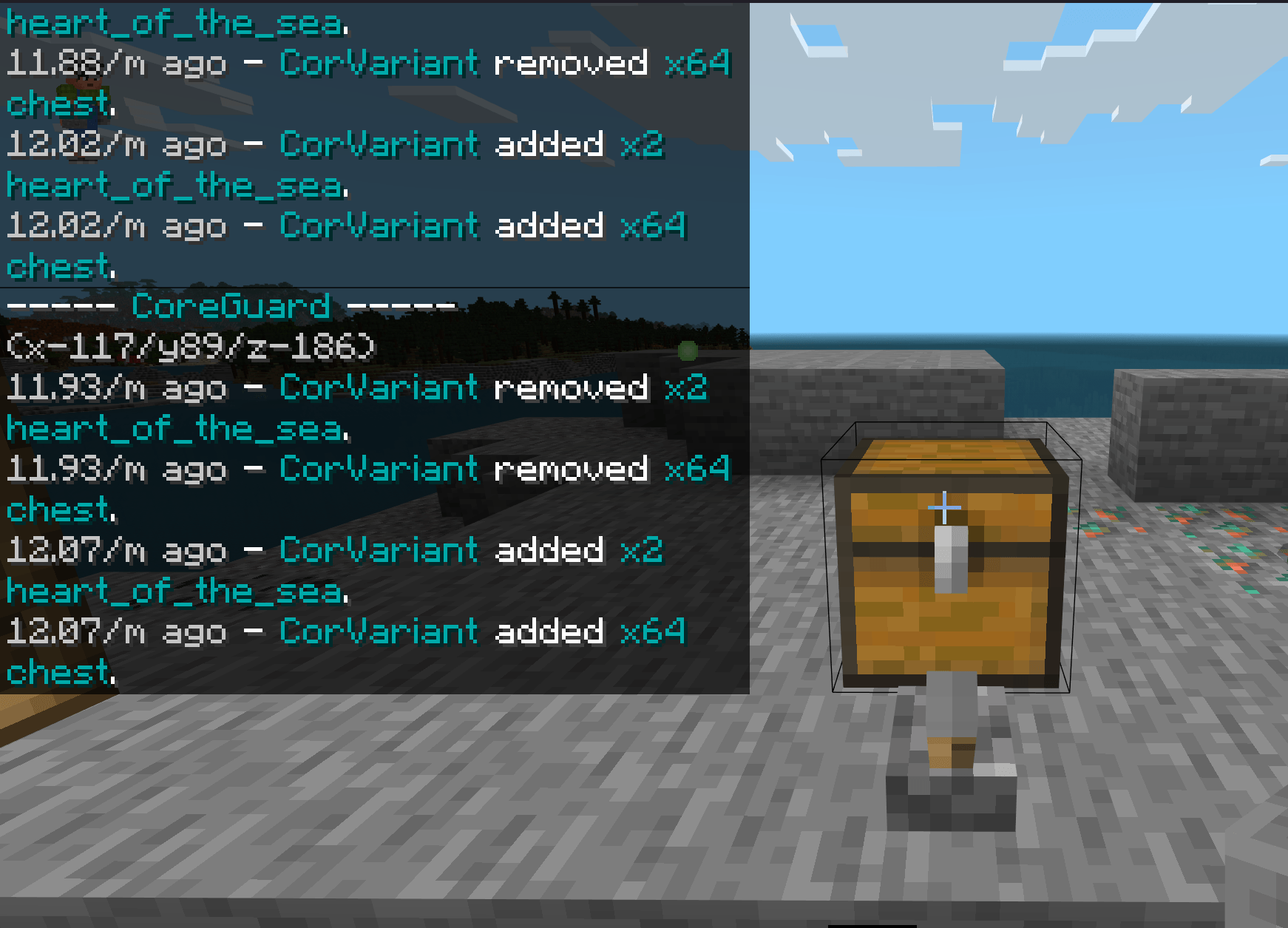
Turn on the inspector from the tool or command and just click:
- Hit a block to see who placed or broke it, and when
- Use a chest, barrel or furnace to see who put in or took out items
- Use a door, button or lever to see who used it
- Use a sign to see who wrote what
- Place a block to see what used to be in that spot
⏪ Rollback & Restore
- Undo a griefer's work by player, time, area, block type or action
- Preview first: affected blocks are highlighted with particles, then you apply or discard
- Undo your last rollback if you got it wrong
- Restores broken chests with their contents and signs with their text
- Respawns killed animals and mobs (optional)
- Puts stolen items back into chests (optional)
- Works in unloaded areas too, because CoreGuard loads them for you automatically
📜 What gets recorded
- Blocks placed and broken
- Blocks that break as a side effect (torches, doors, beds, sugar cane and cactus stacks…)
- Falling sand, gravel, concrete powder and anvils, both where they started and where they landed
- Explosions, with TNT credited to the player who lit it
- Water, lava and powder snow from buckets, and fire from flint & steel
- Mobs and animals killed
- Items put into and taken out of containers (including chest boats, minecarts and donkeys)
- Items dropped and picked up
- Doors, buttons, levers, chests and other blocks being used
- Sign text, chat messages, joins/leaves and gamertag changes
Every type of record can be switched on or off in Settings.
🖥️ Full menu, no commands needed
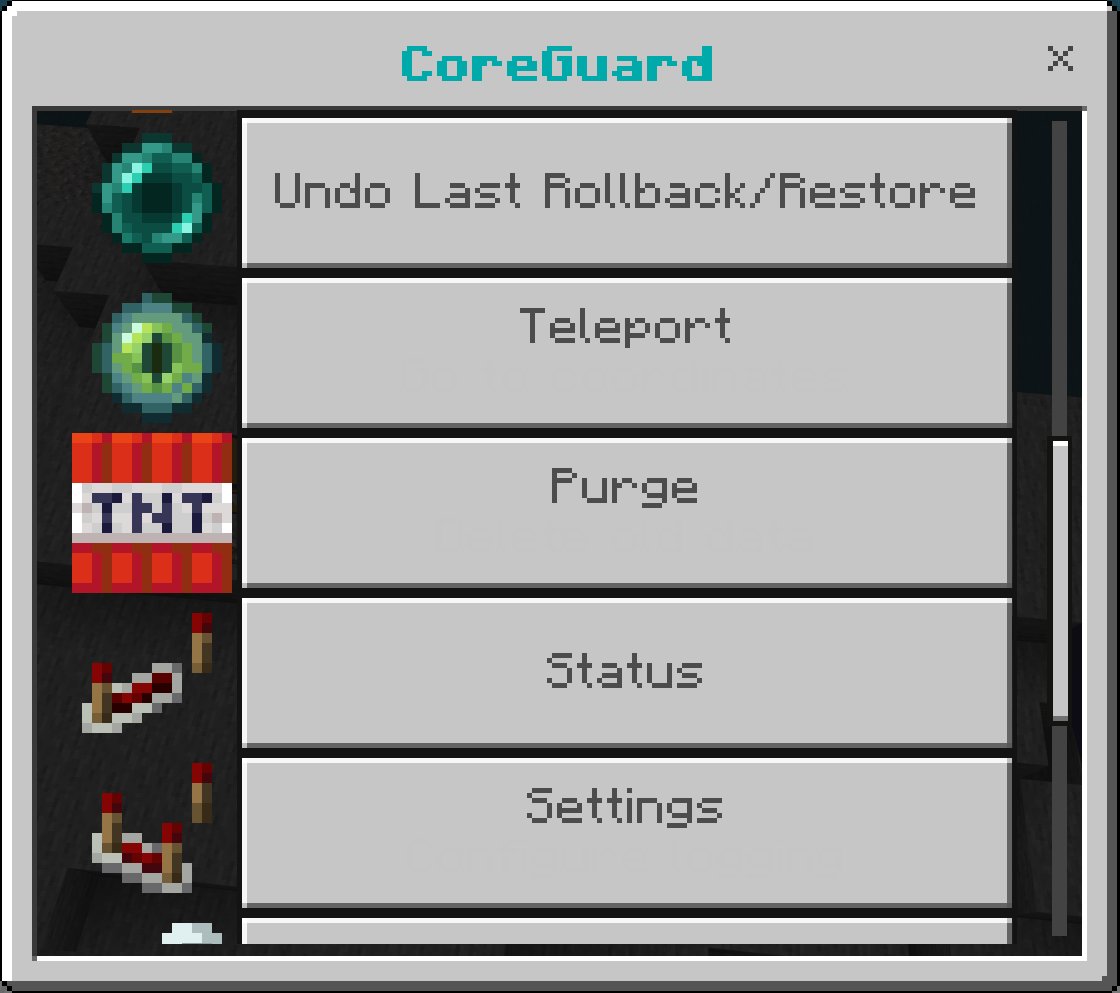
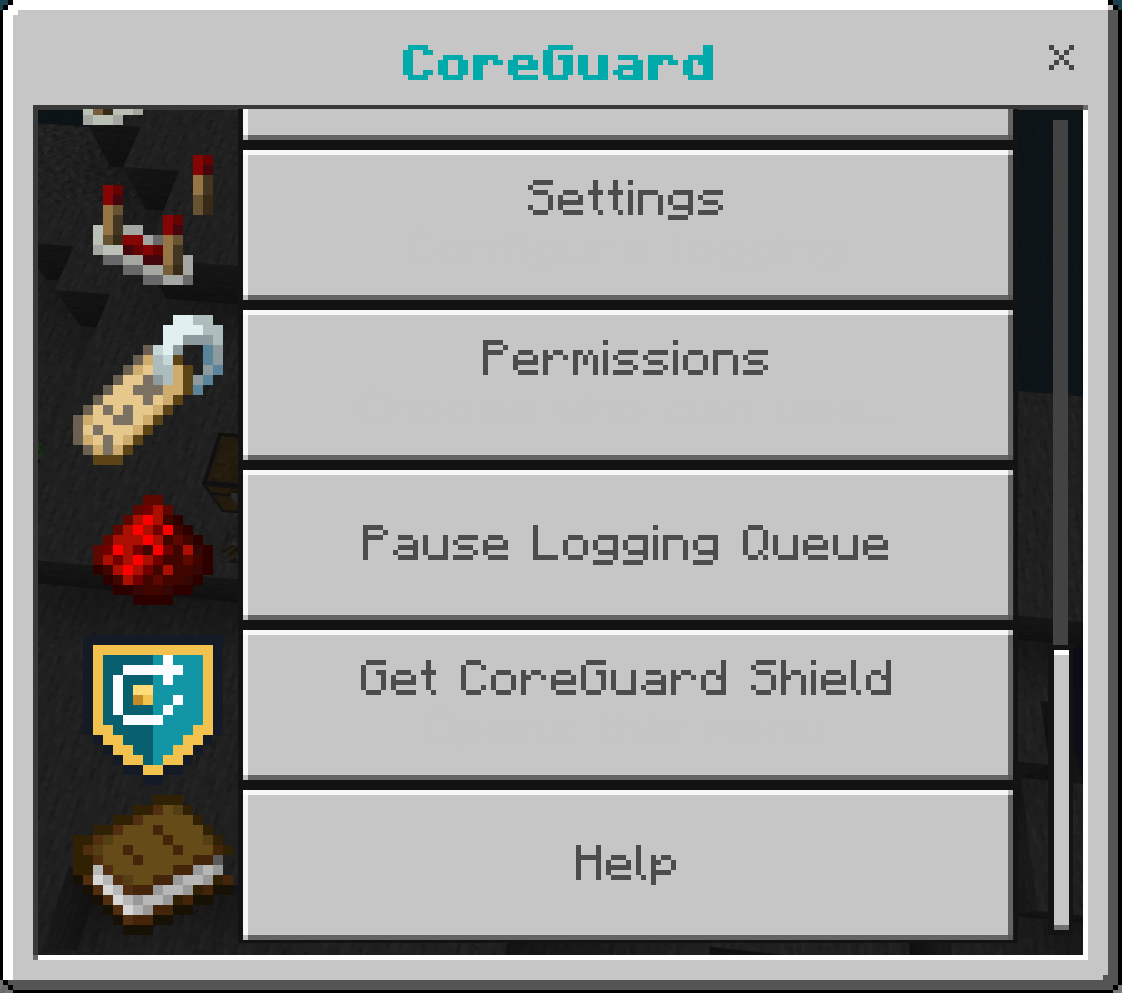
Use the CoreGuard Shield item (or type /cg) to open a menu for everything: inspector, searches with clickable results and teleport, rollback/restore with preview, purge, settings and permissions.
👥 Permissions
- Operators can use everything.
- Give staff access right from the menu, with one-click roles (Helper, Moderator or Admin) or individual permissions.
- Works for offline players too.
- Only operators can hand out Admin or the right to manage permissions.
⌨️ Commands
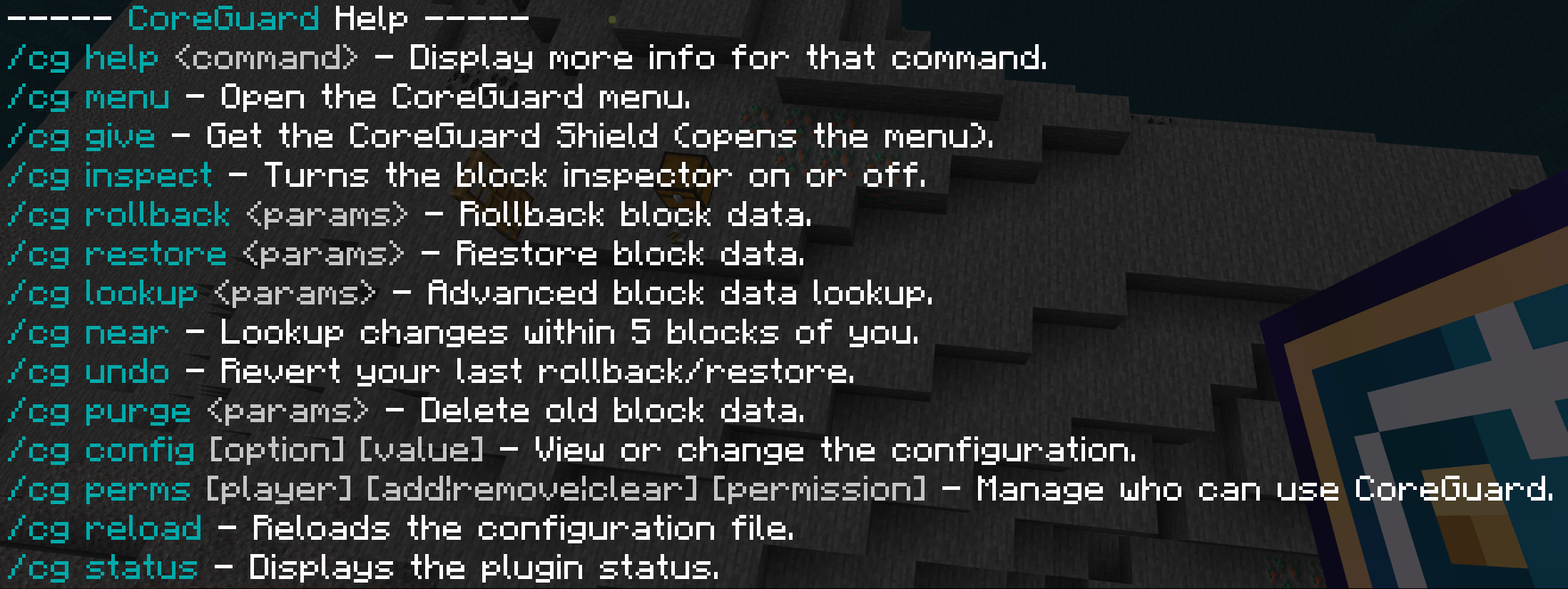
All commands work as /cg, /core or /coreguard.
| Command | What it does |
|---|---|
/cg or /cg menu |
Open the menu |
/cg give |
Get the CoreGuard Shield |
/cg i |
Inspector on/off |
/cg lookup <filters> |
Search the history |
/cg near |
What happened within 5 blocks of you |
/cg rollback <filters> |
Undo changes |
/cg restore <filters> |
Put rolled back changes back |
/cg apply / /cg cancel |
Apply or discard a preview |
/cg undo |
Reverse your last rollback/restore |
/cg purge t:<time> |
Delete old history |
/cg perms <player> add <role or permission> |
Give someone access |
/cg config |
Settings |
/cg status |
Version and storage info |
/cg help |
Help for every command and filter |
Filters: u: player · t: time (30m, 1d12h, 2w) · r: radius (r:20, r:#global, r:#nether) · a: action (block, +block, -block, container, kill, chat…) · i: only these blocks · e: leave out blocks/players · #preview · #count
Example: undo everything Steve broke near you in the last hour, previewing first:
/cg rollback "u:Steve t:1h r:30 a:-block" #preview
Requires: Minecraft Bedrock 1.26.50 or newer with Beta APIs enabled. Works in singleplayer, LAN, Realms and Bedrock Dedicated Server.
ℹ️ Good to know Info
- History is stored inside the world save. On busy servers, turn on auto-purge in Settings (e.g.
30d) to keep the world size down. - Bedrock doesn't let addons see piston movement, fire spreading, leaf decay, tree growth or liquid flow yet, so those can't be recorded.
- Only CoreGuard's own commands can be logged, because Bedrock doesn't share other commands with addons.
- Preview shows changes with particles, because Bedrock addons can't show "fake" blocks.
Found a bug or have an idea? Leave a comment. Feedback helps shape the next update! 🛡️
This addon is more or less a beta I have only tested it my self and it seems to be in a good state.
- Edition: Minecraft Bedrock
- File type: .mcpack or .mcaddon
- Minecraft version listed: 26.50
- How to install: Download the .mcpack or .mcaddon file. → Open it — Minecraft imports it. → In your world: Behavior Packs → Available → Activate, then the same under Resource Packs.
- Where to get it: Opens on CurseForge — not every file is mirrored on our own servers.
Install steps are the general flow for this file type — How to install Minecraft Bedrock addons & mods walks through it step by step.
CoreGuard is a free Minecraft Bedrock addon. Compatible with Minecraft 26.50. Downloaded 8 times (via CurseForge). Download it and open it directly in the game.