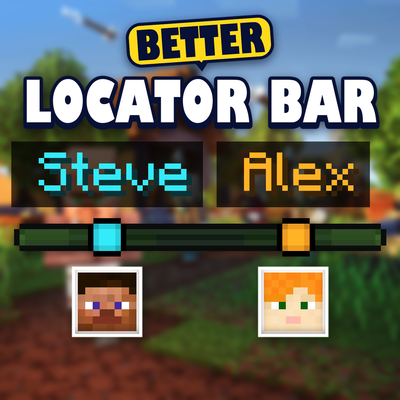
Better Locator Bar
Bedrock add-on listed for Minecraft 1.21–26.x (behavior + resource pack). File opened and checked on 13 Oct 2026; installs from the MC Bedrock Mods app on Android.
⬇ Download on CurseForgeThe author built this one for Minecraft 26.50. On other versions it may install and then do nothing.


The vanilla locator bar shows you where other players are, but it doesn't tell you who they are. Better Locator Bar adds player names directly above their dots, making it much easier to know which player you're looking at.
Note: this causes some fps drops, turn it on only when needed through /locator menu
It also adds additional features aside from names
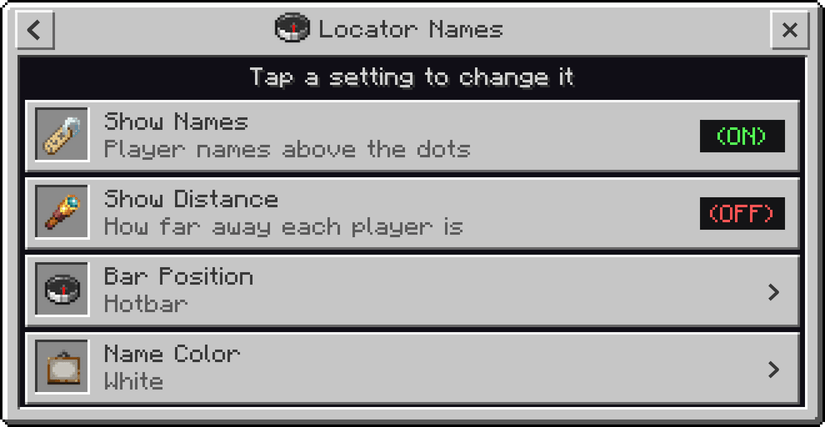
- Player Names - See each player's name above their locator bar dot as they move around
- Show Distance - Display how far away each player is, for example, "Alex 48m"
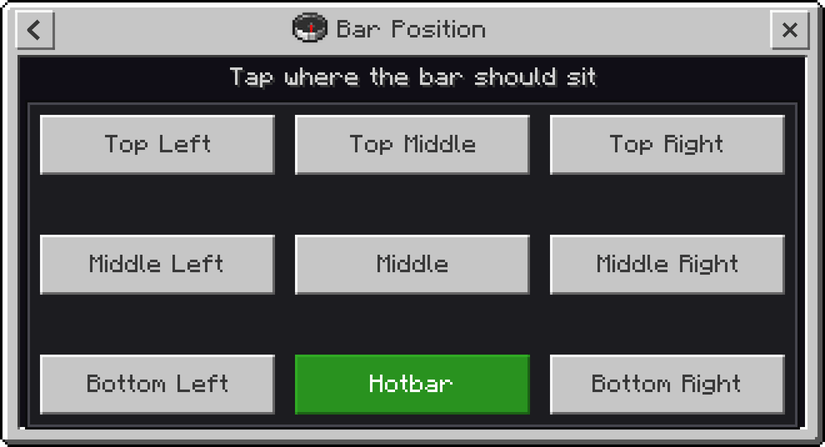
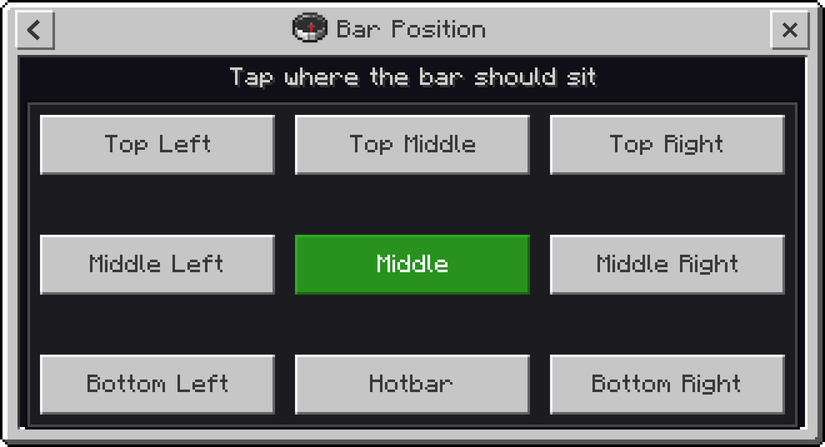
- Custom Position - Move the locator bar to 9 different positions including the Hotbar, top, middle, and bottom of the screen
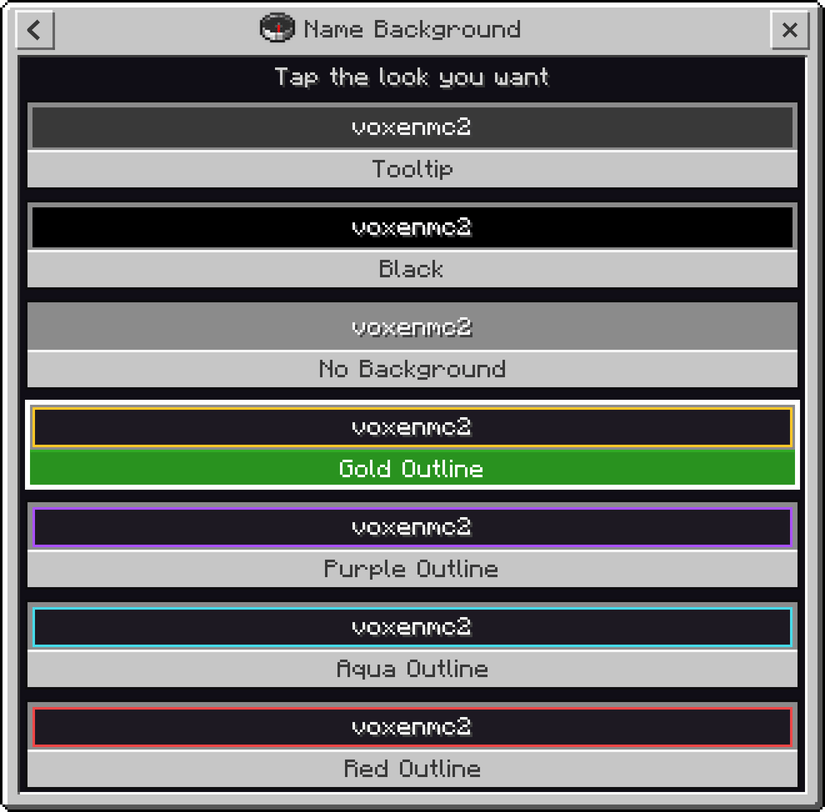
- Name Backgrounds - Choose from 7 different background styles including Tooltip, Black, No Background, Gold, Purple, Aqua, and Red outlines
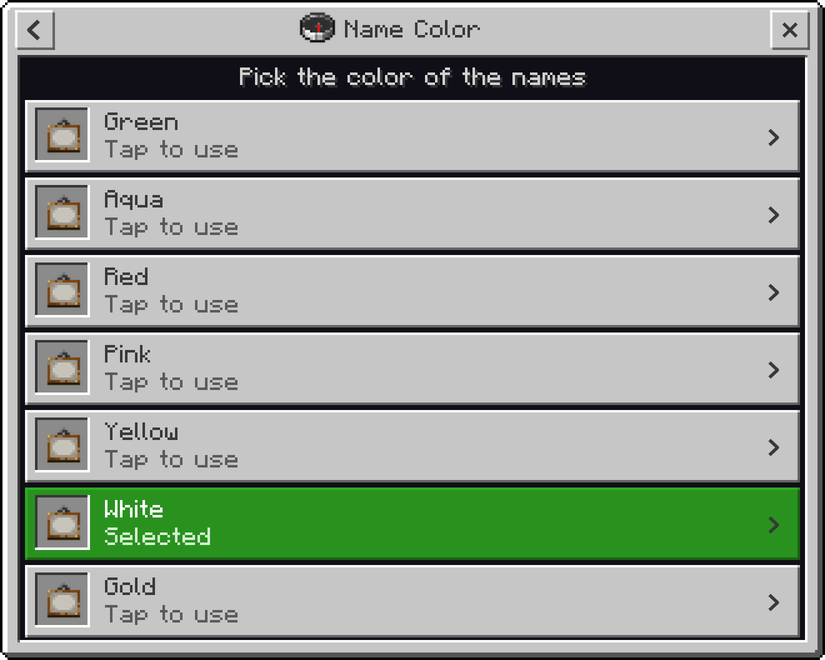
- Player Name Colors - Set a different name color for each player using Green, Aqua, Red, Pink, Yellow, White, or Gold
How to Use
- Apply both the Behavior Pack and Resource Pack to your world
- Open the chat and type
/voxen:locatorto open the settings menu - Choose the setting you want to change. Changes are applied immediately
Good to Know
- Names only appear for players currently shown on your locator bar.
- Players who are sneaking, invisible, in spectator mode, or wearing a carved pumpkin or mob head remain hidden just like in vanilla Minecraft.
- Up to 5 player names can be shown at the same time.
Note
This addon may cause a little bit of lag or drops fps since it constantly tracks player locations and updates the locator bar. I've already reduced the lag as much as I could. If you notice heavy lag or any performance issues, please let me know in the comments or on my Discord server, and I'll try to improve it further.
Having any issues with my mods or found a bug? Or maybe you have an idea for a mod that you would like me to make? Join my Discord server and let me know! I'm active there regularly and would love to hear your feedback, suggestions, and ideas.

- Edition: Minecraft Bedrock
- File type: .mcpack or .mcaddon
- Minecraft version listed: 26.50
- How to install: Download the .mcpack or .mcaddon file. → Open it — Minecraft imports it. → In your world: Behavior Packs → Available → Activate, then the same under Resource Packs.
- Where to get it: Opens on CurseForge — not every file is mirrored on our own servers.
Install steps are the general flow for this file type — How to install Minecraft Bedrock addons & mods walks through it step by step.
- Pack type: .mcaddon — behaviour and resource pack in one file
- Manifest requires Minecraft 1.21.100 or newer
- Complete pack — everything it depends on is inside the file
- Download size: 238 KB
- Download link checked 13 Oct 2026 — working
These come from our own check of the pack file, not from the source page.