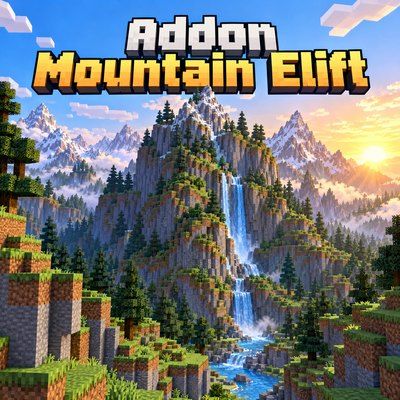
Mountain Elift
Bedrock add-on listed for Minecraft 26.x. Installs from the MC Bedrock Mods app on Android.
Mountain Elift is an addon that adds and modifies the original vanilla mountains of Minecraft bedrock, offering a wider variety of mountains with more…
⬇ Download on CurseForge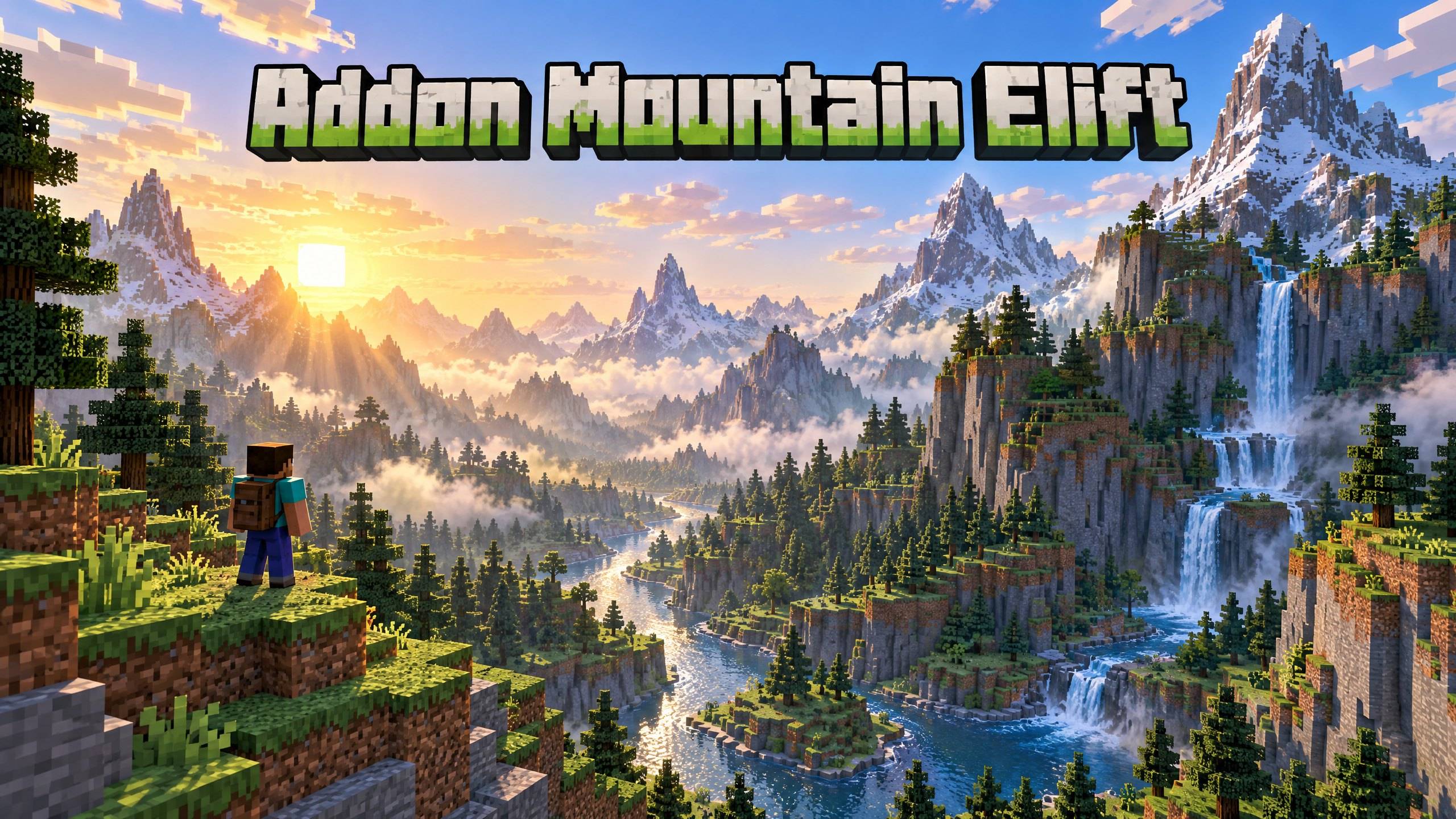
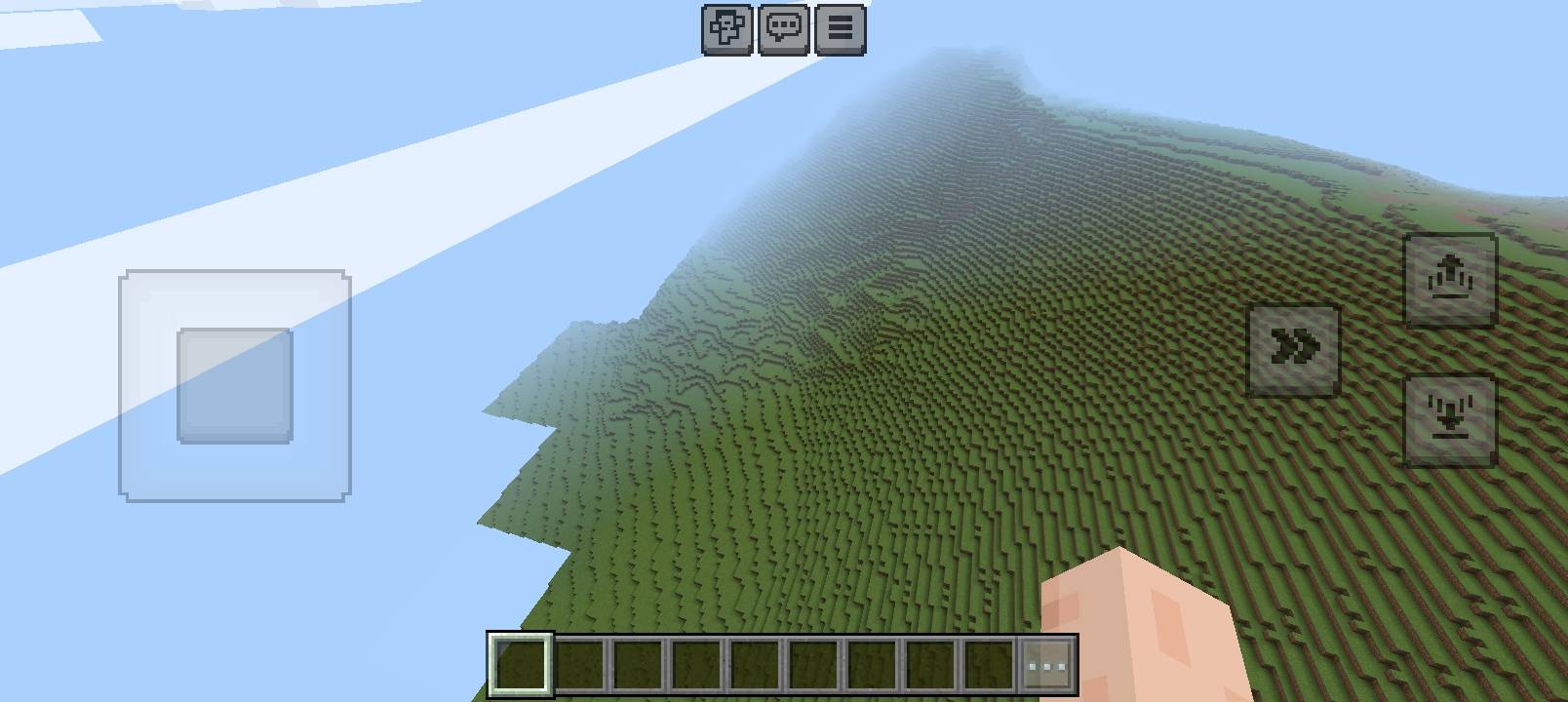
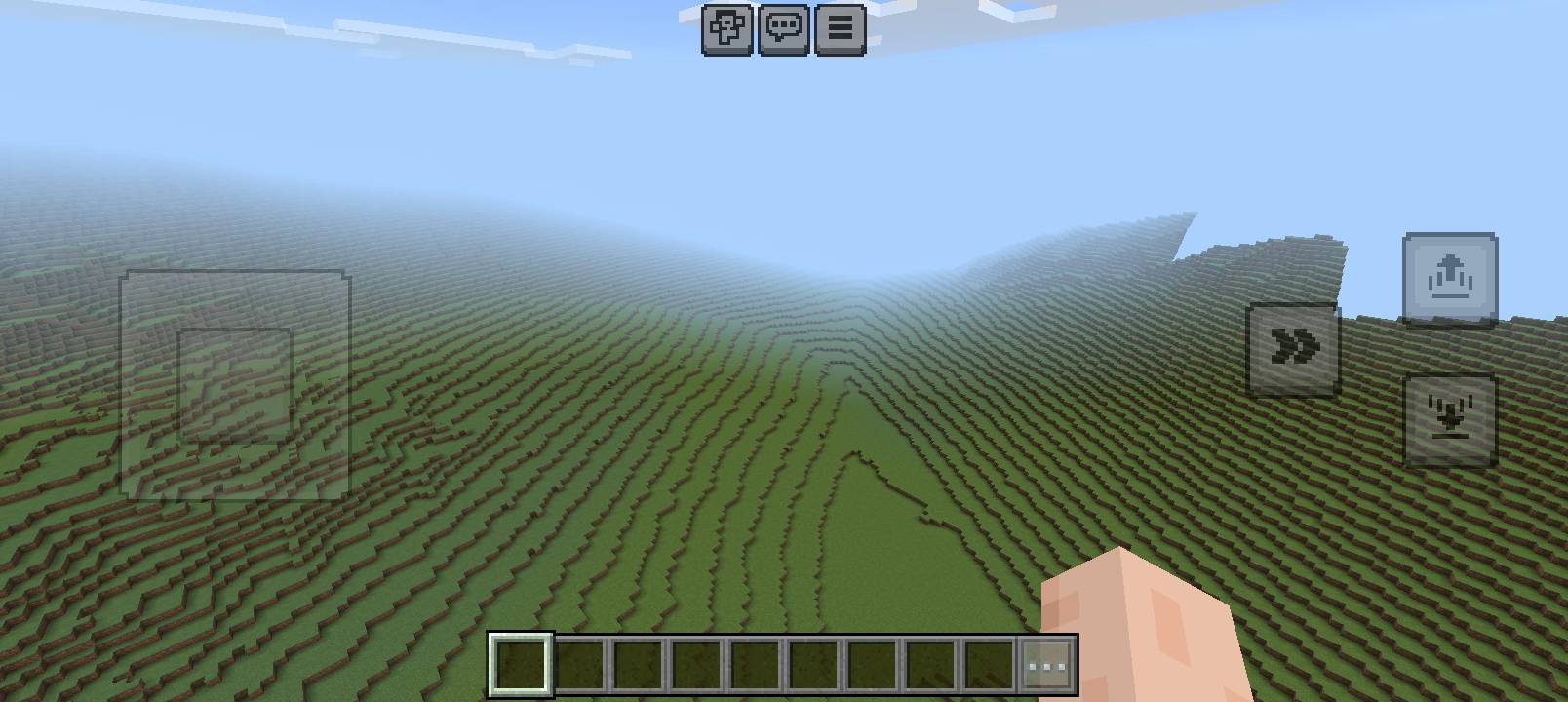
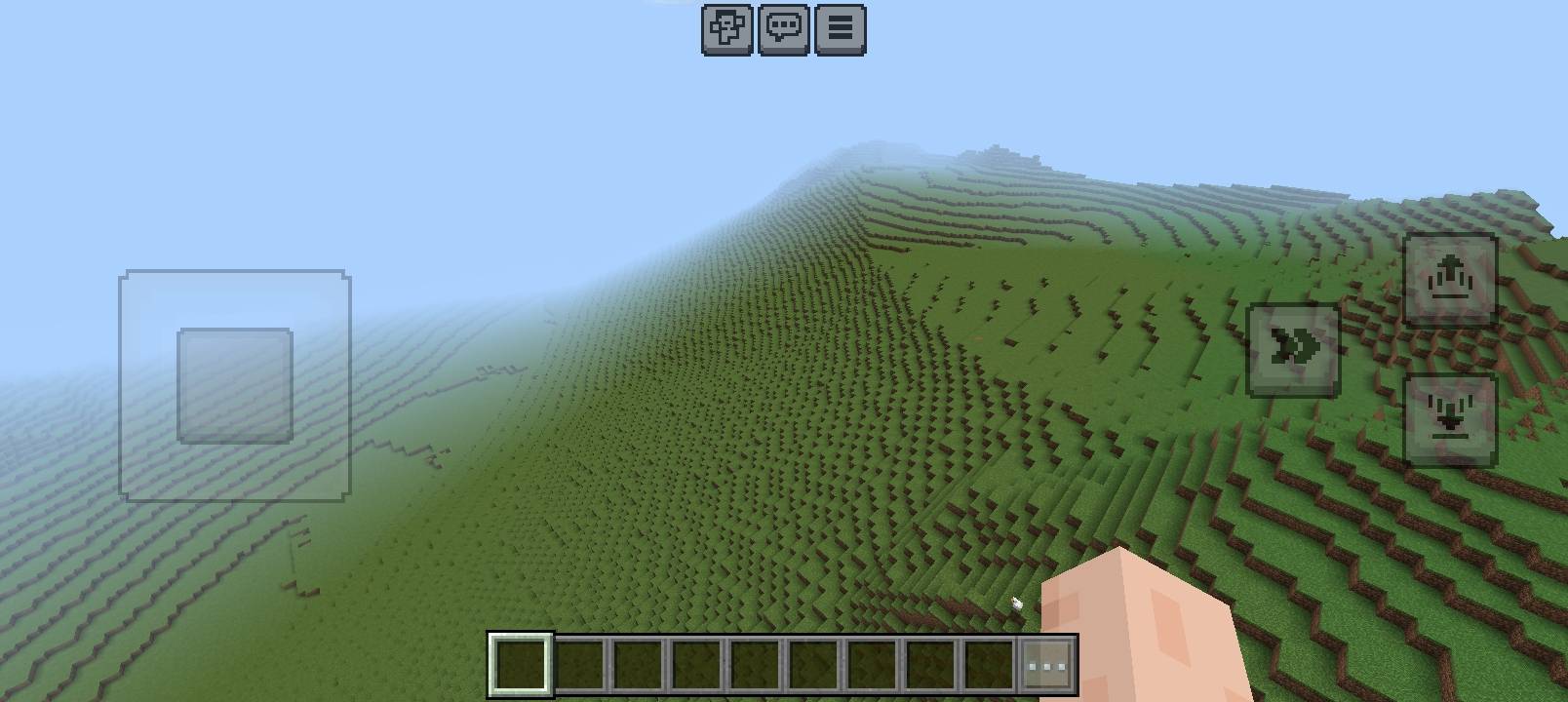
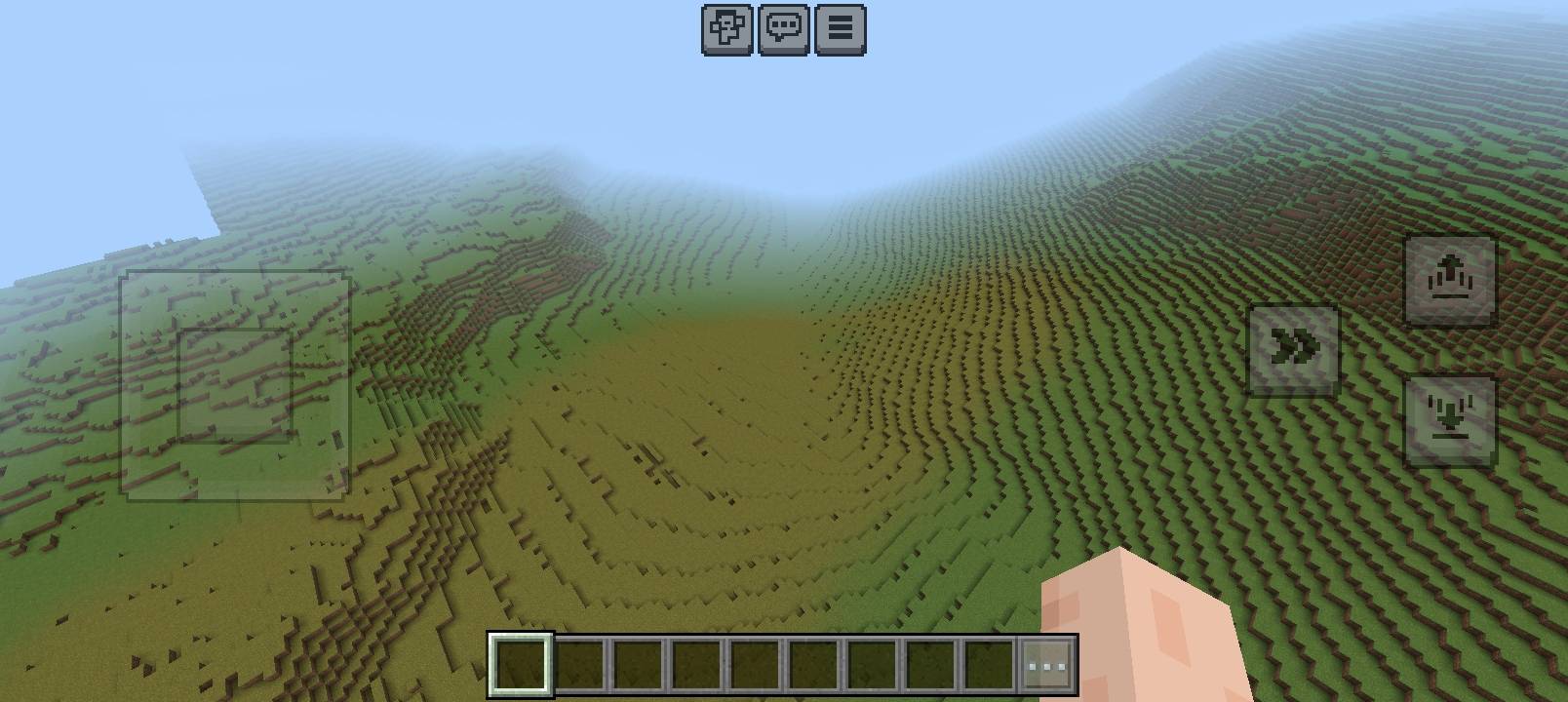
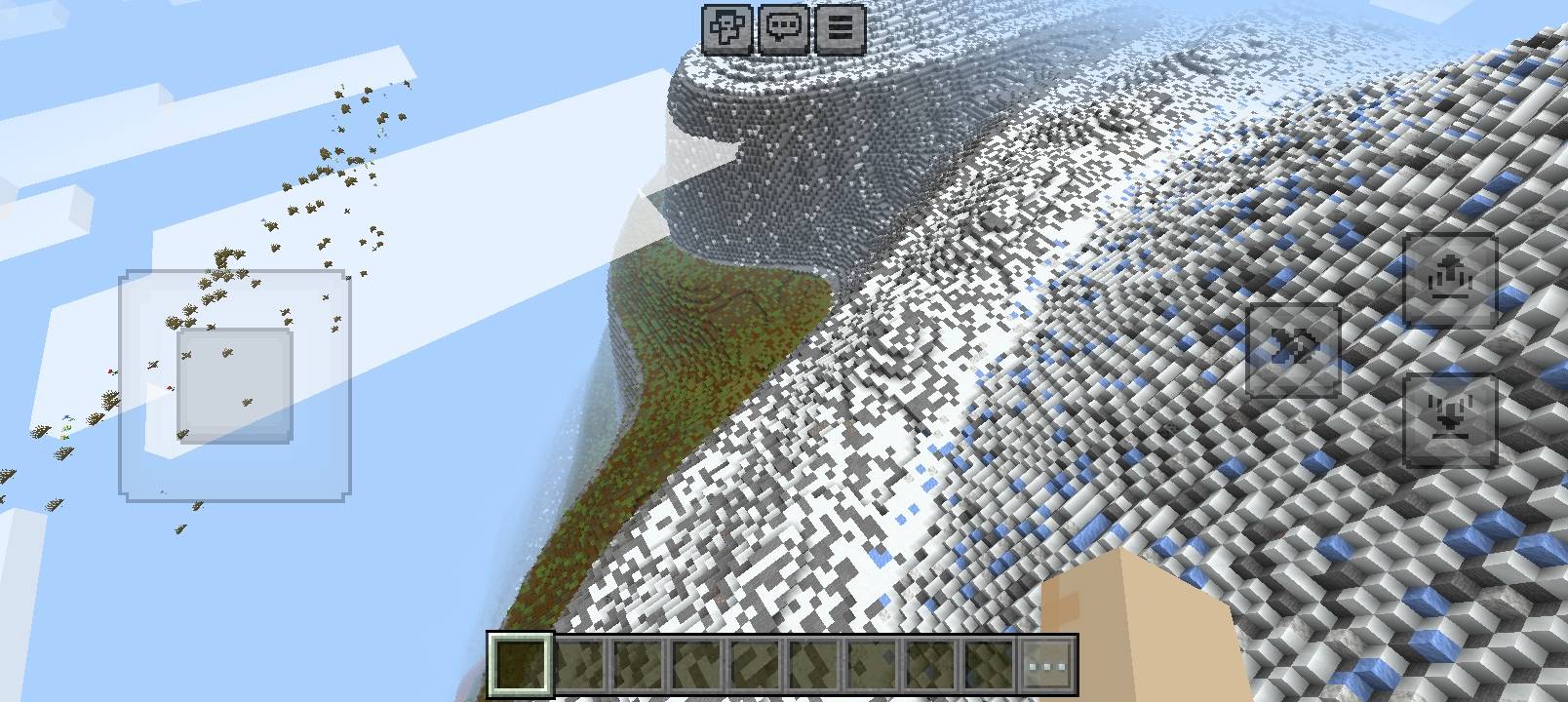
Mountain EliftA richer, more dramatic Overworld
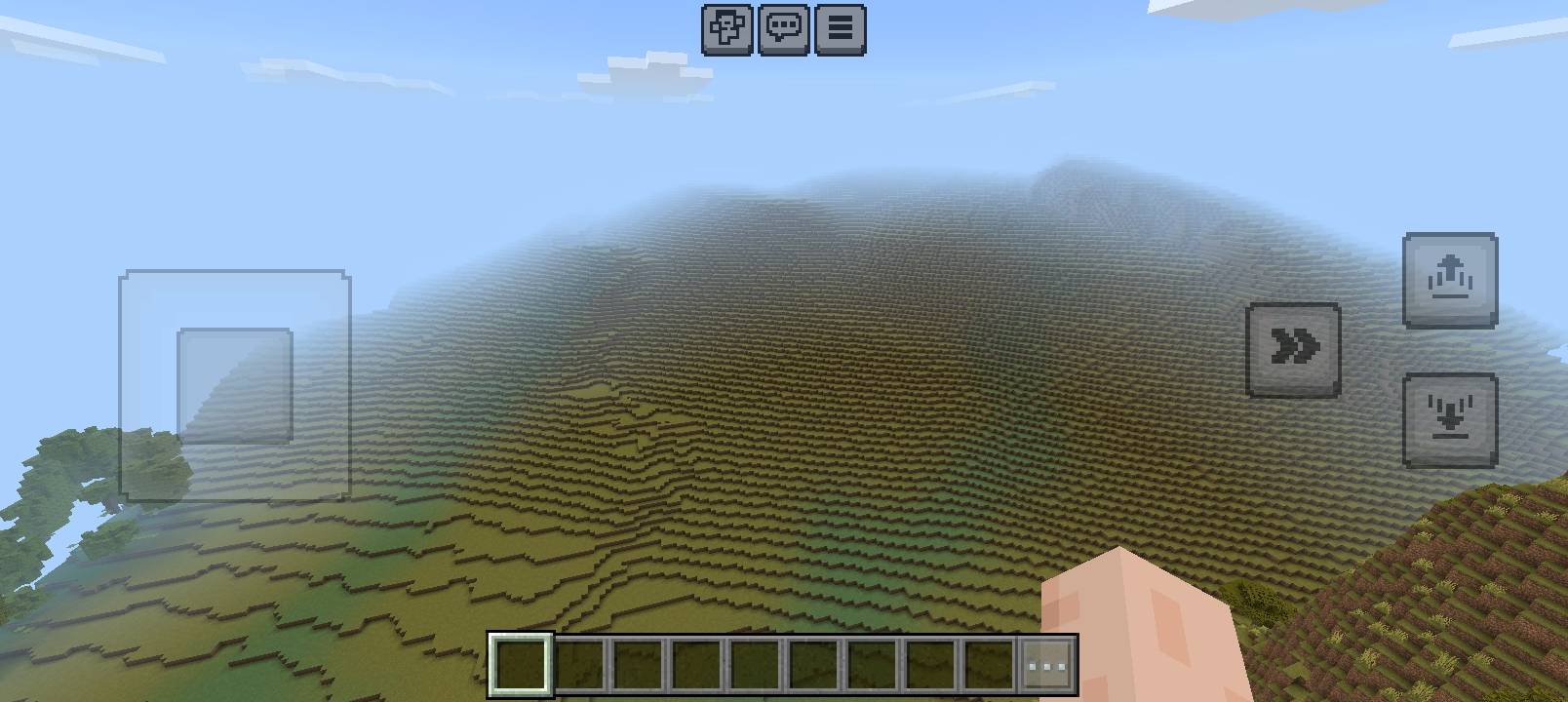
Give your Minecraft world a bolder sense of scale with Mountain Elift—a world-generation add-on designed to shape expansive, layered terrain across the Overworld. Instead of relying on a single mountain profile, it brings together several terrain systems to create varied foothills, rolling uplands, steep slopes, rugged shoulders and high peaks.Whether you are setting out across open country or reaching the highlands, the landscape is designed to feel more sculpted, varied and worth exploring.
What makes Mountain Elift stand outLayered mountain profiles
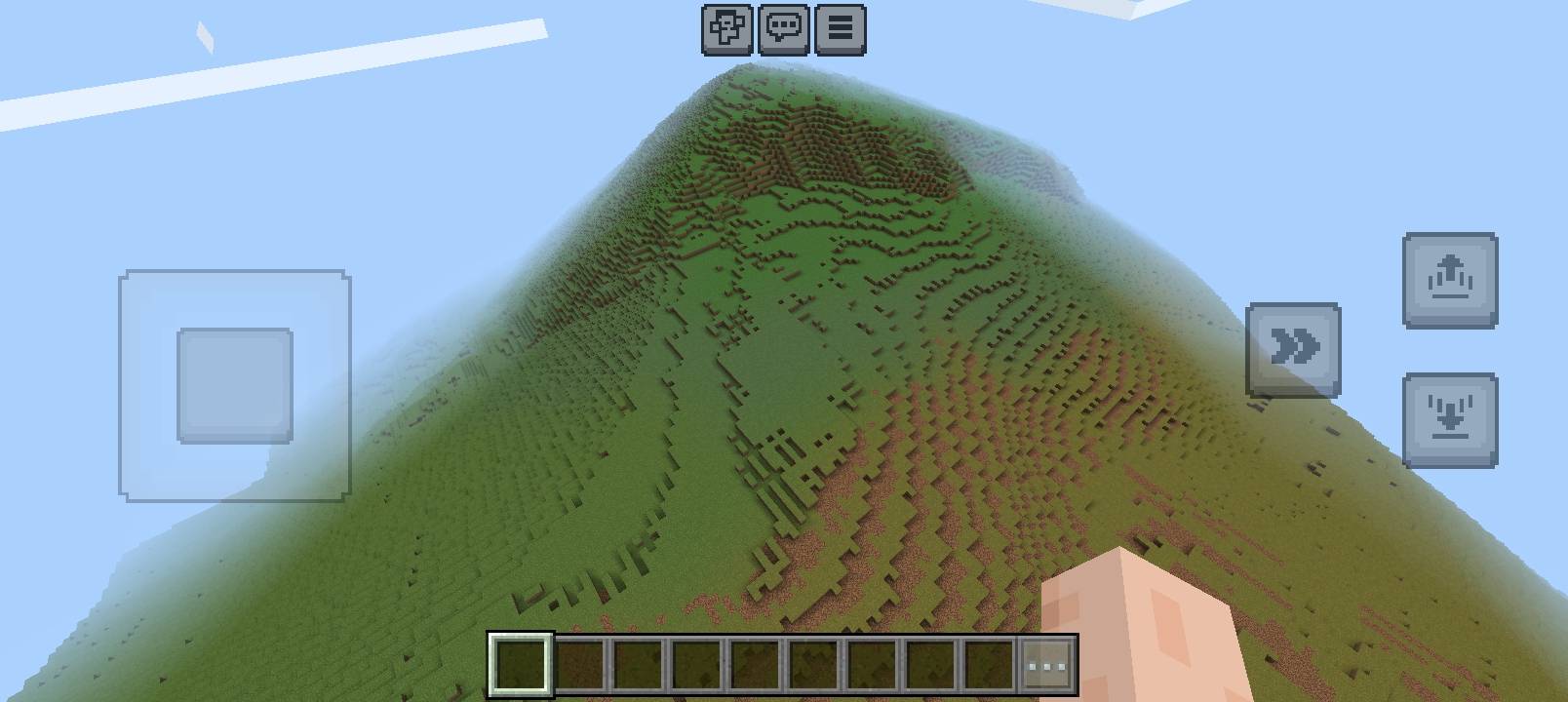
Mountain Elift builds terrain through a sequence of elevation zones—from broad foothills and intermediate hills to steep upper slopes and pointed summits. Multiple stages of terrain shaping help avoid a one-note landscape and give mountain ranges a more gradual, structured silhouette.
Natural variation at multiple scales
The terrain features use noise at several scales to influence height and shape. Broad patterns establish the character of a region, while smaller variations add local changes to ridges and slopes. The intended result is a landscape with large-scale form and more organic detail, rather than uniform repeated peaks.
Terrain that responds to biome character
Different world-generation rules are selected using biome tags. The pack includes separate terrain profiles for conditions such as cold areas, deserts, jungles, moderate climates, mushroom islands and other biome groups. This lets the terrain system vary its treatment instead of applying one identical profile everywhere.
A more expressive high alpine zone
The alpine profile is designed specifically for mountain-tagged terrain. Its upper elevations can transition into rocky, icy and snowy surfaces, creating a stronger visual distinction between lowlands and high country.
More than mountains
Mountain Elift also includes a substantial set of vegetation and feature rules for forests, taiga, savanna, jungle, swamp, plains and other environments. Tree, grass, flower and related placements can vary by biome, helping the broader Overworld feel more customized alongside the new terrain.
Built from native Bedrock world-generation features
The terrain is assembled from Bedrock feature rules and features, including scatter, aggregate, weighted-random, search and structure-template features. This gives the pack a modular design: terrain shaping, surface materials and vegetation are composed from smaller feature chains rather than a single monolithic feature.
Best way to experience it
For the most consistent results, enable Mountain Elift before creating a new world. Minecraft applies world generation as chunks are created; previously generated terrain will not be rebuilt, so using the add-on in an existing world may leave a visible transition between old and new chunks.Because the pack changes biome feature placement as well as terrain, it is best tested on its own before combining it with other add-ons that modify mountains, trees or surface vegetation.
A playtest should also confirm the interaction between the Threepeak, M2 and TTS terrain systems, since their world-generation rules have overlapping Overworld coverage.
Link Discord:https://discord.gg/CdjYgGN85d
Link Youtube:https://www.youtube.com/@Nova_Sky_004
- Edition: Minecraft Bedrock
- File type: .mcpack or .mcaddon
- Minecraft versions listed: 26.0.02, 26.0, 26.3
- How to install: Download the .mcpack or .mcaddon file. → Open it — Minecraft imports it. → In your world: Behavior Packs → Available → Activate, then the same under Resource Packs.
- Where to get it: Opens on CurseForge — not every file is mirrored on our own servers.
Install steps are the general flow for this file type — How to install Minecraft Bedrock addons & mods walks through it step by step.
- Pack type: .mcaddon
- Manifest requires Minecraft 1.26.0 or newer
- Ships one half — this pack asks for another pack that is not included
- Download size: 1.5 MB
- Download link checked 13 Oct 2026 — working
These come from our own check of the pack file, not from the source page.